

Understanding Entity Stacking Limit Mechanics
Setting the maxEntityCramming limit excessively high can destabilize your Minecraft game, leading to severe lag or even crashes. This common oversight highlights a fundamental misunderstanding of one of Minecraft’s crucial performance-balancing mechanics: entity stacking limits. While seemingly simple, these limits, primarily embodied by entity cramming, are essential for maintaining game performance and enabling efficient automated systems.
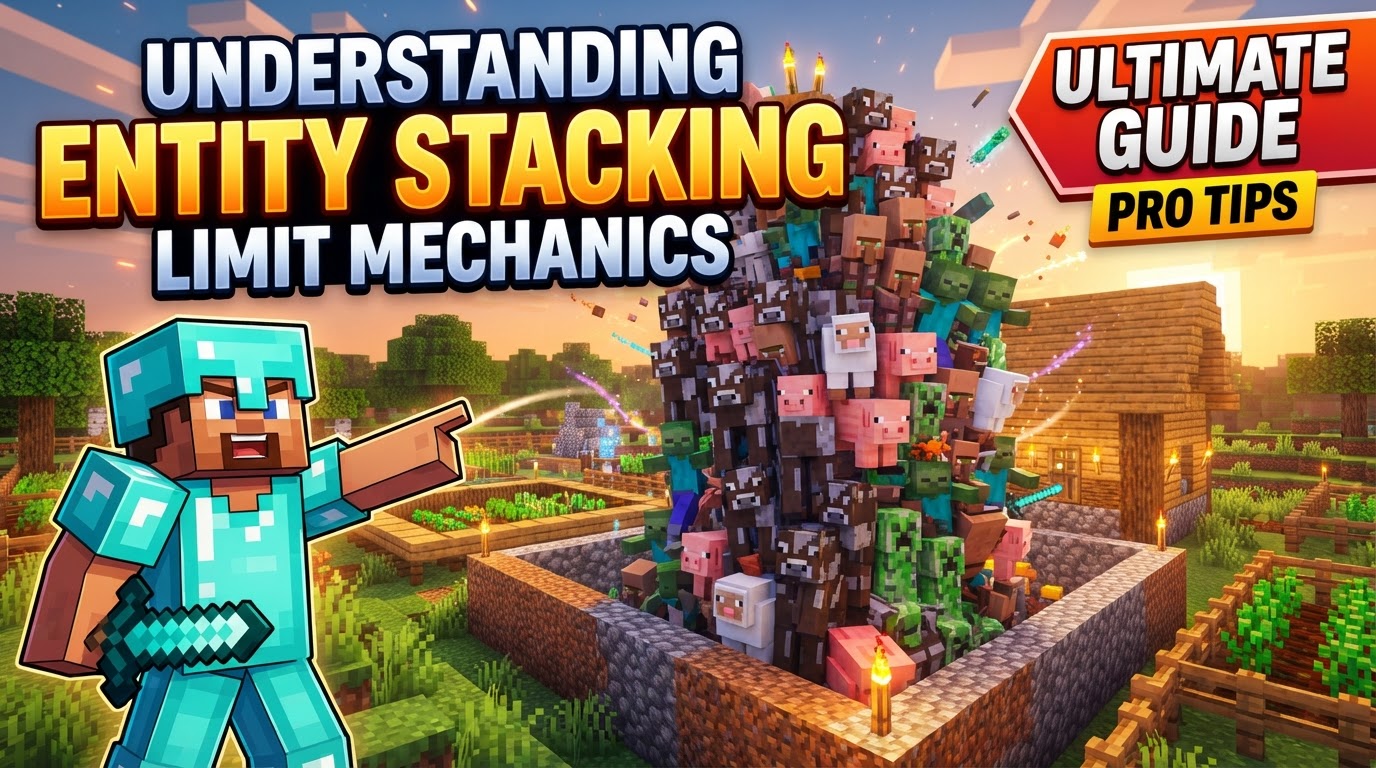
Minecraft’s dynamic world is constantly processing a multitude of entities, from passive animals to hostile monsters, falling items, and flying projectiles. Without robust mechanisms to manage their density, a single overloaded area could bring even powerful servers to their knees. This guide delves into these mechanics, explaining how they work, how players and server administrators leverage them, and crucial pitfalls to avoid.
The Core Mechanic: Entity Cramming Explained
At the heart of Minecraft’s entity management is entity cramming. This mechanic is a built-in safeguard designed to prevent an excessive number of entities from occupying the exact same space, which would otherwise lead to significant performance degradation. By default, Minecraft enforces a strict limit: if more than 24 entities attempt to occupy a single block space, any excess entities (including players) will begin to take suffocation damage until their numbers fall below this threshold. This damage acts as an automatic culling system, ensuring that entity density remains manageable.
The implementation of entity cramming varies slightly between editions. In Java Edition, this limit applies to entities within a “quarter of a block” rather than the entire block. This subtle distinction means that while the overall limit per block remains 24, entities that are meticulously spread out within that block’s boundaries might technically avoid cramming damage for a brief moment longer if they are not all occupying the exact same quarter-block space. However, for practical purposes in dense setups, the 24-entity limit per block is the primary consideration.
Players and server administrators have direct control over this mechanic. The default cramming limit can be easily adjusted using the command /gamerule maxEntityCramming <value>. Setting this value to 0 effectively disables entity cramming entirely, allowing an infinite number of entities to occupy a single space without taking damage. While this might seem appealing for certain experimental setups, it comes with significant performance risks, as discussed later.
Automating Resource Acquisition with Cramming Farms
Entity cramming is not merely a performance safeguard; it’s a fundamental tool for creating highly efficient, automated mob farms. By intentionally triggering cramming, players can design systems that automatically kill mobs and collect their drops, requiring minimal player intervention.
The process for utilizing entity cramming in a farm typically follows these steps:
- Enclosure Construction: Begin by building a compact, one-block wide and two-block high enclosure. This confined space is crucial for forcing entities into a single block, thereby triggering the cramming mechanic.
- Mob Introduction: Mobs are then funneled or bred into this confined space. For animal farms, this involves breeding animals until their numbers swell. For hostile mob farms, a spawning platform and water streams can guide them into the kill chamber.
- Automatic Culling: Once the number of mobs within the one-block kill chamber exceeds the set
maxEntityCramminglimit (usually 24), the excess mobs will automatically take suffocation damage. This damage is continuous until the number drops below the limit, effectively culling the population without requiring a player to manually attack them. - Item Collection System: Below the killing area, a hopper and chest system is typically implemented. As mobs die from cramming, their dropped items fall into the hopper, which then feeds them into a storage chest, automating the collection process.
For even greater efficiency in certain farm designs, a specialized killing chamber can be constructed. This involves placing a chest, a hopper directly above it, a rail on top of the hopper, and then at least 24 minecarts on that single rail. Mobs that are pushed into this setup will rapidly take suffocation damage from the sheer number of entities (the minecarts) already occupying the space, leading to very quick kills and item drops.
Beyond Cramming: Server-Side Solutions and Broader Limits
While entity cramming is a vanilla game mechanic, server administrators often face broader performance challenges due to entity counts. This has led to the widespread adoption of “mob stacking” plugins, particularly on multiplayer servers.
Server-side mob stacking plugins operate differently from vanilla entity cramming. Instead of culling excess entities, these plugins group multiple similar mobs into a single visual entity. For instance, 10 sheep might appear as one sheep with a nametag indicating “x10.” This significantly reduces the number of entities the server needs to actively track and render, leading to substantial performance improvements. These plugins often come with their own configurable stacking radii and limits, allowing server owners to fine-tune how and when mobs are stacked.
It’s important to understand that beyond entity cramming, servers also have broader general entity limits. These limits apply to various types of entities-mobs, items, projectiles, and even dropped experience orbs-per chunk or per loaded area. These overarching limits are critical for controlling overall server performance and preventing isolated areas with high entity counts from impacting the entire server. Server owners can fine-tune settings like spawn-limits (controlling how many of each mob type can spawn), entity-activation-range (determining how close a player needs to be for an entity to be “active” and consume server resources), and per-player-mob-spawns (adjusting mob cap based on active players) to manage entity-related lag effectively.
Navigating the Nuances: Tips and Common Pitfalls
Understanding entity stacking limits is crucial for both efficient gameplay and stable server operation. However, several nuances and common mistakes can arise:
Performance Awareness with Custom Limits
While the /gamerule maxEntityCramming command offers flexibility, it must be used with caution. Increasing the limit too high, for instance, above 100, can quickly lead to significant game lag or even server crashes. The original default of 24 was chosen for a reason, representing a balance between entity density and performance stability across a wide range of hardware.
Bypassing Cramming: A Bug to Be Aware Of
There exists a known bug or exploit where placing vines or other climbable blocks within a one-block space can bypass the entity cramming limit. This allows an almost infinite number of mobs to occupy that specific space without taking damage. While this might seem advantageous for certain highly experimental farms, it’s generally considered an unintended mechanic and can still contribute to lag due to the sheer number of entities being processed, even if they aren’t taking damage.
Common Mistakes to Avoid
- Overly High Limits: As mentioned, setting the
maxEntityCramminglimit excessively high can destabilize the game. Always test changes incrementally and monitor server performance closely. - Inefficient Large Area Farms: In traditional mob farms with larger collection areas (e.g., 2×2 blocks or more), entity cramming might not be the most efficient killing method. In such scenarios, the server’s overall mob cap might be reached before enough mobs accumulate in individual blocks to trigger consistent cramming. Alternative killing methods, such as lava blades, campfires, fall damage, or even player-activated suffocation traps, are often preferred for their reliability and efficiency in larger collection zones.
- Misunderstanding Server-Side Stacking: Relying on server-side mob stacking plugins without fully understanding their specific rules can lead to unexpected issues. These can include problems with breeding mechanics (as stacked mobs might not count as individual entities for breeding purposes), trading (especially with villagers, where individual identities are crucial), or unpredictable behavior with nametagged mobs (which plugins might treat differently or prevent from stacking). Always consult the plugin’s documentation.
- Suboptimal Plugin Implementations: Not all “mob stacker” plugins are created equal. Some, despite their intention to reduce lag, can paradoxically create more server strain due to continuous spawning, merging, and unmerging cycles, especially if they are not well-optimized or are configured poorly. Server owners should research and choose reputable, actively maintained plugins.
Mastering entity stacking limits, whether through vanilla cramming or server-side solutions, is a hallmark of an advanced Minecraft player or server administrator. By understanding these mechanics, you can build more efficient farms, maintain server stability, and ensure a smoother gameplay experience for everyone.
Tags:
YOU MAY ALSO LIKE...


