

Understanding Mob Aggression Switching Mechanics
One of the most common misconceptions in Minecraft is that mob aggression is a simple, static state. In reality, how mobs target and engage with players and other entities is a dynamic and intricate system, often referred to as “mob aggression switching mechanics.” Mastering these underlying principles is not just about survival; it’s fundamental for designing efficient mob farms, creating complex command block contraptions, and truly understanding the game’s AI.
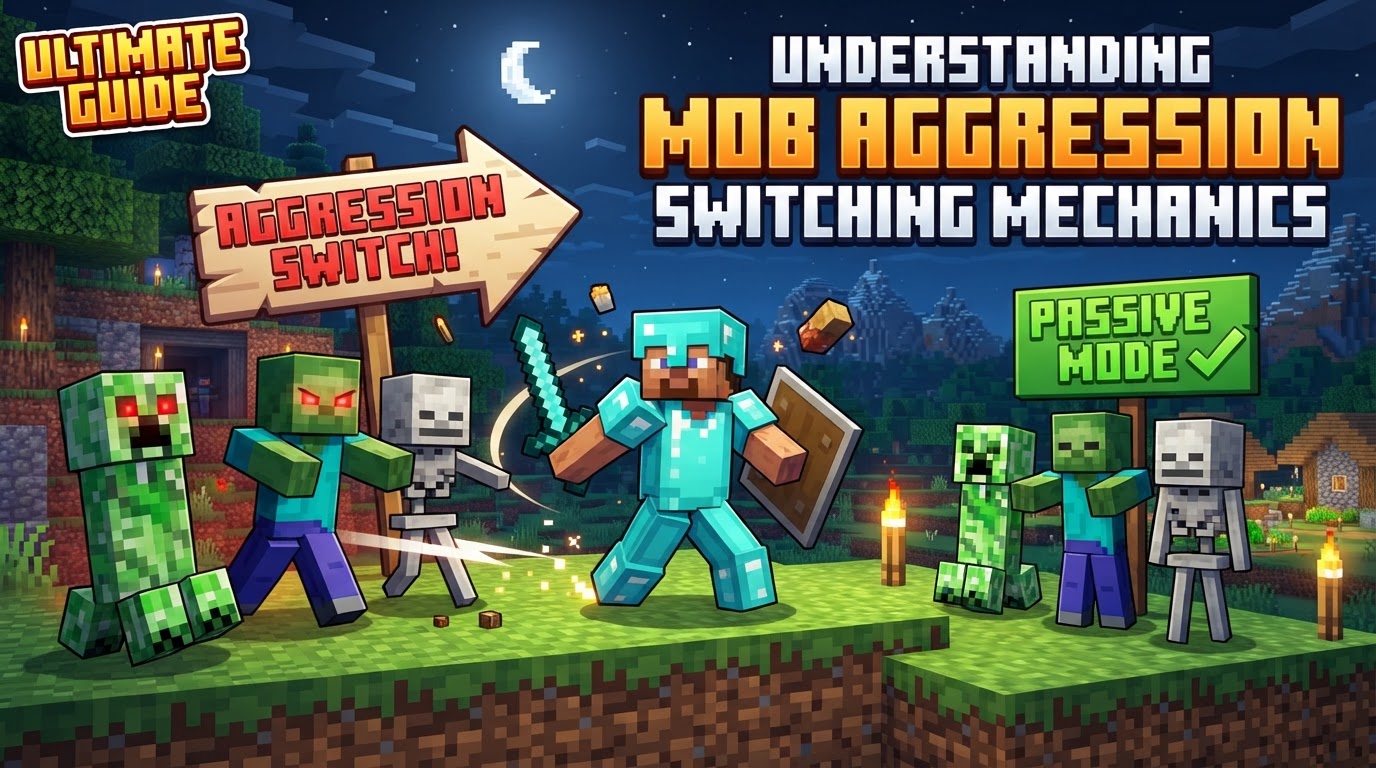
Understanding the Core Principles of Mob Aggression
Minecraft’s creatures don’t just randomly attack; they follow a set of rules governing their aggression. Recognizing these rules is the first step toward manipulating their behavior.
Aggression Types: A Fundamental Classification
Mobs in Minecraft are broadly categorized by their default aggression behavior:
- Hostile Mobs: These creatures, such as zombies, skeletons, creepers, and spiders, will attack players on sight or when the player enters their detection range. Their aggression is immediate and unprovoked.
- Neutral Mobs: Entities like Endermen, zombie piglins, wolves (unprovoked), and polar bears fall into this category. They typically do not attack unless provoked. Provocation can involve directly attacking them, looking at them (Endermen), or being near their young (polar bears). Once provoked, they become hostile.
- Passive Mobs: Cows, pigs, sheep, chickens, and other non-hostile creatures never attack players. They are purely defensive or flee when attacked.
Target Selection Priority: Who Gets Attacked First?
When multiple potential targets are present, mobs employ various parameters to decide who to focus on. These include:
- Proximity: Often, the closest valid target is prioritized.
- Pathfinding Capability: A mob will generally prefer a target it can pathfind to over one it cannot reach.
- Line of Sight: Mobs need to see their target to engage. If a target moves out of line of sight, it can become invalid.
- Specific Entity Types: Some mobs have hardcoded preferences. For instance, Iron Golems prioritize hostile mobs, and zombies will actively seek out villagers.
Being the closest valid target or the one who initially damages a mob is a primary way to “draw aggro,” making the mob focus its attacks on you.
The Dynamic Dance: Target Reselection and Persistence
Mob aggression isn’t static. Mobs constantly evaluate their surroundings:
- Target Reselection: Mobs periodically scan for new targets. If their current target becomes invalid (e.g., moves out of range, breaks line of sight, or dies) or if a higher-priority target appears closer, the mob may switch its aggression to the new entity.
- Persist Time: Once a mob has locked onto a valid target, it will often persist in targeting that entity for a certain duration, even if the target temporarily becomes invalid (e.g., briefly goes behind a block). This prevents mobs from losing interest too easily.
Aggro Range: How Far Can They See and Chase?
Every hostile or provoked neutral mob has a specific aggression range. This is the radius within which they can detect and become aggressive towards a target. If a target moves beyond this range, the mob may lose interest and cease pursuit. However, certain conditions or actions (like being attacked from a distance) can sometimes extend a mob’s effective aggro range, causing them to chase targets for longer distances than their initial detection range.
Influencing and Redirecting Mob Aggression
Understanding the “how” is crucial for actively manipulating mob behavior. Here’s a step-by-step breakdown of how aggression can be influenced and switched.
Initial Aggro and Player Switching
A mob’s initial target acquisition is usually straightforward: it will target the nearest player or entity it can detect within its aggression range. Alternatively, the first entity to damage it will often draw its immediate aggression. However, this can change:
- Switching to a New Player: If another player damages the mob, or if a new player becomes significantly closer and within range while the original target is no longer accessible (e.g., moved away or out of line of sight), the mob might switch its aggression to this new player. This is a common tactic in multiplayer combat.
Exploiting Mob-on-Mob Dynamics
Minecraft’s ecosystem includes natural rivalries and protective behaviors that players can leverage:
- Natural Rivalries: Iron Golems will aggressively attack most hostile mobs (zombies, skeletons, spiders, etc.). Wolves, when tamed, will attack anything you attack or anything that attacks you. Untamed wolves will attack skeletons. These interactions can be used to redirect aggression.
- Projectile Redirection: A clever tactic involves hitting a mob with a projectile (e.g., an arrow) and then quickly retreating. If another entity (like an Iron Golem or another hostile mob) then damages the now-aggroed mob, or if that entity becomes the primary target due to proximity or specific priority, the mob might switch its aggression to them.
Command Block Interventions: Precise Control
For advanced players and map makers, command blocks offer unparalleled control over mob aggression:
- Target Selectors: Commands like
/executecombined with target selectors such as@e(all entities) or@p(nearest player) can be used to force mobs to target specific entities or players. This allows for precise and deliberate aggression switching, making mobs attack specific targets regardless of their default AI. - Hypothetical
/aggroCommand: While a dedicated/aggrocommand for direct aggression switching has been proposed by the community, its official implementation in vanilla Minecraft for direct, simple aggression switching remains unconfirmed. Current methods rely on manipulating existing AI parameters via NBT data or forcing damage/proximity.
Strategic Maneuvers and Advanced Applications
Beyond the basics, there are several strategic ways to manage or utilize mob aggression.
Breaking Line of Sight: The Art of Evasion
One of the simplest yet most effective ways to manage aggression is to break a mob’s line of sight. By placing blocks between yourself and the mob, or by retreating behind obstacles, you can cause mobs to lose their current target. This often leads to them ceasing pursuit or, crucially, scanning for and potentially switching aggression to a new valid target if one is available.
Distance Management: The Key to Control
Maintaining appropriate distance from hostile mobs is paramount. Stay out of their aggression range to avoid drawing aggro entirely. Conversely, you can use distance to manipulate mobs into desired positions, such as luring a zombie into a trap or away from a villager. Understanding a mob’s specific aggro range is vital for this strategy.
Mob Switches: Controlling Spawns
A “mob switch” is an advanced redstone contraption designed to prevent hostile mob spawning in an area or dimension. This is achieved by keeping the maximum number of hostile mobs loaded, but in a non-processing state, thereby filling the global mob cap. Since the game’s hostile mob cap is full, no new hostile mobs can spawn, offering a peaceful environment for building or exploring.
Leveraging Natural Mob Interactions
Beyond direct combat, understanding how mobs interact with each other can be highly beneficial:
- Zombie Villager Interaction: Zombies will actively pursue and attack villagers, attempting to convert them. This can be exploited in villager trading halls or iron farms to funnel zombies into specific areas.
- Iron Golem Protection: Iron Golems are invaluable for protecting villagers and players, as they automatically attack most hostile mobs within their vicinity. Positioning Golems strategically can redirect aggression away from you or your valuable NPCs.
Common Pitfalls and Optimizations
Even seasoned players can make mistakes when dealing with mob aggression and related mechanics.
Underestimating Mob Caps
A frequent error is not fully grasping how mob caps function. Each dimension has a limit on how many hostile mobs can exist simultaneously. Misunderstanding this can lead to unexpected hostile mob spawns (if the cap isn’t full) or, conversely, failures in mob switch designs (if the cap isn’t consistently met). The mob cap directly influences whether new mobs can spawn, thus affecting aggression dynamics.
Inefficient Mob Switch Design
While mob switches are powerful, a poorly designed one can cause significant server lag. Storing mobs for a mob switch in chunks where their AI is constantly loaded and processed is highly inefficient. The optimal design involves placing these mobs on the edge of loaded chunks (e.g., within a 7×7 chunk area around a Nether portal) where the chunks are loaded, but the mob’s AI is not actively processed. This counts them towards the mob cap without taxing the server.
Ignoring Target Priority
It’s a mistake to assume all mobs target solely based on proximity. As discussed, many mobs have specific target priorities or conditions for aggression. For example, a zombie might prioritize a villager over a slightly closer player, or an Enderman will only aggro if attacked or looked at directly. Ignoring these nuances can lead to unexpected aggression patterns.
Poor Command Optimization
When utilizing command blocks for managing mob aggression, particularly in large-scale builds, inefficient target selectors can severely impact performance. Using broad selectors like @e without proper filters (e.g., [type=zombie], [distance=..10]) can force the game to check every entity in the loaded world, causing lag. Always optimize selectors to target entities only around players or in specific, relevant locations to minimize processing overhead.
Mastering mob aggression switching mechanics transforms a player from merely surviving to actively controlling the world around them, opening up a realm of strategic possibilities and creative solutions.
Tags:
YOU MAY ALSO LIKE...


