

Understanding Mob Pathfinding Efficiency Mechanics
Did you know that every time a zombie shuffles towards you, it’s performing a complex calculation based on a modified A* graph search algorithm? This sophisticated system, designed to guide entities through the game world efficiently, is at the heart of how mobs navigate Minecraft. Understanding its intricacies is not just a curiosity; it’s crucial for designing effective mob farms, manipulating mob behavior, and even diagnosing unexpected issues in your builds. Far from simple random wandering, mobs are constantly evaluating their environment, making decisions based on hidden “costs” and perceived obstacles.
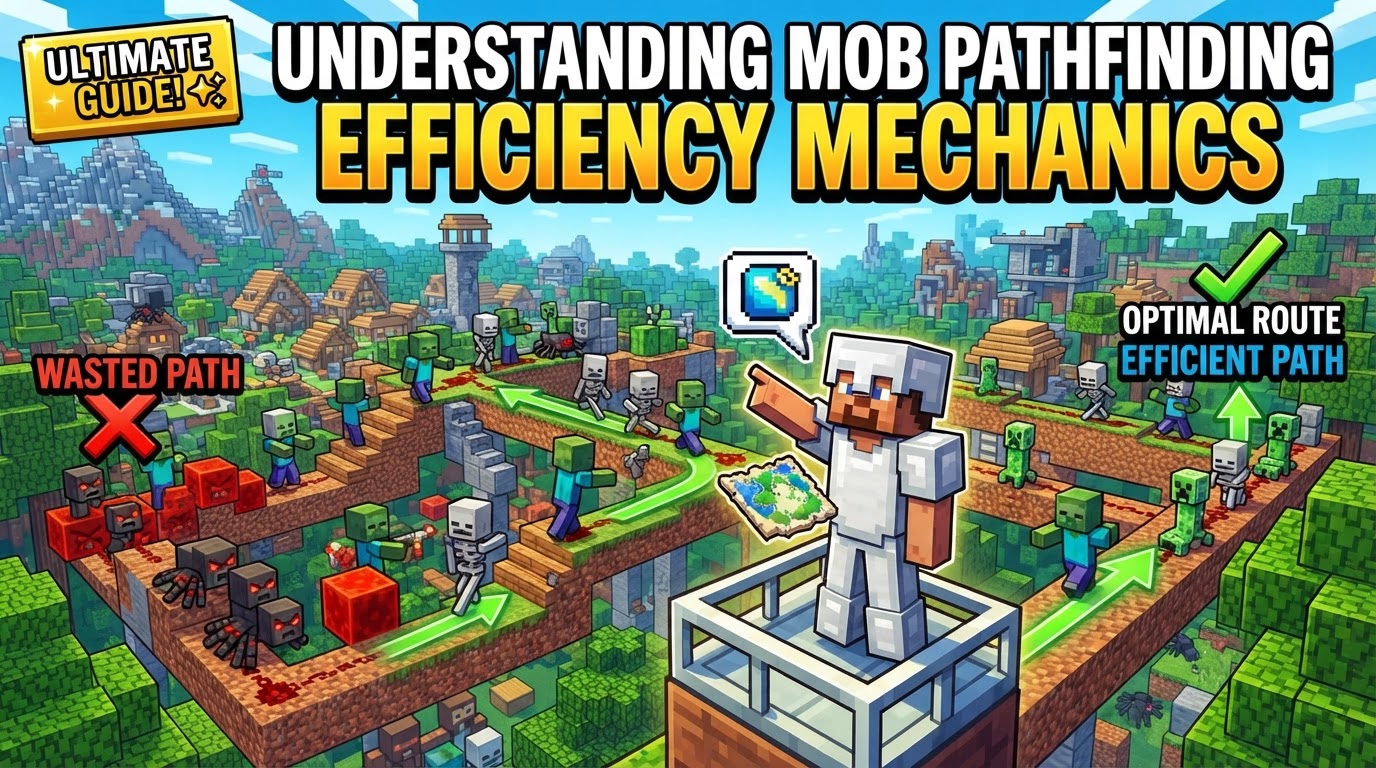
The Foundation: Core Pathfinding Mechanics
Minecraft’s mob pathfinding system is built upon a modified version of the well-known A* graph search algorithm. This algorithm is renowned for its ability to find the shortest path between two points in a graph, but in Minecraft, it’s adapted to navigate a dynamic, three-dimensional, block-based world. This adaptation involves several key mechanics that dictate how mobs perceive and move through their environment.
- Algorithm Basis: At its core, the system uses A* to calculate potential paths. However, it’s not simply about the shortest distance; it’s about the “cheapest” path, as determined by various environmental factors.
- Path Costs (“Malus”): Different blocks and environmental factors are assigned “costs” or “malus” values. These costs influence a mob’s decision-making. For instance, water typically makes a direct path more “expensive” or less appealing, often leading mobs to choose indirect routes over dry land, even if longer. This mechanic is a powerful tool for guiding mobs.
- Block Perception: Mobs often perceive certain non-solid blocks as solid surfaces they can walk on. Classic examples include open trapdoors, which mobs will attempt to walk across as if they were full blocks, or coral fans. This peculiar perception can be expertly exploited for building traps or automated collection systems.
- Player Proximity: A critical factor in mob behavior is player proximity. Mobs engage in their primary wandering and active pathfinding behaviors only when within a 32-block spherical radius of a player. Beyond this range, their AI can become dormant, causing them to cease actively seeking paths and often stand still.
- Target Selection: When a mob is within range of a player and active, it doesn’t just wander aimlessly. It randomly selects a “full block” within approximately 10 blocks of its current position and then attempts to pathfind to it. This constant re-targeting drives much of their seemingly random movement.
- Block Preference: Generally, mobs exhibit a preference for standing on solid blocks. This innate tendency can be leveraged to guide them, as they will naturally gravitate towards areas with more solid ground.
- Targeted Attraction: Specific entities can act as powerful attractants for certain mobs, overriding their random target selection. For example, turtle eggs or villagers attract zombies, while cats can attract creepers. This mechanic is invaluable for creating highly efficient, mob-specific farms.
- Path Recalculation: The world of Minecraft is dynamic. If a block near a mob’s current path updates (e.g., a door opens, water flows, or a block is broken), the mob will rerun its pathfinding algorithm. This re-evaluation has an important 1-second cooldown, preventing constant recalculations and potential lag spikes.
- Vertical Bias: Mob pathfinding can sometimes exhibit a subtle bias towards higher locations. While not always pronounced, it’s an interesting aspect to consider when designing multi-level structures or collection systems.
The Pathfinding Journey: A Step-by-Step Breakdown
Understanding the mechanics is one thing, but seeing how they play out in a sequential process reveals the dynamic nature of mob AI. From identifying a goal to executing movement, here’s how a mob typically navigates its world:
- Target Identification: The journey begins when a mob is within an active player’s range (32 blocks). At this point, it identifies a target. This could be a specific entity it’s attracted to (like a villager for a zombie) or, more commonly, a random “full block” within its immediate vicinity, typically within a 10-block radius.
- Path Calculation: With a target in mind, the mob’s AI springs into action. It employs the A* algorithm to compute what it perceives as the most efficient path to that target. This calculation meticulously considers the “costs” associated with different blocks and movements, weighing factors like block solidity, water, and other environmental elements.
- Movement Execution: Once a viable path is determined, the mob begins to move. It traverses the game world, stepping along the sequence of nodes (blocks) that its pathfinding algorithm has laid out. This movement is not always smooth or perfectly direct, as external factors can interrupt it.
- Dynamic Re-evaluation: The path is not set in stone. If a block along the mob’s calculated path changes or updates (e.g., a piston extends, a block is placed, or water flows), the pathfinding algorithm is triggered again. This re-evaluation occurs after a 1-second cooldown, leading to a potential recalculation of the route to adapt to the altered environment. This constant adaptation is key to mobs navigating a changing world but can also be exploited.
Optimizing Mob Movement: Practical Strategies for Builders
Armed with knowledge of how mobs think and move, players can design highly efficient and predictable systems. These strategies turn the game’s mechanics into powerful tools for automation and resource generation:
- Exploit Block Perception: This is a cornerstone of many mob farms. By strategically placing non-solid blocks like open trapdoors, signs, or coral fans, you can create false floors. Mobs will attempt to walk across them, perceiving them as solid, only to fall into collection systems below. This is incredibly effective for funneling mobs.
- Guide with Solid Blocks: Mobs prefer to stand on and pathfind towards solid blocks. By creating clear, wide pathways made of solid blocks in the direction you want mobs to travel, you can subtly yet effectively guide their movement. Conversely, placing fewer solid blocks in undesirable directions can deter them.
- Strategic Player Positioning: To ensure continuous mob pathfinding and prevent mobs from “idling” or stopping, always maintain your position within 32 blocks of your mob farm or area of interest. This keeps the mob AI active and engaged in its pathfinding routines.
- Use Attractants: Integrate specific entities that attract certain mobs directly into your farm designs. Placing turtle eggs near a drop chute will lure zombies and husks, while a cat can effectively herd creepers. Villagers are also powerful attractants for various hostile mobs.
- Manipulate Path Costs: Consciously introduce elements that increase the “cost” of undesirable paths. For example, placing water in areas you want mobs to avoid will make those routes less appealing, steering them towards your intended, “cheaper” path (e.g., a dry channel leading to a drop).
- Controlled Block Updates: While excessive updates can cause lag, judiciously placed block updates can be beneficial. A well-timed, 1-second block update near a mob’s path can force it to re-evaluate its route, potentially accelerating movement in farms by pushing mobs along or redirecting them if they get stuck.
Common Obstacles and Misconceptions in Mob Pathfinding
Despite its sophistication, Minecraft’s pathfinding isn’t flawless. Builders often encounter specific issues that can hinder their designs or lead to unexpected mob behavior. Awareness of these problems can save considerable frustration.
- Stalled Pathfinding: Mobs may occasionally stop moving, “stare around,” or appear to be stuck. This often occurs if their calculated path is too long or overly complex, leading the AI to give up, or if they exit the crucial 32-block player proximity range, causing their pathfinding routines to deactivate.
- Villager Pathfinding Bugs (Bedrock Edition): Villagers, particularly in Bedrock Edition, are notorious for exhibiting pathfinding flaws. They frequently struggle to access workstations or beds, especially if certain block types like grass paths are involved, and often ignore clear entrances to their homes or workplaces. This can severely impact automated trading halls.
- Lag from Excessive Updates: While controlled block updates can be useful, frequent updates near a large number of mobs can lead to significant game lag. Each update triggers potential path recalculations for nearby mobs, and if this happens too often for too many entities, it can overwhelm the server or client.
- Perceived Impassable Blocks: Mobs can sometimes treat seemingly innocuous blocks as impassable obstacles. Rails, for instance, are often perceived as full blocks, causing mobs to hesitate or refuse to pathfind over them, even though they are technically traversable.
- Hesitation and Reversals: During navigation, mobs can exhibit “hesitation events.” These are observable pauses or sudden direction reversals, which often indicate that the pathfinding algorithm is struggling to find an optimal route or has encountered an unexpected obstacle. They might be recalculating or momentarily stuck.
- Inability to Navigate Certain Blocks: Specific block types pose unique challenges for mob pathfinding. Mobs have been observed to struggle with pathfinding through waterlogged blocks, such as waterlogged stairs or slabs, or even through dense fields of bamboo, which can confuse their movement logic.
Mastering the nuances of mob pathfinding transforms a casual player into a true Minecraft engineer. By understanding the underlying A* algorithm, the impact of path costs, and the critical role of player proximity, you gain the power to predict, control, and optimize mob behavior, turning the game’s mechanics into a powerful ally for any ambitious project.
Tags:
YOU MAY ALSO LIKE...


