

Understanding Why Villagers Change Professions Randomly
The most common reason a Minecraft villager seems to spontaneously abandon their life’s calling and pick up a new trade is remarkably simple: you haven’t traded with them yet. This single action, or lack thereof, underpins much of the perceived “randomness” in villager behavior. Understanding the core mechanics of how villagers link to job site blocks and how their professions become locked is key to building efficient trading halls and thriving in your blocky world.
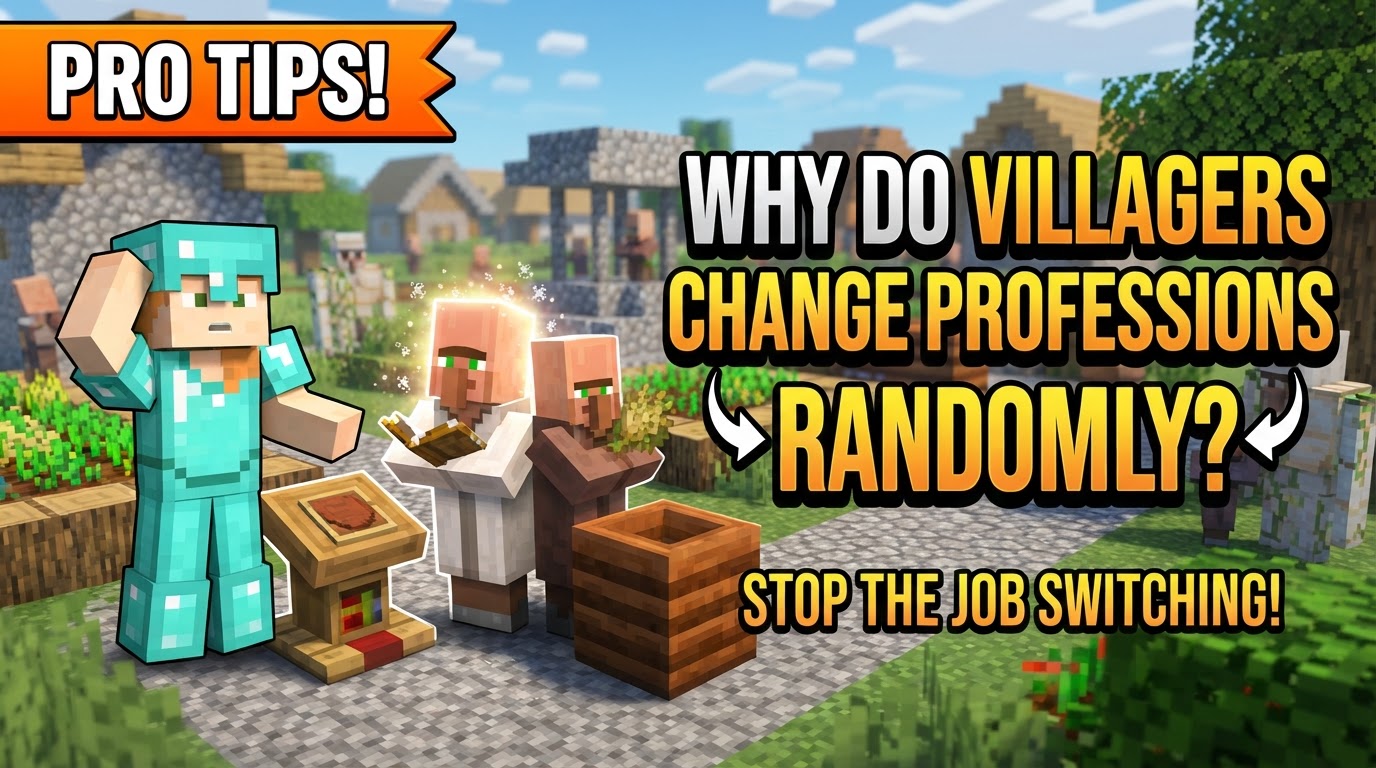
The Unseen Link: How Villagers Choose Their Calling
At the heart of a villager’s professional life is their connection to a specific job site block. Unlike players who can switch careers on a whim, a villager’s profession is intrinsically tied to one of these blocks. An unemployed villager, easily identifiable by their plain brown robe, is always on the lookout for a new purpose. During their designated work hours, they will actively seek out the nearest unclaimed job site block within their range.
- Unemployed Villagers: These are the blank slates of your village. They have no profession and are actively searching for a job site block to claim.
- Workstation Linking: Once an unemployed villager finds and claims a job site block (like a Lectern for a Librarian or a Blast Furnace for an Armorer), they assume the associated profession. This link is visually confirmed by green particles emanating from the villager.
- Pathfinding is Crucial: For a villager to maintain their profession, they must be able to pathfind to their linked job site block. If their path becomes obstructed, or they are moved too far away, they may eventually lose their profession because they can no longer “reach” their workplace.
This initial linking phase is dynamic. If a villager has not yet committed to their profession through trade, their link to a job site block is fragile and can be easily broken.
Decoding the “Randomness”: Common Pitfalls and Misunderstandings
What appears to be random profession changes is almost always a direct consequence of specific game mechanics or player oversight. The primary culprit, as mentioned, is the absence of a trade. Without a completed transaction, a villager’s profession is not set in stone, leaving them susceptible to environmental factors.
- Not Trading: The Number One Culprit: If you haven’t traded with a villager at least once, their profession remains unlocked. This means if their current job site block is broken, moved, or becomes inaccessible, they will revert to being unemployed. They are then free to seek out any other available job site block, potentially leading to a “random” change if you have multiple types of blocks nearby.
- Excess Job Blocks: A common mistake is placing many different types of job site blocks (e.g., a fletching table, a brewing stand, a compost bin) all within a villager’s accessible range. An unemployed villager will simply link to the nearest available one, which might not be the profession you intended for them.
- Workstation Broken or Inaccessible: If the block a villager is linked to is destroyed, picked up, or permanently blocked off, they will lose their profession. This forces them to become unemployed and seek a new job.
- Villager Movement: If a villager is moved too far from their linked workstation, and can no longer pathfind to it, they may eventually lose their connection and thus their profession.
- Proximity Issues (Bedrock Edition Specific): Players on Bedrock Edition face unique challenges. Villagers in Bedrock are much more sensitive to proximity, capable of linking to job blocks or even beds up to 30-40 blocks away. This can cause them to link to an unintended block if not carefully managed.
Your Blueprint for Control: Guiding Villager Professions
Far from being random, villager professions can be meticulously controlled and even manipulated to your advantage. The process involves a simple three-step cycle:
- Placement: To assign a profession, simply place the desired job site block near an unemployed villager. Observe for the green particles, indicating a successful link. For example, place a Brewing Stand to make them a Cleric, or a Stonecutter to make them a Mason.
- Rerolling Trades (Optional but Recommended): Before you make your first trade, a villager’s offered trades are not fixed. If you don’t like the initial offers, you can break their job site block to make them unemployed again. Then, replace the block (or a different one of the same type) to give them a new set of trades. This can be repeated until you find desirable trades, such as Mending books from a Librarian or good diamond armor from an Armorer.
- Locking the Profession: Once you are satisfied with both the villager’s profession and their offered trades, complete at least one trade with them. This is the critical step. Upon completion of that first trade, the villager’s profession and their current set of trades become permanently locked. Even if their job site block is later broken, their profession is retained, and they will simply seek out another block of the same type to resume their work.
The Bedrock Distinction: Unique Villager Behaviors
While the core principles apply across all versions of Minecraft, Bedrock Edition has some unique quirks that players must be aware of to effectively manage villagers.
- Heightened Proximity Sensitivity: As mentioned, Bedrock villagers can link to blocks or beds much further away than their Java counterparts. This means a job site block intended for one villager might be claimed by another from a significant distance, even through walls or terrain.
- Waking Up to a New Job: In Bedrock Edition, villagers primarily change jobs or link to new blocks when they wake up from sleep. This provides a specific window for intervention.
These differences necessitate a more cautious approach when dealing with villagers in Bedrock.
Expert Strategies for Precision and Stability
To truly master villager management and prevent any accidental profession changes, implement these strategies:
- Isolate for Control: When attempting to assign a specific profession, ensure there are absolutely no other unclaimed job site blocks nearby. This prevents the villager from linking to an unintended profession. Create a temporary, enclosed space with only the desired job block.
- Containment is Key: Design individual stalls or booths for your villagers. This not only prevents them from wandering off but also gives you precise control over which job site blocks they can access and link to. A 1×1 or 1×2 space works well.
- Timing for Reassignment (Bedrock Specific): If you need to reassign a villager’s job in Bedrock, do it at night. Break their current job block, place the new one, and they should link to it upon waking up the next morning.
- One Block at a Time (Bedrock Specific): To combat Bedrock’s proximity issues, place only one job block at a time when setting up a new villager. This allows you to clearly see which villager links to it via the green particles before introducing more blocks. For more complex setups, consider separating job blocks by at least 100 blocks to prevent erroneous links.
- Historical Context (Bugs): It’s worth noting that in the past, there have been bugs where villagers wouldn’t lose their job even after their workstation was broken, or where professions would change unexpectedly after saving and reloading the world. While most of these have been resolved, understanding the core mechanics helps distinguish between a bug and expected behavior.
Final Thoughts on Villager Management
Ultimately, the perceived “randomness” of villager profession changes is a myth. It’s a system governed by clear rules of linking, pathfinding, and the crucial act of trading. By understanding these mechanics, especially the difference between an unlocked and a locked profession, and by employing careful placement and isolation, you can transform your villagers from unpredictable inhabitants into reliable sources of valuable trades, enriching your Minecraft experience significantly.
Tags:
YOU MAY ALSO LIKE...


