

Understanding Why Villagers Ignore Some Profession Blocks
A common frustration for even seasoned Minecraft players is the sight of an unemployed villager stubbornly refusing to acknowledge a perfectly good profession block right in front of them. It’s a puzzle that has led to countless redesigned trading halls and automated farms. Understanding why these seemingly simple interactions fail is not about villager stubbornness, but about a complex interplay of game mechanics, ranging from invisible radii to crucial pathfinding requirements. This guide will demystify the process, helping you build more efficient and less exasperating villager setups.
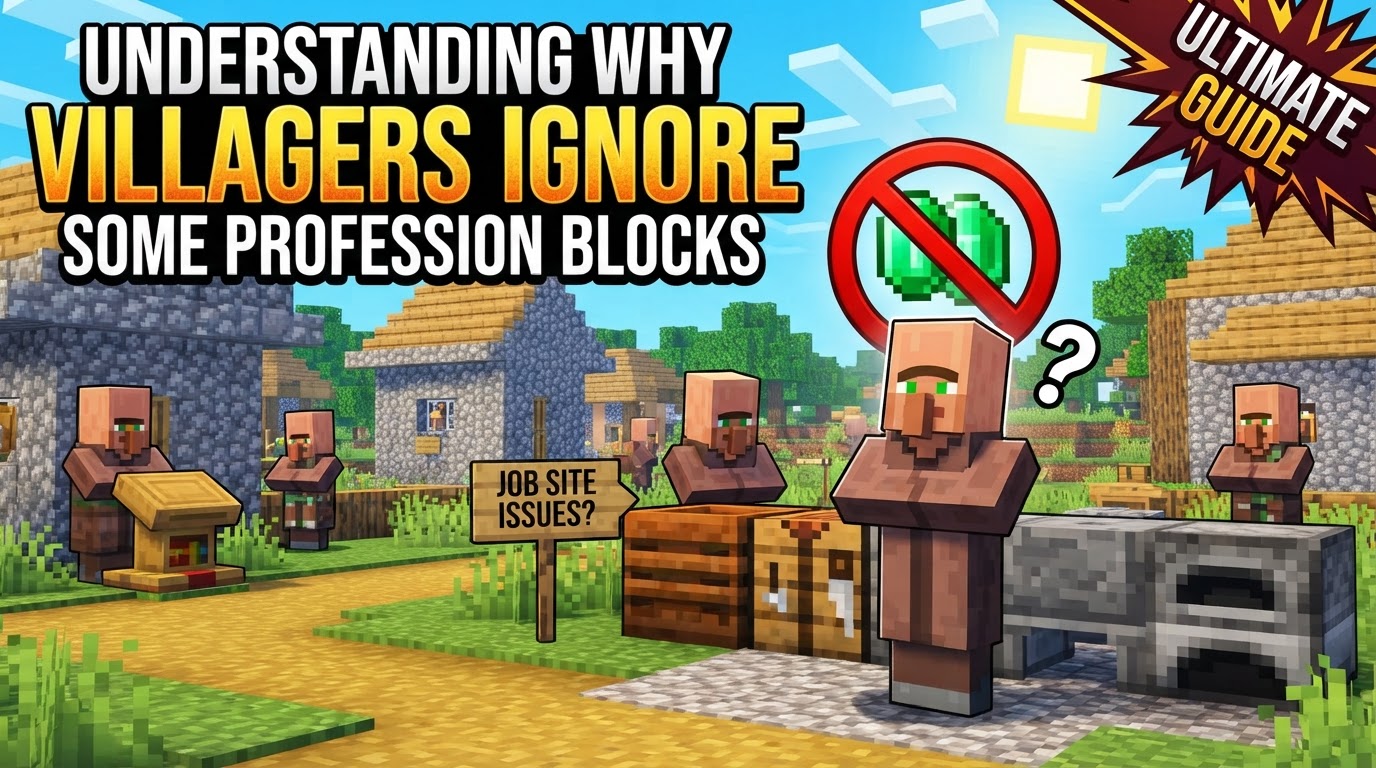
The Invisible Dance: How Villagers Claim Professions
At its core, a villager’s job acquisition is a straightforward process, yet prone to subtle failures. An unemployed villager actively seeks out an available job site block within a specific range to adopt a profession. Once a connection is established, both the villager and the block will emit distinct green particles, signaling a successful link. This link transforms the villager’s appearance, granting them a unique profession-specific outfit and unlocking their trading options.
However, this link is not just a visual cue; it’s a functional requirement. Villagers must be able to physically pathfind to their claimed job site block to utilize it during their work hours (8 AM to 3 PM in-game time). If their block is broken, or they cannot reach it during these hours, they will lose their profession and become unemployed. This crucial detail highlights that mere proximity isn’t enough; accessibility is paramount.
Understanding the Varied Linking Ranges
One of the most significant sources of confusion stems from the differing linking ranges between Minecraft’s Java and Bedrock Editions. What works seamlessly in one version might be a constant struggle in the other, and ignoring these distinctions can lead to villagers ignoring blocks you expect them to claim.
- Java Edition’s Spherical Search: In Java Edition, villagers are quite generous in their search. An unemployed villager will look for an unclaimed job block within a 48-block spherical radius. This allows for more spread-out villager setups, though it also increases the chance of unintended cross-linking if not managed carefully.
- Bedrock Edition’s Layered Detection: Bedrock Edition presents a more complex scenario. For initial job block claiming, villagers typically search within a smaller 16-block radius horizontally and a 4-block height. However, the overall detection range for beds and workstations can extend up to 32 blocks in both directions from their current position, forming a 32×32 bounding box. Furthermore, village boundaries themselves can expand significantly, with activation ranges extending up to eight times the simulation distance from the edge of the village (e.g., 32 blocks at simulation distance 4, or 48 blocks at simulation distance 6). This means a villager might be aware of a block far away, even if their initial claiming range is smaller, leading to seemingly random links over surprising distances.
These range differences are critical. A setup designed for Java with blocks spread out might fail entirely in Bedrock, where villagers need to be much closer to their intended workstation for a reliable link.
The Permanent Pact: When Trades Lock Professions
A critical mechanic to grasp is trade locking. Once a player makes even a single trade with a villager, its profession and current trade offers become permanently locked. This has a profound implication: breaking the job block after a trade will not cause the villager to change its profession. It will remain a Librarian, Farmer, or Armorer, even without its workstation. It will merely become unemployed but retain its locked profession. This is vital for maintaining specific trades but removes the flexibility of re-rolling professions post-trade.
Establishing a Connection: A Step-by-Step Guide
To successfully link a villager to a profession block, follow these steps to minimize potential issues:
- Ensure Unemployed Status: Start with a villager displaying a plain brown robe, indicating no current profession. Note that cured zombie villagers and newly spawned villagers might briefly have a job, but this will quickly vanish if their job block is broken before any trades are made.
- Place the Job Block: Position the desired profession block (e.g., a Lectern for a Librarian, a Composter for a Farmer) in an accessible location near your unemployed villager.
- Observe for Green Particles: Be patient. Within moments, or sometimes after an in-game day-night cycle, you should see green particles emanating from both the villager and the job block, confirming a successful link.
- Confirm Profession Change: The villager’s appearance will visually update, reflecting their new profession.
- Lock Trades (Optional but Recommended): Once the villager has the desired profession and offers trades you want, make at least one trade. This permanently locks their profession and current trade offers, preventing any accidental changes.
Mastering Villager Management: Tips for Efficient Linking
To avoid the common pitfalls and ensure your villagers link to the correct blocks, implement these strategies:
- Isolate Villagers for Linking: When setting up multiple villagers, introduce them one at a time. Link each villager to its intended block and lock its trades before bringing in the next. This prevents cross-linking to unintended blocks, a frequent issue in crowded trading halls.
- Control the Environment: Enclose villagers in a small, controlled space where only their specific intended job block is accessible. This restricts their pathfinding options and forces them to link to the correct workstation.
- Strategic Placement is Key: Always place job blocks in locations that are easily pathfindable for the villager. Avoid placing them behind solid walls, high up, or in places requiring complex jumps or movements.
- Relocate Distant Villagers: If villagers are persistently linking to blocks far away, or struggling to link at all, consider moving them more than 100 blocks (or ideally over 144 blocks in Bedrock Edition) from any other villages or job blocks. This effectively resets their village affiliation and allows them to form new links.
- Temporary Job Block Removal for Trade Re-rolls: Before making any trades, you can break and replace a villager’s job block to re-roll its trade offers. This is incredibly useful for acquiring specific enchanted books from Librarians or desirable trades from other professions.
Common Pitfalls: Why Your Villagers Aren’t Cooperating
Despite following the basic steps, villagers can still be frustratingly uncooperative. This often boils down to a few common mistakes players make:
- The Peril of Cross-linking: This is perhaps the most common issue in multi-villager setups. With multiple job blocks within range, an unemployed villager might link to a block intended for another villager, or one far away, simply because it was the first available block it detected. Isolation during linking is the best defense.
- Blocked Pathfinding: Even if a job block is nearby, if the villager cannot physically walk to it, it will not claim it. Obstructions like partial blocks, trapdoors, or even a single solid block in their path can prevent a link. Always ensure a clear, 1×1 path to the workstation.
- The Myth of Proximity Priority: Players often assume villagers will always choose the closest available job block. While often true in Java, this is less reliable in Bedrock Edition, where linking can sometimes appear random and occur over surprisingly large distances within their detection range.
- Ignoring Locked Trades: Attempting to change a villager’s profession by breaking its job block *after* a trade has been made is futile. The profession is locked, and the villager will simply become an unemployed version of its previous job.
- Villagers in Transit: Villagers residing in boats or minecarts are often unable to interact with job blocks. For a reliable link, they typically need to be standing freely in a 1×1 space where they can pathfind properly.
- The Bedrock of a Village: While individual villagers don’t strictly require a bed to work, they must be part of a recognized village. A village, by definition, requires at least one bed linked to a villager. Issues with bed linking or village detection can sometimes indirectly prevent job linking, as the villager might not properly register as part of a functional village unit.
Building a Harmonious Village
Ultimately, understanding why villagers ignore certain profession blocks comes down to appreciating the nuanced mechanics that govern their behavior. It’s rarely a bug and almost always a consequence of range limitations, pathfinding obstructions, or the immutable rules of trade locking. By isolating villagers, controlling their environment, and being mindful of the differences between game editions, you can transform a frustrating endeavor into a predictable and rewarding aspect of your Minecraft world, ensuring your villagers are always ready for business.
Tags:
YOU MAY ALSO LIKE...


