

What Causes Water to Flow Diagonally Visually
Did you know that Minecraft’s water, seemingly simple in its blocky nature, can exhibit up to 16 distinct horizontal flow directions, leading to its often-observed diagonal movement? Far from being a mere visual trick, this phenomenon is a sophisticated interplay of fundamental game mechanics and, in some cases, unexpected visual quirks. Understanding why water flows diagonally is not just a point of curiosity; it’s a crucial skill for master builders and engineers looking to manipulate this versatile resource effectively in their creations.
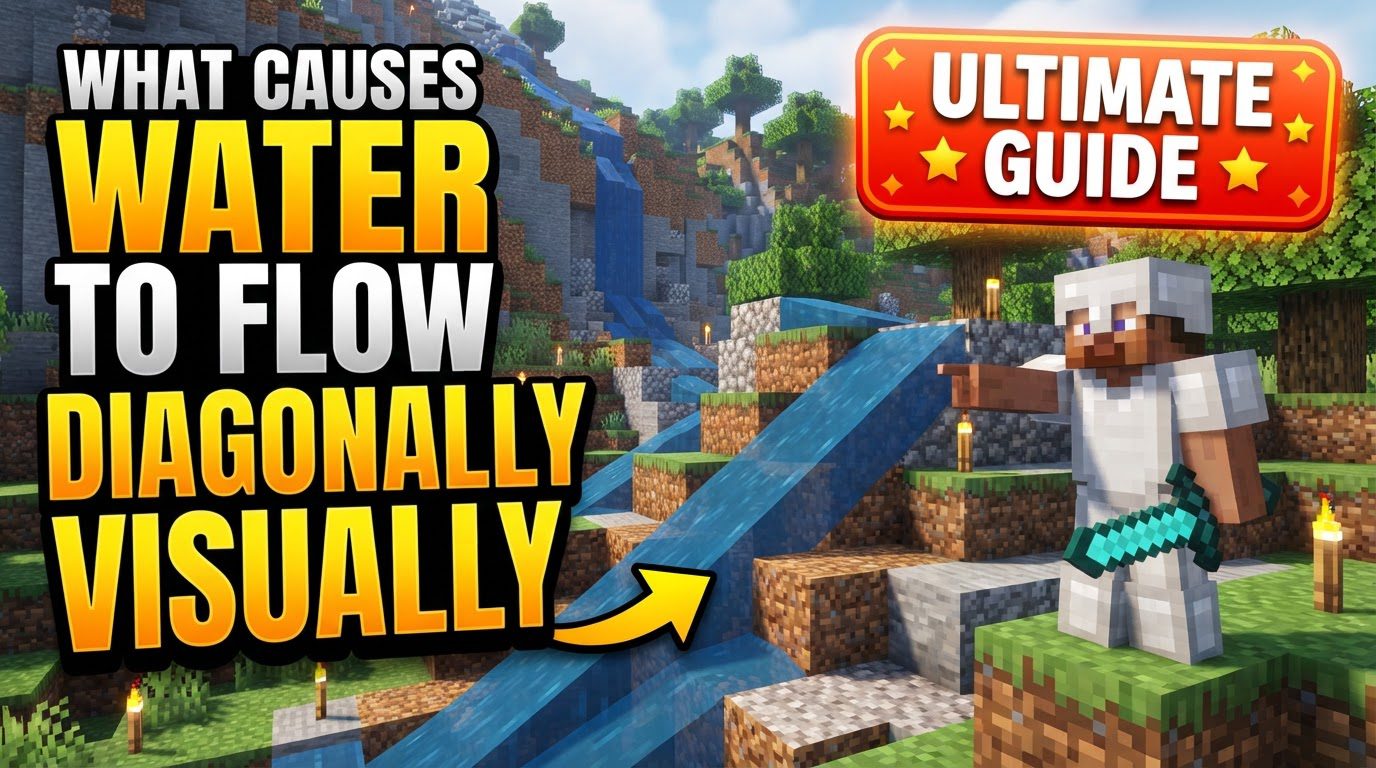
Minecraft’s water physics, while simplified compared to real-world hydrodynamics, are designed to give the illusion of natural flow within a grid-based system. This guide delves into the core mechanics that govern water’s often diagonal appearance, explores how players can intentionally harness these properties, and addresses common visual glitches that might further complicate its behavior.
The Underlying Mechanics of Diagonal Water Flow
At its heart, the diagonal appearance of water flow in Minecraft stems from several key game mechanics working in concert. It’s not that the water blocks themselves are angled, but rather the direction of the current within and between these blocks that creates the visual effect.
- Horizontal and Downward Spread: Water fundamentally seeks to spread. From a source block, it will extend outwards, covering up to seven blocks horizontally on a flat surface. Crucially, it also flows downward infinitely until its path is obstructed. This dual spreading mechanism is the foundation of all water movement, and how these two forces interact dictates its perceived direction.
- Prioritizing Downward Movement: Water possesses a strong inherent bias towards vertical descent. If a lower elevation or an open space exists directly beneath or within its horizontal reach, the water will actively prioritize flowing towards that point. This gravitational pull means that even a subtle drop-off can significantly influence the direction of a water current, making it appear to divert diagonally as it seeks the quickest path down. This principle is vital for designing effective water transportation systems or decorative waterfalls.
- Initial Diagonal Flow from Source Blocks: Observe a single water source block placed on a perfectly flat plane. While it will send out four straight streams in the cardinal directions, the water immediately surrounding these primary flows often appears to move diagonally. This initial visual effect is a direct result of the game’s rendering of water levels and how it interprets the spread from a central source into an open grid.
- The Vector Sum of Flow: This is arguably the most significant mechanical contributor to diagonal flow. Minecraft doesn’t just calculate water flow as simple straight lines. Instead, the game determines the horizontal current direction within a block by considering the “push” from its four horizontal neighbors. Each neighbor contributes a vector, and these vectors are summed. This complex calculation allows for a remarkable 16 possible horizontal flow directions. While water blocks themselves remain axis-aligned, the direction of the current *within* those blocks, influenced by these vector sums, creates the compelling visual of diagonal movement. This system allows for nuanced and dynamic water currents that adapt to the surrounding terrain and other water sources.
- Waterlogged Blocks as Redirection Tools: The introduction of waterlogging revolutionized water manipulation. Blocks like stairs, slabs, trapdoors, and even fences can be “waterlogged,” meaning they can contain water while still occupying only a partial block space. This mechanic allows water to flow *through* or *over* these partial blocks in ways that defy simple orthogonal movement. By strategically placing and waterlogging these blocks, players can effectively ‘bend’ water currents, forcing them into seemingly impossible diagonal paths or through tight spaces, offering unprecedented control over flow direction.
Crafting Intentional Diagonal Paths
Understanding the mechanics is one thing; applying them is another. Players can leverage waterlogged blocks to create deliberate diagonal flows, opening up new possibilities for redstone contraptions, aesthetic builds, and efficient item transportation.
Step-by-Step for Redirecting Water Diagonally
Here’s a practical approach to guiding water in a diagonal fashion using waterlogged blocks:
- Establish an Initial Water Stream: Begin by creating a basic, straight water flow using a water source block. This establishes the initial direction and presence of water. For instance, place a water source at one end of a trench.
- Strategically Place Waterlogged Blocks: At the precise point where you wish to initiate a diagonal turn, place a waterloggable block such as a stair block. Ensure the stair is oriented to face the desired new diagonal flow path. For optimal effect, it can often be placed one block below the initial stream’s level, or at the same level depending on the desired visual and functional outcome. The key is that its partial shape will guide the water.
- Ensure the Block is Waterlogged: If the water doesn’t automatically flow into and waterlog the block (which can happen if it’s placed one block below the source), manually waterlog it. Right-click the placed stair or slab with a water bucket. This effectively creates a new water source *within* that partial block, which then redirects the existing current or spawns a new flow that follows the contours dictated by the partial block’s shape, forcing a diagonal trajectory.
Mastering Water Flow: Essential Tips
Beyond the basics, several techniques can help you achieve intricate and reliable water designs:
- Harnessing Gravity’s Pull: Always remember that water will relentlessly seek the nearest point where it can drop down. Use this fundamental principle to your advantage. By creating subtle elevation changes or strategically placed holes, you can naturally guide water currents precisely where you want them, even if the visual path appears diagonal. Think of it as creating a ‘gravity well’ for your water.
- Leveraging Partial Blocks: Blocks that don’t fill a full 1x1x1 space are invaluable. Stairs, slabs, trapdoors, ladders, and even candles or fences can be used to direct water in incredibly tight spaces or to create very specific, non-orthogonal flow patterns. They allow water to pass through or around them in ways a full block would prevent, offering granular control over flow direction and appearance. Experiment with different partial blocks to see how they interact with water.
- Understanding Block Updates: Sometimes, water might seem ‘stuck’ or refuse to flow as expected. Placing or removing a block adjacent to the problematic water, or even updating a block nearby, can trigger a “block update.” This forces the game to recalculate the water’s flow, often resolving unintended behaviors, clearing up visual inconsistencies, or initiating a flow that should have started automatically.
When Water Gets Weird: Visual Glitches and Common Issues
While most diagonal flow is intentional or mechanically explained, sometimes water just looks “wrong.” These instances are often due to visual glitches or conflicts.
- Shader/Mod Conflicts: A common culprit for strange water rendering is the interaction between various modifications. Shader packs (like Oculus or SEUS) are designed to dramatically alter visual fidelity, and sometimes their custom water textures or rendering pipelines can conflict with other mods (such as Natures Aura or Sodium) that also affect rendering or world generation. This can lead to visual artifacts, transparency issues, or water appearing to shimmer or flow incorrectly. Often, disabling specific features like “waving water textures” within the shader settings or ensuring all mods are updated to their latest, compatible versions can resolve these visual anomalies.
- Aliasing and Mip Maps: Unsightly jagged lines, shimmering, or pixelated edges on water surfaces might not be a flow issue but a display setting problem. These visual irregularities can be related to anti-aliasing (which smooths edges) or mip map settings (which optimize textures at different distances). Adjusting these settings within your game’s video options or, in more advanced cases, through your graphics card’s control panel, can often clean up these visual imperfections, making water appear smoother and more coherent.
- Generated Structure Glitches: Occasionally, water “glitches” can occur within naturally generated structures like ocean ruins, shipwrecks, or strongholds. If these structures generate in a way that creates an unexpected void or an uneven water level, the game might not properly trigger the necessary block updates for the water to flow correctly into those areas. This can leave pockets of air underwater or static water where there should be flow, creating a visual discrepancy that seems like a bug. Manually placing or removing a block nearby can often force the required update and resolve the issue.
In conclusion, the seemingly complex diagonal flow of water in Minecraft is a testament to the game’s intricate yet logical physics. From the vector sum calculations that dictate its true current direction to the versatility of waterlogged blocks, understanding these mechanics empowers players to create sophisticated and visually appealing water features. By distinguishing between intentional flow and visual glitches, you gain greater control over your Minecraft world, transforming water from a simple liquid into a powerful tool for creativity and engineering.
Tags:
YOU MAY ALSO LIKE...


