Why Certain Biomes Never Generate With Specific Features
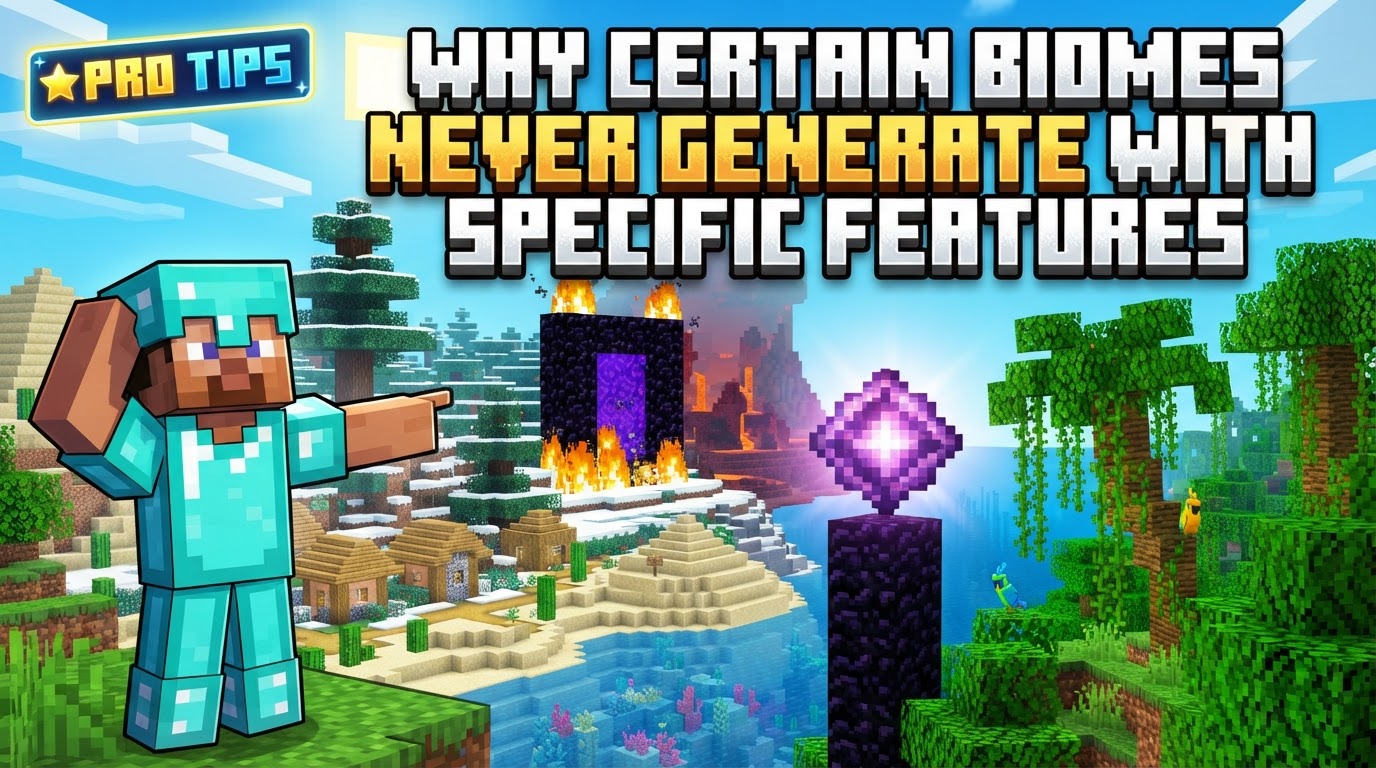
Have you ever wondered why you’ll never stumble upon a village in a Mushroom Fields biome, or a jungle temple nestled within a snowy tundra? It’s not a random oversight or a glitch in the system. The absence of specific features in certain Minecraft biomes is a deliberate and intricate outcome of the game’s sophisticated world generation mechanics. Far from being arbitrary, this design ensures a logical, consistent, and immersive world, preventing bizarre combinations that would break immersion.
The Unseen Architects: Rules, Filters, and Conditions
At the heart of Minecraft’s world generation lies a complex system of rules, filters, and conditions that dictate where and how features appear. Features, which encompass everything from individual trees and ore veins to sprawling structures like villages and dungeons, are not inherently tied to biomes. Instead, they are defined separately and then explicitly linked to biomes through a set of instructions known as “feature rules.”
- Features and Feature Rules: Every feature, whether it’s a simple flower or a massive shipwreck, has its own definition. To become part of the world, these features must be attached to at least one biome via specific feature rules. These rules are often configured in JSON files, allowing for data-driven control over their placement.
- Biome Filters: A critical component within these feature rules is the
minecraft:biome_filter. This field acts as a gatekeeper, specifying precisely which biomes a feature is permitted to generate in. Typically, it employs thehas_biome_tagfunction to check for specific biome tags. For instance, a rule for oak trees might include a filter requiring the ‘forest’ or ‘plains’ biome tag, effectively preventing them from sprouting in the middle of an ocean. - Placement Conditions: Even if a biome filter is satisfied, a feature isn’t guaranteed to appear. Features possess additional placement conditions that must be met. These can be highly specific, such as requiring a certain block type at the placement location (e.g., dirt for grass), needing sufficient air space above (for a tall tree), or falling within a particular y-level range (e.g., deepslate ores generating at lower levels). If any of these conditions fail, the feature simply will not be placed, ensuring features only appear in suitable environments.
The Generation Gauntlet: How Features Find Their Home
The process of populating the Minecraft world with features is not instantaneous; it’s a multi-stage operation that unfolds chunk by chunk, layer by layer, following a defined sequence.
- World Initialization: The game begins by generating the raw terrain, creating the basic shapes of mountains, valleys, and oceans.
- Biome Determination: For every area of the newly generated terrain, the game determines its specific biome. Modern Minecraft worlds utilize a sophisticated “biome map” created through a stack of stochastic cellular automata. This complex algorithm is responsible for crafting the vast continents, deep oceans, winding rivers, and diverse landmasses that make up the world.
- Feature Rule Application: Once a biome is assigned to an area, the game consults the feature rules associated with that biome. It attempts to place all the features permitted by those rules.
- Placement Passes: Features aren’t all generated at once. They are organized into specific “placement passes,” each with a designated order. This layering ensures that certain elements are in place before others, or that some features can even modify or override earlier ones. Examples include:
raw_generation: For early, fundamental features like the small islands in the End.lakes: Responsible for placing surface water and lava lakes.local_modification: Handles features like geodes and icebergs.underground_structure: Generates features like dungeons and mineshafts deep below the surface.surface_structure: Places large surface structures such as villages, temples, and ocean monuments.vegetal_decoration: Adds the flora, including trees, flowers, cacti, and mushrooms.
Features generated in earlier passes might be altered or completely overridden by features in later passes if they attempt to occupy the same space. This hierarchical generation prevents conflicts and allows for a more natural-looking world.
- Condition Checking: Before any feature is definitively placed, a final rigorous check of all its conditions occurs. This includes verifying the
minecraft:biome_filterto confirm the correct biome tag is present, and evaluating other specific requirements likeenforce_placement_rulesfor block-specific needs. - Placement: Only if every single condition is met does the feature get generated into the world, solidifying its place in the blocky landscape.
Beyond the Rules: Immutable Features and Evolving Terrain
While most features adhere to the data-driven rules described above, some notable exceptions exist. These “immutable features” operate on a different principle, often generating much earlier in the world creation process and possessing a unique resilience.
- Immutable Features: Core elements like underground springs (water/lava lakes), ruined portals, mineshafts, and dungeons are often “hard-coded” into the game’s engine. They are not easily controlled by standard data-driven feature rules and can sometimes even cut through bedrock. Strongholds, another ubiquitous Overworld structure, also fall into this category, making them notoriously difficult to configure for custom biomes through typical means. Their early generation ensures they are fundamental parts of the world, often shaping the terrain around them.
- Separation of Terrain and Features (Post 1.18): A significant shift in Minecraft’s world generation occurred in version 1.18. In this and subsequent updates, the actual terrain shape – the towering mountains, deep valleys, and sprawling oceans – is generated largely independently from the biome-specific features. Biomes primarily dictate the visual aspects like foliage and water tints, as well as the types of features (trees, flowers, structures) and mobs that can spawn within them. This separation means that a “single biome desert” world type, for example, might still feature vast bodies of water or dramatic mountains if the underlying terrain generation dictated those shapes, even though a typical desert biome wouldn’t usually have them. The biome merely drapes itself over this pre-determined terrain, applying its specific features and aesthetic.
Why Features Go Missing: Common Pitfalls and Misconceptions
Understanding the intricate dance of world generation helps clarify why some features simply refuse to appear where you might expect them. Several factors contribute to these absences:
- Incorrect Biome Filtering: This is a primary culprit. If a feature rule either lacks the appropriate
minecraft:biome_filteror specifies the wrong biome tags, the feature will be prevented from generating in its intended biomes. A village, for example, won’t generate in a jungle if its filter doesn’t include jungle biome tags. - Failed Placement Conditions: Even if the biome is correct, a feature needs the right “real estate.” If its specific placement requirements – such as needing solid ground beneath, enough clear air space above, or being within a particular y-level range – are not met, the feature will simply not manifest. A tall tree cannot grow under a low ceiling, nor can a deep ore vein generate near the surface.
- Feature Overrides: Due to the system of placement passes, features can override each other. If two features attempt to occupy the same space and one has a later placement order, the later feature will take precedence, potentially erasing an earlier one. This can lead to seemingly empty areas where a feature might have otherwise generated.
- Hard-Coded Restrictions: Some features are hard-coded to specific biomes or dimensions and cannot be easily introduced into other biomes or custom dimensions without extensive modification of the game’s core files. This is often the case for very iconic structures or terrain elements.
- Misconceptions about Single Biome Worlds (Post 1.18): A common misunderstanding after the 1.18 update pertains to “single biome” world types. Selecting a single biome (e.g., “single biome desert”) does not force the entire world to adopt the terrain shape of that biome. Instead, it applies the features and visual characteristics of that biome to the standard Overworld terrain generation. This means a “single biome desert” might still generate with large oceans or towering mountains if the underlying terrain algorithm produced them, merely covering them with desert-specific blocks, mobs, and foliage/water tints.
Modifying the World: Tips for the Aspiring Worldsmith
For those interested in delving deeper or even customising their Minecraft experience, understanding these mechanics is key:
- To specify precisely where a feature generates, utilize the
minecraft:biome_filterwithhas_biome_tagin its feature rule definition. This offers granular control. - Familiarize yourself with the various “placement configuration” options, such as the number of attempts per chunk, height ranges, and placement on specific blocks, to fine-tune feature distribution.
- Be aware of “immutable features.” While data-driven features can sometimes override them, modifying or removing these hard-coded elements is typically complex and often requires advanced modding techniques.
In essence, the absence of certain features in specific biomes is a testament to Minecraft’s meticulously designed world generation. It’s a system built on logical constraints and precise instructions, ensuring that every corner of your blocky world feels coherent, consistent, and endlessly explorable.
Tags:
YOU MAY ALSO LIKE...