Why Your Automatic Enchantment System Sometimes Fails
Many Minecraft players, after painstakingly setting up their first “automatic” enchantment area, often find themselves baffled when the powerful enchantments they crave simply aren’t appearing. The promise of an efficient, high-level enchantment factory can quickly turn into a frustrating cycle of disappointment if the underlying mechanics aren’t fully understood. While the term “automatic” refers more to the setup than the selection process, a well-designed system should consistently offer the highest-tier enchantments. When it doesn’t, it’s almost always due to a handful of predictable missteps or overlooked game rules.
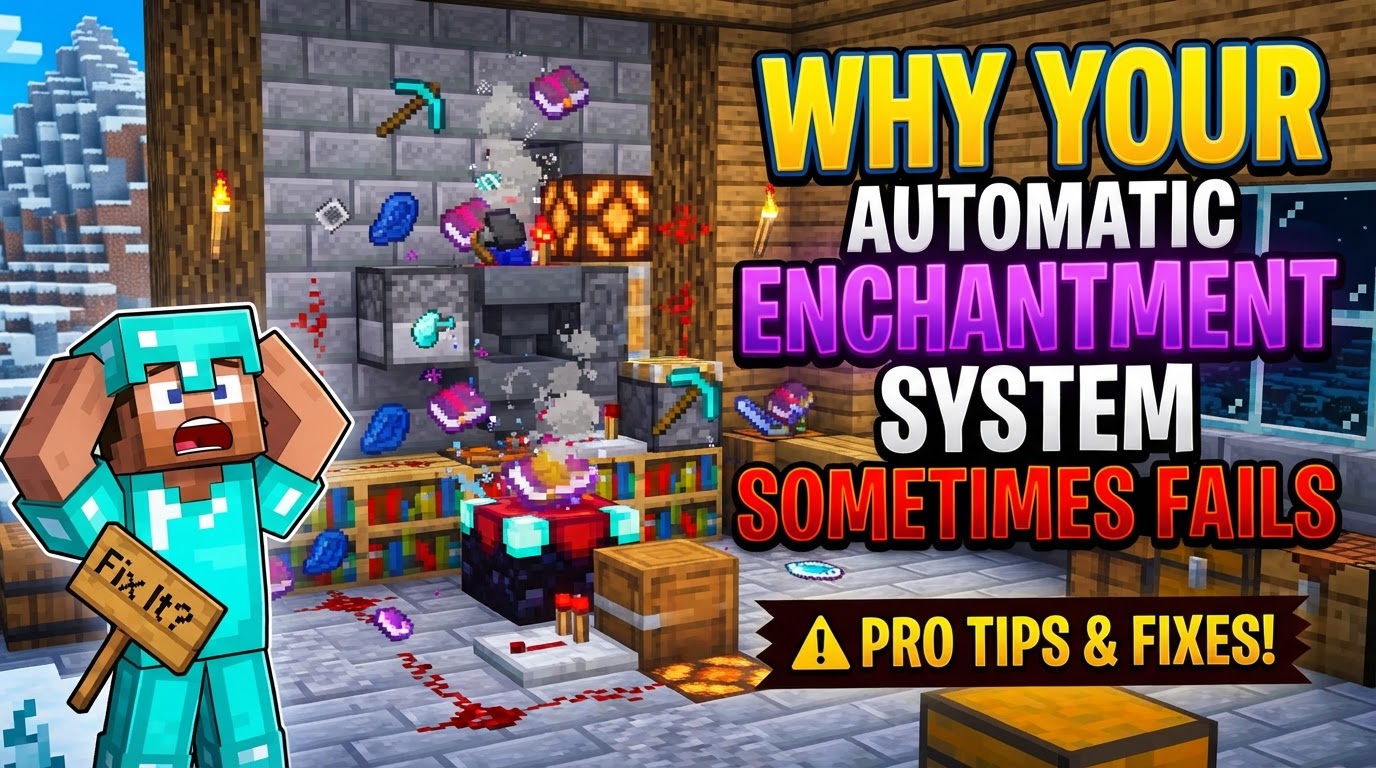
Mastering the enchanting table is a cornerstone of Minecraft progression, allowing players to imbue their tools, weapons, and armor with potent, game-changing abilities. But achieving that mastery requires more than just gathering resources; it demands a precise understanding of how the enchantment system truly works. This guide will dissect the common reasons why your carefully constructed enchantment setup might be letting you down, ensuring your future endeavors are met with powerful, enchanted gear rather than vexation.
The Foundation: Understanding Core Enchantment Mechanics
Before we dive into failures, let’s briefly recap how a successful enchantment system is supposed to function. At its heart, enchanting in Minecraft relies on three primary components:
- The Enchanting Table: This is your central hub, crafted from obsidian, diamonds, and a book. It’s where items are placed, Lapis Lazuli is consumed, and enchantment options are presented.
- Experience Levels: Enchanting consumes experience levels, not just experience points. Higher-level enchantments demand more levels, with the most powerful requiring up to 30 levels.
- Lapis Lazuli: A mandatory mineral for every single enchantment performed at the table. Without it, no options will appear.
The quality and level of enchantments offered by the table are directly influenced by surrounding bookshelves. A maximum of 15 bookshelves, arranged correctly, are required to unlock the highest possible enchantment level, which is Level 30. The “language” displayed in the enchantment interface is purely aesthetic; it’s a random string of characters from the Standard Galactic Alphabet and provides no clues about the actual enchantment. The options presented are randomized and will only refresh once an enchantment is performed, even if it’s on a “burner” item.
The Cardinal Sin: Improper Bookshelf Placement
The most frequent culprit behind a failing enchantment system is often the simplest: incorrect bookshelf arrangement. To consistently achieve Level 30 enchantments, you need precisely 15 bookshelves placed around the enchanting table. However, it’s not just about the number; their positioning is critical.
- The One-Block Air Gap: Each of the 15 bookshelves must be placed exactly one block away from the enchanting table, on the same level or one block higher. This creates a ring or partial ring of bookshelves around the table.
- No Obstructions: Crucially, there must be an unobstructed air block between the enchanting table and each bookshelf. Any block, no matter how small or seemingly insignificant, that intrudes into this air gap will sever the connection to that bookshelf, reducing the effective count. Common culprits include:
- Torches (placed on top of or adjacent to bookshelves).
- Carpets (on the floor in the air gap).
- Snow layers.
- Flower pots, item frames, pressure plates, or even misplaced blocks from construction.
If your table isn’t offering Level 30 enchantments (typically the third, most expensive option), the first thing to check is your bookshelf setup. Count them, ensure they are correctly spaced, and meticulously scan the air gap for any interfering blocks. Even a single torch can reduce your potential enchantment levels significantly.
Missing Ingredients: XP and Lapis Lazuli
While seemingly obvious, insufficient experience points or a lack of Lapis Lazuli are fundamental reasons why your enchantment system grinds to a halt.
- Insufficient Experience Points (XP): To access the highest-tier enchantments, you need to have at least 30 experience levels. If you only have 10 or 20 levels, the table simply won’t offer the more powerful (and more expensive) options. Always ensure you have a healthy supply of XP before attempting critical enchantments.
- Lack of Lapis Lazuli: Every single enchantment performed at an enchanting table requires Lapis Lazuli. The amount varies with the enchantment level (usually 1-3 pieces). If you forget to place Lapis in the dedicated slot, no enchantment options will appear, regardless of your XP or bookshelf setup. It’s a non-negotiable component.
Item Incompatibility and Enchantment Conflicts
Even with a perfect setup, you might encounter issues if you’re trying to enchant the wrong items or combine conflicting abilities.
- Incompatible Items: Not all enchantments can go on all items. For example, you cannot apply Sharpness (a sword enchantment) to a pickaxe, nor can you put Efficiency (a tool enchantment) on a sword. The enchantment table will simply not offer incompatible enchantments, leading to frustration if you’re expecting something specific.
- Enchantment Conflicts: Certain enchantments are mutually exclusive and cannot exist on the same item. For instance, you cannot have both Sharpness and Smite on a sword, nor can you have Protection and Blast Protection simultaneously on a piece of armor. Attempting to combine these via an anvil will fail, and the enchanting table will avoid offering conflicting enchantments if one is already present on the item. Understanding these conflicts is vital for advanced enchanting.
The “Too Expensive” Anvil Limit
While not strictly a failure of the enchanting table itself, the “Too Expensive!” message on an anvil is a common and infuriating roadblock for enchanted items. Each time you repair or combine enchanted items on an anvil, it incurs an experience cost. This cost accumulates, and eventually, an internal “prior work penalty” becomes so high that the item is deemed “too expensive” to modify further. At this point, the item becomes unusable with an anvil, preventing repairs, renaming, or combining with enchanted books.
This is where the Mending enchantment becomes absolutely critical. Mending allows tools, weapons, and armor to repair themselves using experience orbs picked up by the player, completely bypassing the anvil’s cost system. For late-game gear, Mending is the ultimate solution to prevent items from becoming permanently “too expensive.”
The Illusion of Control: Expecting Specific Enchantments
Perhaps the most common source of player frustration is the expectation of specific, high-tier enchantments on demand. The enchantment table’s offers are inherently randomized. While a 15-bookshelf setup ensures the *possibility* of Level 30 enchantments, there’s no guarantee that the desired enchantment (e.g., Fortune III, Silk Touch, Protection IV) will appear on the first, second, or even tenth try.
- Randomization is Key: The three enchantment options presented are randomly generated each time you open the interface. The “language” is meaningless.
- Refreshing Options: The displayed enchantment options are locked until an enchantment is performed. If the options are undesirable, you must enchant *something* to refresh them. A common strategy is to enchant a cheap “burner” item (like a wooden shovel or book) using the lowest-cost option to cycle the available enchantments without wasting valuable Lapis or levels on your primary gear.
Optimizing for Success: Tips for a Reliable System
To prevent future failures and maximize your enchanting efficiency, keep these tips in mind:
- Always Maximize Bookshelves: Ensure your 15-bookshelf setup is pristine and free of obstructions. This is the bedrock of high-level enchanting.
- Stockpile XP and Lapis: Maintain a healthy reserve of both. Set up an efficient experience farm (e.g., mob spawner, enderman farm, or even just strip mining) and a Lapis Lazuli mining route.
- Utilize the “Burner” Item Trick: Don’t be afraid to enchant cheap items to refresh your options. A single wooden shovel enchanted for 1-3 levels can save you hours of grinding for a specific high-tier enchantment.
- Prioritize Mending: Acquire Mending enchanted books as early as possible for your most valuable tools and armor. This will dramatically extend their lifespan and negate the “too expensive” anvil issue.
- Learn Enchantment Compatibilities: Familiarize yourself with which enchantments can go on which items and which ones conflict. The Minecraft Wiki is an invaluable resource for this.
An “automatic” enchantment system in Minecraft, when properly understood and maintained, is a powerful asset. Its failures are rarely mysterious and almost always stem from a deviation from its core mechanics or a misunderstanding of its randomized nature. By carefully checking your bookshelf setup, ensuring you have the necessary resources, and understanding the nuances of item compatibility and randomization, you can transform your frustrating enchantment station into a consistent source of powerful gear, ready to tackle any challenge the blocky world throws your way.
Tags:
YOU MAY ALSO LIKE...