Why Your Automatic Sorter Misses Items Randomly
A single item, out of thousands, disappears into the void of your Minecraft sorting system. You’ve meticulously followed a tutorial, built the redstone, and yet, sometimes, a crucial diamond or a rare resource simply vanishes, bypassing its designated chest. This frustrating phenomenon is a common headache for even seasoned Minecraft builders, stemming from the intricate dance of redstone timing, hopper mechanics, and environmental factors that govern automated systems.
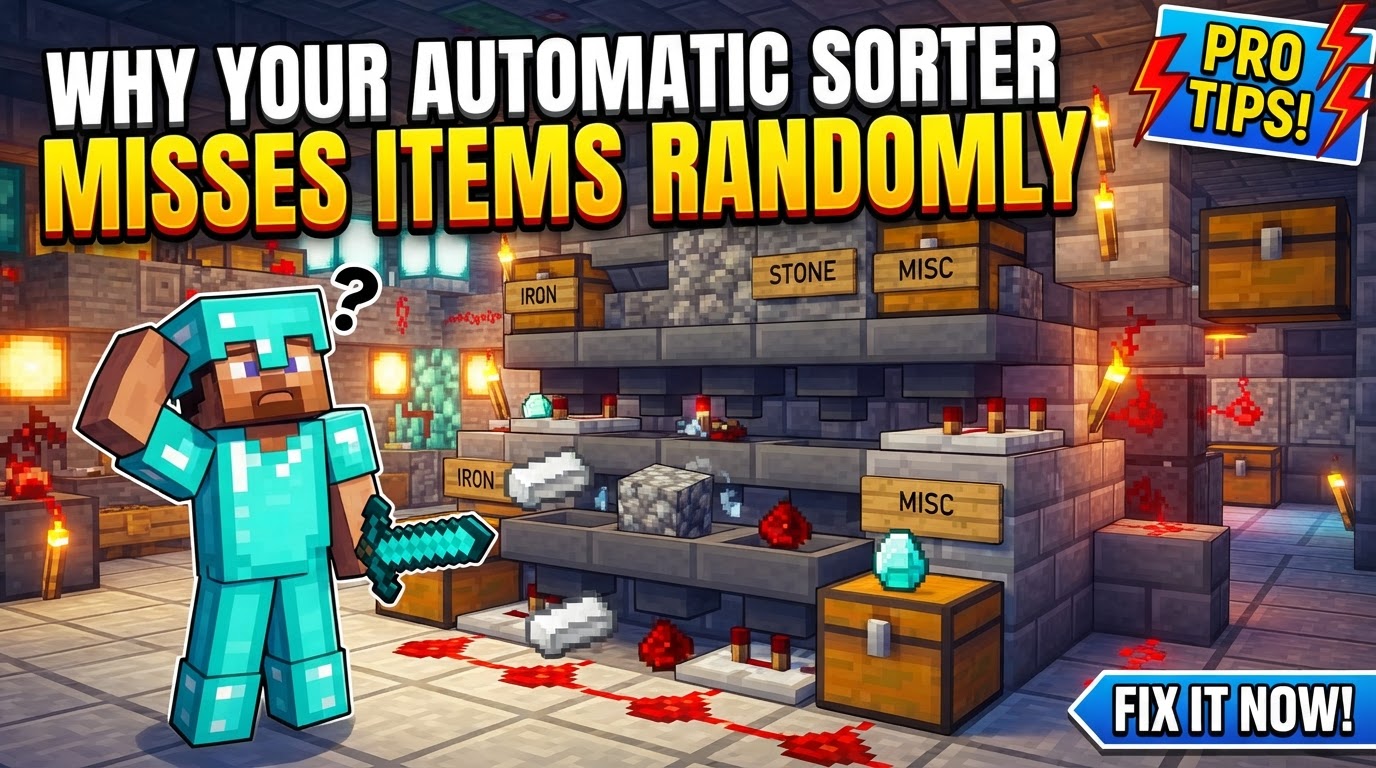
Understanding why your automatic item sorter randomly misses items requires delving into the fundamental mechanics that allow these contraptions to function. When items go missing, it’s rarely a bug in the game itself, but rather a subtle interaction of overloaded systems, desynchronized components, or overlooked environmental variables. Identifying the root cause is the first step toward building truly reliable and efficient sorting solutions.
The Foundation: Understanding Core Mechanics
At the heart of every automatic item sorter lies a delicate balance of hoppers and redstone. Ignoring these foundational principles is often the precursor to item loss:
- Hopper Transfer Rate: This is a non-negotiable constant. Hoppers transfer precisely one item every 8 game ticks, which translates to 0.4 seconds. This fixed schedule dictates the maximum processing speed of any hopper-based system. If items arrive faster than this rate, they will inevitably be missed.
- Comparator Logic: Item sorters rely heavily on comparators to detect the presence of specific items. A comparator reads the fullness of a “filter” hopper. When a matching item enters this hopper, it “tops off” the hopper’s contents, causing the comparator’s redstone signal strength to momentarily increase.
- Redstone Locking: The increased signal from the comparator typically powers a redstone line that is strategically placed to lock the hopper directly above the filter hopper. This temporary lock stops the main item stream from flowing through, allowing the matching item to drop into the correct filter hopper before the lock disengages.
- Filter Hopper Setup: The precision of your filter hopper is paramount. For a single item type, the standard setup involves placing 41 of the desired item in the first slot and 4 “dummy” or renamed items (e.g., named “filler”) in the remaining four slots. This configuration ensures the hopper only picks up one more of the sorted item before generating a strong enough comparator signal to lock the top hopper and prevent overflow into other channels.
Common Pitfalls: Why Items Go Astray
Even with a solid understanding of the mechanics, several common issues can lead to random item loss:
- Chunk Loading Anomalies: Perhaps the most insidious issue, if your item sorter spans multiple chunk borders, parts of the system may unload or load in an inconsistent order. This desynchronizes redstone signals and hopper timings, leading to items bypassing filters or getting stuck.
- Excessive Input Speed: Hoppers have a cooldown, and they can only process one item every 0.4 seconds. If items are fed into the sorter faster than this rate, the hoppers get overwhelmed. Items will literally “pass through” the system before the hoppers have a chance to pull them, leading to significant loss.
- Storage Overflow/Backup: A full destination chest is a silent killer for sorters. If the chests for a sorted item become completely full, items will back up into the filter hopper. This can increase the comparator’s signal strength beyond what’s intended, potentially interfering with adjacent sorting channels or, worse, causing the filter hopper to drop its crucial “dummy” items, thus breaking the filter.
- Incorrect Filter Item Count: Deviating from the precise 41 plus 4 dummy items in the filter hopper will destabilize the comparator’s signal. Too few items might not generate a strong enough signal to lock the top hopper, while too many could lead to unintended locking or item expulsion.
- Non-Stackable Items: Standard hopper-based sorters are inherently incapable of reliably sorting non-stackable items like potions, enchanted books, or shulker boxes with contents. These items will typically pass through any filter and end up in an overflow system, which is their intended destination if not specifically handled by a different sorting mechanism.
- Redstone Interference: Poor spacing or improper wiring of redstone components can cause signals from one sorting module to bleed into another. This is especially true when an overflow condition increases a comparator’s signal strength, potentially activating an adjacent channel prematurely or incorrectly.
- Server Lag: In multiplayer environments, server lag can introduce significant delays and inconsistencies in redstone tick processing and hopper behavior. Even perfectly designed sorters can become unreliable under heavy server load, as the game struggles to process actions in the correct order or within the intended timeframe.
- Bedrock vs. Java Mechanics: A critical distinction! Hopper and redstone mechanics can vary subtly but significantly between Minecraft’s Java and Bedrock editions. A design that works flawlessly in one version may fail spectacularly in the other, due to differences in redstone timings, quasi-connectivity, or block update order.
Proactive Measures: Troubleshooting and Prevention
When items go missing, don’t despair. A systematic approach to troubleshooting can often reveal the culprit:
- Build and Test Single Modules: Before scaling up, always construct and thoroughly test one sorting channel in isolation. Ensure it functions perfectly under various input conditions before replicating it across your entire system.
- Implement an Overflow System: This is non-negotiable for any robust sorter. Always include a large chest or shulker box system at the very end of your main item transport line. This catches any items that were not sorted, including non-sortables or items that bypassed filters due to any of the aforementioned issues.
- Monitor Overflow: Regularly check the overflow chest. The consistent presence of items that should have been sorted indicates a problem within your main sorting array. If non-sortable items are here, your system is working as intended for those items.
- Verify Redstone Timings: Double-check every redstone component. Ensure all comparators, repeaters, and dust are placed correctly and set to the appropriate delays. Precise timing is the backbone of a functional sorter.
Building for Reliability: Advanced Tips
To construct item sorters that stand the test of time and high item throughput, consider these advanced design principles:
- Contain within a Single Chunk: Whenever possible, design and build your entire item sorter within one Minecraft chunk. This prevents issues arising from partial chunk loading or unloading. If a sorter absolutely must span chunks, consider using the
/forceloadcommand to keep those chunks permanently loaded, though this comes with performance considerations. - Use Renamed Dummy Items: For the four non-sorted slots in the filter hopper, always use items renamed in an anvil (e.g., dirt renamed “filler”). This prevents them from being accidentally sorted elsewhere if you have another filter for plain dirt, thereby maintaining the integrity of your filter.
- Design with Overflow Protection: Beyond the initial overflow chest, employ sorter designs that include built-in overflow protection within the sorting channels themselves. The 41 + 4 item filter setup is a good example of this, preventing system-wide failures when a storage chest fills up.
- Regulate Item Input: If items are consistently missed due to excessive speed, implement a mechanism to reduce the rate at which items are fed into the sorting system. This could involve slowing down the clock of an input dropper, using an item aligner, or simply processing smaller batches of items.
- Modular Construction: Building sorters in modular, tileable units simplifies expansion and makes identifying and fixing issues significantly easier. If one module fails, it’s easier to isolate and repair without dismantling the entire system.
- Consider Faster Alternatives: For extremely high-volume sorting (e.g., massive mob farms or resource generators), standard hopper lines may be insufficient. Designs utilizing hopper minecarts can process items significantly faster than standard hoppers, though they often require more complex construction and rail systems.
- Optimize Repeater Delay: Experiment with the repeater in your sorting module. Setting it to a 2-tick delay (one click) can often improve synchronization with hopper speed and reduce lag-inducing redstone state changes, leading to more stable and reliable operation, especially under fluctuating server conditions.
By understanding the intricate mechanics of hoppers and redstone, acknowledging common failure points, and applying robust design principles, you can transform a frustratingly unreliable item sorter into a beacon of automated efficiency, ensuring every precious item finds its rightful place.
Tags:
YOU MAY ALSO LIKE...