Why Your Automatic Sorter Sometimes Jams Completely
Many players assume Minecraft’s automatic item sorters possess a form of artificial intelligence, meticulously identifying and routing each item to its designated chest. The truth is far more mechanical, relying on precise redstone signals and item stack counts. When these intricate, often invisible, systems falter, your meticulously crafted sorting network can grind to a complete halt, leaving a frustrating backlog of items and a puzzle to solve. Understanding the underlying principles and common pitfalls is the first step to diagnosing and preventing these frustrating jams.
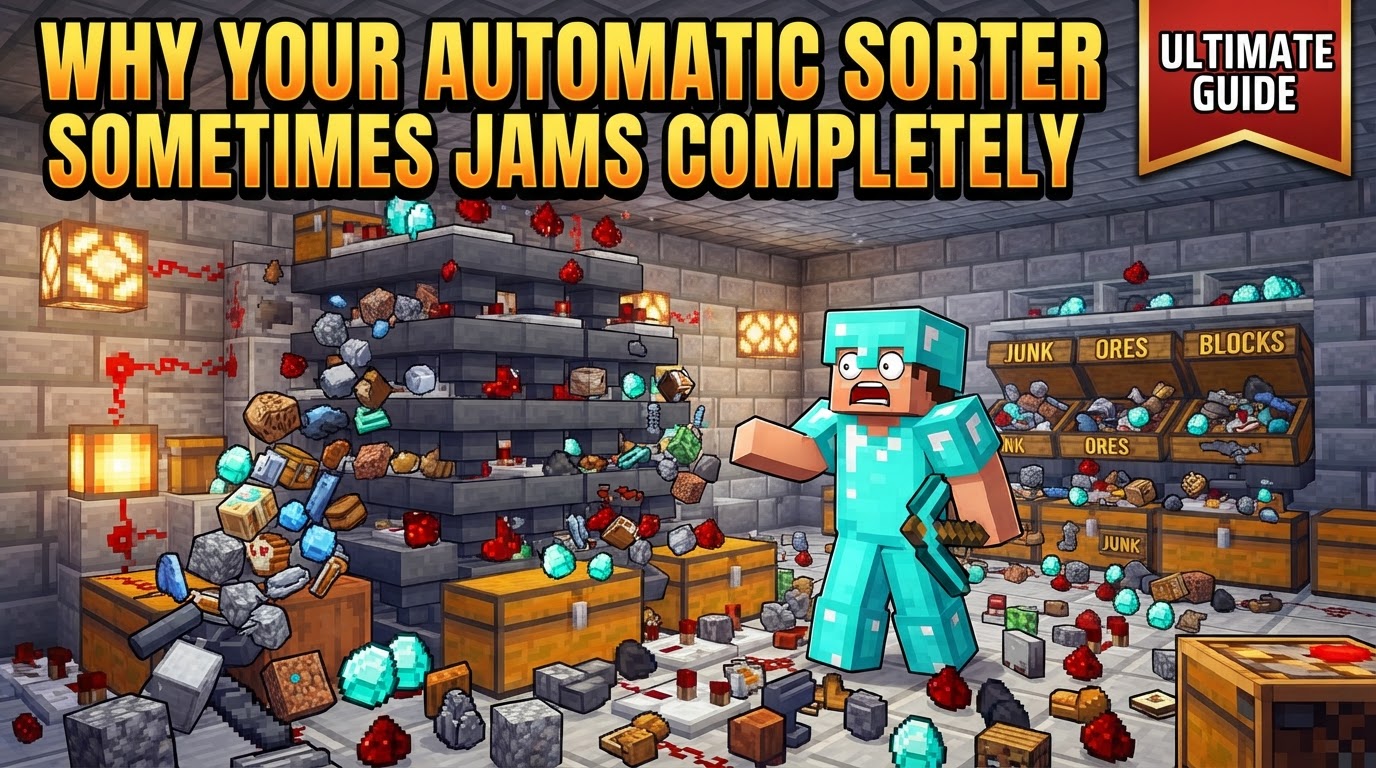
The Mechanical Heart: How Item Sorters Function
At its core, a Minecraft item sorter doesn’t “recognize” an item by its type in the way a player does. Instead, it operates on the principle of item stack quantity and redstone signal strength. This foundational understanding is crucial to comprehending why jams occur.
- Item Detection Through Stack Size: The system identifies items not by their ID, but by how many of them are present in a specific “filter” hopper. When an item enters this hopper, it contributes to the hopper’s fill level.
- Redstone Comparators as Sensors: A redstone comparator is the brain of the operation. It’s placed to read the contents of the filter hopper. The more items in that hopper, the stronger the redstone signal the comparator outputs. For example, a hopper with just one item might output a signal strength of 1, while a hopper containing 32 items could output a signal of 8. This signal strength is the key to triggering the sorting mechanism.
- Threshold Activation: Sorters are meticulously designed around a specific signal strength threshold. When the filter hopper contains enough of its designated item (and usually some “filler” items), the comparator’s output reaches this threshold. This signal then activates a series of redstone components, typically unlocking a hopper positioned directly beneath the filter hopper.
- The Step-by-Step Sort:
- Items are fed into a main hopper line, often at the top of the sorting system.
- Beneath this main line, each potential “filter hopper” attempts to pull items from above.
- Each filter hopper contains a specific item type it’s designed to sort, along with carefully placed “filler” items to maintain a precise fill level.
- When an item matching the filter type enters this hopper, its fill level increases.
- A comparator reading this hopper detects the increased fill level and, consequently, outputs a stronger redstone signal.
- Once this signal reaches the designed threshold (e.g., indicating 41 sorted items plus four filler items), it triggers redstone logic. This logic typically involves powering a repeater, which then deactivates a redstone torch.
- Deactivating this redstone torch unlocks the hopper situated directly below the filter hopper.
- The sorted item (or stack of items) then drops through the now-unlocked hopper into a storage container, such as a chest, below.
- As items leave the filter hopper and its fill level drops, the comparator’s signal weakens, reactivating the redstone torch and relocking the bottom hopper, preparing the system for the next item.
- Hopper Speed Limitations: All of this intricate item movement is governed by a fundamental speed limit: hoppers can only transfer items at a maximum rate of 2.5 items per second. Exceeding this rate is a primary cause of system-wide backups.
The Silent Killers: Common Mistakes Leading to Jams
Even with a solid understanding of the mechanics, subtle design flaws or operational errors can lead to total system failure. These are often the culprits behind a completely jammed sorter:
- Incorrect Comparator Configuration: This is a surprisingly common and easily overlooked issue. If a comparator is placed backward, or if it’s accidentally set to subtraction mode when comparison mode is required, it will either fail to read the hopper’s contents or output an incorrect signal. This prevents the redstone logic from ever activating, causing items to bypass their designated storage and back up the main line.
- Improper Filter Hopper Fill Levels: The precise number of items in the filter hopper is paramount for correct redstone signal strength.
- Completely Empty Filter Hoppers: If a filter hopper is empty or contains too few items, the comparator will produce no signal or a signal too weak to activate the sorting mechanism. Items will simply flow past, unsorted.
- Completely Full Filter Hoppers: Conversely, if a filter hopper becomes too full (e.g., all 64 slots filled with the sorted item, instead of the precise 41 plus filler items), the redstone signal can become excessively strong. This might lead to continuous activation or, more commonly, “signal bleeding” into adjacent modules, disrupting their function.
- Incorrect Filler Items: Using stackable items as filler where non-stackable or different items are intended, or vice-versa, can throw off the critical item count needed for the correct signal strength. The standard setup for 1-stackable items is 41 of the desired item in the first slot and one non-stackable or different “filler” item in each of the remaining four slots.
- “Signal Bleeding” / Cross-Talk: Sorter modules placed too close together or designed with insufficient redstone isolation can suffer from signal bleeding. The strong redstone signal from one full filter hopper might inadvertently activate the redstone logic of an adjacent, unrelated sorting module. This causes incorrect items to be sorted, or, more severely, leads to a cascade failure where multiple modules jam as their redstone interactions become chaotic.
- Redstone Torch Issues: The redstone torch that locks and unlocks the hopper beneath the filter hopper is critical. If this torch fails to turn off when activated by the comparator’s signal (perhaps due to a weak or incorrect redstone signal path), the hopper will remain locked. Items will then be unable to drop into storage, backing up the filter hopper and eventually the entire main line.
Throughput and Physical Limitations: Beyond Design Flaws
Sometimes, the sorter’s design is perfect, but the environment or the sheer volume of items overwhelms it.
- Overestimating Throughput: The 2.5 items per second per hopper limit is absolute. Feeding items into your system at a rate exceeding this capacity, especially for multiple hoppers simultaneously, will inevitably cause a backup. Hoppers will become full, items will stop moving, and the entire system will jam. This is particularly problematic with high-yield farms. To mitigate this, consider using a slower redstone clock for droppers that feed items into the system.
- Physical Item Obstructions: Items in Minecraft are physical entities, even when traveling through water streams. They can get caught on the edges of blocks, slabs, or even the hoppers themselves, especially if not perfectly aligned. In water-based transport systems, items can drift or get stuck, preventing them from reaching the sorter’s intake or flowing correctly through the main hopper line. This can create localized blockages that ripple through the entire system.
Building for Reliability: Jam Prevention Strategies
Armed with knowledge of potential failure points, you can proactively design and maintain jam-resistant sorting systems.
- Correct Filter Item Setup: Always ensure your filter hoppers contain the exact number of items required to achieve the correct redstone signal strength. For 1-stackable items, this typically means 41 of the desired item in the first slot and one non-stackable or different “filler” item in each of the remaining four slots. This precise count ensures the comparator outputs the correct, consistent signal.
- Implement Overflow Protection: This is a non-negotiable feature for any large-scale sorter. An overflow system, typically located at the very end of your main hopper line, diverts any items that were not sorted (either because they don’t have a designated chest or because their designated storage is full) into a separate “junk” chest. This prevents un-sortable or over-supplied items from backing up the entire primary sorting mechanism.
- Verify Comparator Settings: Double-check that all comparators are correctly oriented and set to comparison mode. A quick visual inspection can save hours of troubleshooting.
- Manage Throughput Carefully: Design your item input system to respect the 2.5 items/second hopper limit. If you have a high-volume farm, use a buffered input system, perhaps with a dropper clock, to regulate the flow of items into the sorter, preventing it from being overwhelmed.
- Optimize Item Alignment in Water Streams: If using water-based transport, ensure items are guided precisely. Using blocks like honey blocks along the stream’s edge, or strategically placed chests, can force items into a single file, preventing them from catching on corners or missing hopper hitboxes.
A completely jammed automatic sorter is a frustrating sight, but it’s rarely a mystery. By understanding the intricate dance of items, hoppers, and redstone, and by meticulously checking for common misconfigurations or throughput issues, you can transform a temperamental contraption into a robust and reliable workhorse for your Minecraft world.
Tags:
YOU MAY ALSO LIKE...