

Building a Basic Mechanical Press in Create — A Quick Guide
The Mechanical Press is a fundamental machine within the Create mod for Minecraft, serving as an indispensable tool for automating various crafting processes. Understanding its core mechanics and proper setup is crucial for advancing your early-game industrial endeavors. This guide will walk you through the comprehensive steps to construct and operate a basic Mechanical Press, ensuring you can efficiently produce essential components like metal sheets and compact raw materials.
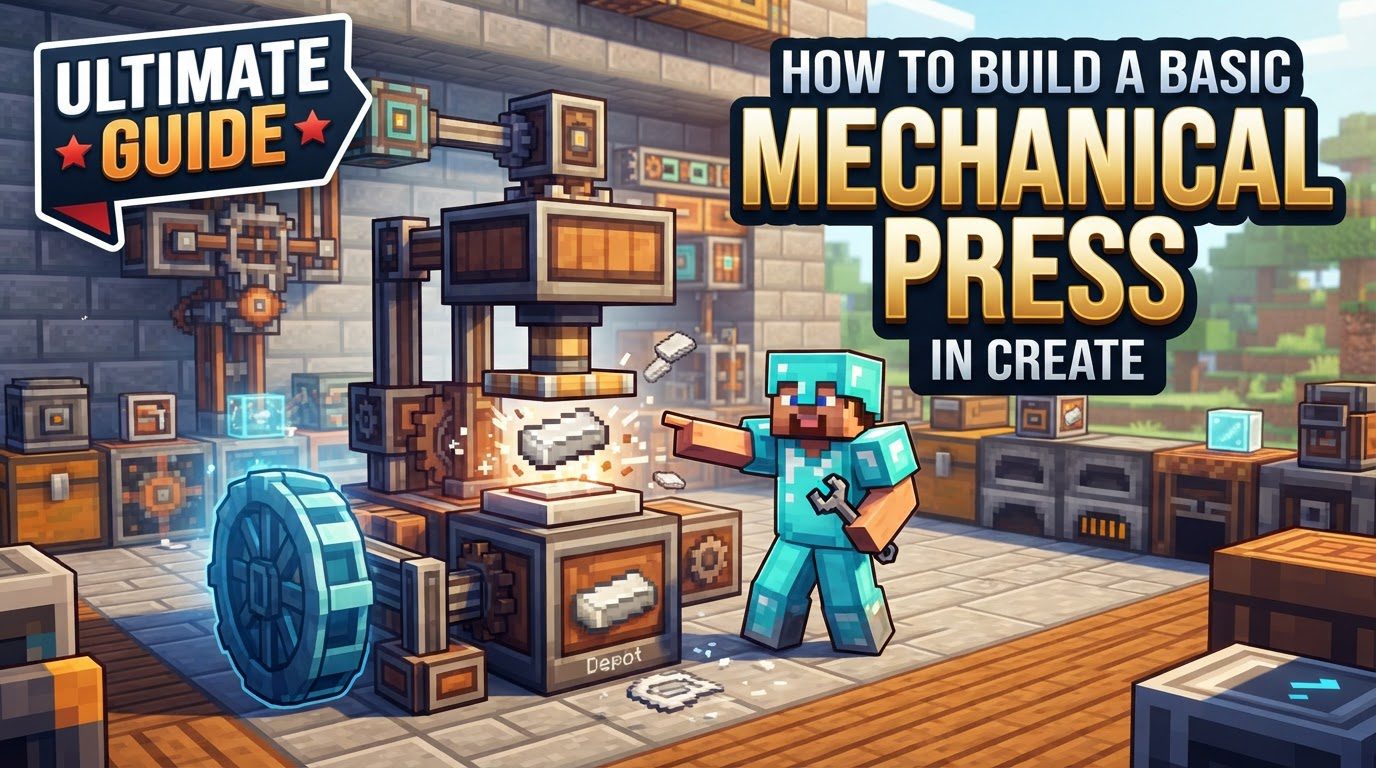
At its heart, the Mechanical Press performs two primary functions: either pressing individual items or compacting/packing multiple items into a single block. For instance, it can transform ingots into sheets, a vital resource for numerous Create recipes. Alternatively, it can take multiple items, such as nine diamonds, and compact them into a single Diamond Block. The press operates by receiving rotational power, which is conveyed through an internal shaft that runs along its axis. The speed at which the press operates is directly proportional to the rotational input it receives; faster RPM (Rotations Per Minute) results in quicker processing times. To function, the Mechanical Press demands a specific amount of stress: 8 SU (Stress Units) for every RPM it processes. Its activation can be triggered by a Redstone signal when it is positioned one block above another block, or it can operate automatically when placed above a conveyor belt or a basin.
Crafting the Essential Components
Before you can construct the Mechanical Press itself, you’ll need to gather and craft a few foundational Create mod components. These items are relatively simple to acquire and are often used in many other early-game contraptions.
- Andesite Alloy: This is a cornerstone ingredient in many Create recipes. To craft Andesite Alloy, combine 2 Andesite blocks with 2 Iron Nuggets. Alternatively, if your modpack includes it, you can use 2 Zinc Nuggets instead of Iron Nuggets.
- Andesite Casing: The Andesite Casing forms part of the structure of many Create machines. You can craft it by combining 2 Andesite Alloys, 1 Log (any type), and 6 Planks (any type).
- Cogwheels: Cogwheels are essential for transmitting rotational power. For a Mechanical Press, you will need two Cogwheels. Craft a small cogwheel by combining 1 Andesite Alloy with 4 Buttons (any type). Since the Mechanical Press requires two, you’ll need to repeat this process twice.
Crafting the Mechanical Press
Once you have all the prerequisite components, you can proceed to craft the Mechanical Press itself. There are a couple of common recipes, depending on your mod version:
- Standard Recipe: Combine 1 Andesite Alloy, 1 Andesite Casing, 1 Block of Iron, and 2 Cogwheels in a crafting table.
- Alternative Recipe: In some versions of the Create mod, the Mechanical Press can be crafted using 1 Shaft, 1 Andesite Casing, and 1 Block of Iron. Always check your in-game recipe book (like JEI or REI) for the precise recipe in your specific version of Minecraft and Create.
Setting Up Rotational Power
The Mechanical Press is a kinetic machine, meaning it requires rotational power to operate. One of the simplest and most common early-game power sources is the Water Wheel.
- Water Wheel Placement: To set up a Water Wheel, you’ll need a flowing water current. A common and effective method is to create a 1-block deep trench. Place water source blocks within this trench, ensuring a continuous flow. Position the Water Wheel within this flowing water, making sure its blades face the correct direction to maximize rotation. A properly placed Water Wheel will begin rotating, generating Stress Units (SU) and Rotations Per Minute (RPM) that can be harnessed.
Connecting Power to the Press
With your power source established, the next step is to transmit that rotational energy to your Mechanical Press.
- Shaft Connection: Use a Shaft to connect your power source (e.g., the Water Wheel) to the Mechanical Press. The press has an internal shaft, and you can attach an external Shaft to either of its two opposite sides to provide the necessary rotational force. This connection will allow the press to draw power from your kinetic network.
Placing and Supplying the Press
The final stage of setting up your basic Mechanical Press involves correctly positioning it and supplying it with the items you intend to process.
- Press Placement: The Mechanical Press must be positioned one block above the area where items will be processed. This “processing area” can vary depending on what you want to achieve. It can be an empty block, a Depot (a single-item input/output block), a conveyor belt, or a Basin.
- Item Supply for Pressing Sheets: If your goal is to press ingots into sheets (e.g., iron ingots into iron sheets), you should place the items on a solid block or a conveyor belt directly beneath the press.
- Item Supply for Compacting/Packing: If you intend to compact or pack multiple items into a single block (e.g., nine iron ingots into an Iron Block), you must use a Basin positioned directly underneath the press.
Important Tips for Optimal Use
The Mechanical Press is a versatile machine with several nuances that can enhance your automation efforts:
- Early-Game Essential: The Mechanical Press is arguably one of the most crucial early-game machines in Create. Its ability to create plates (sheets) from ingots is fundamental, as these plates are required for crafting many other machines and components within the mod.
- Beyond Ingots: While commonly used for metal sheets, the press has other valuable applications. It can efficiently turn sugarcane into paper, an important resource for books and other items. It also excels at automatically packing blocks, such as compacting 9 diamonds into a Diamond Block, saving inventory space and crafting time.
- Power Distribution: The internal shaft of the Mechanical Press is not just for receiving power; it can also relay rotational power. This means you can pull power from the press’s internal shaft to drive additional machines in a line, extending your kinetic network from a single power source.
- Conveyor Belt Interaction: When the Mechanical Press is operating above a Mechanical Belt, it will temporarily stall the belt’s movement. The belt will resume its motion once the pressing or compacting operation is completed, and the item is either removed or processed.
Common Mistakes to Avoid
Even with a clear understanding, new users often encounter a few common pitfalls when setting up their Mechanical Press. Being aware of these can save you time and frustration:
- Using a Basin for Pressing Sheets: A frequent mistake is placing a Mechanical Press above a Basin when the intention is to press ingots into sheets. When a press is above a Basin, it is programmed to attempt compacting or packing recipes. If you want to produce sheets, ensure the items are placed on a regular block or a Depot/conveyor belt directly beneath the press, not a Basin.
- Insufficient Power: The Mechanical Press requires 8 SU per RPM. If your rotational power source, such as a Water Wheel or Hand Crank, does not provide enough Stress Units (SU) or Rotations Per Minute (RPM), the press will either operate very slowly or not at all. Always ensure your power generation is robust enough to meet the demands of your machines.
- Obstructed Processing Area: For the press to function, its descending mechanism needs a clear path. Make sure there are no obstructing blocks with collision shapes directly beneath the press that would prevent it from lowering and interacting with the item. Even transparent blocks with collision can cause issues.
- Press Stopping After One Craft: If your Mechanical Press works once and then unexpectedly stops, there could be several reasons. The most common is an issue with output handling, such as a full output inventory or container that cannot accept more processed items. Ensure that any output containers have ample space. In some cases, modpack conflicts or specific item handling requirements might be at play. Using filtered funnels or chutes to manage output can often resolve these issues by ensuring processed items are moved away efficiently.
By following this comprehensive guide, you should be well-equipped to build and operate a basic Mechanical Press in your Minecraft Create world. This machine will serve as a cornerstone for your automated factories, enabling you to produce essential materials and streamline your crafting processes.

