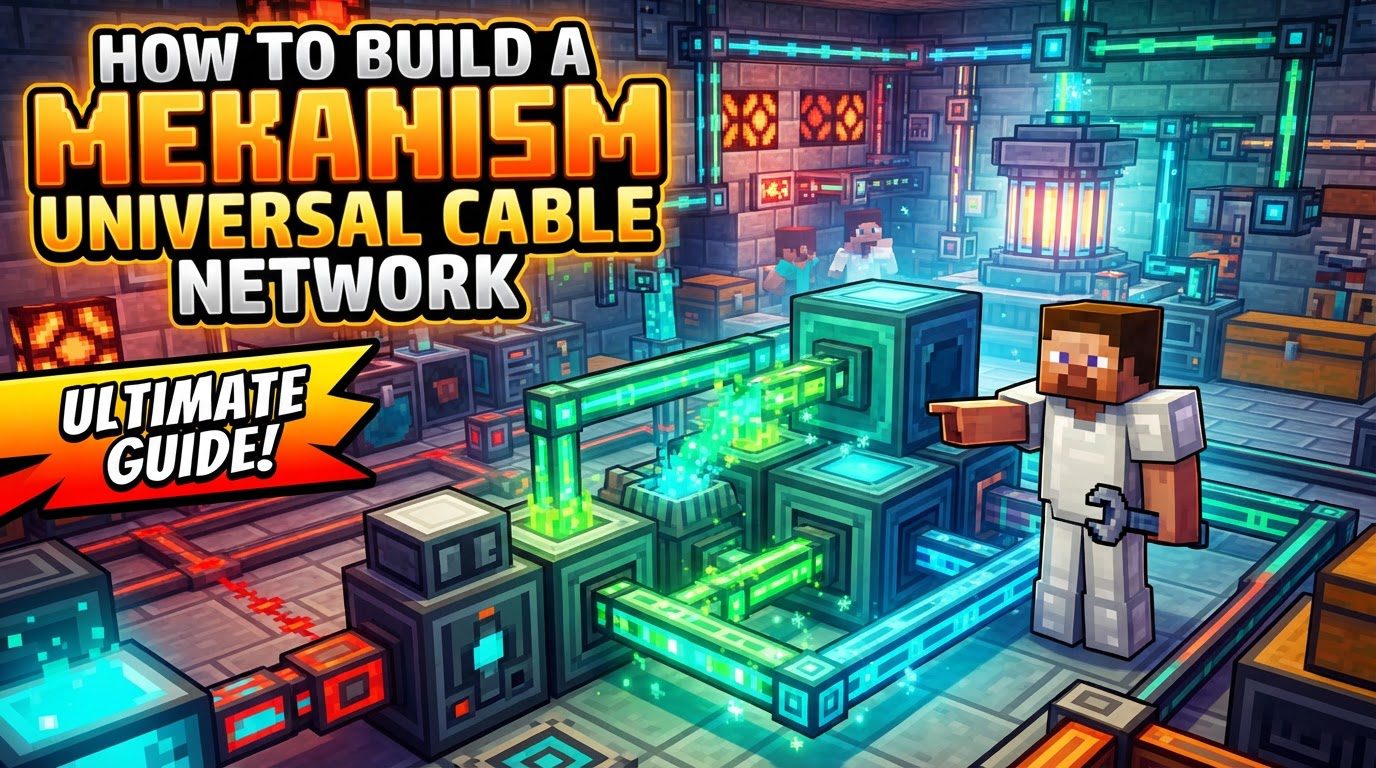
Building a Mekanism Universal Cable Network (Step by Step)
Mekanism Universal Cables are an indispensable component for any aspiring engineer in Minecraft, offering a robust and versatile solution for power transfer across various modded environments. These cables are designed to seamlessly integrate different power systems, making them a cornerstone for complex automated setups. Understanding their mechanics and proper implementation is key to unlocking the full potential of your Mekanism-powered world.
Key Mechanics of Universal Cables
Mekanism Universal Cables are unique in their ability to transfer a multitude of power types, making them truly “universal.” They can handle Mekanism’s own Joules (J), Redstone Flux (RF), Buildcraft’s Minecraftjoules (MJ), and Industrialcraft Energy Units (EU). This broad compatibility is a significant advantage, allowing players to connect generators and machines from different mods without needing multiple types of power conduits.
The cables themselves come in a tiered system: Basic, Advanced, Elite, and Ultimate. Each successive tier offers a substantial increase in individual transfer rates and internal capacity. This means that an Ultimate Universal Cable, for instance, can move significantly more power per tick and store more power within a single segment compared to a Basic Universal Cable.
A fundamental concept to grasp is the “network effect.” Unlike some other mod’s power conduits, each Mekanism Universal Cable network possesses a total transfer rate and capacity that is the sum of the individual transfer rates and capacities of all connected cables within that network. This implies a powerful scaling mechanism: by simply adding more cable segments to your network, you directly increase its overall power throughput and its ability to store energy. This can lead to very flexible and scalable power distribution systems.
For ease of use, Universal Cables automatically connect when placed adjacent to one another or next to a machine that is capable of accepting energy. This simplifies the construction process, allowing for quick and intuitive network assembly.
Step-by-Step Guide to Building Your Network
1. Craft Basic Universal Cables
The journey begins with crafting the foundational Basic Universal Cables. This requires steel ingots and redstone dust. The process of obtaining steel is a multi-step one within Mekanism:
- First, you will need to produce steel dust. This is achieved by infusing iron ingots with carbon in a Metallurgic Infuser.
- Once you have steel dust, it must then be smelted into steel ingots using an Energized Smelter.
With your steel ingots and redstone dust in hand, you can then craft the Basic Universal Cables, ready to form the backbone of your power grid.
2. Place Cables
After crafting, the next step is to lay down your Universal Cables. The goal is to create a continuous path that connects your power source (such as a Mekanism generator or a generator from another mod) to your power consumers (like machines, processing units, or energy storage units). As mentioned, the cables will automatically connect when placed next to each other, streamlining the setup process.
3. Connect to Machines
To ensure proper power flow, it is crucial that the Universal Cables are placed adjacent to the power input and/or output sides of your machines. While cables connect automatically, some machines, especially those from other mods or even certain Mekanism machines, might require specific configuration. This could involve setting them to push power out or pull power in, depending on their function and your network’s design.
4. Upgrade Cables (Optional but Recommended)
Mekanism V10 introduced a convenient in-world upgrade system for Universal Cables. This allows you to enhance your network’s performance without having to break and replace existing cable segments. To upgrade:
- Right-click on a cable segment with the appropriate alloy.
- To upgrade from Basic to Advanced, use Infused Alloy.
- To upgrade from Advanced to Elite, use Reinforced Alloy.
- To upgrade from Elite to Ultimate, use Atomic Alloy.
A significant advantage of this system is that upgrading a single cable segment with an alloy will automatically upgrade up to eight connected cables simultaneously, consuming one alloy per upgrade. This makes scaling your network’s performance much more efficient.
Important Tips for Network Optimization
Use the Configurator
The Mekanism Configurator tool is absolutely essential for managing and fine-tuning your Universal Cable network, as well as other Mekanism blocks. Its functionalities include:
- Breaking Cable Connections: If you need to isolate a section of your network or prevent unwanted connections, you can use Shift + Right-click with the Configurator on a specific cable segment. This will break its connection to adjacent blocks or cables.
- Changing Connection Modes: The Configurator allows you to alter the push/pull configuration of machine sides and cable connections, ensuring power flows in the desired direction.
- Configuring Machine Sides: Many Mekanism machines have configurable sides for item, fluid, and energy input/output. The Configurator is your primary tool for setting these up correctly.
- Safe Cable Removal: As detailed later, using the Configurator in wrench mode is the safest way to remove cables without potential game issues.
Leverage the Network Effect
Given that the total transfer rate and capacity of a Universal Cable network are additive across all its segments, strategic placement of cables can dramatically increase throughput. Even using Basic Universal Cables, you can achieve very high transfer rates by simply having more cable segments connected. Creative patterns, such as “honeycomb” layouts where cables are placed in a grid-like fashion to increase the number of connected segments, can significantly boost your network’s overall capacity and transfer speed. This allows for flexible designs where you can prioritize either compact, high-tier cables or more spread-out, lower-tier networks depending on your resources and space.
Energy Cubes as Buffers
Occasionally, you might encounter connectivity issues, especially when integrating non-Mekanism power sources or machines into your Universal Cable network. These issues can manifest as inconsistent power flow or a complete lack of transfer. In such scenarios, using a Mekanism Energy Cube as an intermediate buffer can often resolve the problem. The process is straightforward:
- Connect the problematic device (either the power source or the power consumer) directly to the Energy Cube.
- Then, connect your Universal Cable network to the Energy Cube.
The Energy Cube acts as a translator and temporary storage unit, smoothing out any communication discrepancies between the different modded systems, ensuring a consistent and reliable power transfer.
Tiered Upgrades vs. Network Size
While higher-tier cables (Advanced, Elite, Ultimate) boast superior individual transfer rates and capacity per segment, it’s important to remember the network effect. Even basic cables, when connected in sufficient numbers, can collectively achieve very high throughput. However, utilizing higher-tier cables generally makes it easier to construct more compact, high-throughput networks. This means you can achieve similar power transfer rates with fewer Ultimate cables compared to many Basic cables, saving space and potentially simplifying your layout, though at a higher resource cost.
Common Mistakes to Avoid
Redstone Signal
A common pitfall for new Mekanism users is inadvertently providing a redstone signal to a Universal Cable. When a cable receives a redstone signal, it will immediately disconnect from adjacent cables and cease transferring power. While this can be intentionally used as a simple switch to toggle energy flow to specific parts of your network, it’s often an unintended disruption. Always ensure your cables are clear of active redstone signals unless you specifically desire this behavior.
Inter-mod Compatibility Issues
Historically, certain versions of Mekanism Universal Cables have experienced communication errors when interacting with conduits or cables from other mods (e.g., Ender IO conduits). These issues could lead to undesirable outcomes such as negative power output, where energy seems to disappear, or even server lag due to constant communication attempts. If you encounter such problems, there are workarounds:
- Try forcing the direction of energy flow on the other mod’s conduits (e.g., configuring Ender IO conduits to explicitly push or pull).
- Consider using alternative energy storage or transfer solutions from other mods, such as QuantumFlux, as an intermediary.
Incorrect Side Configuration
Machines and cables, especially when dealing with complex setups, can have specific input and output sides for energy. A frequent mistake is failing to correctly configure these sides. This is particularly relevant when connecting different types of Mekanism machines to each other or when integrating external mod blocks. Always use your Configurator tool to verify and adjust the input/output settings on both your machines and, if necessary, your cables to ensure power flows correctly.
Breaking Cables with the Wrong Tool
While it might seem intuitive to break cables with a pickaxe or even your hand, attempting to do so can sometimes lead to undesirable consequences, including crashing your game client. To safely remove Universal Cables without risking game instability, always use the Configurator tool set to its wrench mode. This ensures a clean and safe removal of cable segments.
Misunderstanding Capacity vs. Transfer Rate
The displayed “capacity” and “transfer rate” for a specific cable tier often refer to its internal storage and transfer rate *per segment*. A common misunderstanding is to assume this is the limit for the entire network. As emphasized earlier, the actual network capacity and total transfer rate are the *sum* of all connected segments within that network. Therefore, don’t be misled by the individual segment stats; always consider the cumulative effect of all cables in your network to understand its true capabilities.
By mastering these mechanics and avoiding common pitfalls, you can build incredibly efficient and robust power networks that seamlessly integrate various modded technologies within your Minecraft world.
Tags:
YOU MAY ALSO LIKE...