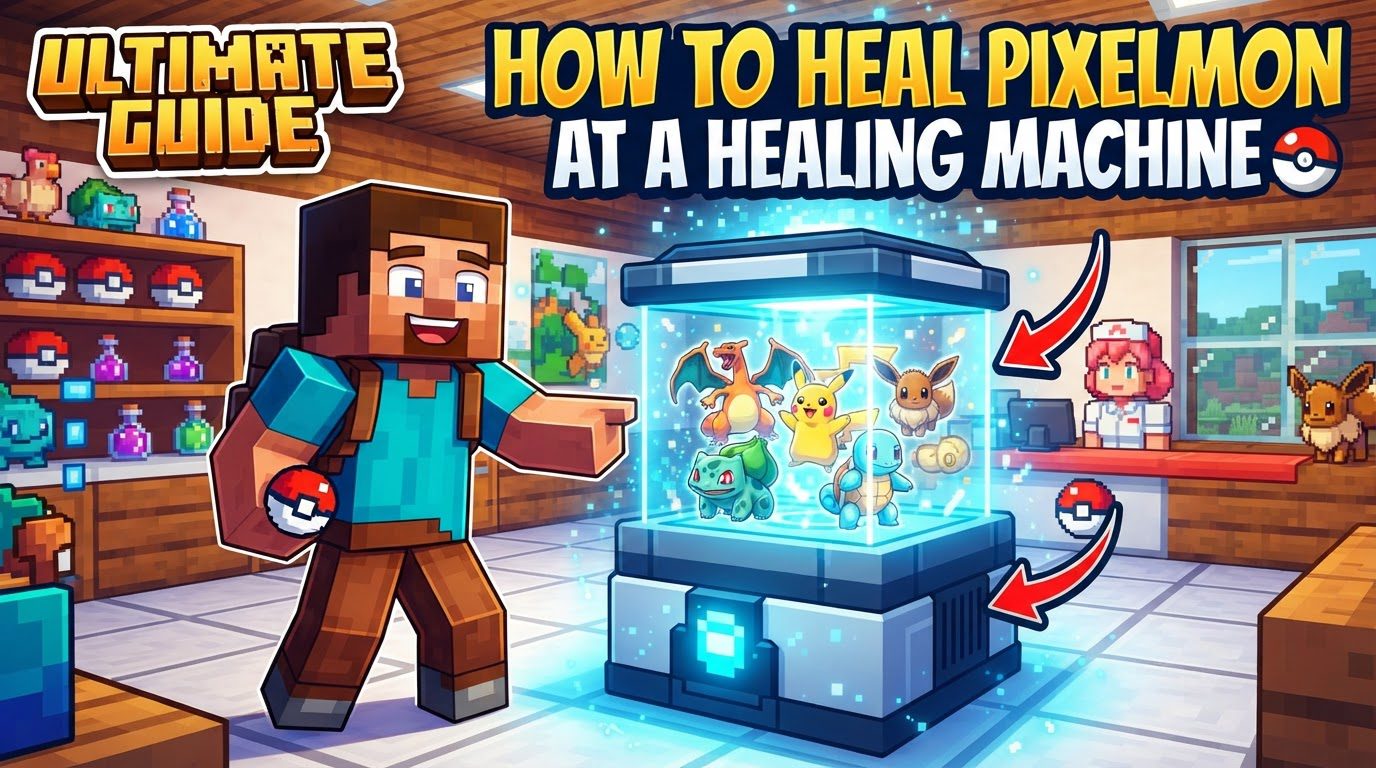
Healing Pixelmon at a Healing Machine
In the vast and adventurous world of Pixelmon, managing the health and well-being of your Pokémon team is paramount to success. Whether you’re battling wild Pokémon, challenging trainers, or exploring dangerous new biomes, your companions will inevitably take damage, deplete their energy, and occasionally suffer from debilitating status conditions. While various items exist to mend individual Pokémon, the healing machine stands out as the most efficient and comprehensive solution for restoring your entire party. This guide will walk you through everything you need to know about healing your Pixelmon using this essential utility block, from its core mechanics to practical tips and common pitfalls to avoid.
Understanding the Healing Machine
-
Fundamental Purpose and Mechanics
At its core, the healing machine is a specialized utility block designed to be the ultimate restorative device for your Pokémon. Its primary function is to fully restore the health points (HP), power points (PP), and any negative status conditions of all Pokémon currently in a player’s active party. This means that after a grueling battle or a long expedition, a single interaction with a healing machine can bring your entire team back to peak condition, ready for their next challenge.
Health points (HP) represent a Pokémon’s vitality in battle; when HP drops to zero, the Pokémon faints and can no longer participate until revived. Power points (PP) dictate how many times a Pokémon can use a specific move; once a move’s PP is depleted, that move cannot be used again until PP is restored. Status conditions, such as poison, paralysis, or burn, can severely hinder a Pokémon’s performance in battle or even cause damage outside of combat. The healing machine’s ability to address all three of these critical aspects simultaneously makes it an indispensable tool for any Pixelmon trainer, streamlining the recovery process significantly compared to managing individual items for each Pokémon and each specific ailment.
-
Acquisition: Finding and Crafting
There are two primary methods for obtaining a healing machine in the Pixelmon world. The most common and often the first encounter players have with these devices is by finding them naturally generated within Pokémon Centers. These vital establishments are typically found in villages throughout the world, serving as safe havens and essential service points for trainers. A Pokémon Center is easily recognizable by its distinct architecture and often features a prominent healing machine, ready for use by any passing trainer.
Alternatively, players can craft a healing machine themselves. This method offers flexibility, allowing trainers to place a healing station wherever they deem most convenient, such as within their personal base, at a remote outpost, or near a frequently visited grinding spot. The ability to craft one’s own healing machine empowers players to create their own infrastructure for Pokémon care, providing a personalized and accessible healing solution without the need to travel back to a distant Pokémon Center. The specific crafting recipe, however, may vary depending on the version of the Pixelmon mod installed, a detail crucial for players to verify.
-
Permanence and Material Loss
A crucial characteristic of healing machines is their permanence once placed in the world. Unlike many other Minecraft blocks that can be easily picked up and relocated, healing machines typically cannot be retrieved after placement. Attempting to mine or break a placed healing machine, even with tools designed for precise block retrieval like a Silk Touch pickaxe, will usually result in the block being destroyed. Furthermore, breaking a healing machine often yields only a single aluminum plate, which represents a significant loss of the crafting materials that went into creating the original block. This design choice emphasizes the importance of careful planning when deciding where to place a healing machine, as its location is generally considered fixed once established.
-
Cobblemon Specifics: Charging Mechanics
While the core functionality of healing remains consistent, it’s important to note a specific mechanic present in Cobblemon, a mod similar in concept to Pixelmon. In Cobblemon, a healing machine, when first placed, starts with no charge. This means it cannot be immediately used to heal Pokémon. Instead, it requires a period of time to charge up before it becomes operational. Once charged, it can be used normally. An interesting aspect of this charging mechanic is that the machine continues to accumulate charge indefinitely, even when it is already full and ready for use. This ensures that a placed machine is always prepared to heal your team once its initial charge-up period is complete, providing a continuous and reliable service for your Pokémon’s recovery needs.
Step-by-Step Guide to Healing Your Pixelmon
-
Step 1: Obtain Your Healing Machine
The first step in utilizing a healing machine is, naturally, acquiring one. As discussed, you have two main options: either seek out a naturally occurring Pokémon Center in a village, where healing machines are readily available for public use, or craft your own. If you choose the crafting route, ensure you have gathered the necessary materials according to your specific mod version’s recipe. Successfully crafting your own healing machine grants you the freedom to establish a personal healing station anywhere you desire.
-
Step 2: Strategic Placement
Once you have your healing machine in hand (or have located one), the next critical step is to place it in a suitable location. Given that placed healing machines are generally permanent and cannot be easily moved without significant material loss, careful consideration of its placement is essential. Think about areas you frequent: your main base, an active mining site, a breeding area, or a training ground. Placing the machine in a high-traffic or strategically important location will maximize its utility and convenience, ensuring your Pokémon always have quick access to full recovery after battles or explorations.
-
Step 3: Activating the Healing Process
With the healing machine placed, using it is straightforward. Simply approach the block and right-click on it. Upon activation, the healing machine will immediately and fully restore the HP, PP, and status conditions of all Pokémon currently in your active party. There’s no menu to navigate, no items to select; the process is instant and comprehensive. You will typically see a visual or auditory cue confirming the healing has occurred, and your Pokémon’s health bars and move counts will be replenished.
-
Cobblemon Specific Consideration: Waiting for Charge
For players operating within the Cobblemon mod, there’s an additional, temporary step to consider if you’ve recently placed a healing machine. If the machine was just set down, it will need time to charge before it can perform its healing function. Attempting to right-click on an uncharged machine will likely yield no results. You will need to wait for a period, allowing the machine to accumulate sufficient energy. Once charged, it will then function identically to other healing machines, providing instant and full recovery for your party with a simple right-click.
Essential Tips for Efficient Pixelmon Healing
-
The Convenience Factor
One of the most significant advantages of using a healing machine is the unparalleled convenience it offers. It provides a highly efficient way to restore your Pokémon’s health without the need to rely on individual healing items. Imagine the inventory space saved by not having to carry dozens of potions, ethers, or status-healing berries. A healing machine centralizes all your recovery needs into a single, reusable block. This efficiency is particularly valuable during long grinding sessions, extensive exploration, or when preparing for challenging encounters, allowing you to quickly get back into action without constant inventory management or resource expenditure on consumable items.
-
Alternative Healing Methods
While the healing machine is incredibly effective, it’s not the only way to restore your Pokémon’s vitality. It’s good practice to be aware of alternative methods for situations where a healing machine might not be immediately accessible:
-
Sleeping in a Bed: A common and simple method available in Minecraft is sleeping in a bed. When a player sleeps through the night (or through the day if applicable), all Pokémon in their active party also receive a full restoration of their HP, PP, and status conditions. This dual benefit of skipping the night and healing your team makes beds a convenient, portable, and readily available healing option, especially when exploring far from your base or a Pokémon Center.
-
The `/pokeheal` Command: For those playing on servers or in single-player worlds where cheats are enabled, the `/pokeheal` command offers an instant and powerful healing solution. Typing `/pokeheal` into the chat console will instantly heal your entire active Pokémon party, fully restoring their HP, PP, and clearing all status conditions. This command is a powerful administrative or debugging tool, providing immediate relief for your team without any block interaction or item usage.
-
Common Mistakes and How to Avoid Them
-
The Irreversible Nature of Placement
A frequent error made by new players is attempting to move a placed healing machine. As previously mentioned, healing machines are designed to be permanent fixtures. If you break a placed healer with the intention of relocating it, you will almost certainly lose most, if not all, of the valuable crafting materials that went into its creation. Typically, breaking a healing machine only yields a single aluminum plate. This means careful planning of its initial placement is paramount. Before placing your crafted healing machine, take a moment to consider its long-term utility and accessibility in that specific spot to avoid the frustration and material loss of accidentally destroying it.
-
Crafting Recipe Variations
Another common pitfall stems from the dynamic nature of modded Minecraft. Crafting recipes for healing machines are not always static; they can vary significantly between different versions of the Pixelmon mod. For instance, some versions might require aluminum plates directly in the recipe, while others might specify aluminum ingots. Attempting to craft a healing machine using the wrong recipe for your specific game version will, of course, result in failure and wasted resources. To avoid this, always verify the correct crafting recipe for your current Pixelmon mod version. This can usually be done through in-game recipe books or external wikis specific to your mod version, ensuring you gather the precise materials needed for a successful craft.
Mastering the use of the healing machine is a fundamental skill for any Pixelmon trainer. Its unparalleled efficiency in fully restoring your entire Pokémon party’s health, power points, and status conditions makes it an invaluable asset for sustained adventure and combat. By understanding its mechanics, knowing how to acquire and place it strategically, and being aware of common mistakes, you can ensure your Pokémon are always in peak condition, ready to face any challenge the Pixelmon world throws their way. Keep your team healthy, and your journey will be much smoother and more enjoyable.
Tags:
YOU MAY ALSO LIKE...