

Attaching Carriages to a Create Train, Explained
186
views ❘
July 13, 2026
Building and operating a functional train in Minecraft’s Create mod involves understanding several core mechanics, particularly how to properly assemble and attach various components, including carriages, to form a single, cohesive entity. The process relies heavily on Train Stations, bogeys, and Super Glue to ensure all parts are correctly integrated.
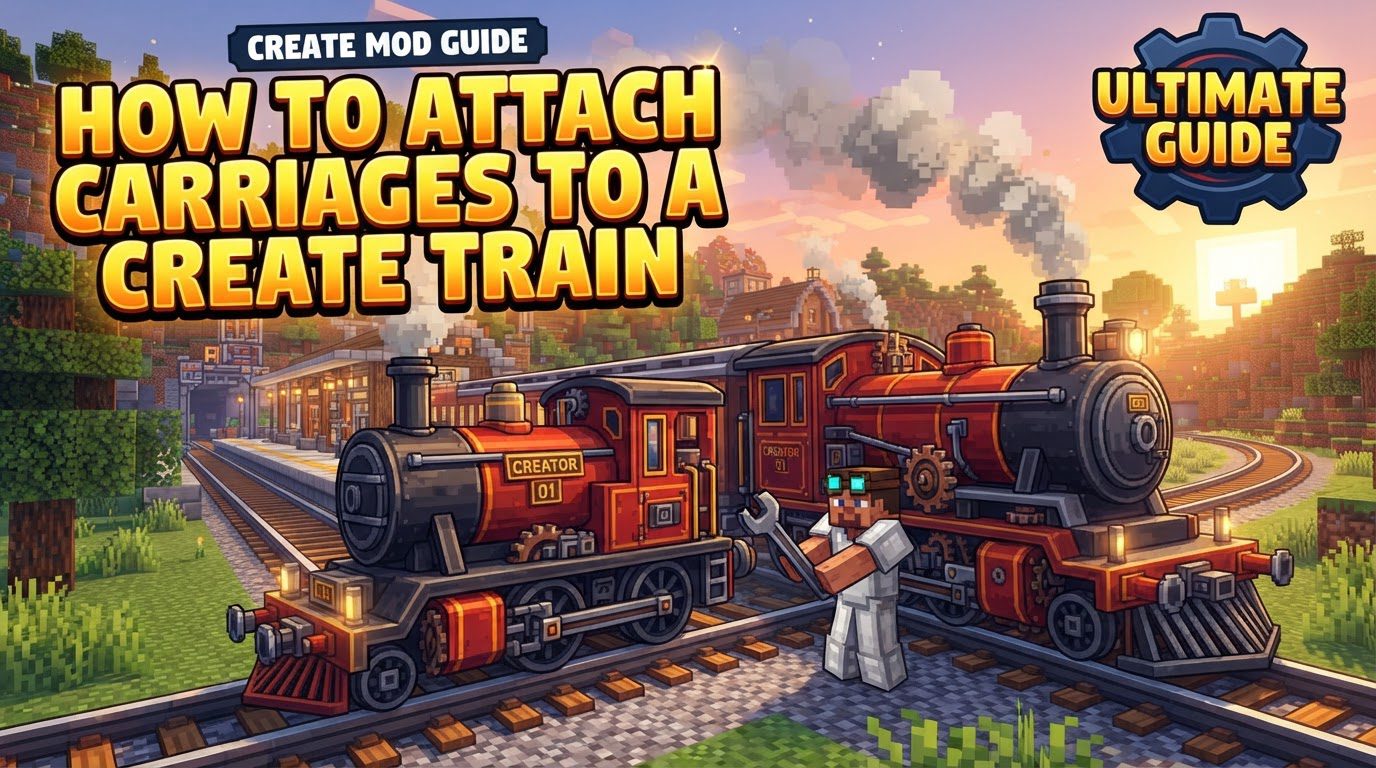
Key Mechanics for Train Assembly
- Train Stations: These blocks are indispensable for the entire train creation and assembly process. You must place a Train Station on a straight section of track to initiate the train building sequence. It acts as your primary interface for creating new trains, assembling them, and later disassembling them for modifications.
- Train Casings (Bogeys): Bogeys serve as the fundamental “wheels” for your train, forming the structural base for each individual carriage and the locomotive. To create a bogey, you right-click on a blue-highlighted track section while in train assembly mode using a Train Casing item. It’s important to note that each train carriage, including the locomotive, can be supported by a maximum of two bogeys. These bogeys are what allow your custom-built structures to move along the tracks.
- Super Glue: This item is critical for physically connecting all the blocks that make up your train. Every single block you intend to be part of the same train entity-from the locomotive’s engine to the walls of your passenger cars and cargo wagons-must be connected using Super Glue. This includes connecting these blocks to their respective bogeys and connecting different sections of the train (like a locomotive to a carriage, or one carriage to another) to each other. Without proper gluing, parts of your train will simply fall off or not be recognized as part of the assembled vehicle.
- Train Controls: For any train to be recognized as complete and drivable, it must incorporate at least one set of forward-facing Train Controls. These controls need to be glued onto your train structure. The direction they face determines the primary forward direction of your train. If you desire the flexibility of driving your train both forward and backward without having to turn it around, you may opt to include two sets of controls, each facing an opposite direction.
Step-by-Step Process for Attaching Carriages to a Create Train
Follow these detailed steps to successfully build and assemble your multi-carriage train:
- 1. Place Train Station: Begin by laying down a perfectly straight section of track. Once your track is in place, position a Train Station block directly adjacent to it. This station will be your hub for all train-related operations.
- 2. Enter Assembly Mode: Right-click on the newly placed Train Station. From the options presented, select “Create new train.” This action will transform the tracks within the station’s vicinity into a distinctive blue color, visually indicating that you are now in the train assembly mode.
- 3. Place Bogeys: While in assembly mode, identify the blue-highlighted sections of track where you wish to place the foundations for your locomotive and subsequent carriages. Right-click on these specific track sections using a Train Casing item. Each click will place a bogey, which will serve as the “wheels” for that segment of your train. You have the option to customize the aesthetic style of the bogey’s wheels by right-clicking on the green section that appears directly beneath it after placement. Remember, each carriage can have up to two bogeys to support its structure.
- 4. Build Carriages: With your bogeys acting as the base, you can now begin constructing the physical structures of your train. This includes designing your locomotive, building passenger cars, and creating cargo wagons. Use any desired building blocks to craft these structures directly on top of and around the bogeys you’ve placed. You can build multiple carriages simultaneously during this phase, ensuring each has its own set of bogeys as a foundation.
- 5. Add Train Controls: Locate a suitable position on your locomotive or any part of your train from which you wish to control it, and place at least one set of Train Controls. It is absolutely crucial that these controls are facing the correct, intended forward direction of your train. As mentioned, for bidirectional travel, consider placing a second set facing the opposite way.
- 6. Glue Components: This is a critical step for integrating all parts of your train into a single entity. Equip Super Glue and systematically connect all the blocks of your train. Start by gluing the blocks of each carriage to its respective bogeys. Then, glue the individual blocks within each carriage together. Finally, connect the different carriages to one another and the locomotive using Super Glue. Every single block that you intend to be part of the assembled train must be connected, either directly to a bogey or indirectly through other blocks that are themselves glued. You can verify proper connection by observing if everything highlights green when you attempt to glue a block, indicating it’s now part of the same connected structure.
- 7. Assemble Train: Once you are confident that all blocks are correctly placed and thoroughly glued, return to the Train Station. Click the “Assemble Train” button. If your assembly is successful, the station will indicate no errors, and a red flag may visually appear on the train, signifying its readiness for operation. If errors occur, the station will provide feedback on what needs to be corrected.
Important Tips for Effective Train Management
- Build on Straight Tracks: Always initiate and conduct train assembly exclusively on a straight section of track. The Create mod does not permit train building on curved track segments, which can lead to errors during assembly.
- Multiple Carriages: The assembly phase allows for the construction of multiple carriages simultaneously. You can build each carriage structure, glue its components separately, and then ensure all carriages are glued to each other before attempting to assemble the entire train as one unit.
- Wrench for Relocation: In situations where your train might derail, become stuck, or if you simply need to move it to a different section of track, a wrench is an invaluable tool. Using a wrench on the train allows you to relocate it without needing to disassemble and reassemble.
- Disassemble at Station: Should you wish to modify, redesign, or simply remove a train, it must first be disassembled. This action can only be performed at a Train Station where the train is currently located.
- Aesthetics: Enhance the visual appeal and realism of your train designs by incorporating various Create blocks. Items like flywheels can serve as decorative elements, crushing wheels can add industrial detail, and chutes might be used for cargo loading aesthetics. When starting out, it’s often best to keep initial designs shorter to manage complexity and perfect the mechanics before expanding.
- Schedule Automation: For advanced train operations, you can automate your trains using a Train Schedule. This powerful feature enables trains to follow predefined routes, travel between multiple stations, and execute specific actions at designated times, perfect for complex transport networks.
- Cross-Dimensional Travel: A unique feature of Create trains is their ability to traverse dimensions. Trains can seamlessly travel through Nether portals, opening up possibilities for interdimensional transport systems.
Common Mistakes to Avoid During Train Assembly
- Not Gluing Properly: This is arguably the most frequent error. Every single block you want to be part of the train must be connected using Super Glue, linking them to the bogeys and to each other. If any block is left unglued, it will not be recognized as part of the train and will detach upon assembly or movement.
- Missing Train Controls: A train will fail to assemble if it does not have at least one Train Controls block present and properly glued. These controls are essential for the train’s functionality and recognition as a drivable vehicle.
- Incorrect Control Direction: Ensure that your Train Controls are facing the intended forward direction of travel. Incorrect orientation can lead to confusion or inability to drive the train as expected.
- Exceeding Bogey Limit: Each individual carriage, including the locomotive, is restricted to a maximum of two bogeys. Placing more than two bogeys on a single carriage structure will prevent the train from assembling correctly.
- Not using a Train Station: The Train Station is the central point for all train assembly and modification. Attempting to create or alter a train without utilizing a Train Station will be unsuccessful.
- Building on Curves: Always ensure that the section of track where you are attempting to assemble your train is perfectly straight. Building on curved tracks will result in assembly errors.
- Server Lag/Glitches: On multiplayer servers, trains can sometimes exhibit visual glitches, such as appearing to not move or shaking violently, particularly when navigating bends. Often, simply relogging into the server or using a wrench to relocate the train can resolve these visual inconsistencies.
Click to rate this post!
[Total: 1 Average: 5]
Tags:
YOU MAY ALSO LIKE...
How to make and use a conduit in Minecraft?
164
views
Learning how to make and use a conduit in Minecraft is a game-changer for any…
How to make custom banners in Minecraft?
141
views
To make custom banners in Minecraft, you'll dive into a world of vibrant colors and…
How to Make Efficiency 5 in Minecraft
20
views
Reaching the pinnacle of mining speed in Minecraft often hinges on one crucial enchantment: Efficiency…
How to Make Steel Scaffolding Immersive Engineering
13
views
Many aspiring engineers overlook a critical detail when first venturing into Immersive Engineering's impressive multiblock…
How to Manage Your Inventory Like a Speedrunner (Slot Efficiency Guide)
73
views
In the high-stakes world of Minecraft speedrunning, every second counts. While many players treat their…

Marking Coordinates for Easy Navigation, Explained
100
views
Navigating the vast and often treacherous landscapes of Minecraft can be a daunting task, especially…

Maximizing Fortune Enchantment Drop Rates, Explained
67
views
The Fortune enchantment stands as one of the most pivotal and sought-after enchantments in Minecraft,…

Merging and Locking Maps Together (Step by Step)
68
views
Understanding Map Merging and Locking in Minecraft Minecraft offers a unique way to document your…

Merging Nearby Experience Orbs Faster — A Quick Guide
71
views
Understanding Experience Orb Mechanics Experience orbs are a fundamental aspect of progression in Minecraft, granting…