

Lectern Book Page Turning Mechanics
A common misconception among budding Redstone engineers is that directly connecting Redstone dust to a lectern will provide a continuous signal reflecting the currently open page. In reality, this approach yields only a fleeting, one-tick pulse each time a page is turned, missing the true potential for dynamic automation. Understanding how to harness the lectern’s page-turning mechanics, particularly with a Redstone Comparator, unlocks a world of intricate contraptions, interactive storytelling, and efficient villager management.
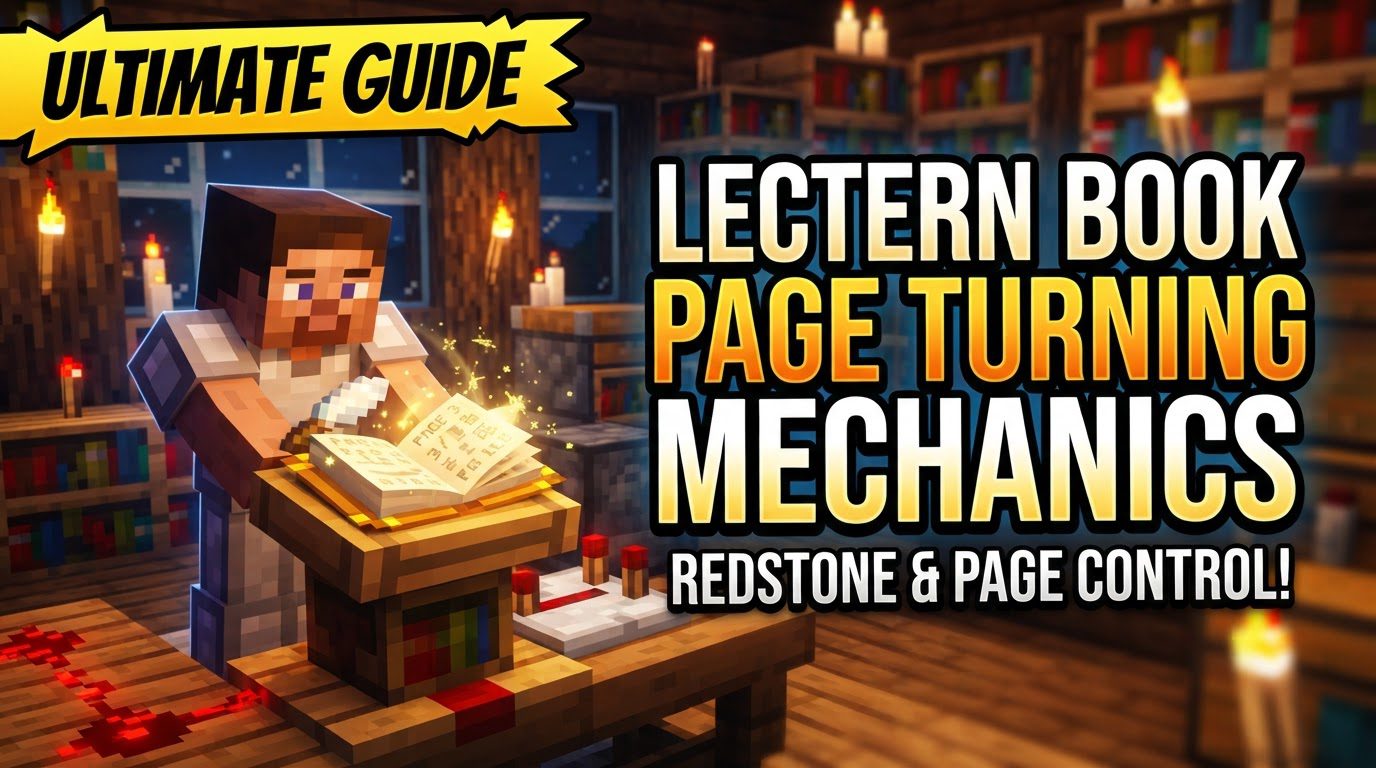
The Lectern: A Gateway to Interactive Redstone
At its core, a lectern is a functional block designed to display and allow players to read specific types of books. It acts as a stationary holder for either a Book and Quill or a Written Book, making them accessible to multiple players simultaneously. Crucially, lecterns cannot house enchanted books, regular books, or other paper-based items; their utility is strictly tied to the narrative and programmable aspects of authored texts.
Acquisition and Setup
Before delving into its advanced mechanics, you’ll need to acquire and place a lectern. Crafting one requires a simple recipe: four wooden slabs of any type and a single bookshelf. Arrange the slabs in a ‘U’ shape in the crafting grid, with the bookshelf in the center slot of the top row. Alternatively, lecterns generate naturally within the libraries of villages, offering a convenient way to obtain them early in your survival world.
Once crafted or acquired, placing a lectern is as straightforward as placing any other block. Simply right-click on the desired surface. Note that the lectern’s front face, where the book will be displayed, will always orient itself opposite to the direction your player is facing at the moment of placement. This can be useful for aesthetic alignment within builds.
The Heart of the Mechanic: Page Turns and Redstone Output
The true power of the lectern lies in its interaction with Redstone. When a player turns a page on a lectern, it emits a short, full-strength Redstone pulse. This pulse lasts for precisely one game tick, making it suitable for momentary triggers like activating a piston or flipping a T-flip flop. However, for continuous or variable Redstone signals, a different component is required: the Redstone Comparator.
A Redstone Comparator placed directly adjacent to a lectern can ‘read’ the book’s progress. Instead of a brief pulse, the comparator emits a sustained Redstone signal whose strength is directly proportional to the current page being viewed. The maximum signal strength a comparator can output is 15, signifying the highest possible level of Redstone power. This sustained, variable signal is the cornerstone for complex Redstone automation involving lecterns.
Edition-Specific Redstone Signal Strength Calculation
While the general principle of comparator output remains consistent, there are significant differences in how Redstone signal strength is calculated between Java Edition and Bedrock Edition. Understanding these nuances is vital for cross-platform builds or when designing precise mechanisms.
Java Edition Comparator Output
In Java Edition, the comparator’s signal strength is determined by the current page number relative to the total number of pages in the book. A book with only a single page can astonishingly provide a maximum signal strength of 15 when that page is open. For books with multiple pages, page 1 consistently yields a signal strength of 1, provided the book contains at least two pages. The signal strength scales up from there, allowing for granular control over Redstone circuits based on the reader’s progression through the text.
Bedrock Edition Comparator Output
Bedrock Edition introduces a distinct mechanic where two pages of a book are displayed at once in the reading interface. This visual difference directly impacts the Redstone signal strength calculation. Essentially, a 30-page book in Bedrock Edition will behave similarly to a 15-page book in Java Edition in terms of Redstone output. The formula for comparator output in Bedrock Edition is approximately one Redstone level per two pages of information. This means that each increment of Redstone signal strength represents two pages of content in the book, leading to a less granular but still functional system. It’s crucial for Bedrock players to factor in this ‘two-pages-per-level’ characteristic when designing Redstone contraptions.
Step-by-Step Lectern Usage
- Craft or Find a Lectern: As detailed above, either craft one from four wooden slabs and a bookshelf, or locate one in a village library.
- Place the Lectern: Position the lectern in your desired location by right-clicking. Remember its front will face away from you.
- Prepare Your Book: Ensure you have a Book and Quill or a Written Book. Write your desired content into it.
- Place a Book: With the appropriate book in your hand, right-click on the empty lectern. The book will appear on its surface.
- Read the Book: To open the reading interface, simply right-click the lectern again (now with the book placed).
- Turn Pages: Within the reading interface, use the arrow icons to navigate through the book’s pages. Each click will trigger the Redstone pulse and update the comparator’s output.
- Retrieve the Book: The method for retrieving a book differs slightly by edition. In Java Edition, the book can be taken directly from the reading interface. In Bedrock Edition, you must punch (left-click) the lectern to retrieve the book. Destroying the lectern in either edition will also cause the book to drop as an item.
Advanced Applications and Ingenious Tips
Redstone Automation and Hidden Doors
The lectern’s ability to emit a variable Redstone signal makes it an invaluable tool for complex automation. By connecting a Redstone Comparator to a lectern, you can create mechanisms that activate only when a specific page is reached. Imagine a hidden door that swings open only when a player turns to the “secret” page in a lore book, or a series of lights that illuminate as a story progresses. This allows for immersive, interactive puzzles and secret passages within custom maps or adventure builds.
Librarian Villager Job Site
Beyond Redstone, lecterns play a pivotal role in villager mechanics. A lectern serves as the job site block for Librarian villagers. Placing a lectern near an unemployed villager will convert them into a Librarian, granting access to various enchanted book trades. This is crucial for obtaining specific enchantments in survival mode. For trade rerolling, it’s essential to remove the lectern before trading with the villager to reset their offers. Villagers will only claim a lectern during their work hours, so timing can be important for setting up an efficient trading hall.
Mapmaking and Quest Design
For custom map creators, lecterns are a narrative powerhouse. They can be used to deliver lore, provide quest objectives, or even serve as interactive control panels. Commands can be employed to programmatically set the page number of a book on a lectern, allowing mapmakers to dynamically change the displayed information or trigger events based on player progress elsewhere in the map. This opens up possibilities for dynamic storytelling and responsive game environments.
Compact Redstone with One-Page Books
A particularly useful tip for Redstone engineers is the behavior of a one-page book. In Java Edition, a book containing only a single page, when placed on a lectern and measured by a comparator, will provide a full Redstone signal strength of 15. This offers a highly compact and simple way to generate a sustained maximum Redstone signal from a lectern, useful in situations where space is at a premium or a constant strong signal is needed.
Common Pitfalls to Avoid
- Not Using a Comparator for Sustained Signals: As highlighted earlier, directly connecting Redstone dust to a lectern will only give you a brief pulse. For a continuous signal whose strength varies with the page, a Redstone Comparator is absolutely essential. Many new Redstone users overlook this distinction.
- Incorrect Book Type: A frequent mistake is attempting to place enchanted books or regular, unwritten books on a lectern. Remember, only a Book and Quill (before signing) or a Written Book (after signing) will function correctly. Any other item will simply not be accepted by the lectern.
- Misunderstanding Redstone Signal Strength (Especially Bedrock): Players often assume uniform signal strength calculation across editions. Be acutely aware that Bedrock Edition’s ‘two pages per Redstone level’ mechanic fundamentally alters how you design circuits compared to Java Edition’s more granular page-to-signal ratio. Always test your designs or consult edition-specific guides.
- Villager Setup Errors: When setting up a Librarian trading hall, ensure proper spacing between lecterns to prevent villagers from claiming the wrong workstation. Remember that to reroll trades, you must remove the lectern before interacting with the villager. Placing multiple workstations too close or failing to lock trades can lead to frustrating villager behavior.
By mastering the nuances of lectern book page turning mechanics, players can elevate their Redstone contraptions, enhance their survival experience with efficient villager trading, and craft richer, more interactive custom maps. It’s a versatile block that truly bridges the gap between passive display and active interaction in the world of Minecraft.
Tags:
YOU MAY ALSO LIKE...


