Understanding Redstone Component Signal Timing
Every redstone circuit, no matter how simple or complex, dances to a rhythm dictated by its components’ signal timing. Understanding this intricate choreography is not merely helpful; it is absolutely essential for building reliable, efficient, and functional contraptions in Minecraft. Without a grasp of how signals travel, delay, and interact over time, even the most ambitious designs are destined to fail.
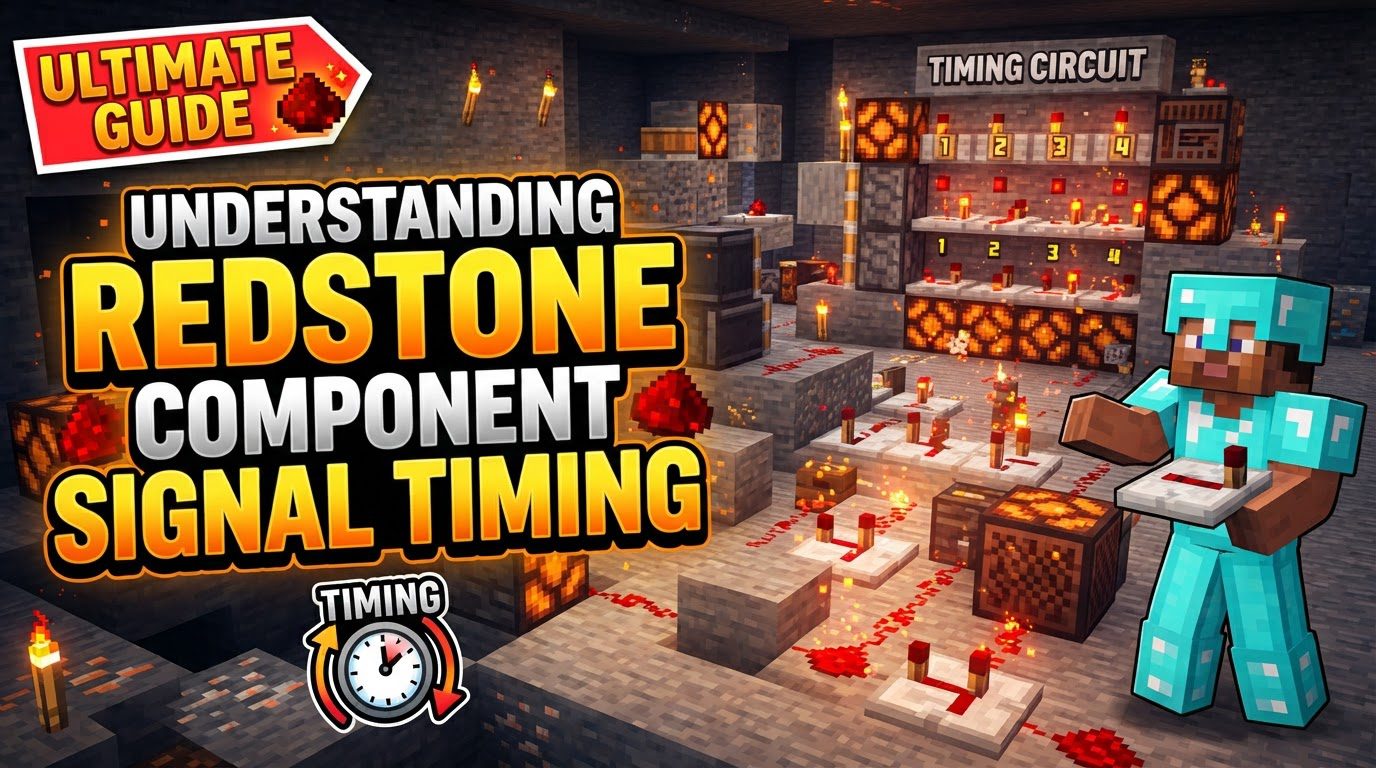
The Unseen Clockwork: Game Ticks and Redstone Pulses
At the very heart of Minecraft’s redstone mechanics lies the concept of ‘ticks’. The game itself operates on a fundamental unit called a game tick, with a remarkable 20 game ticks occurring every single second. This means each game tick lasts a mere 0.05 seconds. However, redstone components often refer to a slightly different unit: the redstone tick. One redstone tick is equivalent to 2 game ticks, or 0.1 seconds. Most delays you encounter in redstone circuitry are measured in these redstone ticks. Keeping this distinction clear is paramount to accurately calculating the activation sequence of your machines.
Another foundational element is signal strength. Redstone dust, the most basic conductive component, transmits a signal that starts at a strength of 15 from its power source. This strength diminishes by 1 for every block the signal travels. After traversing 15 blocks, the signal completely dies, unable to power any further components. This natural degradation means that for any circuit extending beyond this limit, signal refreshing becomes a critical consideration.
Core Components and Their Rhythmic Delays
Each redstone component contributes its own unique temporal signature to a circuit. Mastering these individual delays is key to successful timing.
- Repeaters: These versatile blocks are the workhorses of redstone timing. They serve three primary functions: extending a signal by resetting its strength to 15, adding an adjustable delay, and acting as a one-way diode, preventing signal backflow. A repeater inherently introduces a 1 redstone tick (0.1 seconds) delay. By right-clicking, you can adjust this delay to 1, 2, 3, or 4 redstone ticks. Crucially, if a repeater receives an input pulse shorter than its set delay, it will extend that pulse to match its own configured delay, making it invaluable for stabilizing short signals.
- Comparators: Redstone comparators are sophisticated devices capable of comparing signal strengths or operating in subtraction mode. While they can pass through or modify a signal’s strength, they never amplify it. Their primary timing characteristic is a consistent 2-tick delay introduced whenever a signal passes through them. This delay must be factored into any circuit utilizing comparators.
- Observers: Observers are designed to detect block changes in front of them. Upon detecting such a change, they output a brief 2-game tick (0.1 seconds or 1 redstone tick) pulse from their rear face. The observer itself, however, has an internal processing delay of 1 game tick before it outputs its signal.
- Pistons: The physical movement of pistons also has timing implications. A piston takes 1 game tick to fully extend. Interestingly, it takes zero game ticks to retract, meaning the retraction is instantaneous once power is removed. Builders in Bedrock Edition should note that reliable piston-based redstone may often require at least 3-tick delays to function consistently due to platform-specific mechanics.
- Hoppers: While not direct redstone components, hoppers are tile entities that interact significantly with redstone timing. By default, hoppers ‘tick’ every 4 game ticks to check for and transport items. This consistent, albeit slow, internal clock can be harnessed for creating longer timers, with the duration directly proportional to the number of items placed inside. Their constant ticking can also be a source of game performance overhead.
- Redstone Torches: These fundamental power sources also invert signals. They come with a 1 redstone tick (0.1 seconds) delay when their state changes. A critical behavior to understand is ‘torch burnout’: if a redstone torch is switched on and off too rapidly, it will temporarily burn out and remain off until conditions stabilize, preventing rapid, unstable flickering.
Engineering Precision: A Step-by-Step Approach to Timing Design
Building complex redstone machinery requires a systematic approach to timing. Follow these steps for reliable circuit design:
- Define Desired Action and Sequence: Before placing a single block, clearly outline every step your contraption needs to perform and the precise order in which these steps must occur. This blueprint is your timing goal.
- Identify Components and Their Delays: List all the redstone components you anticipate using. Note their inherent delays (e.g., a comparator’s 2-tick delay, a repeater’s adjustable delay, a torch’s 1-tick delay, piston extension time).
- Break Down into Sub-Circuits: For larger, more intricate builds, divide the overall circuit into smaller, more manageable sub-circuits. Each sub-circuit should have a distinct function and its own specific timing requirements. This modularity simplifies design and debugging.
- Calculate Cumulative Delays: For each path within your sub-circuits and the main circuit, sum the delays of all components in series. Remember that redstone dust itself does not add delay, only components like repeaters, comparators, and torches do. This cumulative delay tells you exactly when each part of your machine will activate.
- Adjust Delays with Repeaters: Once you understand the natural delays, use redstone repeaters to introduce additional, precise delays where necessary. This is how you synchronize different activation paths, ensuring components fire in the correct sequence and at the right intervals.
- Test and Debug Iteratively: Build and test sections of your circuit progressively. Don’t wait until the entire contraption is complete. Test each sub-circuit, and then combine them, making adjustments to repeater delays or component placement as needed. In Java Edition, the
/tick stepcommand can be invaluable for observing precise timing frame-by-frame.
Mastering the Flow: Advanced Tips for Redstone Timing
Beyond the basics, several techniques and considerations can elevate your redstone timing expertise:
- Know Your Ticks: Always distinguish between game ticks and redstone ticks. This fundamental understanding prevents miscalculations and ensures your delays are precise.
- Use Repeaters for Signal Maintenance: Never let a signal travel more than 15 blocks without being refreshed by a repeater. This prevents signal fading and ensures consistent power delivery.
- Leverage Different Delay Methods: While repeaters are primary, remember that redstone torches, comparators, and even hoppers filled with items can create various types of delays and clock cycles. Each has its niche application.
- Design for Modularity: Develop and save common timing circuits like clocks, pulse extenders, and monostable circuits. These reusable modules can be quickly integrated into larger builds, saving time and ensuring reliability.
- Beware of One-Tick Pulses: Extremely short pulses (1 or 2 game ticks) can be problematic. Some components, like redstone torches or comparators, may not reliably respond to such brief activations, leading to inconsistent behavior.
- Consider Lag Optimization: Redstone can be resource-intensive. Minimize unnecessary redstone dust, lock hoppers with redstone power when they are not needed, and be mindful of the number of active observers and pistons to reduce server or client-side lag.
- Isolate Circuits: Prevent unintended interactions between redstone lines. Use repeaters as diodes, run lines on different vertical levels, or ensure sufficient spacing to prevent accidental cross-powering.
- Document Your Timings: For complex circuits, keep notes or diagrams of the intended delays and activation sequences. This documentation will be invaluable for debugging and future modifications.
Navigating the Minefield: Common Timing Mistakes to Avoid
Even experienced builders can fall prey to common redstone timing errors. Being aware of these pitfalls can save you hours of troubleshooting:
- Signal Fading: The classic mistake of not using repeaters to refresh signals over long distances, resulting in distant components failing to activate.
- Weak vs. Strong Power: Misunderstanding that redstone dust provides only ‘weak’ power, which cannot power a block directly above or through an opaque block. Components often require ‘strong’ power from sources like redstone blocks, levers, or repeaters directly into a block.
- Incorrect Comparator Mode/Input: Comparators not behaving as expected because they are in the wrong mode (compare vs. subtract) or because overwhelming side inputs are affecting their output.
- Incorrect Repeater Direction or Locking: Repeaters pointing the wrong way or being unintentionally locked by a signal powering their side, preventing them from updating.
- Pulse Too Short or Too Long: The duration of a redstone pulse not matching the activation requirements of a component, leading to components either misfiring or getting stuck in a permanent state.
- Torch Burnout: Rapidly toggling a redstone torch on and off, causing it to burn out and remain off, disrupting the circuit’s timing.
- Quasi-Connectivity Misunderstandings (Java Edition): Forgetting that certain components (like pistons and dispensers in Java Edition) can be activated by power sources diagonally above them. This peculiar mechanic is absent in Bedrock Edition.
- Platform Differences: Designing a circuit in one edition (e.g., Java) only to find it fails in another (e.g., Bedrock) due to subtle differences in mechanics, such as piston behavior, block update order, or the presence/absence of quasi-connectivity.
- Accidental Cross-Powering: Redstone lines or components inadvertently powering adjacent circuits, leading to unpredictable and often frustrating interactions.
- Miscalculating Hopper Clock Items: Incorrectly determining the number of items needed in a hopper timer to achieve a specific duration, leading to inaccurate clock cycles.
Mastering redstone timing is a journey of practice and precision. By understanding the fundamental ticks, component delays, and common pitfalls, you can transform your wildest Minecraft contraption ideas into functional, reliable realities.
Tags:
YOU MAY ALSO LIKE...