

What Causes Chunk Borders to Show Visually
A fundamental, yet often invisible, grid underpins the entire Minecraft world, dictating everything from how terrain loads to where mobs can spawn. These invisible divisions, known as chunks, are the unsung heroes of Minecraft’s vastness, allowing for seemingly endless exploration without overwhelming your system. While typically unseen, there are specific methods and occasional quirks that cause these crucial chunk borders to show visually, revealing the very fabric of the game’s operational logic.
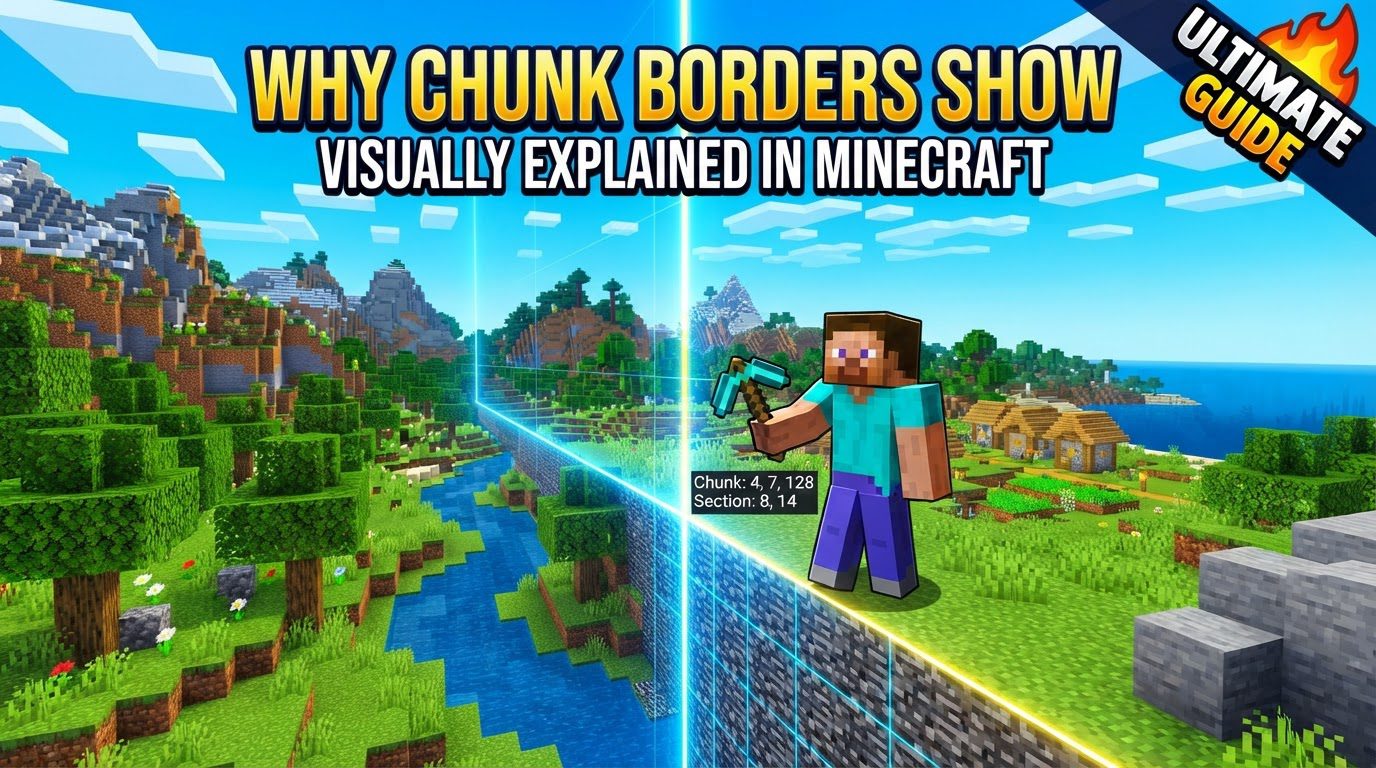
Understanding the Minecraft Chunk System
At its core, Minecraft’s world is not a single, continuous entity. Instead, it is meticulously divided into discrete units called chunks. Each chunk is a 16×16 block area along the horizontal (X and Z) axes, extending vertically from the absolute bottom of the world (bedrock) to the very top (build limit). This standardized unit is far more than just a measurement; it’s the bedrock of the game’s performance and functionality.
Chunks serve as the primary mechanism for several critical game processes. They dictate how terrain is loaded and unloaded as players traverse the world, ensuring that only the necessary portions of the landscape are active at any given time. This dynamic loading prevents your computer from having to render and process the entire gargantuan world simultaneously. Beyond terrain generation and rendering, chunks are also fundamental to mob spawning mechanics, entity ticking (how entities like animals, villagers, and items process their actions), and even the intricate workings of redstone contraptions. Without this efficient chunk-based system, Minecraft’s expansive worlds would be impractical, if not impossible, to run smoothly.
Revealing the Grid: Java Edition’s Direct Approach
For players of Minecraft Java Edition, visually displaying chunk borders is a straightforward and invaluable debug feature. The game provides a specific key combination that toggles an overlay, making these often-hidden divisions apparent on your screen.
- The Key Combination: To activate the visual chunk borders, players must simultaneously press the
F3key and theGkey. - The Visual Overlay: Once activated, a grid overlay will appear across your screen. This grid is composed of distinct lines:
- Yellow Lines: These typically indicate the horizontal boundaries of chunks, marking the 16×16 block areas on the X and Z planes.
- Blue Lines: These are less commonly noticed but mark the vertical boundaries, though their visual prominence can vary.
- Keyboard Variations: On some keyboards, particularly many laptops, the function (
Fn) key is required to access the F-keys’ primary functions. In such cases, you might need to pressFn + F3 + Gto successfully toggle the chunk borders. - Toggling Off: Pressing
F3 + G(orFn + F3 + G) again will hide the chunk borders, returning your view to its default state.
It’s important to remember that the F3 key itself activates Minecraft’s debug screen, which displays a wealth of information including coordinates, biome, light levels, and more. The G key, when pressed with F3, specifically adds the chunk border overlay to this debug view.
Bedrock Edition: Navigating Without a Native Overlay
Unlike its Java counterpart, Minecraft Bedrock Edition does not feature a built-in F3 + G debug overlay for visually displaying chunk borders. This can be a point of confusion for players transitioning between editions or those expecting universal debug tools. However, Bedrock players are not entirely without options; they simply require more creative or external methods.
- Estimating with Coordinates: The most fundamental method involves observing your in-game coordinates. Since chunks are 16×16 blocks, chunk edges will always align with X and Z coordinates that are multiples of 16 (e.g., 0, 16, 32, 48, etc.). By moving your character and carefully watching your X and Z values on the debug display (which is available in Bedrock), you can infer where chunk boundaries lie. For instance, if your X coordinate changes from 15 to 16, you’ve just crossed a chunk border.
- Resource Packs and Add-ons: The Bedrock community has developed various resource packs or add-ons specifically designed to provide a visual indication of chunk borders. These typically work by modifying textures or adding entities that highlight chunk edges, offering a similar visual experience to Java’s built-in feature. These must be downloaded and installed separately.
- Manual Observation: Leaf Decay: A clever, albeit less precise, manual method involves observing the decay pattern of leaves. If “fancy leaves” graphics are toggled off in your video settings, leaves will decay in a more blocky fashion. Sometimes, this decay pattern can reveal underlying chunk boundaries, as the game processes block updates differently across these divisions.
- Redstone Contraptions: Advanced players can sometimes use redstone contraptions to identify chunk borders. The behavior of redstone components can change dramatically when crossing unloaded chunk boundaries. A redstone circuit that functions perfectly within a single chunk might fail or behave inconsistently if parts of it are in different chunks, especially if those chunks are being loaded or unloaded. By designing specific test circuits, players can pinpoint these critical lines.
The Strategic Value of Chunk Awareness
Understanding and being able to visualize chunk borders is not merely a technical curiosity; it’s a powerful tool for optimizing gameplay, especially for complex builds and automated systems.
- Optimizing Redstone Circuits: Redstone is notoriously sensitive to chunk loading. A complex redstone contraption that spans multiple chunks can break or become inconsistent if parts of it are in an unloaded chunk while other parts are active. By aligning redstone builds within a single chunk or ensuring critical components are placed strategically across boundaries that are always loaded together, players can guarantee consistent functionality.
- Efficient Mob Farms: Mob spawning mechanics are heavily tied to chunks. To maximize the efficiency of a mob farm, it’s crucial to understand where mobs can spawn relative to the player and where the chunk borders are. Building a farm that perfectly fits within specific chunk boundaries can prevent issues where parts of the farm are not spawning mobs because they are in an unloaded chunk, or where mobs despawn prematurely.
- Preventing Partial Loading Issues: Many game elements, from growing crops to processing items in hoppers, rely on consistent chunk loading. Structures built across chunk borders risk partial loading, leading to inconsistent growth rates, item transport failures, or even structural integrity issues in rare cases where physics updates are interrupted.
- Aligning Structures: For large-scale projects, aligning structures with chunk boundaries can simplify planning and execution. It can also make it easier to debug issues later, as you’ll have a clear understanding of the underlying game mechanics affecting your build.
Common Pitfalls and Visual Anomalies
While invaluable, using or expecting chunk border visualizations can sometimes lead to confusion or encounter unexpected visual glitches.
- Java Edition Activation Mistakes: A common oversight for Java players is failing to enable the
F3debug screen first before pressingG, or forgetting theFnkey on specific keyboards. Without the debug screen active,F3 + Gsimply won’t work. - Bedrock Edition Expectations: Many players, especially those new to Bedrock after playing Java, mistakenly expect a direct equivalent to Java’s
F3 + G. This often leads to frustration when they realize Bedrock lacks this native feature. - High Field of View (FOV) Glitches: In Java Edition, particularly with very high Field of View (FOV) settings, enabling chunk borders can occasionally lead to visual de-rendering glitches. Parts of the world near the edge of your vision might temporarily disappear or render incorrectly, a minor but noticeable bug.
- Interference with Shaders: Shaders, which significantly alter Minecraft’s visual rendering, can sometimes conflict with the chunk border overlay. Enabling chunk borders while using certain shaders might result in visual bugs, improper rendering of the lines, or even other graphical artifacts.
- Graphical Glitches with Transparent Blocks: Specific graphical glitches can occur across chunk borders, especially with transparent blocks like glass or ice. When using performance-enhancing mods like OptiFine, features such as “Render Regions” can sometimes exacerbate these issues, causing visual inconsistencies or seams where chunks meet.
- Bedrock Entity Inconsistencies: In Bedrock Edition, entities such as minecarts or boats can sometimes behave inconsistently or even get stuck when crossing chunk borders. This is often attributed to subtle differences in how Bedrock handles entity loading/unloading mechanics or hitbox interactions at these critical junctures.
Ultimately, understanding what causes chunk borders to show visually, whether through a direct key press or clever workarounds, empowers players to build more robust, efficient, and reliable creations in their Minecraft worlds. It transforms an invisible constraint into a visible tool, enhancing both problem-solving and creative potential within the game’s blocky confines.
Tags:
YOU MAY ALSO LIKE...


