Catwalk Immersive Engineering
Many aspiring factory builders in Minecraft initially place a sleek, new catwalk, only to find it’s just a flat platform, devoid of the crucial safety railings they envisioned. This common oversight often leaves players wondering how to complete their industrial pathways, a vital component for both aesthetics and player navigation within complex Immersive Engineering setups. Understanding the nuances of “Catwalk Immersive Engineering” is key to seamlessly integrating these essential structures into your blocky industrial empire.
The Essence of Industrial Pathways: What Are Catwalks?
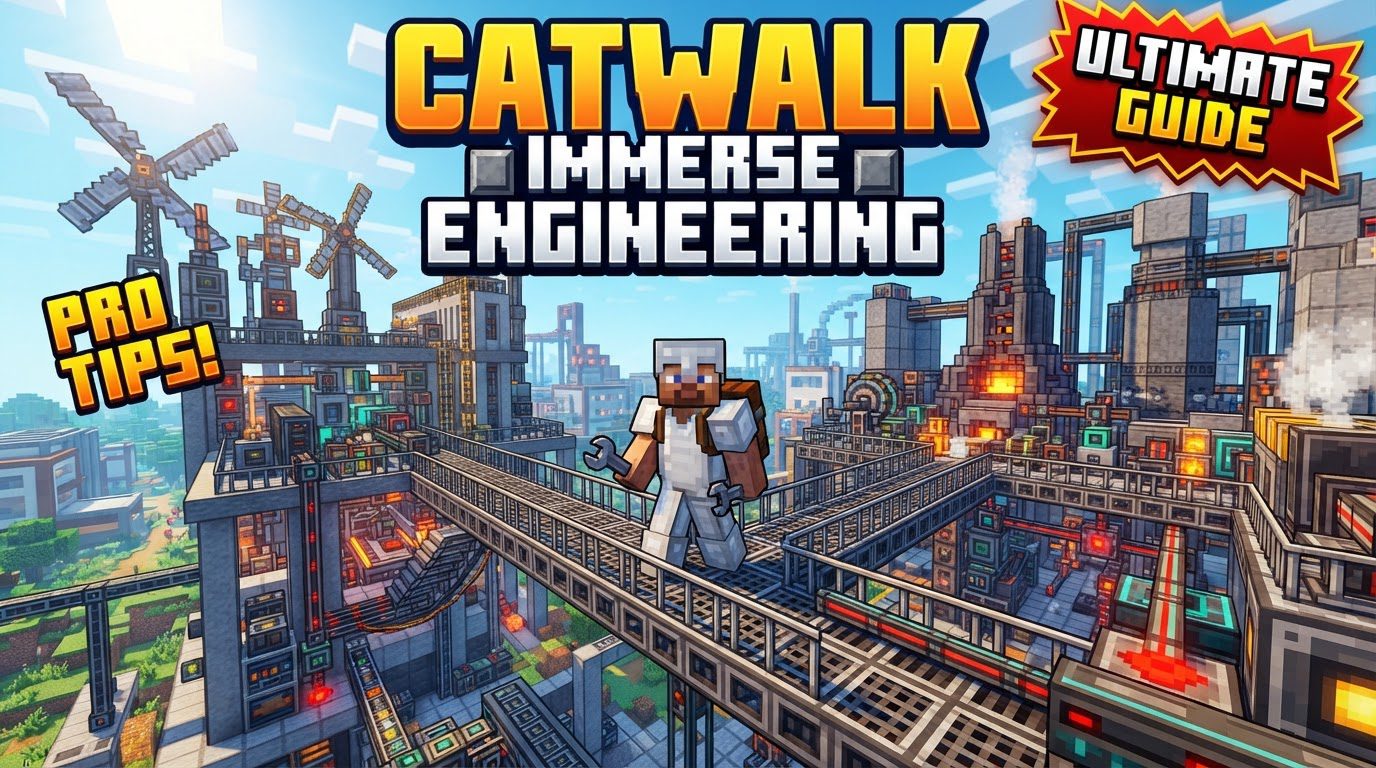
In the realm of industrial Minecraft, particularly when delving into the formidable Immersive Engineering mod, catwalks serve a dual purpose: they are both decorative and highly functional elevated pathways. These blocks are specifically designed to evoke an authentic industrial or factory aesthetic, making them perfect for connecting machinery, providing access to upper levels of multiblocks, or simply creating visually appealing infrastructure. While many industrial catwalks are provided directly by Immersive Engineering, the term “Catwalk Immersive Engineering” also broadly encompasses similar blocks from the dedicated “Catwalks” mod, which are crafted to perfectly match the distinctive visual style of Immersive Engineering.
These elevated structures are more than just fancy blocks; they are integral to creating navigable, multi-layered factories. Imagine a sprawling industrial complex with Conveyor Belts transporting resources, Arc Furnaces humming with energy, and Distilleries processing liquids. Without proper access, traversing such a setup would be a nightmare. Catwalks provide that crucial accessibility, allowing players to move safely above machinery, inspect operations, and perform maintenance without falling into dangerous areas or having to painstakingly pillar up and down.
Materials, Varieties, and Associated Components
Catwalks come in a variety of materials, each offering a slightly different visual appeal to match diverse industrial themes. The choice of material allows for greater customization and integration with other Immersive Engineering blocks. Common types include:
- Classic Catwalks: Often the default or most basic variant, providing a clean, utilitarian look.
- Glass Catwalks: Perfect for areas where visibility is paramount, allowing players to see machinery or processes below. They add a modern, high-tech touch.
- Steel Catwalks: A robust and industrial-looking option, ideal for heavy-duty factory zones, complementing the many steel structures of Immersive Engineering.
- Framed Wood Catwalks: Offering a slightly lighter, perhaps older industrial feel, these can blend well with rustic or early-stage factory designs.
- Treated Wood Catwalks: Directly aligning with Immersive Engineering’s treated wood aesthetic, these are excellent for consistency with other IE components like poles and crates.
- Aluminum Catwalks: A lighter metal option, potentially fitting for more modern or specialized areas of a factory.
Beyond the horizontal pathways themselves, the “Catwalk Immersive Engineering” ecosystem also includes vital associated blocks. Ladders are frequently used in conjunction with catwalks to allow vertical ascent and descent between different levels. Support beams are another common inclusion, providing structural integrity and visual depth, making the elevated pathways appear more grounded and realistic within your industrial builds. These complementary blocks ensure that your catwalk networks are not only functional but also structurally convincing and aesthetically complete.
The Engineer’s Hammer: Your Essential Tool for Customization
The true magic of customizing your catwalks, especially when it comes to adding those all-important safety railings, lies in the Engineer’s Hammer. This versatile tool, a staple of the Immersive Engineering mod, is indispensable for interacting with and modifying various IE blocks, and catwalks are no exception. Without it, your catwalks will remain flat, open platforms, which, while functional, lack the safety and visual completeness of a proper industrial pathway.
The process of transforming a bare catwalk into a fully railed walkway is surprisingly straightforward once you know the trick. It’s a fundamental interaction that every aspiring Immersive Engineering architect should master:
- Place the Catwalk Block: Begin by placing the desired catwalk block (e.g., Steel Catwalk, Treated Wood Catwalk) in its intended location. At this stage, it will appear as a flat, railing-less platform.
- Equip an Engineer’s Hammer: Ensure you have an Engineer’s Hammer in your hand. This is the only tool that allows for this specific modification.
- Shift + Right-Click to Add Railings: While holding the Engineer’s Hammer, sneak (Shift key by default) and then right-click on the specific sides of the catwalk block where you wish railings to appear. Each shift + right-click will toggle a railing on or off for that particular side. This allows for precise customization, enabling you to create pathways with railings on one side, both sides, or even just at corners.
This intuitive interaction ensures that you have full control over the appearance and safety features of your catwalk network, allowing for complex designs that seamlessly integrate with your factory layout.
Strategic Design: Tips for Maximizing Catwalk Utility
Integrating catwalks effectively into your Immersive Engineering builds goes beyond simply placing them. Thoughtful planning and design can elevate your factory from a collection of machines to a cohesive, efficient, and visually stunning industrial marvel.
- Plan with Ample Space: Immersive Engineering structures, particularly multiblocks like the Blast Furnace or Arc Furnace, are often quite large. They also require space around them for input/output, power connections, and player access. When designing your factory, always account for more space than you initially think necessary. This foresight will allow you to comfortably weave catwalk networks between, over, and around machinery without feeling cramped or having to redesign later. Consider verticality early on; catwalks are excellent for utilizing vertical space.
- Aesthetic Integration is Key: For a truly immersive factory, consider how your catwalks will integrate with other visible elements. Immersive Engineering is renowned for its detailed, industrial aesthetic, which includes exposed wire networks for power transmission and the imposing presence of multiblocks. Design your catwalks to complement these elements. Run them alongside power lines, over or under conveyor belts, and around the perimeters of large machines. This creates a sense of a “living” factory, where every component feels interconnected and purposeful. Matching catwalk material to nearby machinery or building materials also enhances cohesion.
- Tackling Complex Designs: Sometimes, achieving a specific, intricate catwalk layout can be challenging with standard placement. For highly complex designs, such as intricate curves or pathways in hard-to-reach areas, some advanced builders resort to using debug tools or building gadgets from other mods. These tools can offer greater precision and flexibility in block placement, helping to overcome the limitations of vanilla placement mechanics and achieve truly unique catwalk configurations. However, use these sparingly and understand their potential impact on game stability.
Navigating Common Pitfalls and Troubleshooting
While catwalks are a fantastic addition, players occasionally encounter issues. Being aware of these common mistakes and their potential solutions can save considerable frustration.
- Engineer’s Hammer and Game Crashes: A known, albeit infrequent, issue is that using the Engineer’s Hammer on catwalks, particularly catwalk stairs, can sometimes lead to game crashes. This is often an interaction bug, possibly related to specific modpack configurations or game versions. If you experience this, try updating your mods, checking bug reports for your specific modpack, or temporarily avoiding hammering stairs if the issue persists. Always back up your world before undertaking significant building or mod interactions.
- Hammer as a Wrench: In some modpacks, especially those with many utility mods like “AllTheMods,” the Engineer’s Hammer might be tagged internally as a “wrench” by other mods. This can lead to an frustrating interaction where, instead of adding railings, shift + right-clicking with the hammer causes the catwalk block to rotate. This issue makes it incredibly difficult to place corner railings or achieve the desired orientation. A potential workaround, if direct hammering doesn’t work, might involve checking if another mod’s wrench has the railing functionality, or if there’s a configuration option to prevent the hammer from rotating blocks. Failing that, careful placement and rotation before attempting to add railings might be necessary.
- The “Flat Catwalk” Dilemma: Many new players, upon first placing a catwalk, are confused when it appears as a flat layer without any railings. They might assume the block is broken or that railings are a separate item to be crafted. This is simply due to the default state of the catwalk. The solution, as detailed above, is always to use the Engineer’s Hammer. Once you understand this mechanic, the initial flat appearance becomes a non-issue.
Crafting Your Industrial Vision
Catwalks from Immersive Engineering, or those designed to match its aesthetic, are far more than mere decorative blocks. They are fundamental components for creating functional, navigable, and visually stunning industrial landscapes in Minecraft. By understanding their various materials, mastering the use of the Engineer’s Hammer for customization, and planning your layouts strategically, you can transform your sprawling machinery into an interconnected, efficient, and impressive factory. Don’t let initial flat platforms deter you; embrace the power of the Engineer’s Hammer and build the industrial empire you’ve always envisioned, safely connected by elevated pathways.
Tags:
YOU MAY ALSO LIKE...