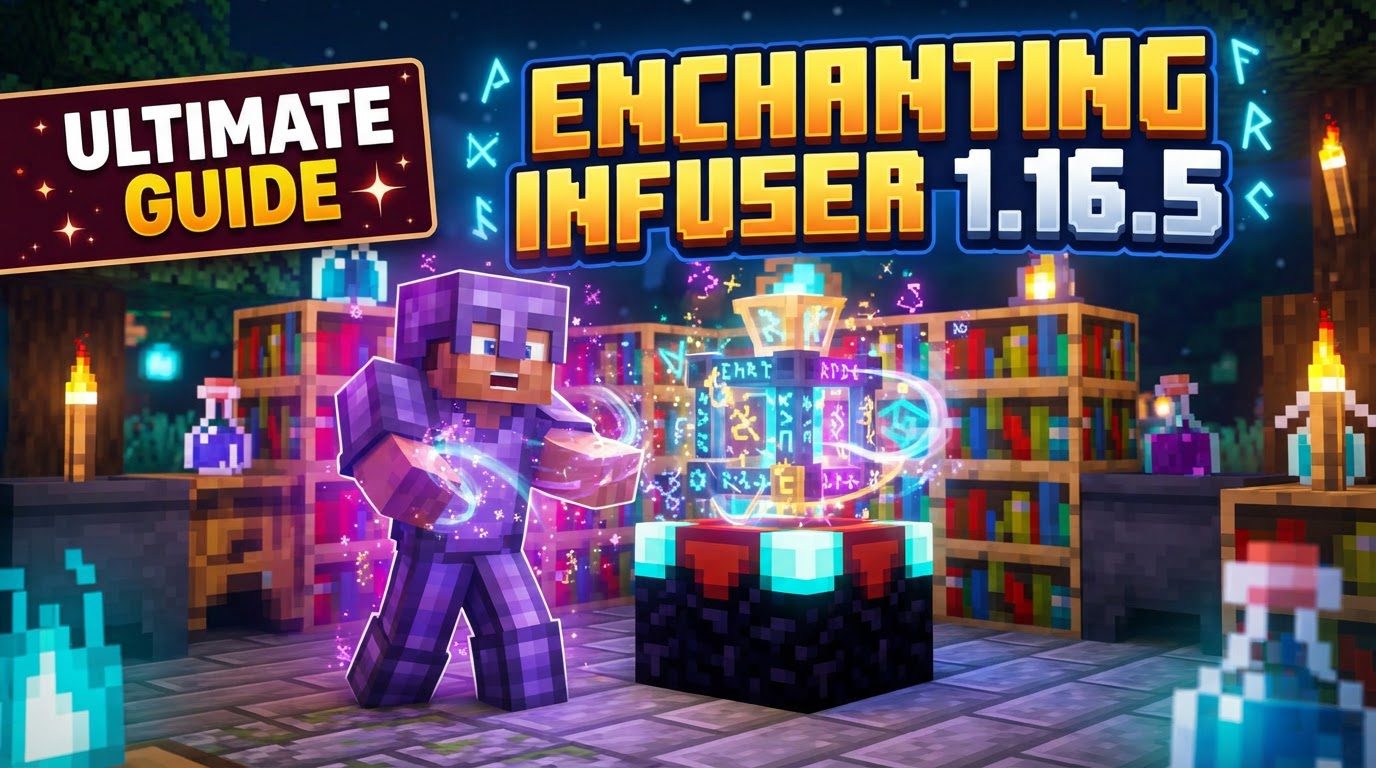
Enchanting Infuser 1.16.5
For countless Minecraft players, the vanilla enchanting table has been a source of both excitement and profound frustration, often yielding random, undesired results. The ‘Enchanting Infuser’ mod for Minecraft 1.16.5 completely transforms this experience, offering an unparalleled level of control and predictability over your enchantments. Gone are the days of endless re-rolls and wasted experience; this guide will delve into every aspect of this essential mod, from installation to mastering its advanced features, ensuring your gear is always enchanted exactly as you intend.
Getting Started: Installing the Enchanting Infuser
Before you can begin crafting your perfect tools and armor, the mod needs to be correctly installed. This process involves a few key steps to ensure compatibility and functionality.
- Mod Loader: First, you must download and install the appropriate mod loader for Minecraft 1.16.5. Your choices are either Forge or Fabric. Ensure you have the correct version installed for 1.16.5.
- Core Mod File: Next, download the ‘Enchanting Infuser’ mod file itself. Reputable sources like CurseForge are ideal for this.
- Essential Dependencies: This mod relies on several other crucial libraries to function. You will need:
- Puzzles Lib: This is a mandatory dependency for both Forge and Fabric users.
- Fabric Specific Dependencies: If you are using Fabric, you will also need the Fabric API and the Forge Config API Port. These are not required for Forge installations.
- Installation Location: Once all the necessary
.jarfiles (the Enchanting Infuser mod and all its dependencies) are downloaded, place them directly into your.minecraft/modsfolder.
Crucial Reminder: The mod will not function correctly if any of its required dependency mods are missing. Double-check that Puzzles Lib is present for both Forge and Fabric, and that Fabric API and Forge Config API Port are installed if you’re on Fabric.
Crafting Your Path to Power: Basic and Advanced Infusers
The heart of the Enchanting Infuser mod lies in its two new blocks, each offering distinct capabilities. Understanding their crafting recipes and functionalities is key to harnessing their power.
- The Basic Enchanting Infuser: This is your entry point into controlled enchanting. It allows for straightforward selection and application of enchantments to your items.
- Recipe: To craft a Basic Enchanting Infuser, you will need 3 Crying Obsidian, 1 Vanilla Enchanting Table, 2 Amethyst Crystals, and 1 Book.
- The Advanced Enchanting Infuser: This block elevates your enchanting game significantly, providing a suite of powerful manipulation options. It’s an upgrade from the basic version, offering unparalleled control.
- Recipe: The Advanced Enchanting Infuser is crafted by combining a Basic Enchanting Infuser with 2 Netherite Ingots, 3 Crying Obsidian, and 1 Book. Given its enhanced capabilities, prioritizing the crafting of this advanced version is highly recommended for any serious enchanter.
Unlocking Predictability: Core Mechanics of Enchanting Infuser
The Enchanting Infuser fundamentally reshapes how you interact with enchantments in Minecraft 1.16.5. Its core mechanics are designed for precision and player agency.
- Direct Enchantment Selection: The most significant change is the ability to directly choose specific enchantments for your items. This completely eliminates the frustrating randomness inherent in the vanilla enchanting table, allowing you to build your perfect gear sets with confidence.
- Bookshelf Integration: While offering direct selection, the mod smartly retains an element of vanilla enchanting: bookshelves. Just like with the vanilla table, placing 15 bookshelves around your Enchanting Infuser (within one block) is crucial. This setup is necessary to unlock the highest possible enchantment levels, ensuring you can apply max-level enchantments to your gear.
- Experience (XP) Cost: All operations within the Enchanting Infuser, including applying enchantments, modifying existing ones, repairing items, and recovering experience, come at an experience level cost. This ensures a balanced gameplay experience where powerful enchantments still require dedication.
- Configurability: A standout feature of the mod is its extensive configurability. Players and server administrators can fine-tune various aspects, such as the exact XP costs for different operations, the number of bookshelves required for maximum levels, specific repair mechanics, and even which enchantments are available. This allows for a highly customized gameplay experience to suit individual preferences or server needs.
- Expanded Enchantment Options: The mod also provides the option to enable enchantments that are typically restricted to anvils in vanilla Minecraft. For example, it can allow you to apply Sharpness directly to axes, expanding the possibilities for specialized tools and weapons.
Mastering Enchantments: Step-by-Step Usage
Using the Enchanting Infuser is intuitive once you understand the basic flow, though the Advanced Infuser adds layers of functionality.
- Setup Your Station: Begin by placing your Basic or Advanced Enchanting Infuser. Crucially, surround it with 15 bookshelves, ensuring each bookshelf is within one block of the infuser. This setup will grant you access to the highest possible enchantment levels.
- Prepare Your Item: Open the Infuser’s interface. Place the item you wish to enchant into the designated item slot.
- Select Your Enchantments: The interface will display a list of available enchantments that can be applied to your item, along with their respective levels and experience costs. Browse through the options and select the specific enchantments you desire.
- Apply Enchantments: Once you’ve made your selections, confirm the enchantment application. Your character will consume the required experience levels, and your item will be imbued with the chosen enchantments.
With the Advanced Enchanting Infuser, the process extends to modifying existing enchantments, swapping them between items, repairing damaged gear using experience, and even recovering experience from unwanted enchanted items (effectively disenchanting them). Simply place the item in the infuser, and the interface will present these additional options.
Essential Tips for Efficiency
To get the most out of your Enchanting Infuser setup, consider these practical tips:
- Maximize Bookshelves Immediately: Don’t delay in setting up all 15 bookshelves around your infuser. This ensures you always have access to the highest level enchantments right from the start, saving you time and resources later.
- Invest in an XP Farm: Due to the consistent experience costs associated with enchanting, repairing, and modifying items, having an efficient experience farm nearby is invaluable. This will keep your experience levels topped up and allow for continuous use of the infuser without interruption.
- Prioritize the Advanced Infuser: While the Basic Infuser is a good starting point, make crafting the Advanced Enchanting Infuser a high priority. Its enhanced capabilities, including enchantment swapping, removal, and item repair, offer significantly more control and flexibility over your gear.
- Craft Enchanted Books: Remember that the infuser isn’t just for direct item enchanting. You can also use it to create specific enchanted books, which can then be saved for later use or combined with other items via an anvil.
- Check Configuration Options: Don’t overlook the mod’s configuration files. These allow you to customize various aspects like costs, bookshelf requirements, and available enchantments, letting you tailor the mod to your preferred gameplay style.
Navigating Pitfalls: Common Issues & Limitations
While the Enchanting Infuser offers immense power, it’s important to understand its boundaries and potential quirks.
- No Treasure Enchantments: The Enchanting Infuser does not provide “treasure enchantments” such as Mending. These highly sought-after enchantments still need to be acquired through traditional vanilla methods, like trading with villagers, fishing, or finding them in loot chests.
- Curse Removal: Unfortunately, the Enchanting Infuser cannot remove curses from items. Curses like Curse of Vanishing or Curse of Binding will remain on your gear, requiring other mod solutions or simply accepting their presence.
- Dependencies are Crucial: As mentioned in the installation section, the mod absolutely relies on its dependencies. A common mistake is forgetting to install Puzzles Lib, or for Fabric users, omitting Fabric API or Forge Config API Port. Always ensure all required
.jarfiles are in your mods folder. - Apotheosis Integration: If you are running the popular Apotheosis mod alongside Enchanting Infuser, be mindful of potential interactions. Ensure all necessary dependencies for both mods are correctly installed to prevent conflicts or unexpected behavior.
The Enchanting Infuser mod for Minecraft 1.16.5 is a game-changer for anyone tired of the inherent randomness of vanilla enchanting. By providing direct control, advanced manipulation features, and extensive configurability, it empowers players to craft their perfect gear sets with precision and purpose. Embrace this mod, and elevate your enchanting experience to new, predictable heights.
Tags:
YOU MAY ALSO LIKE...