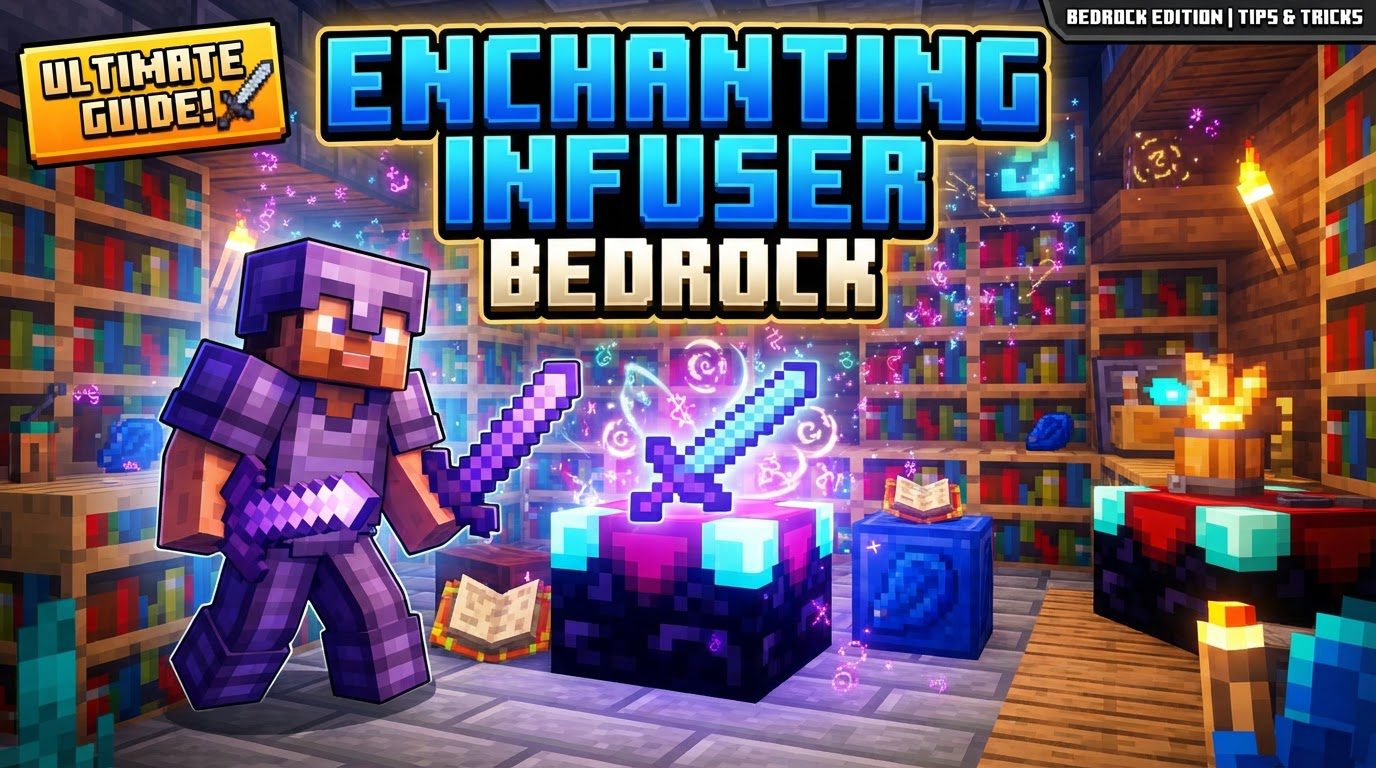
Enchanting Infuser Bedrock
One of the most common misconceptions among Minecraft players looking to enhance their gameplay is assuming popular Java Edition mods are directly available for Bedrock Edition. The “Enchanting Infuser” is a prime example. While it’s a highly sought-after modification that revolutionizes enchanting in Java, it does not natively exist in Minecraft Bedrock Edition. This guide will delve into what the Enchanting Infuser is, how it functions in its native Java environment, and crucially, what Bedrock players can do to find similar controlled enchanting experiences.
Understanding the Enchanting Infuser: A Java Edition Innovation
In Minecraft Java Edition, the vanilla enchanting process is notoriously random. Players often spend precious experience levels hoping for a specific enchantment, only to receive something entirely different. The Enchanting Infuser mod was created to address this frustration, offering unparalleled control and predictability over the enchanting process. It transforms a game of chance into a strategic decision, allowing players to select precisely which enchantments they want for their tools, weapons, and armor.
Core Mechanics that Define the Infuser
- Controlled Enchanting: The most significant departure from vanilla is the ability to directly choose enchantments from a list, eliminating the random element. This puts the player firmly in control.
- Tiered Systems: The mod introduces two distinct tiers of infusers: the Basic Enchanting Infuser and the Advanced Enchanting Infuser. Each tier unlocks more features and capabilities, making progression rewarding.
- Experience is Key: Like vanilla enchanting, all operations performed with the infuser, from applying enchantments to repairing items, consume experience levels. An efficient experience farm becomes invaluable.
- Bookshelf Synergy: The familiar mechanics of bookshelves enhancing enchantment power remain. Surrounding the infuser with up to 15 bookshelves, maintaining a one-block gap, is essential to unlock the highest-level enchantments.
- Configurable Options: For server administrators and individual players, many aspects of the mod are customizable through configuration files. This includes enchantment costs, bookshelf requirements, and even which enchantments are available.
Crafting Your Path to Controlled Enchantment (Java Edition)
To begin your journey with controlled enchanting in Java Edition, you’ll first need to craft one of the infuser blocks. Both require specific, sometimes rare, materials.
Building the Basic Enchanting Infuser
The entry point to this system is the Basic Enchanting Infuser. Its recipe combines elements of vanilla enchanting with some unique additions:
- 2 Amethyst Shards: Found in Amethyst Geodes.
- 3 Crying Obsidian: Obtained from Piglin Bartering, Bastion Remnants, or Ruined Portals.
- 1 Enchanting Table: The standard vanilla enchanting block.
- 1 Book: Crafted from paper and leather.
This initial infuser will grant you access to the fundamental controlled enchanting features.
Upgrading to the Advanced Enchanting Infuser
For the full suite of features and maximum utility, the Advanced Enchanting Infuser is the ultimate goal. It’s crafted by upgrading the basic version:
- 1 Basic Enchanting Infuser: Your previously crafted basic infuser.
- 2 Netherite Ingots: Among the rarest and most valuable materials in Minecraft, crafted from Netherite Scraps and Gold Ingots.
- 3 Crying Obsidian: Additional Crying Obsidian will be needed.
- 1 Book: Another standard book.
The Advanced Infuser unlocks powerful capabilities beyond just enchanting, making the investment in Netherite worthwhile.
Setting Up and Utilizing Your Infuser (Java Edition Workflow)
Once you’ve crafted your desired infuser, setting it up correctly is crucial to maximize its potential.
Optimal Infuser Placement and Bookshelves
Place your crafted Enchanting Infuser in your desired location. To unlock the highest possible enchantment levels, you’ll need to surround it with bookshelves. Similar to the vanilla enchanting table, a maximum of 15 bookshelves are required, each placed one block away from the infuser. Ensure there’s a one-block air gap between the infuser and the bookshelves for them to register correctly.
The Enchanting Process
With your infuser set up and bookshelves in place, enchanting becomes a straightforward process:
- Open the Infuser Interface: Right-click on the Enchanting Infuser block.
- Place Your Item: Drag the item you wish to enchant (tool, weapon, armor, or book) into the designated slot within the infuser’s UI.
- Select Enchantments: A list of available enchantments, along with their experience costs, will appear. You can browse and select the specific enchantments you desire. The number of bookshelves will influence the variety and level of enchantments available.
- Confirm and Enchant: Once you’ve made your selections, confirm the operation. The required experience levels will be consumed, and the chosen enchantments will be applied to your item.
Maximizing Your Enchanting Potential: Advanced Strategies (Java Tips)
To get the most out of the Enchanting Infuser mod, especially the advanced version, consider these tips:
- Prioritize the Advanced Infuser: The Basic Infuser is a good start, but the Advanced Enchanting Infuser offers a wealth of additional features. These include repairing items using experience, swapping enchantments between items, and even disenchanting items to recover some of the applied experience. The Netherite cost is justified by its versatility.
- Resource Gathering is Key: Be prepared to dedicate time to gathering valuable resources. Crying Obsidian, Amethyst Shards, and especially Netherite Ingots are not trivial to acquire, but they are essential for crafting the infusers.
- Invest in an XP Farm: Since all infuser operations consume experience levels, a reliable and efficient experience farm will drastically improve your quality of life. Whether it’s a mob grinder, an enderman farm, or a simple smelter setup, consistent XP gain is vital.
- Explore Configuration Options: If you’re playing on a server or a single-player world where you can access the mod’s configuration files, take the time to explore them. You can tailor enchantment costs, bookshelf requirements, and even the availability of certain enchantments to suit your playstyle or server balance.
- Understand Treasure Enchantments: The Enchanting Infuser typically does not offer “treasure enchantments” like Mending or Soul Speed. For these rare and powerful enchantments, you’ll still need to rely on vanilla methods such as trading with Librarian villagers, fishing, or finding them in dungeon chests.
Common Pitfalls for Enchanting Infuser Users (Java Edition Specific)
Even with such a powerful tool, players can encounter issues. Being aware of these common mistakes can save you time and frustration:
- Missing Dependencies: The Enchanting Infuser mod often requires other mods to function, such as Puzzles Lib. Fabric users also need Fabric API and Forge Config API Port. Forgetting to install these required dependency mods will prevent the infuser from working.
- Incorrect Bookshelf Setup: Not placing the full 15 bookshelves correctly around the infuser (with the crucial one-block air gap) will limit the available enchantment levels, preventing you from applying the most powerful enchantments.
- Lack of Experience: Attempting to enchant, repair, or perform other operations without sufficient experience levels will simply result in failure. Always check your XP bar before attempting an operation.
- Not Crafting the Infuser: The mod’s features are only accessible once an Enchanting Infuser block has been successfully crafted and placed in your world. Simply installing the mod isn’t enough.
Bridging the Gap: Enchanting Infuser Alternatives for Bedrock Players
As established, the “Enchanting Infuser” mod itself is exclusive to Minecraft Java Edition. Its direct installation and functionality are not present in Minecraft Bedrock Edition. However, the spirit of controlled enchanting is something Bedrock players often desire.
To achieve similar functionality in Bedrock, players must look to the vibrant community-created content ecosystem:
- Add-ons and Behavior Packs: Bedrock Edition supports “add-ons” and “behavior packs” which can modify game mechanics. Searching community marketplaces or websites for terms like “controlled enchanting,” “custom enchanting table,” or “enchantment overhaul” for Bedrock Edition can yield results. These community creations might introduce new blocks or modify existing ones to offer a more predictable enchanting experience, mimicking some aspects of the Java Infuser.
- Marketplace Content: The official Minecraft Marketplace sometimes features worlds or texture packs that include custom mechanics. While less likely to be a direct “Enchanting Infuser,” some creators might integrate custom enchanting systems into their content.
- Understanding Limitations: It’s important to understand that Bedrock add-ons, while powerful, operate differently from Java mods. They might not offer the exact same level of customization or features as the original Java Enchanting Infuser mod. Always read descriptions and reviews carefully before downloading any community content.
In conclusion, while the specific “Enchanting Infuser” is a Java Edition mod, its core appeal-controlled, predictable enchanting-is a universal desire. Java players can enjoy its full features by following the installation and usage guidelines. Bedrock players, while unable to access the mod directly, can explore the vast world of community add-ons and behavior packs to find experiences that bring a similar level of enchanting control to their game.
Tags:
YOU MAY ALSO LIKE...