Create Slice & Dice
Forgetting a simple knife can halt an entire automated farm, leaving your culinary dreams in Minecraft’s blocky world unfulfilled. This common oversight, often encountered when trying to automate intricate cooking processes, highlights a critical need for seamless integration between powerful mods. “Create Slice & Dice” steps in precisely to bridge such gaps, offering a sophisticated solution for players looking to elevate their automation game, particularly when combining the industrial might of the “Create” mod with the artisanal delights of “Farmer’s Delight.”
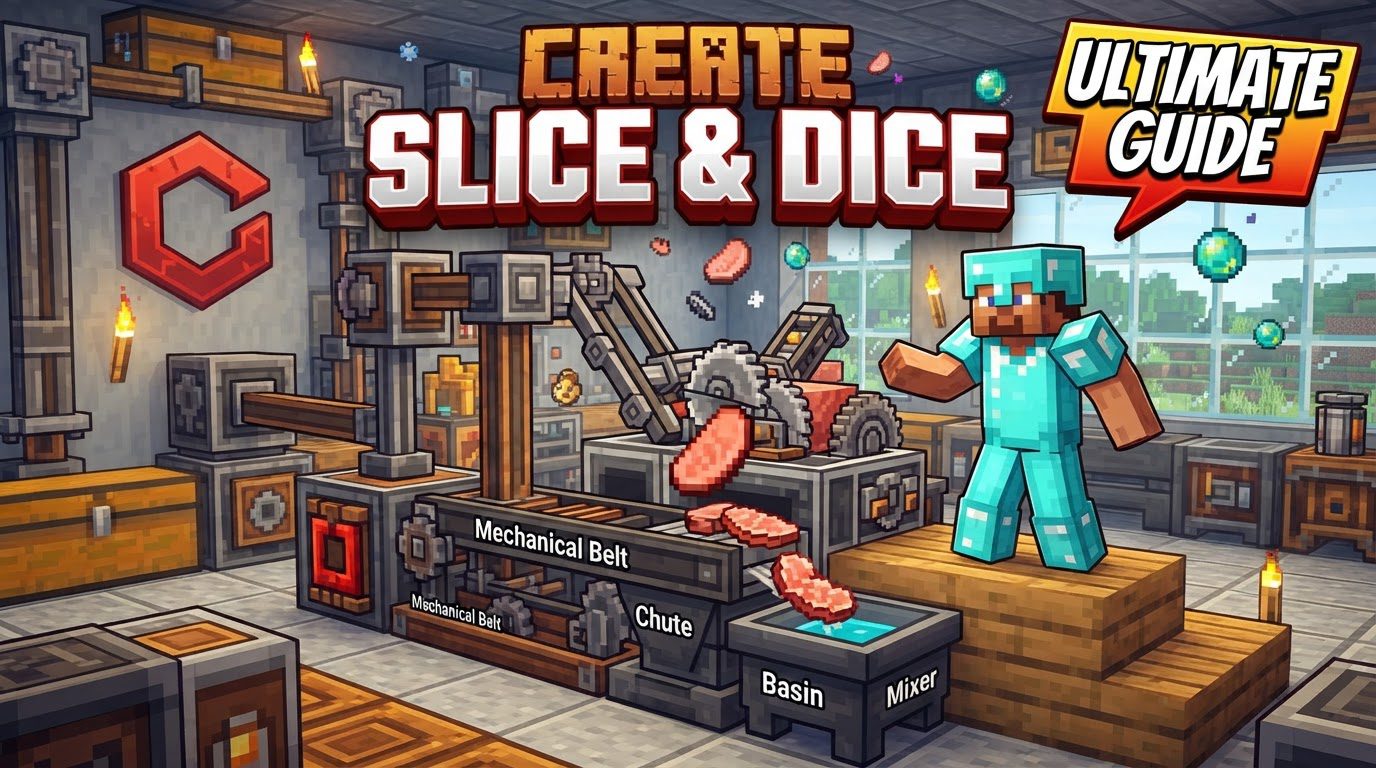
Introduction: Seamless Automation for Your Minecraft Farm
The “Create Slice & Dice” mod is a pivotal add-on for Minecraft players who revel in complex automation and resource management. Designed primarily to enhance compatibility between the popular “Create” mod and “Farmer’s Delight,” it transforms tedious manual tasks into elegantly automated processes. At its core, “Create Slice & Dice” focuses on streamlining the production of various food items by providing specialized machinery and converting existing recipes into Create-compatible formats. This guide will delve into its key features, offering a comprehensive look at how you can integrate this powerful mod into your Minecraft world to build incredibly efficient and self-sustaining farms and kitchens.
The Slicer: Automating Your Culinary Chores
The centerpiece of “Create Slice & Dice” is undoubtedly the Slicer. This ingenious machine functions much like the Mechanical Mixer or Mechanical Press from the base Create mod, but with a specific culinary purpose: to automate all cutting recipes from “Farmer’s Delight.” Historically, automating the cutting board in “Farmer’s Delight” was a significant hurdle, often requiring complex and unreliable setups. The Slicer eliminates this frustration, acting as a dedicated, automated cutting board that seamlessly integrates into any Create-powered production line.
To operate the Slicer, you must first place the correct tool into it. By default, this includes knives and axes, which are the primary tools used for cutting in “Farmer’s Delight.” Simply right-click the Slicer with the desired tool, and it will be consumed into the machine, ready for action. For those who wish to customize tool compatibility, the mod allows modification of the sliceanddice:allowed_tools item tag, providing flexibility for modpack creators or players with unique setups. Once a tool is inserted, the Slicer is primed to receive raw ingredients, typically supplied via Create belts or into a basin placed beneath it. With rotational power from any Create contraption, the Slicer will automatically process the ingredients, yielding the desired cut items. An important consideration for sustained operation is tool durability; just like manual tools, the tools within the Slicer will degrade and eventually break. Fortunately, Slicers are designed to accept new tools once the previous one is depleted, ensuring continuous automation with proper tool resupply.
Using the Slicer: A Step-by-Step Guide
Integrating the Slicer into your Create automation setup is straightforward:
- Place the Slicer: Position the Slicer block in your desired location within your Create factory.
- Insert Tool: Right-click the Slicer with an appropriate tool (knife or axe by default) for the specific cutting recipe you intend to automate.
- Provide Ingredients: Supply the raw ingredients to the Slicer. This is commonly done by placing them onto a Create belt leading into the Slicer’s input or by dropping them into a basin directly beneath it.
- Power the Slicer: Connect the Slicer to a source of rotational power from your Create contraption. Like all Create machines, it requires kinetic energy to function.
- Collect Output: The processed items will be automatically produced and can be collected via belts, chutes, or other Create item transportation methods.
Beyond the Cutting Board: Automated Cooking and the Sprinkler
“Create Slice & Dice” extends its automation prowess beyond just cutting. It also tackles the challenge of automating more complex cooking processes from “Farmer’s Delight.”
Automatic Cooking Pot Recipes
One of the mod’s significant features is its ability to convert all “Farmer’s Delight” recipes that traditionally require a Cooking Pot into heated mixing recipes. This ingenious conversion means that what was once a manual or semi-automated process can now be fully integrated into a Create setup. By simply placing the ingredients into a Create basin with a heat source below and applying rotational power with a Mechanical Mixer, you can automate a vast array of “Farmer’s Delight” culinary creations. Furthermore, these converted recipes are seamlessly displayed in Just Enough Items (JEI), ensuring that players on both single-player worlds and servers can easily discover and implement these new automation possibilities.
The Dynamic Sprinkler
Another versatile block introduced by “Create Slice & Dice” is the Sprinkler. This block is designed to dispense fluid in a small area directly below it, provided it’s supplied with fluid via a Create pipe network. The true power of the Sprinkler lies in the diverse effects different fluids can produce:
- Lava: Dispenses fire damage, useful for mob control or specific industrial processes.
- Water: Makes the area wet, mimicking rain and potentially affecting crop growth or certain block states.
- Potions: Applies their respective effects to entities or blocks within the Sprinkler’s range, opening up possibilities for automated buffing or debuffing.
- Liquid Fertilizer: A new fluid introduced by the mod, Liquid Fertilizer provides a powerful bonemeal effect, accelerating crop growth significantly. This is invaluable for high-yield automated farms.
Notably, Sprinklers are not limited to static placement; they can also be attached to contraptions, allowing for mobile application of these fluid effects across a larger area or on moving targets. Experimenting with different fluids in the Sprinkler can lead to highly creative and efficient automation solutions for various tasks, from farming to mob management.
Expanding Your Automation: Broader Mod Compatibility
While “Create Slice & Dice” primarily focuses on “Farmer’s Delight” integration, its design philosophy extends to broader mod compatibility. The mod includes features that enhance interactions with other popular add-ons, such as “Overweight Farming.” For instance, it provides compatibility for waxing recipes using the Create Deployer, allowing for automated preservation of certain items. Additionally, it ensures that actions like axe-stripping of crops, which might be introduced by other farming mods, are correctly displayed in JEI, maintaining clarity and discoverability within your modded Minecraft experience.
Navigating Common Challenges with Create Slice & Dice
Even with its streamlined design, players might encounter a few common pitfalls when setting up “Create Slice & Dice” automation. Understanding these can save considerable time and frustration:
- Missing or Incorrect Tool: The most frequent mistake for Slicer operation is forgetting to place a compatible tool (knife or axe by default) into the machine. Without a tool, the Slicer simply cannot perform its cutting function. Similarly, using a tool not registered in the
sliceanddice:allowed_toolstag will prevent operation. Remember that this tag can be customized if you need to use tools from other mods. - Insufficient Power: Like all Create machines, the Slicer requires rotational power to operate. A common oversight is failing to supply adequate kinetic energy, leading to a non-functional Slicer. Ensure your Create power grid is robust enough to handle the Slicer’s demands.
- The Limits of Vanilla Automation: Before “Create Slice & Dice,” automating “Farmer’s Delight” cutting boards with Deployers often led to frustrating issues. Deployers might incorrectly place the knife *on* the board instead of *using* it, disrupting continuous automation and preventing proper knife refilling. “Create Slice & Dice” directly addresses this by providing the Slicer, a purpose-built machine that bypasses these limitations entirely, making true cutting automation viable and reliable.
Tips for Mastering Your Automated Farm
- Tool Management: Plan for tool durability. Slicers consume tool durability, so design an automated system to resupply new tools once the current one breaks. This could involve an item vault filled with knives or axes, fed by a smart chute.
- Leveraging JEI: Always consult Just Enough Items (JEI) to understand the new recipes. “Create Slice & Dice” ensures that all converted cooking pot recipes and Slicer recipes are clearly visible, including required ingredients, tools, and outputs.
- Sprinkler Experimentation: Don’t shy away from experimenting with the Sprinkler. The diverse effects of different fluids, especially Liquid Fertilizer for accelerated crop growth, can unlock incredibly efficient farming designs. Consider using potions for automated mob farms or player buff stations.
- Considering Alternatives: While “Slice & Dice” offers robust automation for “Farmer’s Delight,” it’s worth noting that other mods like “Create Central Kitchen” also provide similar capabilities. Each mod might have different approaches or unique features, so understanding “Slice & Dice”‘s specific strengths (like the dedicated Slicer and Sprinkler) will help you choose the best tools for your particular automation goals.
Conclusion: Elevating Your Minecraft Automation
“Create Slice & Dice” is an indispensable mod for any Minecraft player serious about integrating “Create” and “Farmer’s Delight.” By introducing the Slicer, automating cooking pot recipes, and providing the versatile Sprinkler, it transforms tedious manual processes into elegant, scalable automation solutions. It addresses longstanding compatibility issues, making it easier than ever to build complex, self-sustaining farms and kitchens. Embrace “Create Slice & Dice” to unlock new levels of efficiency and creativity in your Minecraft world, turning your blocky culinary dreams into automated reality.
Tags:
YOU MAY ALSO LIKE...