How to Identify Legitimate vs Hacked World Seeds
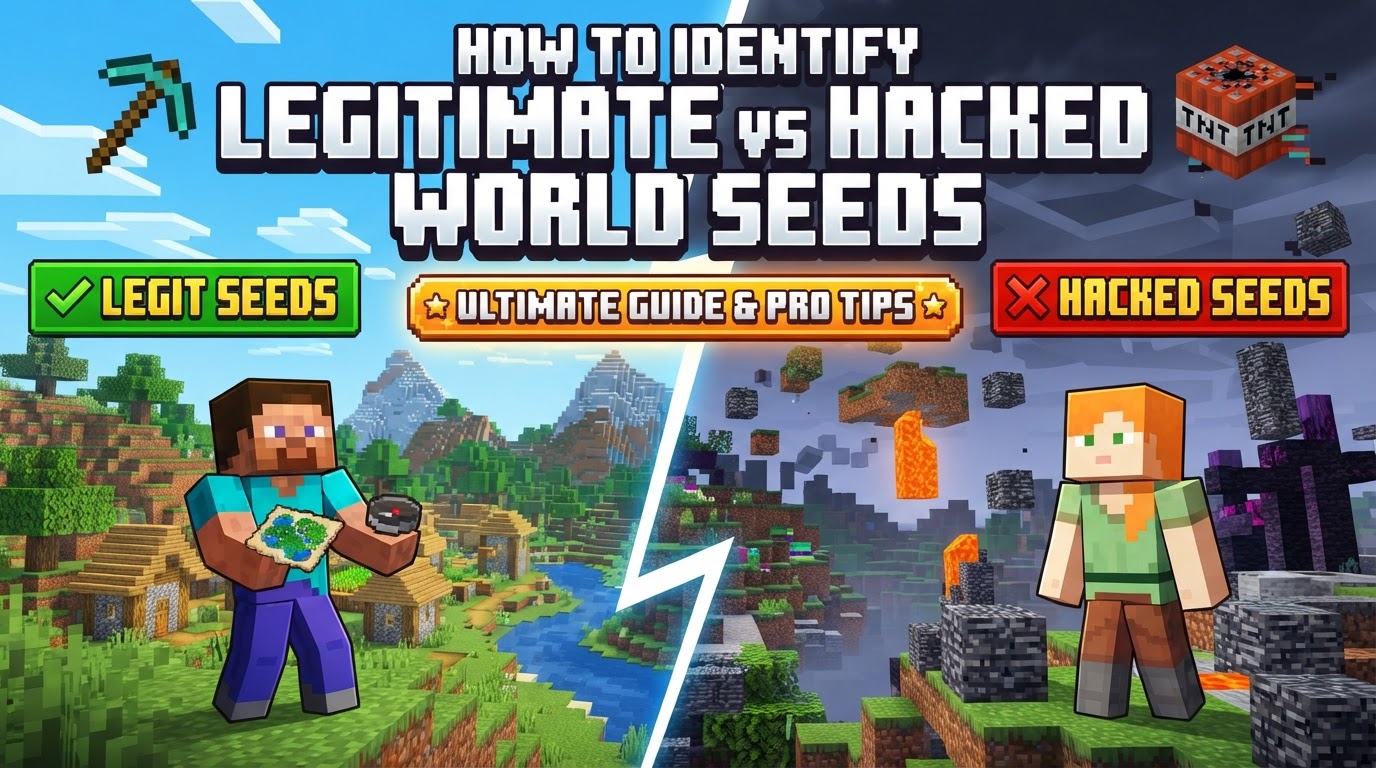
A Minecraft world seed, a simple string of numbers, is never truly “hacked” in the malicious, code-altering sense of the word. This might come as a surprise to many who encounter claims of “hacked seeds” online. Instead, the term most often refers to seeds that are either misrepresented with fake claims, or used in conjunction with external tools and “hacked clients” to gain an unfair advantage, particularly within multiplayer environments. Understanding this crucial distinction is the first step in navigating the world of seed verification and ensuring your Minecraft experience remains legitimate and fair.
The Genesis of a World: How Seeds Function
At its core, a Minecraft seed is a numerical code, up to 64 bits long, that serves as the blueprint for an entire world. This seemingly simple string is fed into Java’s random class, which then orchestrates the generation of every aspect of your blocky universe-from sprawling biomes and intricate terrain to the precise placement of structures like villages, strongholds, and ancient cities. Interestingly, most of a world’s prominent features are determined by the lower 48 bits of this seed, showcasing the incredible efficiency of Minecraft’s procedural generation system.
A fundamental principle of Minecraft’s world generation is consistency. A specific seed should, without fail, generate the identical world layout, provided you are using the same game version and platform. This means a seed for Minecraft Java Edition 1.20 will produce the same world every time you enter it under those conditions. However, this consistency is also where confusion often arises: world generation can vary significantly between different Minecraft versions (e.g., 1.18 vs. 1.21) and, critically, between Java Edition and Bedrock Edition. A seed that yields a breathtaking landscape in one might generate something entirely different, or even unremarkable, in another.
Uncovering the World’s Secret: Seed Retrieval and Cracking
For players curious about their current world’s origins, retrieving a seed is straightforward, assuming sufficient in-game privileges. In single-player worlds or on servers where cheats are enabled, the command /seed will instantly reveal the numerical code. Server administrators have an additional method: the seed is typically listed in the server.properties file, a core configuration document for any Minecraft server. This direct access ensures that legitimate seeds can always be verified by those with the necessary permissions.
Beyond direct retrieval, a more advanced technique known as seed cracking exists. Expert players and dedicated tools can deduce a world’s seed even without direct access to the /seed command. This is achieved by meticulously analyzing the locations of naturally generated structures (such as strongholds or ocean monuments) or specific chunk properties (like the patterns of slime chunks) within a world. By reverse-engineering these generated elements, the original seed can be accurately determined, allowing players to understand the world’s full potential or even replicate it elsewhere.
Verifying a Seed: A Practical Step-by-Step Guide
When you encounter an exciting seed online, the path to verification is systematic and relatively simple. Don’t fall for exaggerated claims without putting them to the test.
- Obtain the Seed String: First, get the exact numerical or textual seed you wish to verify. Copy it precisely.
- Create a New World in Minecraft: Launch your Minecraft client and select “Create New World.”
- Enter the Seed Carefully: Locate the “Seed for the World Generator” field during world creation and paste or type the seed. This is the most crucial step: Ensure you are using the correct Minecraft version and edition (Java or Bedrock) that the seed’s source specifies. Mismatching these will almost guarantee a different world generation.
- Explore and Compare: Once the new world loads, navigate to the areas where the advertised features (e.g., specific biomes, structures, unique terrain) are supposed to be. Compare what you observe in-game with the images, videos, or descriptions provided with the seed. Are the features present? Do they look the same?
Leveraging External Tools for Deeper Analysis
For more efficient and comprehensive verification, especially if you’re dealing with complex seed claims, external tools are invaluable:
- Seed Map/Finder Websites: Platforms like Chunkbase are indispensable. You can input a seed, specify the Minecraft version and edition, and immediately visualize biomes, structures, and other key features on an interactive map. This allows for rapid confirmation or debunking of major claims without the need to generate and explore the world in-game.
- In-Game
/locateCommand: If cheats are enabled in your test world, or if you have administrator permissions, the/locate structurecommand is incredibly powerful. You can type, for example,/locate structure villageor/locate structure ancient_cityto get the coordinates of the nearest instance of that structure, instantly verifying its existence and proximity.
Detecting Deception: Signs of Misleading Seed Claims
Not all seeds are presented honestly. Being critical and informed can save you time and disappointment.
- Scrutinize the Source: Be highly skeptical of seeds originating from unverified channels, especially those making extraordinary claims about “impossible” or “unbelievable” features without solid, verifiable proof. Many viral seeds shared without proper context are often found to be inaccurate upon testing.
- Look for Impossible Features: Some “hacked” or fake seed claims might depict structures or terrain generation that simply defy Minecraft’s natural mechanics. Examples include perfectly floating islands with no support, biomes generated in illogical or impossible proximities (e.g., a mushroom island directly adjacent to a badlands biome in a way that doesn’t follow normal biome blending rules), or structures that are clearly edited into screenshots. Differentiate between genuinely rare generation and truly impossible scenarios.
- Critically Examine Media: When reviewing screenshots or videos, look for inconsistencies, signs of photo editing, or features that appear to defy natural generation. Some content creators even make videos specifically testing and debunking fake seeds, which can be a valuable resource.
The Critical Role of Version and Edition
This cannot be overstated: always confirm the precise Minecraft version (e.g., 1.18, 1.20, 1.21) and edition (Java or Bedrock) that a seed is intended for. A seed from one version or edition will almost certainly generate a drastically different world in another. A common mistake is to try a Java seed in Bedrock, or an old version seed in a new version, and then conclude it’s “fake” when it’s merely incompatible.
When the term “hacked” is used in relation to a seed, clarify its context. Does it imply the seed itself is somehow “broken” or altered (which is generally not possible, as seeds are static numbers)? Or does it refer to its use in conjunction with client-side modifications, like X-ray vision or speed hacks, to exploit the seed’s features? The latter is typically considered cheating in multiplayer settings and has nothing to do with the seed’s legitimacy, but rather the player’s actions.
Common Pitfalls and Misconceptions
Even experienced players can make errors when verifying seeds:
- Ignoring Version/Edition: This is by far the most frequent mistake. Failing to generate the seed in the exact Minecraft version or edition specified will almost certainly lead to a world that doesn’t match the claims, making the legitimate seed appear “fake.”
- Misinterpreting “Hacked”: Confusing a misleading advertisement for a seed with the idea that the numerical seed itself has been maliciously altered. The seed is a static input; any “hacking” usually refers to its presentation or how players use it with external tools.
- Not Verifying Claims: Blindly trusting exaggerated claims about a seed’s features without independently verifying them through in-game generation or seed analysis tools is a recipe for disappointment.
- Assuming Impossibility: While some claims are indeed impossible, Minecraft’s procedural generation can occasionally create genuinely rare, bizarre, and unusual features. It’s important to distinguish between truly impossible generation and legitimate, albeit extremely rare, occurrences.
- Lack of Permissions in Multiplayer: In a multiplayer environment, players typically do not have access to the server’s seed unless it is explicitly provided by administrators or they possess admin privileges. Attempting to use client-side mods to gain an unfair advantage based on supposed seed knowledge without server consent is a form of cheating, not an issue with the seed’s legitimacy.
In conclusion, identifying legitimate versus “hacked” or misleading world seeds in Minecraft boils down to critical thinking, meticulous verification, and a solid understanding of how Minecraft’s world generation truly functions. By following these guidelines, you can ensure that your adventures begin with a world that lives up to its promise, free from deception or unfair advantages.
Tags:
YOU MAY ALSO LIKE...