Understanding Villager Professional Block Linking Mechanics
Expecting your newly spawned villager to instantly become a master librarian just because you’ve placed a lectern nearby is a common early-game misconception. While the intention is right, the mechanics behind how a villager claims a profession block are far more nuanced than simply placing an item. Understanding these intricate “linking mechanics” is crucial for efficient trading halls, automated farms, and any sophisticated villager-based setup in Minecraft.
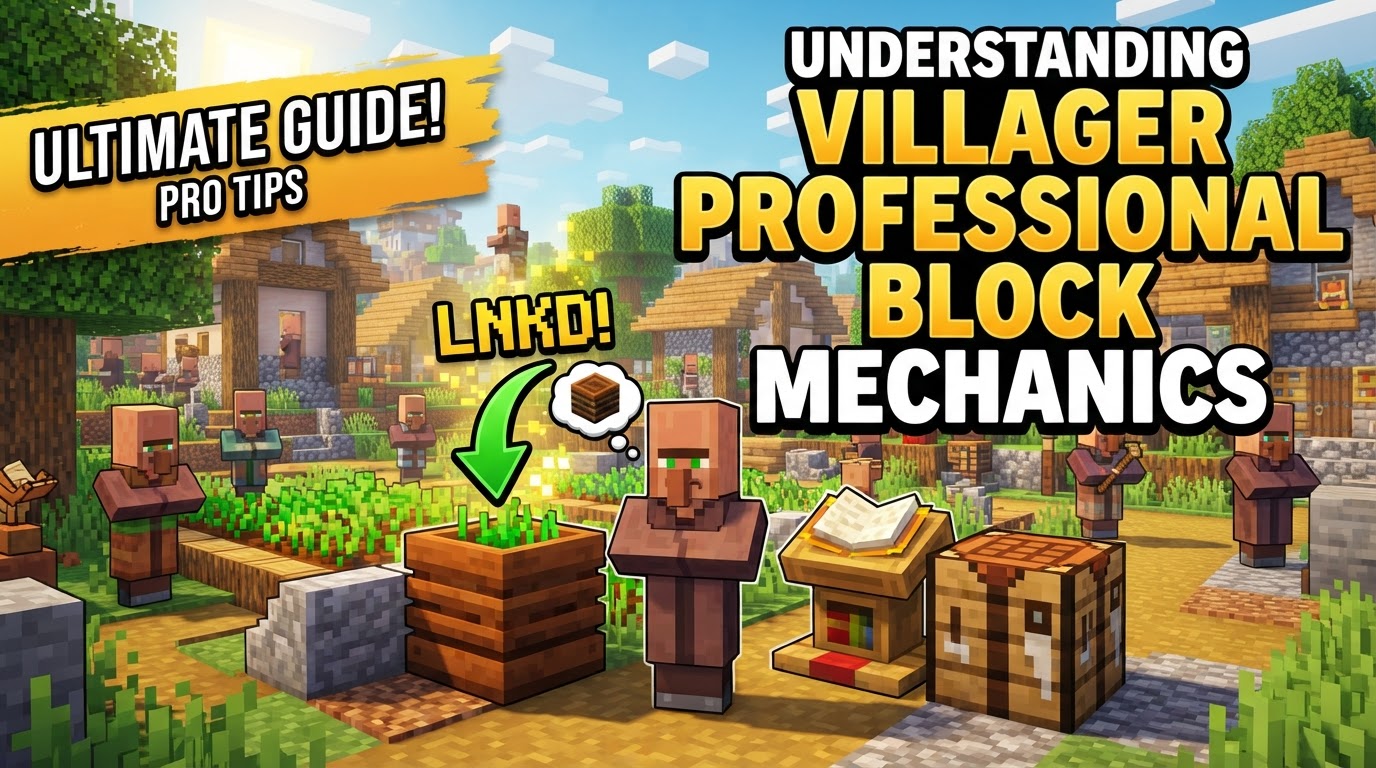
The Foundation of Villager Professions
At its core, a villager’s profession is determined by its interaction with a specific “job site block” or “workstation.” Unemployed villagers, easily identifiable by their plain brown robes, are constantly searching for an available workstation to claim. This claim grants them a profession, unlocking a unique set of trades essential for player progression.
- Profession Assignment: When an unemployed villager finds and claims an available job site block, they adopt the corresponding profession. For instance, a villager claiming a Composter becomes a Farmer, while one claiming a Blast Furnace becomes an Armorer. There are 13 distinct professions, each tied to a unique block.
- Trade Inventories: Each profession provides a different trading inventory. A Librarian (Lectern) offers enchanted books, a Cartographer (Cartography Table) sells maps, and so on. This specialization allows players to target specific trades by manipulating which job blocks are available.
- Unemployment and Nitwits: If a job block is broken, the villager associated with it will revert to an unemployed state, losing its profession unless certain conditions are met. Unemployed villagers wear plain robes, signifying their lack of a job. It’s important to distinguish these from Nitwits, who wear a unique green robe and are incapable of ever taking on a profession, regardless of job blocks placed.
The Crucial Role of Proximity and Accessibility
A villager won’t just magically link to any job block in the chunk. They need to be able to “see” and “reach” it. This involves specific search radii and pathfinding capabilities that differ slightly between game editions.
- Search Radius: Unemployed villagers actively search for unclaimed job blocks within a defined area. In Java Edition, this search occurs within a generous 48-block spherical radius. In Bedrock Edition, the range is more confined, searching within a 16-block radius and 4-block height. Understanding these ranges is vital for effective placement.
- Pathfinding Requirement: For a villager to claim a block, they must be able to pathfind to it. This means the block cannot be completely enclosed or unreachable. Ideally, the job block should be in the same room or an easily accessible, connected space.
- Claiming a Block: Once an unemployed villager identifies an unclaimed job block within its search radius and can pathfind to it, it will move towards the block. In Java Edition, upon approaching within a 2-block radius of the workstation, the villager will fully claim it. A visual cue of green particles emitting from both the villager and the job block confirms a successful link.
Securing a Villager’s Career Path
The link between a villager and its job block isn’t always permanent from the outset. There’s a critical step players must take to “lock in” a villager’s chosen profession.
- Locking Professions: A villager’s profession becomes permanently locked only after it completes its very first trade with a player. Before this initial trade, the villager’s profession is fluid. If its current job block is broken, the villager will become unemployed and can then claim a different job block, thus changing its profession. This mechanic is incredibly useful for “rerolling” trades until you find desirable offers. Once that first trade is made, however, the profession is set; even if the job block is later removed, the villager will retain its profession and trades, though it will become temporarily “unemployed” until a suitable job block is placed again.
A Step-by-Step Guide to Linking
Achieving a specific villager-profession link is a straightforward process when understood. Follow these steps for reliable results:
- Find or Breed an Unemployed Villager: Start with a villager that has no profession (plain brown robe). You can find these in villages or breed them yourself.
- Place the Desired Job Block: Position the specific job site block for the profession you want (e.g., a Lectern for a Librarian, a Blast Furnace for an Armorer) within the villager’s search and pathfinding range.
- Allow Villager to Claim: The unemployed villager will naturally pathfind to and claim the job block. Watch for the green particles emanating from both the villager and the block, indicating a successful link. This may take a few moments.
- Lock in Profession (Recommended): Once the villager has adopted the desired profession and offers the trades you want, make at least one trade with it. This action permanently locks its profession, preventing it from changing if the block is accidentally broken or if you need to move the block later.
Advanced Strategies and Troubleshooting
While the basic linking process is simple, optimizing setups and resolving issues requires a deeper understanding.
- Isolate Villagers: To ensure a specific villager links to a specific job block and avoids cross-linking with others, it’s highly recommended to isolate the unemployed villager with only the desired job block accessible. This prevents other villagers from claiming it or your target villager from linking to an unintended block.
- One Villager, One Block: Remember that only one villager can claim a single job site block at any given time. If you need multiple villagers of the same profession, you’ll need an equal number of job blocks.
- Breaking and Replacing: If a villager links to the wrong block before its profession is locked, simply break the incorrect job block. The villager will become unemployed again, and green particles will appear above the villager that was linked to the broken workstation, signaling its availability to link to a new block. You can then place the correct job block to retry the linking process.
- Consider Cured Zombie Villagers: Curing a zombie villager by throwing a Splash Potion of Weakness and then feeding it a Golden Apple offers a significant advantage. Cured zombie villagers retain their profession (if they had one) and receive permanent, substantial trade discounts, making them incredibly valuable for trade setups.
- Ensure Free Movement: Villagers need to be able to stand freely and interact with their job blocks. If a villager is confined within a minecart or a boat, it may not be able to properly link to or refresh trades with its workstation. Ensure they are on solid ground and can pathfind to their block.
Common Mistakes to Avoid
Even seasoned players can fall victim to common pitfalls when managing villager links.
- Job Blocks Too Far Away: One of the most frequent mistakes is placing job blocks outside a villager’s search or pathfinding range. Villagers cannot claim blocks that are too distant or inaccessible, leading to confusion and unemployment.
- Cross-linking in Compact Setups: In dense trading halls or villager-heavy farms, villagers can “cross-link” to unintended workstations. This is especially problematic in iron farms where villagers must be linked to a specific block to fulfill conditions for iron golem spawning. Careful isolation is key.
- Not Locking Trades: Forgetting to make that crucial first trade leaves a villager’s profession vulnerable. If its job block is accidentally broken or claimed by another villager before the trade, you might lose the desired profession and have to reroll.
- Confusing Unemployed with Nitwits: Attempting to assign a profession to a Nitwit (the green-robed villager) is a futile exercise. They cannot take on any job, so don’t waste your job blocks on them.
- Beds and Linking (Bedrock Edition Specifics): In Bedrock Edition, villagers require a bed to be considered part of a village. This influences their job block seeking behavior, as they will claim the first suitable job block on a shared list for the village, regardless of distance or accessibility. However, some players report that the presence of beds can sometimes cause villagers to un-link from workstations in Bedrock, adding another layer of complexity to managing their professions.
Mastering villager professional block linking mechanics transforms your Minecraft experience, allowing for efficient resource generation and powerful trading opportunities. By understanding proximity, locking mechanics, and avoiding common mistakes, you can build sophisticated villager-based systems that enhance your gameplay considerably.
Tags:
YOU MAY ALSO LIKE...