Everything About Observer Block Trigger Conditions
Did you know a single Observer block can monitor over 30 different types of block changes across Minecraft’s various editions, making it one of the game’s most versatile and indispensable redstone components? This unassuming block, often overlooked by beginners, is the heartbeat of countless automated farms, sophisticated traps, and intricate contraptions in the world of Minecraft.
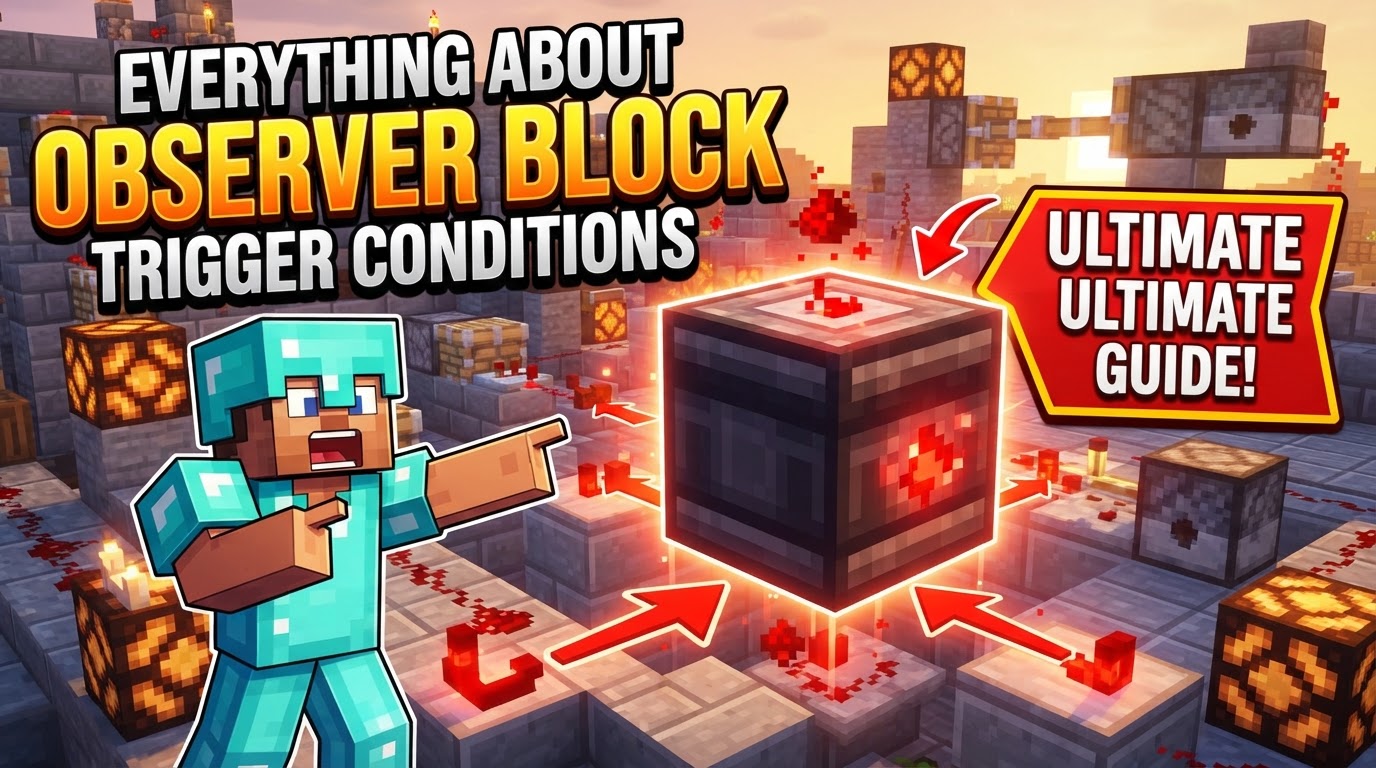
At its core, the Observer block is a specialized sensor, designed to detect even the slightest alteration in the state of a block directly in front of it. Upon sensing a change, it instantly emits a brief but powerful redstone pulse, triggering subsequent redstone mechanisms. Understanding its precise trigger conditions is paramount for any aspiring redstone engineer looking to elevate their builds from simple to spectacular.
Understanding the Observer’s Fundamental Mechanics
The Minecraft Observer block operates on a simple yet profound principle: it watches, it detects, and it signals. This core functionality is divided between two distinct sides of the block:
- The Face: This is the side of the Observer with the textured pattern, resembling a stylized eye or sensor. This “face” must be pointed directly at the block you intend to monitor for changes. It is the Observer’s input.
- The Back: The opposite side of the Observer, featuring a small red dot, is where the magic happens. This is the output side, emitting a redstone signal when a change is detected by the face.
When a change occurs to the block being observed, the Observer emits a short, one-tick redstone pulse. This pulse is incredibly potent, reaching a signal strength of 15, allowing it to power redstone dust and components over a significant distance without immediate loss of power. Crucially, Observers detect these block changes instantly, providing immediate feedback for time-sensitive contraptions.
Crafting and Strategic Placement
Before you can harness the Observer’s power, you’ll need to craft one. The recipe is straightforward:
- Six pieces of Cobblestone
- Two pieces of Redstone Dust
- One piece of Nether Quartz
To craft it, arrange the materials in a crafting grid as follows:
- Place three Cobblestone in the top row.
- Place one Redstone Dust in the left slot of the middle row, one Nether Quartz in the middle-right slot of the middle row, and one Redstone Dust in the center slot of the middle row.
- Place three Cobblestone in the bottom row.
Once crafted, placement is critical. The Observer’s “face” – the textured side – must be oriented towards the specific block you wish to monitor. The “back” – with the red dot – will then naturally face away from the observed block, ready to output its redstone signal to your connected circuitry. Incorrect placement is a common pitfall, so always double-check the orientation.
The Vast Array of Observer Trigger Conditions
The true power of the Observer lies in the sheer variety of block updates it can detect. Essentially, most operations that alter a block’s state, appearance, or presence will trigger an Observer. Here’s a comprehensive breakdown:
General Block Interactions
- Placement, Breaking, or Removal: Simply placing a new block, destroying an existing one, or having a block removed (e.g., by an explosion or fluid flow) will trigger an Observer.
- Movement by Pistons: If a block is pushed or pulled by a piston, the Observer facing it will detect this change in position.
- Fluid Flow: The presence or absence of water or lava flowing directly in front of the Observer’s face constitutes a detectable change.
Changes in Block State
- Door/Trapdoor Opening/Closing: Any change in the open/closed state of a door or trapdoor.
- Lever Activation/Deactivation: Flipping a lever on or off.
- Redstone Component Activation: Any redstone component (like a Redstone Lamp turning on/off, a Dispenser/Dropper firing, a Piston extending/retracting) directly changing its state in front of an Observer.
- Lectern Page Turns: Flipping through pages in a book placed on a lectern will trigger an Observer.
Plant and Crop Growth
Observers are invaluable for automated farming due to their ability to detect growth stages:
- Crop Growth: Wheat, carrots, potatoes, beetroots, and other crops advancing to their next growth stage.
- Sugarcane and Bamboo Growth: These plants growing taller by adding new segments.
- Tree Sapling Growth: A sapling growing into a full tree.
- Tall Mushroom Growth: Small mushrooms growing into giant mushrooms.
- Vines: Vines extending.
Edition-Specific Trigger Conditions
It’s crucial to note that some trigger conditions vary between Minecraft’s Java and Bedrock Editions:
Java Edition Specifics:
- Jukebox Interaction: Inserting a music disc into a Jukebox.
- Shulker Box Interaction: Opening a dyed shulker box.
- Note Block Sounds: The sound emitted by a note block.
Bedrock Edition Specifics:
- Container Inventory Changes: Any change to the inventory of a container block (like a chest, furnace, or dispenser).
- Beacon Activation/Deactivation: A beacon turning on or off.
- Dragon Head Activation/Deactivation: A dragon head being activated or deactivated.
- Item Frame Interaction: Placing or removing an item frame, or adding, rotating, or removing an item within an item frame.
- End Gateway Teleportation: Something teleporting through an End Gateway.
Strategic Applications and Best Practices
With a clear understanding of its triggers, the Observer opens up a world of automation:
- Automated Farms: Its most common use. Observers can detect when sugarcane or bamboo grows to its maximum height, triggering pistons to harvest them automatically. They can also sense fully grown crops, signaling dispensers to re-plant.
- Secret Doors and Traps: Combined with other redstone components, Observers can create hidden entrances that react to subtle changes, or traps that activate when a player interacts with a specific block.
- Pulse Extension: While Observers emit a one-tick pulse, many contraptions require a longer signal. A redstone repeater can be placed after an Observer to extend the pulse duration to suit your needs.
- Aesthetics and Concealment: Due to their unique texture, Observers might not always fit the aesthetic of a build. Consider embedding them within walls or under floors to keep your contraptions visually clean.
- Planning is Paramount: Before placing Observers, always have a clear vision of what you want to achieve. Understand which block update you need to detect and how that detection should interact with the rest of your redstone system.
Common Mistakes to Avoid
Even seasoned players can fall into common Observer-related traps:
- Incorrect Placement: The most frequent error. If the Observer’s textured “face” isn’t directly pointed at the block you want to monitor, it won’t detect any changes. Always ensure the face watches and the back (with the red dot) outputs.
- Overuse Leading to Lag: While incredibly useful, too many Observers in a small area, or in constantly changing environments, can contribute to game lag, especially on less powerful systems or servers.
- Redstone Loops: Incorrectly positioning Observers where they can trigger each other indefinitely can lead to a constant, high-frequency redstone signal that may cause lag or unexpected behavior in your contraption.
- Misunderstanding “Change”: Not every interaction with a block counts as a “change” for an Observer. For example, simply running redstone power through a powered rail won’t trigger an Observer; the rail itself needs to be placed or broken.
- Ignoring Version Differences: As highlighted, certain triggers are exclusive to Java or Bedrock Edition. Building a contraption based on a Bedrock-specific trigger in Java (or vice-versa) will lead to failure. Always verify compatibility for your specific game version.
The Observer block is a testament to Minecraft’s depth, offering a powerful tool for automating and enhancing your gameplay experience. By mastering its trigger conditions and understanding its nuances, you can unlock a new level of creativity and efficiency in your redstone builds.
Tags:
YOU MAY ALSO LIKE...