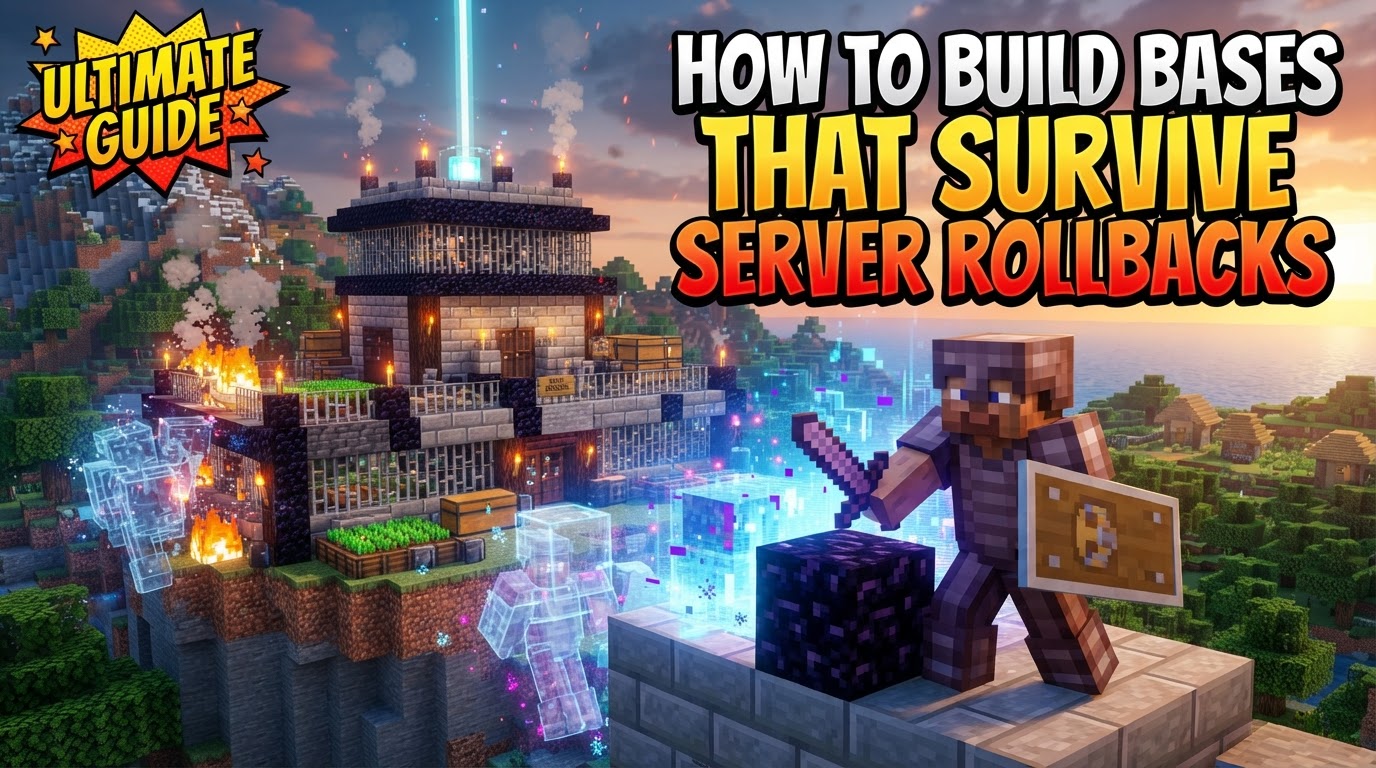
How to Build Bases That Survive Server Rollbacks
A staggering majority of Minecraft server issues leading to data loss, particularly griefing or corrupted world files, necessitate server rollbacks. While these interventions are crucial for maintaining server integrity and fairness, they often come at the cost of player progress. Understanding how to safeguard your hard-earned builds against the often-unpredictable nature of these digital resets is paramount for any serious Minecraft architect.
The Unseen Enemy: How Server Rollbacks Work
To effectively protect your creations, you must first comprehend the mechanics behind a server rollback. These operations are not arbitrary; they serve a vital purpose, primarily to undo unwanted changes like griefing, or to recover from catastrophic events such as corrupted world files, failed updates, or other server-breaking issues. Without them, many multiplayer environments would quickly become unplayable.
- Precision vs. Catastrophe: Targeted vs. Full Rollbacks: The most significant distinction lies between targeted rollbacks and full backups. Many modern servers employ sophisticated plugins, such as CoreProtect, which continuously log every single block placement, destruction, and player interaction. This meticulous logging allows administrators to perform “surgical” rollbacks, undoing specific changes within a defined time frame, by a particular user, or within a precise area. This means if only a small part of your base was griefed, only that specific damage might be reverted, leaving the rest of your build intact. In contrast, a full backup creates a complete snapshot of the entire world, including builds, player data, inventories, and configurations, at a specific point in time. Restoring a full backup is a blunt instrument, meaning all progress made by all players since that backup was taken will be lost.
- The Nuances of Saving: Auto-saves and Player Data: While vanilla Minecraft servers do not automatically save the world, popular server software forks like Paper and Spigot incorporate built-in auto-save features. These typically save the world every 5 minutes (though configurable by administrators) and are crucial for protecting against server crashes. However, auto-saves are distinct from full backups; they only ensure recent progress isn’t lost due to an unexpected shutdown, not that you can revert to an arbitrary past state. Furthermore, player data-which includes your inventory, current location, health, and experience-is often stored separately from the world data. Plugins like PlayerDataRollback can specifically back up and restore this individual player information, offering another layer of complexity to how rollbacks affect you.
Player’s Playbook: Proactive Steps for Base Security
As a player, you have several strategies at your disposal to minimize the impact of a rollback. These involve understanding server policies and smart in-game practices.
- Decoding Server Rules and Policies: Your first and most critical step is to inquire about the server’s specific backup frequency, their retention policies (how long backups are kept), and what types of rollbacks they typically perform (e.g., only griefing, full world resets, or player data specific). This knowledge is invaluable for setting realistic expectations and tailoring your build strategy.
- Your Actions as a Save Point: While players cannot directly trigger server backups, frequent activity and interaction with the world ensure your changes are included in the server’s regular auto-saves and scheduled backups. Simply being active and building consistently increases the likelihood that your latest progress is captured.
- The Ender Chest Advantage: Items stored within an Ender Chest are unique because they are tied directly to your player data, rather than to the specific world chunk where the Ender Chest is located. This crucial distinction means that items in your Ender Chest are significantly more likely to persist through certain types of world-specific rollbacks or resets, especially if player data is handled separately or restored from a more recent state. Prioritize storing your most valuable resources here.
- Inventory as a Lifeline (with caveats): Similar to Ender Chests, items in your personal inventory are also part of your player data. This can be a double-edged sword: while it might offer protection against world-specific rollbacks, it carries inherent risks. If the rollback specifically targets player inventories, or if you die before a save is made, these items are highly vulnerable. Use this strategy with extreme caution and for items you’re actively using.
- Strategic Location Choices: On many servers, areas around spawn points or other high-traffic zones are more susceptible to griefing, which in turn increases the chances of a rollback affecting those areas. Building in more remote locations can significantly reduce your base’s visibility and potential exposure to malicious activity, thereby lessening the risk of being caught in a targeted rollback.
Fortifying Your Foundations: Advanced Loss Mitigation
Beyond individual player actions, there are collective and preventative measures that can further secure your base.
- The Admin Lifeline: Should you notice an issue, suspect griefing, or fear an impending rollback, immediately communicate with server staff or administrators. They might be able to perform a manual backup of your specific area, offer guidance, or provide insights into the server’s current status, potentially saving your progress.
- Diversify Your Assets: A common mistake is putting all your valuable items and elaborate creations into a single, central base. Distributing your most critical resources across different locations, or even different dimensions (if the server treats them with separate rollback policies), can significantly diversify your risk. If one area is affected, not everything is lost.
- Capture Your Creations: Take regular screenshots of your base, especially after significant progress, and meticulously note down important coordinates. This visual and numerical documentation serves multiple purposes: it can be invaluable for recovery discussions with server staff, providing proof of your build’s state, or for guiding you in rebuilding your base if a full loss occurs.
- Leverage Player Protections: Many servers provide player-controlled land claiming or anti-griefing plugins (e.g., GriefPrevention, WorldGuard regions). If available, utilizing these features is non-negotiable. Protecting your build from griefing directly addresses one of the most common triggers for server rollbacks, thus making your base inherently safer.
Navigating the Pitfalls: Mistakes to Avoid
Even with good intentions, players can inadvertently expose their bases to rollback risks.
- The Myth of Eternal Persistence: Never assume that everything you build will always be recoverable. Not all servers have robust backup strategies, and even those that do may have limitations on how far back they can roll. Relying solely on the server’s ability to restore everything is a critical oversight.
- The Silent Warning: Ignoring Announcements: Server administrators frequently announce planned resets, major updates, or ongoing issues that could potentially lead to rollbacks. Failing to pay attention to these announcements, whether in-game, on a Discord server, or a forum, can lead to unexpected and avoidable loss.
- Overlooking Available Safeguards: If a server provides land-claiming tools or other anti-griefing features, neglecting to use them makes your base an easy target. An unprotected base is far more likely to be griefed, which in turn dramatically increases its chances of being affected by a rollback.
- The Auto-Save Illusion: While auto-saves are vital for preventing data loss from crashes, they are continuously overwritten. They do not offer the granular control or the ability to revert to specific past states that a full backup provides. Relying on auto-saves for comprehensive recovery planning is a common misconception.
Ultimately, surviving a server rollback in Minecraft is a blend of understanding server mechanics, practicing smart building habits, and proactive communication. By implementing these strategies, you can significantly reduce the heartache of lost progress and continue to enjoy your blocky endeavors with greater peace of mind.
Tags:
YOU MAY ALSO LIKE...