How Block Update Frequency Affects Performance
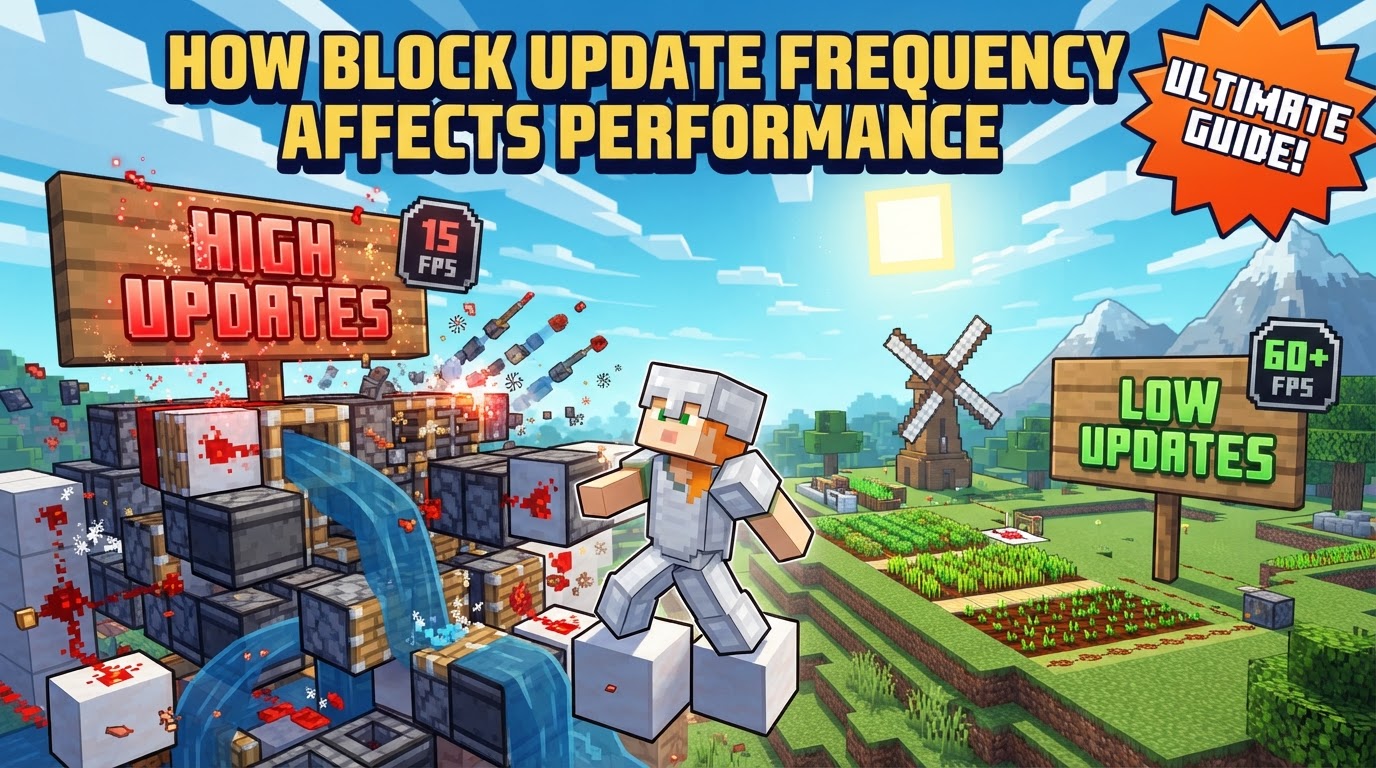
One of the most common misconceptions among Minecraft players is that performance issues are solely tied to graphics card capabilities. While rendering certainly plays a role, a more insidious and often overlooked culprit is the frequency of block updates, which can silently cripple even high-end systems by causing server-side lag, known as TPS drops.
Understanding Block Updates
At its core, a block update is an in-game mechanism that triggers whenever a block undergoes a change. This could be anything from a player placing or breaking a block, an entity interacting with one, or even a natural process like plant growth. The fundamental purpose of this system is to manage the game world’s dynamic nature. Due to computational limitations, Minecraft cannot continuously process every single block in the world. Instead, it relies on these updates to selectively respond to alterations.
When a block is modified, it employs a notification system, alerting its immediate neighbors to check if they need to react to the change. This chain reaction is how complex systems like redstone circuits function, or how water flows. Beyond direct modifications, Minecraft also utilizes “random ticks.” A certain number of times per second, random coordinates within loaded chunks are selected, and the blocks at those positions are “poked” to give them an opportunity to change their state – a crucial mechanic for features like crop growth or sapling maturation.
The entire world logic in Minecraft operates on a fixed clock: 20 “ticks per second” (TPS). This means the server has a mere 50 milliseconds to process all active game elements, including block updates, entity AI and physics, redstone and fluid logic, hopper transfers, and player actions. If the total processing time for any given tick exceeds this 50ms budget, the game’s TPS drops, leading to a noticeable slowdown of the entire world, manifesting as “lag” for all players.
To further manage this load, the game primarily updates only chunks that are near the player. Distant chunks are suspended and stored, effectively pausing their processes. When a player returns to a suspended chunk, the game simulates all the time that has passed in an instant, ensuring continuity without constant background processing.
The Block Update Lifecycle
The journey of a block update, from trigger to processing, follows a specific conceptual sequence:
- Modification Trigger: It all begins when a block is changed. This could be a player action (placing or breaking), redstone power activating, an entity interacting, or a random tick affecting it.
- Neighbor Notification: The newly modified block doesn’t just change in isolation. It immediately notifies its immediate neighbors (and sometimes blocks it’s attached to or facing) to check if they need to respond to this alteration. For example, a redstone dust being powered notifies adjacent dust, repeaters, or pistons.
- Scheduled Actions: Depending on the type of block and the update it receives, it might schedule a “scheduled tick” for a future processing step. This is how slow-acting mechanics like flowing water spreading, plant growth, or piston extensions are managed over time, preventing them from consuming too much processing power in a single tick.
- Processing During Server Tick: During one of the 20 server ticks per second, these direct block updates and scheduled actions are processed. The game attempts to complete all necessary calculations within the 50ms budget. If the collective demands of all active game elements-including these block updates-exceed this limit, the server’s TPS will drop, causing the game world to visibly slow down.
Common Pitfalls Leading to Performance Drops
Understanding how block updates work reveals several common mistakes players make that can severely impact performance, often without realizing the underlying cause:
- Excessive Redstone Contraptions: Perhaps the most notorious cause of TPS lag, large or overly complex redstone circuits generate an immense frequency of block updates. Every redstone dust changing state, every piston extending or retracting, every repeater or comparator doing its job, triggers a cascade of updates, which can quickly overwhelm the CPU.
- Over-reliance on Constant Updates: Designing builds or mechanisms that constantly trigger block updates across a wide area, even when their output isn’t immediately needed, can unnecessarily strain the server or client. Examples include overly elaborate automatic farms that continuously detect and harvest crops even when storage is full.
- High Render Distances on Lower-End Hardware: While not a direct block update trigger, setting render or simulation distances too high forces the game to keep an unmanageable number of chunks loaded and actively processing their block updates, entity AI, and physics. This often leads to both client-side FPS drops and server-side TPS lag.
- Ignoring Server-Side Performance: Many performance issues related to block updates manifest as “TPS lag” (server-side slowdown) rather than just “FPS lag” (client-side rendering). Players often focus solely on graphical settings when the root of the problem is server-bound due to too many active block updates. Optimizing graphics will not fix a server struggling to keep up with world logic.
- Inefficient Block Placements: Placing many blocks that inherently cause frequent updates, such as large quantities of flowing water or lava without containment, can create a continuous source of updates as the liquids spread and interact.
Strategies for Optimizing Performance
Fortunately, there are numerous strategies to mitigate the impact of block update frequency and improve your Minecraft experience:
- Reduce Render and Simulation Distance: This is often the simplest and most effective change. Lowering these settings significantly reduces the number of chunks and entities the game needs to actively update and render, directly cutting down on block update processing.
- Utilize Performance Mods: For Java Edition, mods like Sodium (for rendering optimization), Lithium (for game logic and world simulation), and Indium (for compatibility) can dramatically improve both FPS and TPS by making the game’s internal processes more efficient. Server-side optimization mods, such as Moonrise, can specifically help with ticking speed.
- Update Drivers and Software: Keeping your graphics drivers, operating system, and Minecraft itself updated can resolve underlying performance issues and ensure you benefit from the latest optimizations.
- Close Background Programs: Any non-Minecraft applications consuming significant memory or processor resources can directly impact the game’s ability to process block updates within its 50ms budget.
- Adjust In-Game Graphics Settings: While not directly related to block updates, optimizing graphics settings like “Graphics: Fast,” disabling “Smooth Lighting,” turning off “Clouds,” and reducing “Particles” can free up GPU resources, ensuring the client can keep up with the server’s updates.
- Stagger Updates: When designing complex mechanisms or farms, consider staggering updates for elements that don’t require constant attention. Instead of triggering all checks simultaneously, distribute the processing load over several ticks.
- Simplify Unseen Computations: For mechanisms not visible to the player (e.g., distant farms or industrial setups), avoid simulating complex, tick-by-tick processes. Instead, calculate the outcome all at once when the player interacts with them or when they become relevant.
- Optimize JVM Arguments: For Java Edition, advanced users can tweak JVM (Java Virtual Machine) arguments, particularly those related to garbage collection. Proper configuration can reduce stutter caused by memory management, ensuring smoother processing of game ticks.
- Force Threaded Chunk Rendering: In modded environments, enabling options like “Force Threaded Chunk Rendering” can offload chunk redraws and related block updates to a separate CPU thread. This can significantly mitigate microstutter that occurs during rapid block changes or chunk loading.
By understanding the critical role block update frequency plays in Minecraft’s performance, players can make informed decisions about their builds, settings, and mod choices. This knowledge empowers you to build more efficiently and enjoy a smoother, less laggy experience, whether playing solo or on a bustling multiplayer server.
Tags:
YOU MAY ALSO LIKE...