Comparing Different Hopper Clock Designs
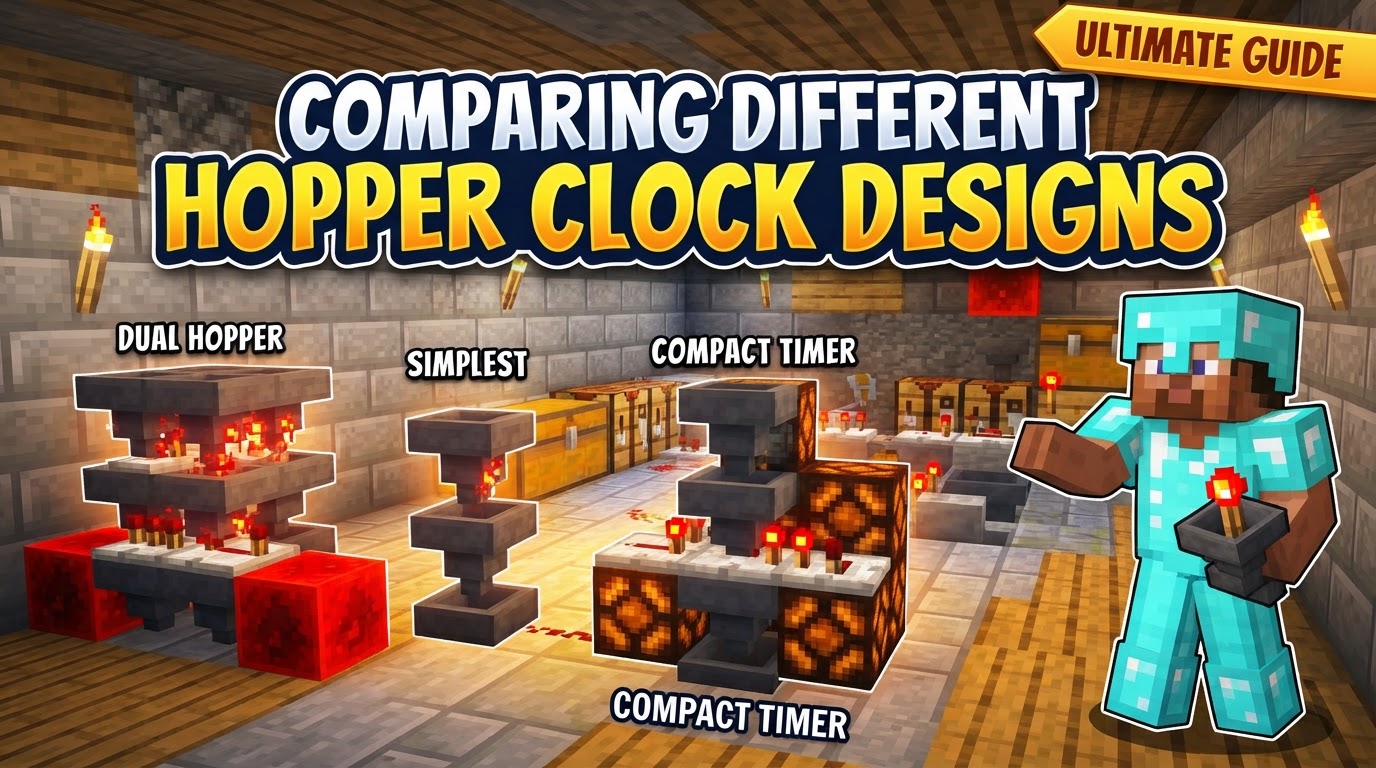
A single item transferred between hoppers takes precisely 0.4 seconds, a seemingly small interval that forms the rhythmic heartbeat of one of Minecraft’s most versatile redstone contraptions: the hopper clock. These ingenious circuits are indispensable for creating timed signals that can range from a mere few seconds to several minutes, offering a level of compactness and adjustability often superior to bulky repeater chains. Understanding the nuances of different hopper clock designs is key to mastering automated systems in your Minecraft world.
The Rhythmic Heartbeat: Understanding Hopper Clock Fundamentals
At its core, a hopper clock leverages the predictable movement of items to generate a timed redstone signal. This fundamental principle underpins all variations, making them a reliable choice for everything from automated farms to intricate contraptions.
The Core Mechanism: Items, Comparators, and Pistons
- Item Transfer Rate: The entire system hinges on the consistent speed at which hoppers operate. Hoppers transfer items at a rate of 2.5 items per second. This means each individual item takes exactly 0.4 seconds to move from one hopper to another. This steady flow is what allows for precise timing.
- Comparator’s Role: Redstone comparators are the eyes of the clock. Placed to read the contents of each hopper, they emit a redstone signal whose strength directly corresponds to the number of items inside. As items accumulate or deplete, the comparator’s signal strength fluctuates, triggering subsequent redstone components.
- The Piston-Redstone Block Cycle: Many standard hopper clock designs, particularly the widely used Etho clock, rely on two sticky pistons and a redstone block. As items drain from one hopper, its comparator’s signal weakens, causing a sticky piston to retract. This retraction pulls the redstone block, which then powers (and thus locks) the now-empty hopper, preventing items from immediately flowing back. Simultaneously, the other hopper, now full, has its comparator activate the other piston, setting up the cycle to repeat as items transfer back. This push-and-pull action creates a continuous, rhythmic cycle.
Adjustable Timing at Your Fingertips
One of the most significant advantages of hopper clocks is their easily adjustable timing. The duration of the clock’s cycle is directly determined by the number of items placed inside the hoppers. More items translate to a longer delay, providing immense flexibility for various applications without needing to rebuild the entire circuit.
Diverse Designs for Every Need
While the underlying mechanics remain consistent, various hopper clock designs have emerged to suit different spatial constraints, resource availabilities, and noise preferences.
The Standard Bearer: Etho Hopper Clock
Often considered the quintessential hopper clock, the Etho design is robust, reliable, and relatively easy to build. It typically comprises two hoppers facing into each other, two sticky pistons, two comparators, two pieces of redstone dust, and a single redstone block. Its popularity stems from its balance of compactness, adjustability, and clear visual feedback as the redstone block shuttles back and forth.
Space-Saving Solutions: Upright and Tileable Variants
For builders operating in confined spaces or those needing to replicate multiple timers, upright or tileable hopper clock designs are invaluable. These variants arrange components vertically or in a way that allows them to be placed side-by-side without interference. While they might require a slightly different build pattern, their core functionality remains identical, offering efficient use of space.
Silent Operation: Piston-less Designs
In builds where noise is a concern, or if sticky pistons are a scarce resource, piston-less hopper clocks offer a silent alternative. These designs often substitute droppers for hoppers in certain configurations, or use alternative redstone logic to achieve the timed cycle without the characteristic “thunk” of pistons. While potentially cheaper or quieter, they might involve slightly more complex redstone wiring or have different timing characteristics.
Timers for the Long Haul: Extended Clocks
For applications demanding very long timer durations – potentially lasting several real-time days – extended hopper clocks are the answer. These advanced designs incorporate additional storage solutions like chests, and multiple hoppers or droppers in a chain. By increasing the total item capacity, they drastically extend the cycle length, making them suitable for ultra-long-term automation.
Constructing Your First Etho-Style Clock: A Step-by-Step Guide
Building a basic Etho-style hopper clock is a fundamental skill for any redstone enthusiast. Here’s a general process:
- Step 1: Hopper Placement. Begin by placing two hoppers so they face directly into each other. A common technique is to place a temporary block, place the first hopper facing into it, break the temporary block, then shift-click the second hopper into the side of the first one. This ensures a closed loop for items.
- Step 2: Comparator Setup. Place a redstone comparator coming out of the side of each hopper. The single red dot on the comparator should face outwards, away from the hopper, indicating it’s reading the hopper’s contents.
- Step 3: Powering the System. Place a solid block directly behind each comparator. On top of these two blocks, or directly behind them in some layouts, place a single piece of redstone dust. This dust will receive the signal from the comparator.
- Step 4: Piston and Redstone Block. Position two sticky pistons facing each other. These should be placed so their faces are pointing inwards, ready to grab the redstone block. The redstone dust from the previous step should be able to power these pistons. Place a redstone block between the faces of these two sticky pistons. This will immediately initiate the clock’s cycle.
- Step 5: Fueling the Clock. Finally, add items into one of the hoppers. Any non-stackable item or up to five stacks of stackable items can be used. The clock will begin ticking as items are transferred and the redstone block cycles.
Optimizing Performance and Output
Once your hopper clock is built, several techniques allow you to fine-tune its operation and extract the desired redstone signal.
Fine-Tuning Cycle Duration
The most straightforward method to adjust the clock’s timing is by altering the number of items within the hoppers. More items lead to a longer cycle. As a rough estimate, a full stack of 64 items can extend the timer by approximately 50 seconds in a standard two-hopper setup.
Maximizing Your Timer’s Reach
A standard two-hopper clock, when fully loaded with five stacks of items, can achieve a maximum cycle duration of about 4 minutes. For longer durations, consider extended clock designs or chaining multiple standard clocks.
Tailoring the Output Signal
The way you extract a signal from your hopper clock dictates its behavior:
- To obtain a continuous signal that remains active for roughly half of the clock’s cycle, take the redstone output directly from one of the comparators.
- For a short, sharp pulse (a one-tick pulser) at each state change, integrate a dedicated pulser circuit with the comparator’s output.
- Alternatively, observers can be strategically placed to detect the movement of the redstone block, providing a pulse each time it shifts position.
On-Demand Control: Start/Stop Functionality
To pause or resume your hopper clock, you can introduce a simple start/stop mechanism. By powering one of the hoppers or one of the sticky pistons with a lever, you can lock the items in place, effectively halting the transfer and pausing the clock until the power is removed.
Precise Timing: Calculation Aids
While the 0.4 seconds per item transfer rate is constant, calculating exact cycle times for various item counts can be complex due to the back-and-forth nature. A general guideline for a full cycle (items transfer to one side and then back) is approximately 0.8 seconds per item. Numerous online calculators are available to help you determine the precise number of items needed for a desired duration.
Common Pitfalls to Avoid
Even experienced builders can sometimes stumble with hopper clocks. Being aware of common mistakes can save you valuable time and resources.
Misaligned Hoppers
This is perhaps the most frequent error. The hoppers must be correctly placed so that one feeds directly into the other, and vice-versa, forming a perfect closed loop. If they are not facing each other, items will simply drop out or get stuck.
The Wrong Piston Type
For classic designs, sticky pistons are non-negotiable. Regular pistons will push the redstone block but will not pull it back, breaking the crucial cycle of the clock.
Comparator Configuration Errors
Comparators must be correctly placed to read the hoppers and should generally be in their default (comparison) mode, not subtract mode, unless a specific advanced design requires it. Incorrect placement or mode will prevent them from generating the proper signal strength.
Redstone Block Contact Issues
The redstone block’s movement is vital. It must make direct contact with and power the receiving hopper to lock it. This prevents items from immediately flowing back, allowing the other hopper to empty completely before the cycle reverses.
Lag Concerns (Generally Minor)
While very fast redstone clocks can contribute to server lag, hopper clocks are inherently slow and generally less prone to causing significant performance issues. However, improperly built clocks or designs with extremely short, rapidly repeating delays could still add to lag.
Inventory Block Interference (Legacy Issue)
In some older versions of Minecraft or with certain mod loaders (like Forge), placing inventory blocks (e.g., furnaces, chests) directly above hoppers in specific clock designs could cause them to behave erratically or “flicker” due to subtle changes in item transfer timing. While less common now, it’s something to be aware of if experiencing unusual behavior.
Conclusion: The Enduring Utility of Hopper Clocks
Hopper clocks stand as a testament to Minecraft’s intricate redstone mechanics. Their versatility, ease of adjustment, and relative compactness make them an indispensable tool for any serious builder. Whether you need a short, precise delay for a piston door or a multi-day timer for a massive automated farm, mastering the various designs and understanding their underlying principles will unlock a new level of automation and creativity in your Minecraft endeavors.
Tags:
YOU MAY ALSO LIKE...