The Science of Piston Extension Block Detection
Many Redstone enthusiasts, when first encountering complex piston contraptions, might overlook a crucial detail: how to accurately detect when a piston has completed its action. This seemingly simple requirement is fundamental to building advanced automation, from automated farms and secret doors to complex Redstone computers. The science behind detecting piston extension in Minecraft is primarily centered around the mechanics of block updates and the specialized Observer block, with a fascinating interplay of quasi-connectivity.
The Core Principle: Observing Block State Changes
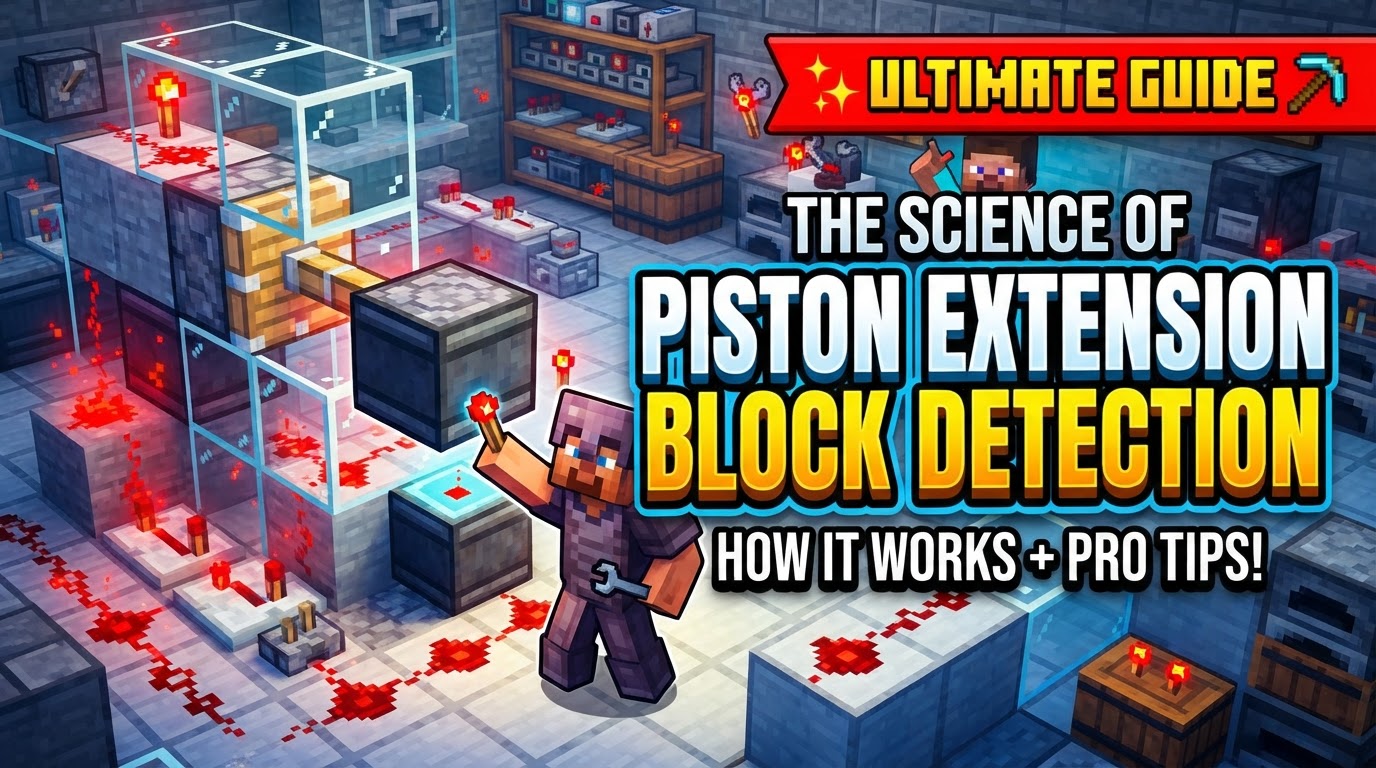
At the heart of piston extension detection lies the concept of a “block update.” Minecraft’s world is dynamic, and many mechanisms rely on blocks changing their state or being placed/removed. When a piston extends, it doesn’t just visually move; it creates a new, temporary block in the world – its piston head. This head is a “technical block” (often referred to internally as Block 36) that occupies the space in front of the piston’s base. The appearance of this technical block constitutes a block update, and its disappearance upon retraction is another.
The primary tool for sensing these subtle changes is the Observer block. An Observer is uniquely designed to detect a change in the block directly in front of its “face” – the side marked with a small dot. Upon detecting such a change, it emits a short, strong Redstone pulse for two game ticks from its “back” – the side indicated by an arrow. This rapid, precise pulse makes the Observer invaluable for reacting to transient events like a piston extending or retracting.
- Piston Head as a Trigger: When a piston extends, its head materializes as a technical block. If an Observer’s face is positioned to look at the space where this head will appear, it will instantly detect the block’s creation and emit a signal.
- Dual Detection: It’s important to note that Observers are triggered by *any* change. This means they will detect both the piston extending (creation of the head block) and the piston retracting (disappearance of the head block). Designing circuits that differentiate between these two events requires additional logic.
Beyond Simple Observation: Quasi-Connectivity and BUD Powering
While Observers are the most direct method, understanding piston extension detection also requires delving into a unique Redstone mechanic known as quasi-connectivity, or Block Update Detection (BUD) powering. This is a nuanced behavior primarily affecting pistons and dispensers/droppers, where they can be “powered” by a Redstone signal not directly adjacent to them, but rather to a block two spaces away or above them.
The catch is that even if a piston is quasi-powered, it will not extend until it receives a *block update* in an adjacent block. This mechanism can be cleverly exploited for detection:
- A piston can be set up to be quasi-powered.
- It will only extend when a block update occurs near it.
- Conversely, a block update caused by a piston extending or retracting can trigger another quasi-connected piston or even be used as a form of detection itself, albeit less directly than an Observer.
Understanding quasi-connectivity is crucial for advanced Redstone, as it can lead to unexpected piston activations or failures if ignored. For direct detection of a piston’s state change, however, the Observer remains the more straightforward and reliable method.
Practical Application: Setting Up an Observer-Based Detector
Implementing an Observer-based piston detector is a relatively straightforward process once the principles are understood. Here’s a step-by-step guide:
- Place the Piston: Begin by placing the piston (sticky or regular) that you intend to monitor within your contraption. Ensure it’s in the correct orientation for its intended function.
- Position the Observer: This is the most critical step. Place an Observer block so that its “face” (the side with the dot) is directly adjacent to one of two key locations:
- Option A (Recommended for Extension): The empty space where the piston head will appear when the piston extends. This ensures the Observer directly “sees” the creation of the technical block.
- Option B (For General State Change): Adjacent to the piston’s base block itself. This will detect changes to the piston block itself, including its state change from retracted to extended or vice-versa. Option A is usually preferred for detecting extension specifically.
- Connect Redstone Output: On the “back” of the Observer (the side with the arrow), connect a piece of Redstone dust, a repeater, a comparator, or any other Redstone component you wish to activate. This component will receive the two-tick pulse when the Observer detects a change.
- Activate the Piston: Power your piston with a Redstone signal to make it extend. As the piston head materializes, the Observer will detect this change.
- Receive and Utilize Signal: The Observer will immediately emit its two-tick Redstone pulse. This pulse can then trigger subsequent mechanisms in your Redstone circuit, such as activating another piston, lighting a lamp, or initiating a complex sequence of events.
Advanced Considerations and Best Practices
Maximizing the effectiveness of piston detection involves more than just basic placement:
- Understanding Observer Direction: Always double-check the Observer’s orientation. The dotted face *detects*, and the arrowed back *emits*. Misplacement is a common source of non-functional circuits.
- Crafting Observers: Observers are crafted using 6 cobblestone, 2 Redstone dust, and 1 Nether quartz. They are a mid-game item, requiring a trip to the Nether for quartz.
- Signal Duration Management: An Observer’s pulse is incredibly short – just two ticks. While precise, this might not be long enough for all applications. If a longer signal is required to power a component or activate a chain of events, place a Redstone repeater immediately after the Observer’s output. Repeaters can extend the pulse duration and also strengthen the signal.
- Detecting Specific Actions: Since Observers detect both extension and retraction, designing a circuit that responds only to one action (e.g., only when the piston extends, not when it retracts) requires careful design, often involving T-flip flops or other Redstone logic gates to filter the signals.
Avoiding Common Pitfalls
Even experienced Redstone engineers can fall prey to common mistakes when dealing with piston detection:
- Self-Triggering Loops: A frequent error is placing an Observer in such a way that its output directly or indirectly re-triggers the very piston it’s observing. This creates an infinite loop where the piston extends, triggers the Observer, which triggers the piston again, leading to rapid, uncontrollable cycling. Careful spacing and circuit design are essential to prevent this.
- Version Differences: Minecraft exists in different editions (Java and Bedrock), and their Redstone mechanics, including Observer behavior and quasi-connectivity, can have subtle but significant differences. Tutorials or designs from one edition may not function identically in another. Always verify the applicability of a design to your specific game version.
- Incorrect Observer Placement: The Observer’s face *must* be directly adjacent to the block that changes. Placing it one block too far, or facing the wrong way, will result in no detection.
- Signal Decay: Redstone signals transmitted via Redstone dust decay after 15 blocks. If the Observer’s output needs to travel a long distance, remember to incorporate Redstone repeaters to refresh the signal strength.
- Ignoring Quasi-Connectivity: Forgetting or misunderstanding quasi-connectivity can lead to pistons activating unexpectedly or failing to activate when intended. While not directly a detection method, it impacts how pistons behave and thus influences how detection might be set up or interpreted.
Mastering the science of piston extension detection is a cornerstone of advanced Redstone engineering in Minecraft. By understanding the intricate mechanics of Observer blocks, block updates, and the subtle nuances of quasi-connectivity, players can unlock a new realm of automated possibilities, transforming their builds into dynamic and intelligent contraptions.
Tags:
YOU MAY ALSO LIKE...