How to Build Bases Using Invisible Scaffolding
Did you know that some of Minecraft’s most robust and secure bases are built upon structures you can’t even see? In the world of Minecraft, the concept of “invisible scaffolding” goes beyond mere aesthetics; it delves into the realm of strategic base building, offering unparalleled security, unique architectural possibilities, and cunning hidden access points. While traditional scaffolding is visible and temporary, these advanced techniques leverage special blocks, commands, and clever environmental integration to create support structures and barriers that remain entirely hidden from plain sight.
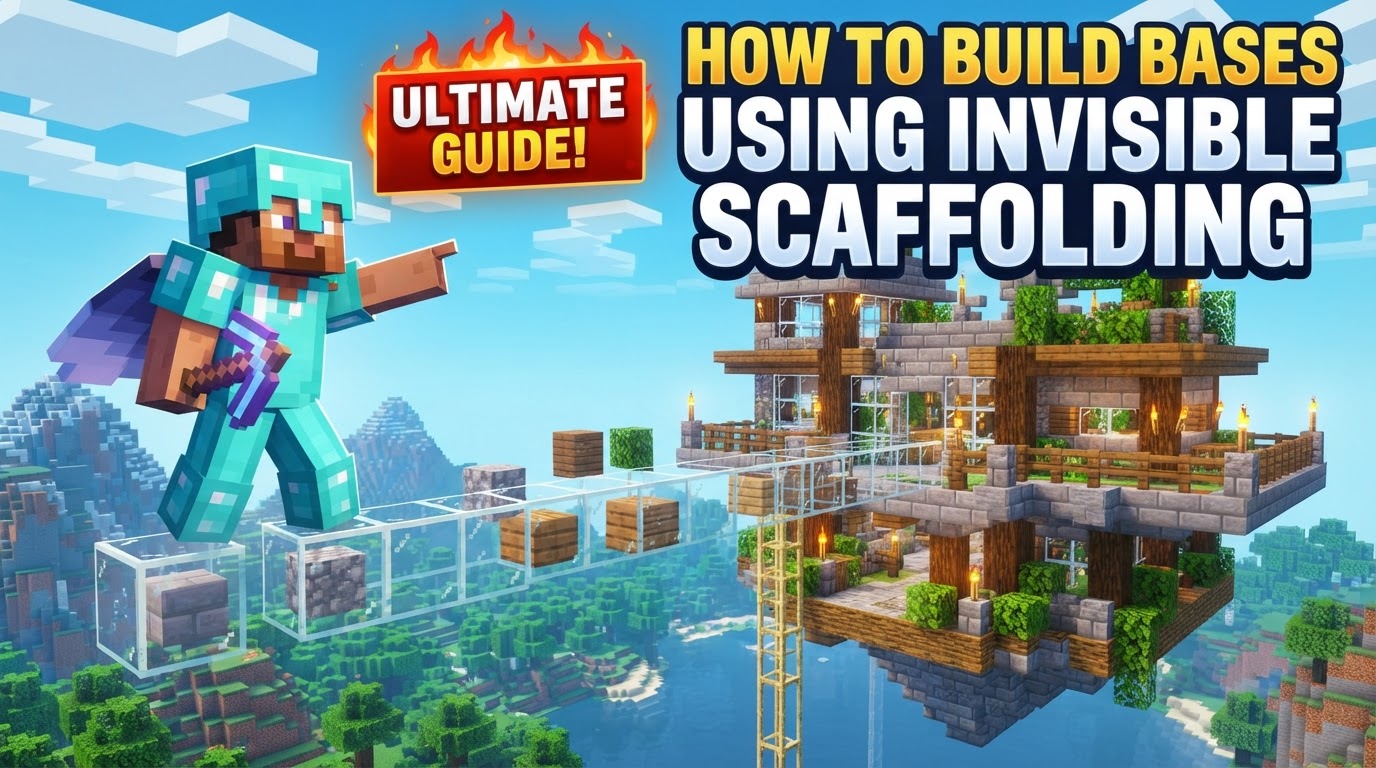
This guide will demystify the methods behind constructing these hidden elements, transforming your base into a fortress of secrets. We’ll explore various approaches, from truly invisible, indestructible barriers to subtle, camouflaged entrances, ensuring your creations are both functional and elusive.
The Foundation of Secrecy: Barrier Blocks
At the heart of true invisibility in Minecraft base construction lies the Barrier Block. These remarkable entities are exactly what their name suggests: completely invisible, solid, and, crucially, indestructible blocks. Unlike other blocks that merely appear invisible through texture packs, barriers possess inherent invisibility as a core game mechanic. This makes them an unparalleled tool for creating truly hidden architectural elements or impenetrable defenses.
Their true power emerges from their properties: once placed, they become entirely visually undetectable, merging seamlessly with the air around them. The only time they reveal their presence is when a player holding a barrier block in their hand approaches or looks at them, at which point a subtle red icon indicates their location. When you switch to another item, they vanish from sight once more. This unique behavior makes them perfect for crafting invisible walls, floors, or even intricate parkour challenges that appear to be floating in mid-air. They serve as an absolute obstruction, preventing both players and mobs from passing through, making them invaluable for securing sensitive areas within your base or redirecting unwanted visitors.
Acquiring and Deploying Barrier Blocks
- Enable Cheats: First and foremost, you must ensure that cheats are enabled in your Minecraft world settings. Barrier blocks are administrative tools and cannot be crafted or found naturally.
- Obtain the Block: Open your chat window (usually by pressing ‘T’) and type the command:
/give @s barrier. Press Enter, and a single barrier block will appear in your inventory. You can modify ‘1’ to any number if you need more at once. - Strategic Placement: With the barrier block in hand, place them just as you would any other block. As you place them, you’ll see their red icon. Once placed, switch to another item in your hotbar, and the barrier blocks will disappear from view.
Expert Tips for Using Barrier Blocks
- Mark Your Territory: Since Barrier Blocks are genuinely invisible, it’s incredibly easy to forget where you’ve placed them or even accidentally trap yourself. Always use temporary visible markers, such as torches, dirt blocks, or even a line of string, to outline your invisible structures during construction. Remove these markers once you’re confident in your placement.
- Security Layer: Deploy barrier blocks as an invisible outer shell around your base, creating an impenetrable layer that prevents unauthorized access without any visible signs of defense. They can also be used to create invisible floors above lava traps or to guide mobs into specific areas.
Subtlety and Deception: The Debug Stick (Java Edition Only)
For players on Minecraft Java Edition, the Debug Stick offers a unique and more nuanced approach to creating invisible barriers. Unlike barrier blocks, which are inherently invisible, the Debug Stick manipulates the “block states” of certain existing blocks, effectively making them visually disappear while retaining their physical properties. This creates a fascinating illusion where a block might look like air but still possesses a solid collision box.
This method is particularly effective for creating subtle invisible walls that can confuse both players and mobs. Mobs, for instance, might try to pathfind through what appears to be an open space, only to be stopped by an unseen force, leading to intriguing gameplay scenarios and defensive strategies.
How to Wield the Debug Stick
- Enable Cheats: Just like with barrier blocks, cheats must be enabled in your Java Edition world.
- Acquire the Tool: In your chat, type the command:
/give @s debug_stick. - Select a Target Block: Place a block that has manipulable states, such as a cobblestone wall, an iron bar, or a fence. These blocks often have states related to their connections (e.g., ‘up’, ‘north’, ‘south’).
- Manipulate States: Hold the Debug Stick. Left-click on the block to select a specific property (e.g., ‘up’ for a wall). Right-click repeatedly to cycle through the different states of that property. For some blocks, cycling through these states can cause parts, or even the entirety, of the block’s visual model to disappear, leaving only its collision box.
Important Considerations for the Debug Stick
- Java Edition Exclusive: This tool and its functionality are strictly for Minecraft Java Edition. Bedrock players do not have access to the Debug Stick.
- Fragile Invisibility: Changes made with the Debug Stick are not permanent in the same way barrier blocks are. If the modified block is broken, updated (e.g., by placing another block next to it that changes its connection state), or sometimes even if the chunk is unloaded and reloaded, its visual state might revert. This makes it less reliable for permanent, high-security structures compared to barrier blocks.
Camouflaged Access: Scaffolding for Hidden Entrances
While the previous methods focus on invisible structural elements, regular scaffolding, when cleverly integrated with the environment, can create incredibly discreet and effective hidden entrances to your base. This technique doesn’t make the scaffolding itself invisible, but rather conceals it within natural terrain features, making it incredibly difficult to spot.
The brilliance of this method lies in scaffolding’s unique vertical movement mechanics. Players can descend by simply sneaking (crouching) while standing on it, and ascend by moving upwards. This allows for a smooth, single-block-wide access point that can be completely hidden from above.
Crafting Your Secret Passage
- Place Scaffolding: Decide on the location for your hidden entrance. Dig down or build up as needed, then place a column of scaffolding extending from your base up to the desired ground level.
- Environmental Blending: The key to this technique is camouflage. Cover the top of the scaffolding with natural blocks that blend perfectly with the surrounding terrain. The most effective materials are powder snow or multiple layers of regular snow. These blocks perfectly obscure the scaffolding beneath.
- Accessing Your Base: To enter, walk onto the seemingly innocuous patch of snow or powder snow. Once positioned, press and hold your sneak/crouch key. You will seamlessly descend through the scaffolding into your hidden base. To exit, simply move forward or jump, and you will ascend the scaffolding.
Strategic Placement Tips
- Snow Biomes are Ideal: This hidden entrance method is most effective and visually convincing in snowy biomes. The abundance of natural snow and powder snow makes it effortless to blend your entrance into the landscape, enhancing its camouflage.
- Single-Block Entry: The narrow profile of scaffolding allows for a very small, unobtrusive entrance. This makes it challenging for others to accidentally stumble upon it.
Aesthetic Flourishes: Invisible Item Frames and Resource Packs
Beyond structural invisibility, there are other methods that touch upon the concept of “invisible scaffolding” in a more aesthetic or client-side manner:
- Invisible Item Frames: While not for structural support, invisible item frames allow items to appear floating in the air without any visible means of support. These are typically created using commands (Java Edition) or by applying effects to armor stands (Bedrock Edition) or via specific resource packs. They are mainly used for detailed aesthetic touches within a base, such as displaying weapons or maps as if they’re magically suspended.
- Resource Packs: Some texture packs can render regular scaffolding blocks invisible purely client-side. This means that only the player using that specific resource pack will see the scaffolding as invisible. For all other players on the server, and for the game’s mechanics, the scaffolding remains fully visible and physical. This is a visual trick for personal preference and does not offer true invisibility or security.
Common Pitfalls and Best Practices
Building with invisible elements requires careful planning to avoid common mistakes:
- Version Incompatibility: Always be aware of version differences. The Debug Stick and specific command syntaxes for invisible item frames are primarily for Java Edition. Bedrock Edition may have different methods or lack certain functionalities entirely.
- Visuals vs. Collision: A critical distinction is between something that *looks* invisible and something that *is* invisible to the game’s physics. Using client-side resource packs for “invisible scaffolding” only changes what *you* see; others will still see the scaffolding, and its physical properties remain unchanged. True invisibility for collision and security comes from Barrier Blocks or Debug Stick manipulation.
- Forgetting Barrier Placement: Placing Barrier Blocks without a clear mental map or temporary markers can lead to getting trapped within your own invisible structures or forgetting where they are entirely. Always have a system for tracking their locations during construction.
- Outdated Glitches: Relying on old glitches to create invisible blocks is risky. Minecraft updates frequently, and such glitches are often patched, leading to unreliable or broken functionality in future versions. Stick to verified, consistent methods like Barrier Blocks.
Mastering these techniques allows you to construct bases that are not only functional but also imbued with an element of mystery and robust security. Whether you’re building an impregnable fortress, a cleverly hidden vault, or an intricate parkour challenge, invisible scaffolding provides the tools to push the boundaries of your Minecraft creativity.
Tags:
YOU MAY ALSO LIKE...