Understanding Entity Collision Avoidance Mechanics
Many players, when encountering a cluster of mobs or finding themselves nudged off a cliff by a stray pig, might attribute it to mere game physics. However, beneath the surface of Minecraft’s blocky world lies a sophisticated system of entity collision avoidance mechanics, meticulously designed to govern how every living and non-living entity interacts with its environment and each other.
The Invisible Boundaries: Collision Boxes
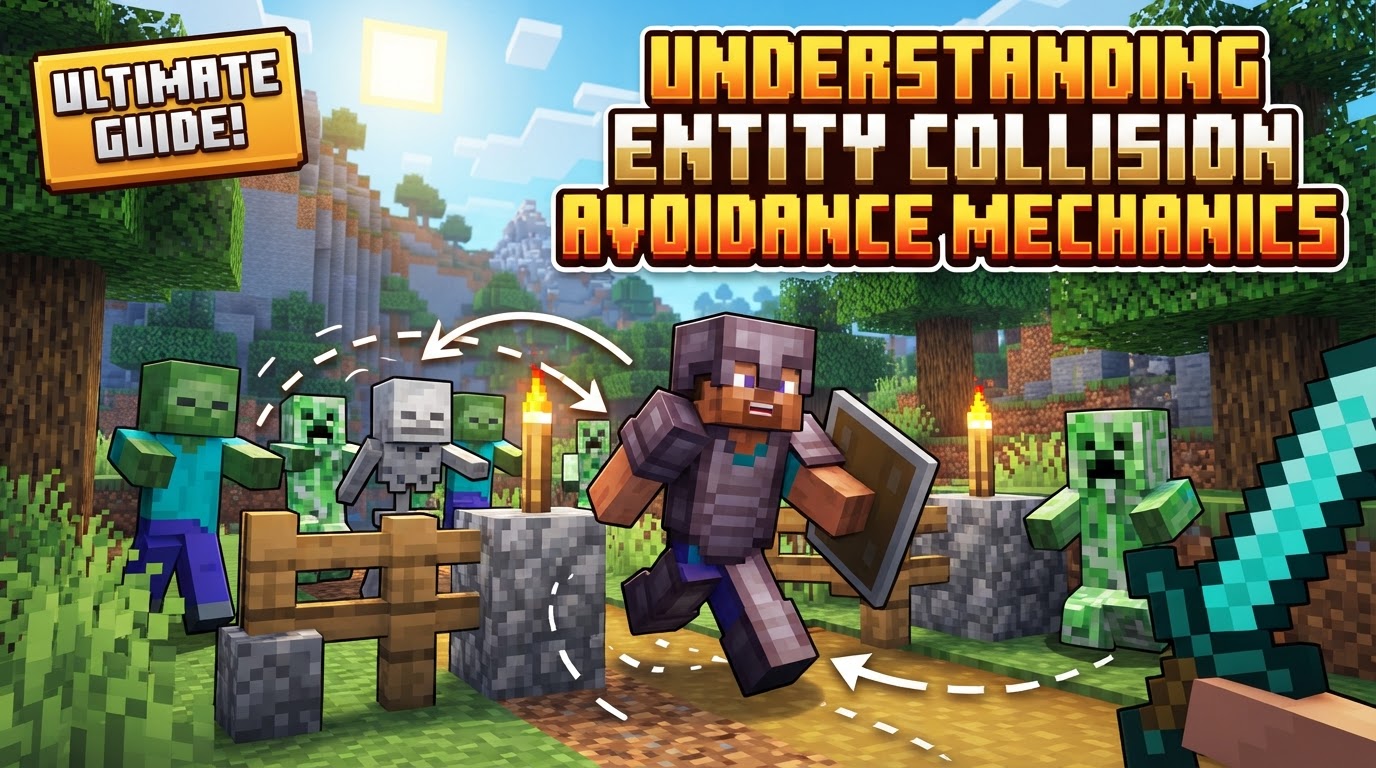
At the heart of all entity interaction in Minecraft are collision boxes. Every single entity, from the smallest bat to the largest Ender Dragon, possesses an invisible, cuboid boundary. This collision box defines the entity’s physical footprint within the game world. It’s the primary mechanism that prevents entities from occupying the exact same physical space, ensuring a sense of solidity and interaction as they move around.
The Dynamics of Pushing: Resolving Overlaps
When the collision boxes of two or more entities overlap, the game doesn’t allow them to simply merge. Instead, a dynamic process of pushing mechanics is initiated. A force is applied that moves the entities apart, resolving the overlap and maintaining distinct physical presences.
- Understanding
push_mode: This crucial property dictates how pushing forces are calculated for an entity."none": An entity with this mode cannot be pushed by other entities. They are essentially immovable by collision."default": This is the standard setting, applying typical collision calculations and forces."legacy_boat"/"legacy_minecart": These modes refer to historical calculation methods specifically for boats and minecarts, which had unique interaction properties in older versions of the game."ball": Entities with this mode are propelled in the direction of the pusher’s movement, with the force scaled by the pusher’s speed. This can create interesting dynamic interactions.
- Modifying Push Forces: Several factors fine-tune how pushing behaves:
push_strength_multiplier: Determines how much force an entity applies when pushing another. A higher value means stronger pushes.push_away_multiplier: Controls how much an entity pushes itself away from an obstruction or another entity.max_kick_speed: Sets a cap on the speed at which an entity can be pushed.min_horizontal_distance: Defines the minimum horizontal distance entities maintain from each other, preventing them from getting too close even with pushing.
Sequential Processing: A Tick-by-Tick Dance
Minecraft operates on a tick-based system, updating the game state 20 times per second. This includes processing all entity movements and collisions. The game doesn’t handle all collisions simultaneously in a chaotic manner; rather, it follows a specific order, particularly for players and other moving entities:
- Vertical First (Y-axis): When an entity attempts to move, its vertical (Y-axis) movement and potential collisions are processed first. This means the game prioritizes checking if an entity is hitting the ground, falling, or jumping. If a downward collision is detected, the entity is considered to be on the ground.
- Horizontal Next (X and Z axes): After vertical movement is resolved, the horizontal (X and Z axes) movements are processed. This involves checking for collisions with blocks or other entities in the forward, backward, or sideways directions. This sequential approach helps to prevent entities from getting stuck in blocks due to simultaneous axis calculations.
Intelligent Navigation: Pathfinding and Scares
Beyond simple physical pushing, mobs exhibit more complex collision avoidance through their artificial intelligence. Pathfinding is a core component, allowing mobs to navigate the environment, inherently avoiding static obstacles like blocks and dynamic obstacles like other entities. This ensures they don’t just walk blindly into walls.
A more specialized form is scare-based pathfinding. Some mobs are programmed to actively move away from specific entities they perceive as threats or nuisances. A prime example is Creepers, which will actively pathfind away from cats. This mechanic can be strategically exploited by players to manipulate mob movement without direct physical interaction.
The General Entity Interaction Process: A Step-by-Step Breakdown
To fully grasp how entities interact and avoid collisions, it’s helpful to consider the general sequence of events that unfolds every game tick:
- Velocity Update: At the beginning of each tick, an entity’s current velocity (its speed and direction) is updated based on its AI, player input, or external forces.
- Axis-Aligned Movement and Collision Check: The entity then attempts to move according to its updated velocity.
- Vertical Movement: The game first calculates and applies vertical (Y-axis) movement, simultaneously checking for any collisions with blocks or other entities along this axis.
- Horizontal Movement: Subsequently, horizontal (X and Z axes) movements are processed, again checking for potential collisions.
- Collision Response: If a collision is detected with another entity’s collision box, the game calculates and applies push forces. These forces are determined by the entities’ respective
push_mode, strength multipliers, and other related properties. The result is the entities being moved apart to resolve the physical overlap. - Pathfinding Adjustments: For mobs, their internal pathfinding AI is constantly re-evaluating the environment. This includes factoring in the presence of other entities and obstacles, allowing them to adjust their intended movement direction and avoid future collisions before they even happen.
Mastering Entity Interaction: Practical Management Strategies
Understanding these mechanics empowers players to design more efficient farms, build safer bases, and generally manipulate the game world more effectively.
- Disabling Collision: For specific, controlled scenarios, collision between entities can be entirely disabled using commands. For example, by creating a team (`/team add `) and then modifying its collision rule (`/team modify collisionRule never`), all members of that team will pass through each other. This is invaluable for creative builds, minigames, or preventing unwanted pushing in crowded areas.
- Collisionless Chunks (Modding): In high-density areas, such as mob farms, the constant collision calculations can cause significant performance issues. Mods like “FarmCollisionless” address this by allowing players to designate specific chunks where entities simply do not collide or push each other, drastically reducing server lag.
- Using Redstone Devices for Manipulation: Creative redstone contraptions can exploit collision mechanics. For instance, Encased Fans from the popular Create mod can be used to apply a continuous pushing force to entities, allowing for controlled sorting, transport, or avoidance systems without direct player intervention.
- Strategic Block Placement: Certain blocks can be strategically placed to manage entity flow. Open fence gates, for example, have a different collision box than closed ones, or even signs, which can prevent certain mobs from passing while allowing others, or simply funneling them in desired directions.
- Leveraging Mob-Specific Avoidance: As mentioned with Creepers and cats, understanding specific mob behaviors can be a powerful tool. Placing a cat strategically can clear an area of Creepers without requiring any physical interaction, acting as a natural, mob-specific avoidance system.
Pitfalls and Problems: Common Collision Issues
Despite the sophisticated design, collision mechanics can also lead to frustrating or problematic situations:
- Mob Congestion and Lag: The most common issue arises when too many entities are crammed into a small space. The sheer volume of continuous collision and pushing calculations can overwhelm the game engine, leading to significant performance drops and server lag, making the game unplayable.
- Stuck or Spinning Mobs: Mobs can sometimes become trapped or endlessly spin on certain complex block types. Blocks like scaffolding, decorative pots, or even certain custom blocks can confuse a mob’s pathfinding AI, causing it to struggle with navigation and get stuck in an infinite loop of attempting to resolve collisions.
- Unintended Pushing: Players themselves are subject to collision mechanics. Being inadvertently pushed by mobs, other players, or even your own pets can lead to unexpected falls from ledges, into lava, or into dangerous situations, highlighting the importance of being aware of your surroundings.
- Inconsistent Pathfinding: Game updates can sometimes alter how mobs pathfind over certain blocks, such as open trapdoors or specific block arrangements. This can inadvertently “break” established farm designs or mob-handling systems that relied on precise mob behaviors, requiring players to adapt and redesign their contraptions.
Understanding the intricate dance of collision boxes, pushing forces, and intelligent pathfinding is not just for advanced players or technical builders. It’s a fundamental aspect of how Minecraft’s world feels alive and reactive, influencing everything from mob farm efficiency to player safety. Mastering these mechanics allows for greater control and a deeper appreciation of the game’s underlying systems.
Tags:
YOU MAY ALSO LIKE...