A Deep Dive Into Redstone Comparator Math Precision
A single redstone comparator, a seemingly simple block with an unlit torch, holds the key to fifteen distinct signal strengths, each capable of unlocking intricate logic and precise automation within Minecraft. These versatile components are not merely on/off switches; they are the calculating brains of advanced redstone contraptions, offering unparalleled control over signal manipulation and detection.
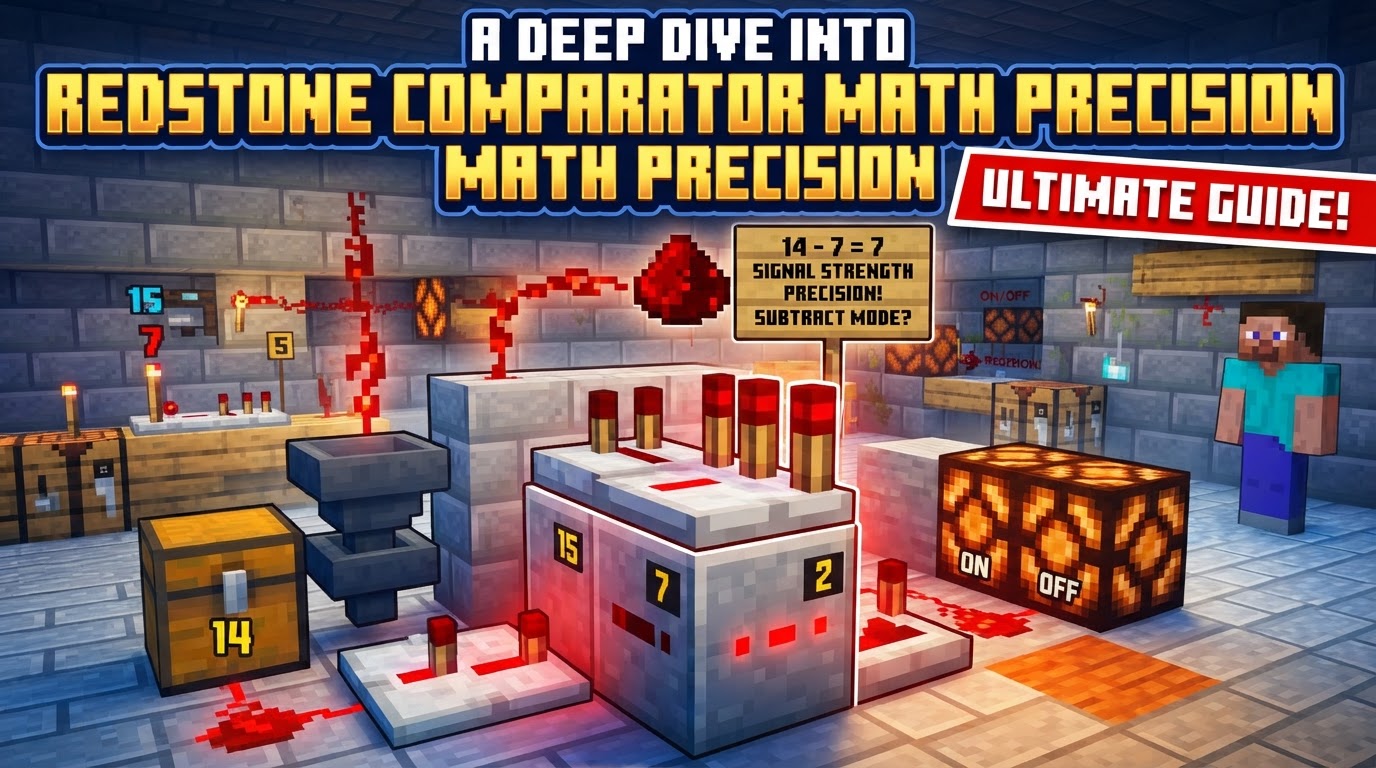
At its core, a redstone comparator is designed to measure and react to the strength of redstone signals. Unlike a simple repeater or a piece of redstone dust, which primarily deal with signal propagation and decay, the comparator performs actual logical and mathematical operations. It features a back input port, two side input ports, and a front output, allowing it to receive multiple signals and process them according to its configured mode. Redstone signals themselves are not binary; they possess a strength ranging from 0 (off) to 15 (maximum), with each segment of redstone dust typically reducing the signal strength by one.
The Dual Nature: Comparison and Subtraction Modes
The comparator’s adaptability stems from its two distinct operating modes: Comparison Mode and Subtraction Mode. Toggling between these modes is as simple as right-clicking the comparator with redstone dust in hand, indicated by the state of its front torch.
-
Comparison Mode (Front Torch Unlit): This is the default state. In this mode, the comparator acts as a gatekeeper. It evaluates whether the signal strength entering its back input (let’s call this Source A) is greater than or equal to the strongest signal received from either of its side inputs (Source B).
- If A ≥ B, the comparator outputs a signal with a strength equal to Source A.
- If B > A, the comparator produces no output (signal strength 0).
This mode is ideal for creating threshold detectors, ensuring a system only activates when a certain condition (represented by a strong enough signal) is met, or for selecting the stronger of two signals to propagate.
-
Subtraction Mode (Front Torch Lit): When the front torch is lit, the comparator shifts its function from comparison to arithmetic. It calculates the difference between the back input signal and the strongest side input signal.
- The output signal strength is calculated as A – B.
- A crucial detail for precision: if the result of this subtraction is less than 0 (i.e., if B > A), the output is clamped at 0. Comparators do not output negative signal strengths.
Subtraction mode is incredibly powerful for creating dynamic systems where the output signal strength needs to reflect a specific difference, such as regulating the flow of items based on container levels or managing resource distribution.
Unlocking Information: Block State Detection and its Math
Beyond comparing and subtracting direct redstone signals, comparators possess an extraordinary ability to detect the internal state of various blocks. This feature is where their “math precision” truly shines, allowing for highly granular and automated systems. The output signal strength generated by a comparator directly reflects the fullness, rotation, or other specific properties of the block placed directly behind it, or sometimes even through a single solid block.
-
Containers (Chests, Hoppers, Furnaces, Dispensers, Shulker Boxes, etc.): This is perhaps the most common and powerful application. A comparator can measure how full a container is, outputting a signal from 0 (empty) to 15 (full). The calculation for this is remarkably precise:
floor(1 + ((sum of all slots' fullnesses) / (number of slots in container)) * 14). This formula ensures that even partially filled slots contribute to the overall signal strength, providing a nuanced representation of the container’s contents. For example, a hopper with one item in its single slot will output a specific signal, and as it fills, that signal will incrementally increase, offering exact control over item transfer systems. - Lecterns: When a book is placed on a lectern, a comparator can detect which page the book is currently open to. This provides a direct 1-to-15 signal strength, making lecterns invaluable for creating custom signal generators, combination locks, or complex sequencing mechanisms where specific signal strengths are required.
- Composters: The fill level of a composter is translated into a redstone signal, allowing for automation of compost production or detection when the composter is full.
- Jukeboxes: Playing a music disc in a jukebox causes the comparator to output a specific signal strength corresponding to the disc, useful for music-activated contraptions.
- Beehives/Bee Nests: The honey level of these blocks generates a signal, enabling automated honey harvesting or indicators of bee activity.
- Item Frames: The rotation of an item within an item frame can also be read, offering 8 distinct signal strengths (0-7 for rotation, 8-15 for rotation plus item presence in Bedrock, but mainly 0-8 in Java) for interactive puzzles or code inputs.
- Command Blocks: A comparator can detect the “success count” of commands executed by a command block, outputting a signal up to 15 based on this count. This is excellent for creating systems that react to the successful execution of specific game logic.
Mastering Comparator Operation: A Step-by-Step Guide
Implementing comparators effectively requires understanding their basic setup:
- Place the Comparator: Orient the comparator so its single torch (the output) points in the desired direction. The back (where two torches appear when unpowered) is for the primary input.
-
Input Signals:
- Back Input (Source A): This is the main signal. It can come directly from redstone dust, a powered block, or, crucially, from a block whose state is being measured (like a chest).
- Side Inputs (Source B): Redstone signals can be fed into either of the two sides. The comparator will always consider the strongest of these side inputs for its calculations, ensuring consistency.
- Select Mode: Right-click the comparator with redstone dust to switch between Comparison (unlit torch) and Subtraction (lit torch) modes. This choice dictates the mathematical operation performed.
- Observe Output: The signal emitted from the front of the comparator will be the precise result of the comparison or subtraction, ready to power subsequent redstone components.
Beyond the Basics: Advanced Applications and Circuit Precision
The precision offered by comparators extends to numerous advanced applications:
- Signal Preservation: A comparator without any side inputs acts as a perfect repeater, propagating the exact input signal strength without any delay, which is unique among redstone components.
- Automated Systems: By leveraging their block-reading capabilities, comparators are essential for automatic item sorting systems (detecting full hoppers), efficient furnace arrays, and mob farms that activate based on inventory levels.
- Precise Control: Using lecterns to generate specific signal strengths (1-15) opens up possibilities for complex combination locks, multi-stage alarms, or intricate timing mechanisms.
- Arithmetic Operations: While primarily for comparison and subtraction, clever arrangements of multiple comparators can simulate other arithmetic operations. For instance, addition can be achieved by feeding two signals into a container and reading its fullness, or by using a chain of subtractions with inverted signals. Division with remainder and even multiplication can be constructed through more complex signal manipulation and detection setups.
- Through-Block Reading: Comparators can often read the state of a container even when there is a single solid, non-redstone block between the container and the comparator, offering flexibility in compact designs.
Common Misconceptions and Troubleshooting for Accuracy
To maintain precision and avoid frustration, be aware of these common pitfalls:
- Java vs. Bedrock Differences: Redstone mechanics, including some comparator behaviors, can vary between Minecraft’s Java and Bedrock editions. Always verify that tutorials or circuit designs are specific to your game version.
- Misunderstanding Modes: A frequent error is confusing Comparison and Subtraction modes. Always check the comparator’s front torch to confirm its current operation, as this fundamentally changes its output.
- Signal Decay: While comparators preserve signal strength, standard redstone dust degrades over distance. For long runs, intersperse repeaters or additional comparators to maintain signal integrity.
- Side Input Dominance in Subtraction: Remember that in subtraction mode, if the strongest side input (B) is greater than the back input (A), the output will always be zero, not a negative value. This is a critical clamping mechanism.
- Timing Issues: In elaborate redstone contraptions, the precise timing of signals is paramount. Incorrect mode selection or placement can introduce unintended delays or asynchronous activations, disrupting complex logic.
Mastering redstone comparators transforms your redstone capabilities from simple on/off switches to sophisticated, mathematically precise control systems. By understanding their modes, block detection capabilities, and the underlying calculations, you can design automated farms, complex security systems, and intricate logical circuits that react with unparalleled accuracy to the dynamic world of Minecraft.
Tags:
YOU MAY ALSO LIKE...