Create New Age Fabric
A common pitfall that often derails aspiring engineers in Minecraft is overlooking the crucial Fabric API when attempting to integrate advanced modifications. This seemingly minor oversight is a frequent cause of mod loading failures, preventing players from experiencing the intricate machinery and electrical wonders offered by combinations like Create: New Age on the Fabric mod loader. Understanding this foundational requirement is the first step toward unlocking a new era of automation and power generation in your blocky world.
Unlocking Advanced Automation: Create New Age Fabric Explained
The term “Create New Age Fabric” refers to the powerful synergy created by running the popular Create mod alongside its dedicated addon, Create: New Age, all within the flexible framework of the Fabric mod loader for Minecraft. This combination transcends traditional Minecraft automation, introducing complex systems of electricity and heat alongside Create’s renowned rotational power. Players gain access to an entirely new dimension of engineering, allowing for highly efficient, large-scale industrial setups previously unimaginable in the vanilla game.
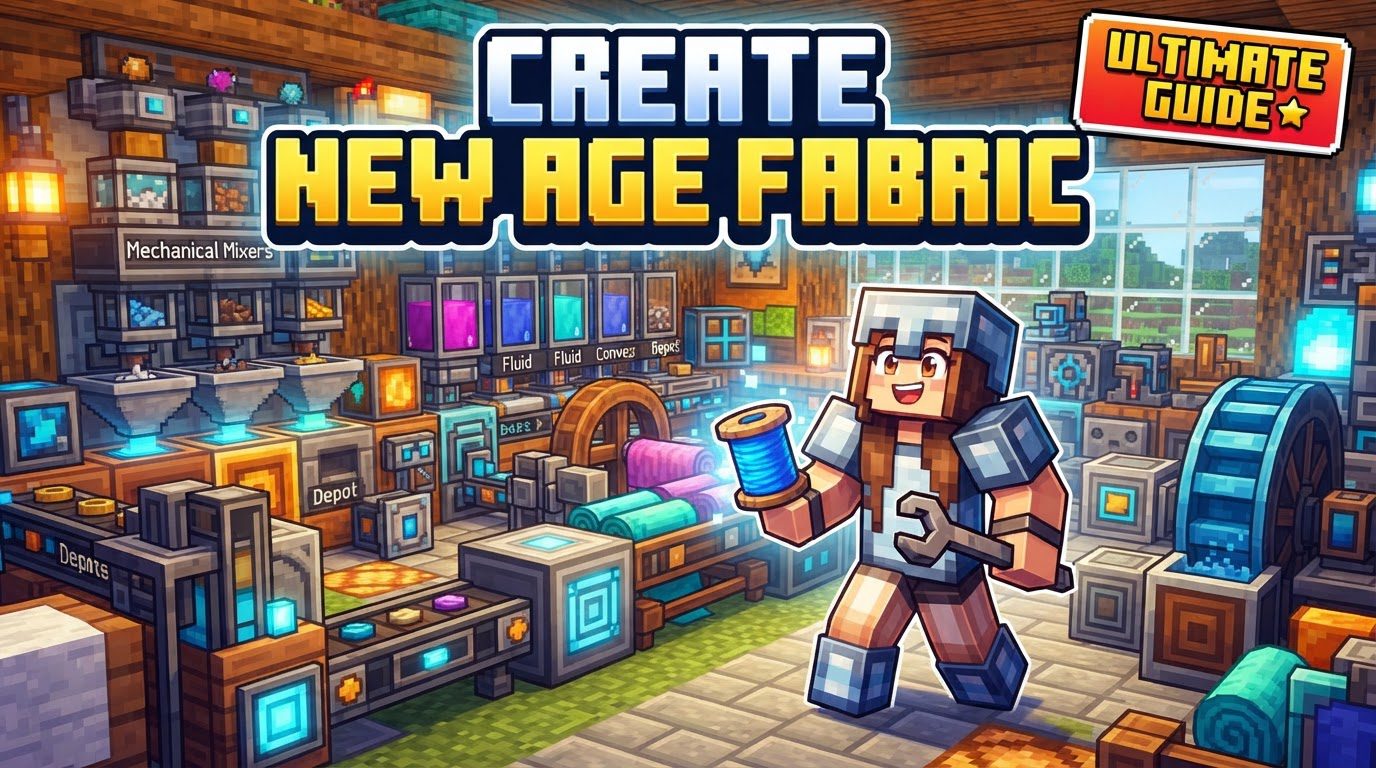
At its core, Create: New Age extends Create’s mechanical possibilities by layering sophisticated energy systems. While Create excels at kinetic energy, Create: New Age brings electricity generation, distribution, and utilization, as well as robust heat management, into the fold. This integration means that the elegant gearboxes and belts of Create can now be powered by electrical motors, and steam engines can be supercharged by multi-block nuclear reactors, opening up a vast landscape for innovative contraptions and automated factories.
The Heart of Innovation: Key Mechanics of Create: New Age
Create: New Age introduces a suite of groundbreaking mechanics that redefine power and automation in Minecraft:
- Electricity Generation: The mod’s electrical journey often begins with large, spinning copper coils. These coils, when interacting with powerful magnets, generate electricity, providing a novel and visually engaging way to produce power. This method requires careful planning and mechanical input, tying directly into Create’s core principles of rotational force.
- Versatile Motors: To bridge the gap between electrical and mechanical energy, Create: New Age provides various motors. These essential blocks convert the generated electricity back into rotational force, allowing players to power their existing Create contraptions – mixers, crushers, automated farms – with a clean, electrical input. This offers greater flexibility in base design and power distribution compared to purely mechanical power sources.
- Advanced Energizers: For crafting new, high-tier items, the mod introduces Energizers. These multi-purpose blocks require both rotational power and electricity to function, representing a more advanced form of processing. They are central to progressing through Create: New Age’s unique crafting recipes and unlocking its full potential.
- High-Capacity Nuclear Reactors: For those seeking truly massive power outputs, multi-block nuclear reactors are the answer. These complex structures are designed to generate substantial amounts of heat, which can then be efficiently utilized. A primary application is to boil water, feeding Create’s existing steam engines with an unprecedented supply of steam, thus generating immense rotational power.
- Comprehensive Energy Transfer: Managing power is as crucial as generating it. Create: New Age addresses this with dedicated systems for both electrical and thermal energy. Wires allow for the efficient transfer of electrical energy across distances, while a specialized heat system facilitates the movement of heat generated by sources like the aforementioned nuclear reactors or even solar panels, ensuring that your energy can be delivered precisely where it’s needed.
- Stress Unit (SU) to Energy Conversion: One of the most significant additions for inter-mod compatibility is the ability to convert Create’s Stress Units (SU) into a generic energy format, often Forge Energy (FE), and vice-versa. This allows for seamless power transport and integration with other Fabric mods that utilize FE, offering unparalleled flexibility in how power is generated, stored, and consumed across your modded Minecraft world.
Your Journey Begins: Step-by-Step Client-Side Installation
Integrating Create and Create: New Age on Fabric requires a precise installation process. Follow these steps carefully to ensure a smooth setup:
- Install Fabric Loader: Your first step is to acquire the Fabric Loader. Visit the official Fabric website and download the installer executable. Run it, ensuring you select the correct Minecraft version you intend to play on. This will create a new Fabric profile in your Minecraft Launcher.
- Download Fabric API: The Fabric API is a fundamental dependency for almost all Fabric mods. Navigate to a trusted mod repository (like CurseForge) and download the Fabric API mod file (a
.jarfile) that specifically matches your Minecraft version. Without this, most Fabric mods, including Create, will fail to load. - Obtain Create Mod (Fabric Version): Search for the Create mod on a reliable mod site. Crucially, ensure you download the version explicitly compiled for the Fabric mod loader. Verify that its version number aligns with your Minecraft version (e.g., Create for Minecraft 1.20.1).
- Download Create: New Age and its Dependencies: Locate the Create: New Age mod file (another
.jar). This mod often has its own dependencies. For example, as of Minecraft 1.20.1, it requires the Botarium mod. Always check the mod’s description for any other required files and download them accordingly, again matching your Minecraft version. - Place Mods in the Correct Folder: Open your Minecraft installation directory. On Windows, this is typically located at
%appdata%/.minecraft. Inside, you should find or create a folder namedmods. Drag and drop all the downloaded.jarfiles – Fabric API, Create Fabric, Create: New Age, and any other dependencies like Botarium – into thismodsfolder. - Launch Minecraft: Open your Minecraft Launcher. From the profile dropdown menu, select the Fabric profile that was created in step 1. Click “Play.” If all steps were followed correctly, Minecraft should launch with Create and Create: New Age successfully loaded.
Refining Your Experience: Tips and Troubleshooting
Even with a successful installation, navigating the complexities of Create: New Age can present challenges. Here are essential tips and solutions to common issues:
Essential Tools for Understanding
- Recipe Viewers are Your Best Friend: Create’s intricate crafting recipes and multi-block structures are rarely covered by the vanilla recipe book. Installing a recipe viewer mod like Just Enough Items (JEI), Roughly Enough Items (REI), or EMI is almost mandatory. These tools allow you to quickly look up how to craft items, view their uses, and understand various machine processes.
- Utilize In-Game Documentation (Ponder): Create mod boasts an excellent built-in visual documentation system called “Ponder.” When you encounter a new Create block or item, hover over it in your inventory or the JEI/REI interface and press ‘W’ (by default) to access an animated, step-by-step demonstration of its functionality. This is invaluable for learning new mechanics without leaving the game.
Common Pitfalls and Their Solutions
- Version Mismatches are Critical: The most frequent cause of mod loading failures or crashes is incompatible versions. Always download mod files that precisely match your Minecraft version (e.g., Minecraft 1.20.1 mods for Minecraft 1.20.1). This also applies to dependency mods; ensure all related libraries are for the same MC version.
- Incorrect Mod Loader Usage: Fabric mods are designed exclusively for the Fabric mod loader, just as Forge/NeoForge mods are for their respective loaders. Attempting to run Fabric mods on Forge or vice-versa will inevitably lead to crashes and will not work.
- OptiFine Conflicts: While OptiFine enhances graphics, it can sometimes cause issues with Create. Players might encounter visual glitches like solid-colored textures on contraptions or collision problems with moving blocks. Solutions include disabling Anti-Aliasing and Anisotropic Filtering in OptiFine’s graphics settings, or trying a different, potentially older, compatible OptiFine version.
- “Fabulous” Graphics Setting: Minecraft’s “Fabulous” graphics setting can interfere with some of Create’s rendering. If you experience visual anomalies, try switching your video settings from ‘Fabulous’ to ‘Fancy’.
- Performance Management: Create contraptions, especially complex ones involving numerous moving parts, water wheels, or steam engines, can be performance-heavy. If you’re using shaders, older versions of Create might require a specific Flywheel compatibility mod, or you may need to disable shaders entirely, especially when using Create 6 or newer versions which have improved rendering but can still be demanding.
Multiplayer Integration: Server Setup
For those looking to share their engineering prowess with friends, the installation process extends to the server. Both the Create mod and Create: New Age, along with all their dependencies, must be installed on the server-side as well as on each player’s client. Crucially, your Minecraft server must be running a Fabric-loaded JAR file, not the vanilla minecraft_server.jar. This ensures that the server correctly recognizes and processes the modded content, allowing for a seamless multiplayer experience.
By mastering the installation process and understanding the innovative mechanics of Create: New Age on Fabric, players can transcend basic automation. You’ll be equipped to build sprawling industrial complexes, generate electricity from intricate coil systems, harness the immense power of nuclear reactors, and seamlessly integrate these systems with Create’s iconic mechanical contraptions. Dive into this new age of engineering and transform your Minecraft world into a marvel of industrial design and efficiency.
Tags:
YOU MAY ALSO LIKE...