Handcrafted Mod Wiki
Transforming your Minecraft builds from functional to truly breathtaking often hits a wall when it comes to interior design, but what if there were over 250 new blocks designed specifically to address this? The “Handcrafted Mod” steps in as an indispensable addition to any builder’s arsenal, offering an expansive collection of furniture and decor items that elevate the aesthetic and functionality of your digital dwellings.
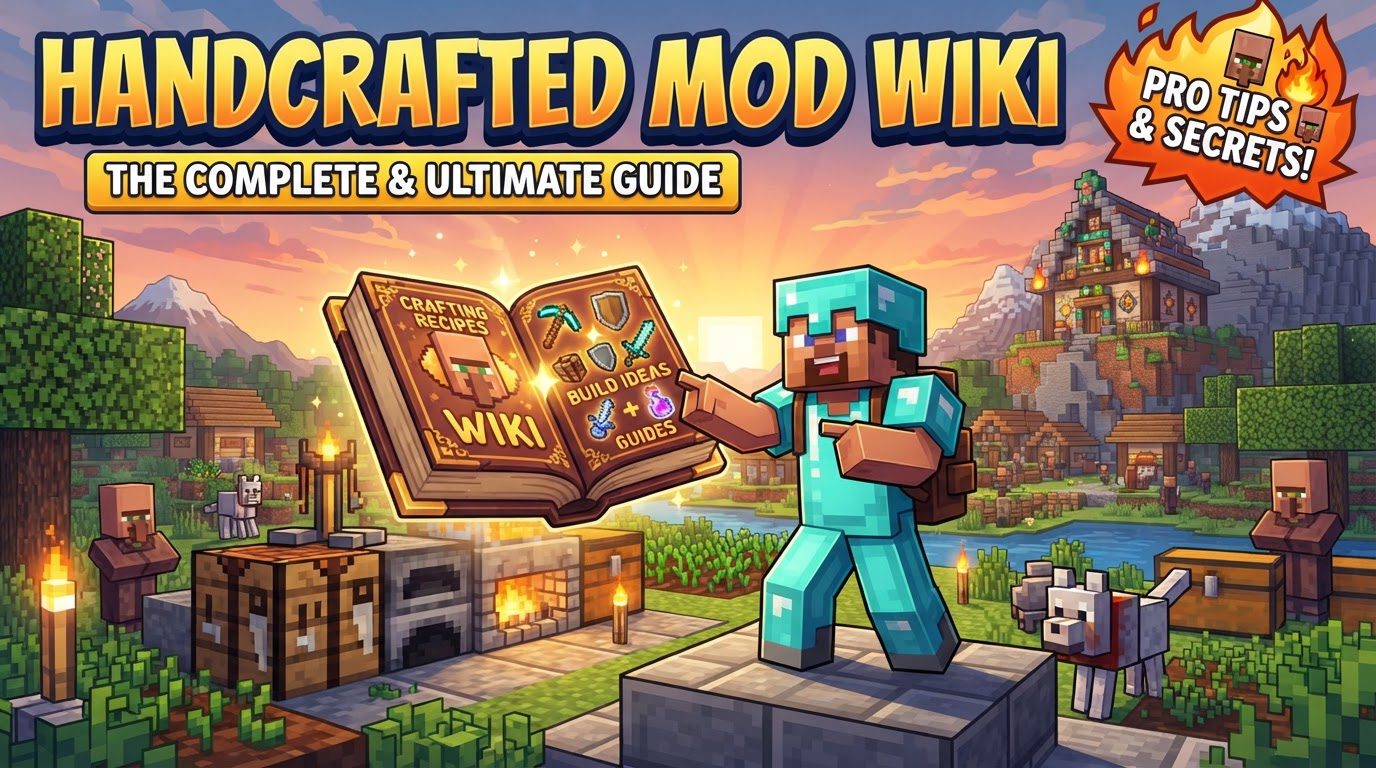
This comprehensive guide delves into everything you need to know about integrating and mastering the Handcrafted Mod, from its core mechanics to installation tips and troubleshooting common pitfalls. Prepare to unlock unprecedented levels of detail and personalization in your Minecraft worlds.
Unveiling the Handcrafted Mod’s Core Features
At its heart, the Handcrafted Mod is about providing unparalleled options for interior and exterior decoration. It’s not just about adding more blocks; it’s about adding meaningful, versatile, and aesthetically pleasing elements that truly enhance the building experience. Understanding its key mechanics is crucial to leveraging its full potential.
An Extensive Collection of Furniture and Decor
The most striking feature of the Handcrafted Mod is its sheer volume of content. With over 250 craftable furniture and decor blocks, players are no longer limited to basic vanilla options. This vast collection includes everything from intricate chairs and tables to elaborate storage solutions and subtle decorative accents. This abundance empowers players to craft highly detailed and unique interior and exterior spaces, moving beyond the often-blocky limitations of standard Minecraft design.
Diverse Aesthetic Styles for Every Build
One of the mod’s greatest strengths lies in its stylistic versatility. Whether you’re constructing a grand medieval castle, a bustling steampunk metropolis, a whimsical fantasy cottage, or a cozy vanilla-inspired home, Handcrafted offers pieces to match. The furniture spans a wide range of themes, ensuring that your decor complements your architectural style rather than clashing with it. This diversity allows for seamless integration into virtually any build concept you can imagine, providing the perfect finishing touches.
The Indispensable Handcrafted Hammer
Central to customizing many of the mod’s blocks is the Handcrafted Hammer. This isn’t just another crafting tool; it’s the primary instrument for personalizing various furniture items. Specifically, the hammer allows players to cycle through different trim styles on compatible blocks without needing to craft entirely new variants. This ingenious mechanic saves valuable resources and inventory space, offering a quick and efficient way to experiment with different patterns and textures until you achieve the desired look.
Deep Customization Options
Beyond the hammer’s utility, many items within the Handcrafted Mod offer additional layers of customization. Players can dye a multitude of blocks to match specific color palettes, providing even greater control over their aesthetic. Furthermore, some functional items, such as beds, come with unique modification options, like the ability to customize them with different sheets. This level of personalization ensures that your creations are truly unique and reflect your individual taste.
Blending Functionality with Decoration
The Handcrafted Mod masterfully balances purely decorative elements with functional items. While many blocks are designed solely to enhance visual appeal, others serve practical purposes. You’ll find a variety of storage units, providing both aesthetic beauty and essential utility. Comfortable seating options allow for more immersive role-playing or simply add a touch of realism to your builds. This blend means you don’t have to sacrifice practicality for beauty.
Wood-Based Crafting for Seamless Integration
Crafting items from the Handcrafted Mod feels intuitive, largely thanks to its wood-based crafting system. Most furniture pieces can be created using various wood types available in vanilla Minecraft. This not only makes the crafting process familiar to seasoned players but also significantly expands the available options, allowing you to match furniture to your build’s primary material palette. The mod effectively integrates its new content into existing game mechanics, making it feel like a natural extension of Minecraft.
Seamless Integration: Installing the Handcrafted Mod
To begin your journey into enhanced Minecraft interior design, you’ll first need to properly install the Handcrafted Mod. This process involves a few key steps to ensure everything runs smoothly. Always ensure your Minecraft client is closed before attempting any mod installations.
- Install a Compatible Mod Loader: The Handcrafted Mod requires a foundational mod loader to function. You’ll need to choose and install either Fabric, Forge, or NeoForge. Crucially, ensure your chosen mod loader is compatible with your specific Minecraft version. The Handcrafted Mod supports a wide range, from 1.19.3 up to 1.21.1, so pick a loader that matches your game version.
- Download Resourceful Lib: This is a critical dependency for Handcrafted. Before downloading the main mod, navigate to its official download page (usually CurseForge or Modrinth) and locate “Resourceful Lib.” Download the JAR file for the version that corresponds to your Minecraft version. Without this library, Handcrafted will not load.
- Download the Handcrafted Mod: Once Resourceful Lib is secured, proceed to download the Handcrafted Mod itself. Again, ensure you select the JAR file that matches your Minecraft version and your chosen mod loader (e.g., a Fabric version for a Fabric loader). Reputable sources like CurseForge or Modrinth are the safest places to acquire these files.
- Place Files in Your Mods Folder: With both the Resourceful Lib and Handcrafted mod JAR files downloaded, locate your Minecraft ‘mods’ folder. This is typically found at
C:\Users\YourUsername\AppData\Roaming\.minecraft\modson Windows, or similar locations on other operating systems. Simply drag and drop both JAR files into this folder. - Launch Minecraft: Finally, open your Minecraft launcher. Before hitting “Play,” ensure you select the profile associated with your installed mod loader (e.g., “Forge 1.20.1” or “Fabric 1.20.4”). Launch the game, and if all steps were followed correctly, the Handcrafted Mod will be active, ready for you to explore its vast offerings.
Optimizing Your Handcrafted Experience
Once the mod is installed, a few tips can significantly enhance your experience and make building with Handcrafted even more enjoyable and efficient.
Streamlining Recipe Management with JEI
With over 250 new blocks, remembering every crafting recipe can be a daunting task. This is where the “Just Enough Items” (JEI) mod becomes an invaluable companion. JEI integrates seamlessly with Handcrafted, allowing you to easily view the crafting recipes for all modded blocks directly within your inventory or crafting interface. This eliminates the need to constantly alt-tab to a wiki or memorize complex recipes, making your building process much smoother and faster.
Unleashing Creative Interior Design Potential
The Handcrafted Mod is specifically designed to fill the “gaps” in Minecraft’s vanilla interior design options. Vanilla Minecraft, while robust, often lacks the intricate details needed for truly personalized and cozy spaces. Handcrafted provides those missing pieces – from small decorative items to larger furniture sets – enabling players to create highly detailed and personalized interiors that reflect their unique vision. Don’t be afraid to experiment with different styles and combinations; the mod encourages creative freedom.
Addressing Common Installation Hurdles
Even with clear instructions, modding can sometimes present challenges. Being aware of common mistakes can save you a lot of troubleshooting time.
The Critical Role of Dependencies
One of the most frequent reasons for a mod failing to load is missing dependencies. For Handcrafted, this almost always boils down to either not having a mod loader (Fabric, Forge, or NeoForge) installed, or forgetting to download and place the “Resourceful Lib” library mod in your mods folder. Without these foundational components, Handcrafted simply cannot run. Always double-check that both your chosen mod loader and Resourceful Lib are correctly installed and match your Minecraft version.
Version Compatibility is Key
Another prevalent issue is using an incorrect Minecraft version for the Handcrafted Mod or its dependencies. Minecraft’s modding ecosystem is highly version-sensitive. Attempting to run a Handcrafted mod built for Minecraft 1.20.1 on a 1.19.3 client, or vice-versa, will inevitably lead to crashes or errors. Always verify that the Handcrafted mod, Resourceful Lib, and your mod loader are all designed for the exact same Minecraft version you are playing.
The Handcrafted Mod is a game-changer for anyone passionate about building and interior design in Minecraft. Its extensive collection of items, diverse styles, and clever customization mechanics provide an unparalleled toolkit for bringing your architectural visions to life. By following the installation guide and keeping these tips and troubleshooting advice in mind, you’ll be well on your way to crafting truly remarkable and personalized spaces within your blocky worlds.
Tags:
YOU MAY ALSO LIKE...