A Deep Dive Into Beacon Beam Color Mixing Logic
Many Minecraft players, when first experimenting with beacon beams, might assume that stacking different colored glass blocks will create a vibrant rainbow effect, or that the order of these blocks is inconsequential. However, the logic governing beacon beam coloration is far more nuanced, relying on a sophisticated RGB averaging algorithm that transforms seemingly simple choices into complex visual outcomes. Understanding this underlying mechanism is key to becoming a true master of beacon aesthetics.
The Core Mechanics: How Beams Get Their Hue
At its heart, the customization of a beacon beam’s color is an exercise in applied pixel mathematics. It’s not magic, but a precise system that dictates every shade and tint you see piercing the sky.
- The Color Source: Stained Glass is Key
The only elements capable of altering a beacon beam’s color are stained glass blocks or stained glass panes. These must be placed anywhere within the vertical path of the beam, directly above the beacon block itself. Regular glass, or any other transparent block, will not have this effect. - The Blending Algorithm: Averaging RGB Values
This is where the “deep dive” truly begins. When multiple stained glass blocks are stacked, the beacon beam doesn’t just pick a new color; it blends. This blending occurs through an averaging of the Red, Green, and Blue (RGB) components of the colors involved. Each color has an RGB value (e.g., pure red might be 255,0,0; pure green 0,255,0; pure blue 0,0,255). When a new stained glass block is introduced, its RGB values are averaged with the current color of the beam. This calculation is performed independently for each of the Red, Green, and Blue channels. For example, if the beam is currently (R1, G1, B1) and a new glass block is (R2, G2, B2), the new beam color becomes approximately ((R1+R2)/2, (G1+G2)/2, (B1+B2)/2). This continuous halving of influence is critical. - Order Matters: Influence and Effect
Due to the averaging algorithm, the order in which you stack stained glass blocks profoundly affects the final color. The very first stained glass block placed directly above the beacon establishes the beam’s initial color. Subsequent blocks then average their color with the current beam color. Critically, blocks placed higher up in the stack have a progressively greater influence on the final perceived color. This is because each new block effectively halves the cumulative influence of all the colors below it. Think of it as a weighted average where the most recent additions carry more weight. - The Default Beam: Pure White
If no stained glass is placed above a beacon, its beam will naturally emit a pure white light. This serves as the starting point for any color customization. - A Spectrum of Possibilities
Thanks to the RGB averaging algorithm, the range of achievable colors is vast. Technically, millions of distinct colors within the RGB spectrum are possible, allowing for incredibly precise and unique hues. - Panes vs. Blocks: A Visual Choice
Both stained glass panes and full stained glass blocks function identically in terms of color alteration. The choice between them is purely aesthetic. Panes can create a more discrete coloring effect, making the beam appear to emanate from the beacon already colored, while blocks are more visually prominent in the beam’s path. - Pyramid Material: Purely Cosmetic
It’s important to remember that the type of mineral blocks used to construct the beacon’s pyramid (iron, gold, diamond, emerald, or netherite) has absolutely no bearing on the beam’s color. Their purpose is solely to activate the beacon and provide power effects.
Activating Your Canvas: Step-by-Step Color Application
Applying color to your beacon beam is a straightforward process once the core mechanics are understood. It involves a few simple steps to transform your beacon into a personalized landmark.
- Step 1: Activate Your Beacon
Before any coloring can occur, your beacon must be properly activated. This requires placing it on a pyramid of mineral blocks (iron, gold, diamond, emerald, or netherite) of the appropriate size (1-4 tiers). Crucially, the beacon must also have an unobstructed line of sight to the sky above it. Without activation, there will be no beam to color. - Step 2: Place Stained Glass
Once the beam is active, you can introduce color. Place a single stained glass block or pane directly on top of the beacon block, or anywhere along its vertical beam path. To place glass without accidentally opening the beacon’s GUI, remember to use Shift + Right-Click. The beam will immediately change to the color of the glass placed. - Step 3: Mix Colors (Optional)
To achieve more complex or blended colors, stack additional stained glass blocks or panes above the first one. Each subsequent block will engage the RGB averaging logic, blending its color with the current beam color. Experiment with different colors and orders to see the immediate visual feedback.
Mastering the Palette: Advanced Tips for Beacon Artists
Beyond the basic steps, certain techniques and considerations can elevate your beacon beam artistry, allowing for greater precision and more impressive displays.
- Embrace Experimentation
The most effective way to understand the blending logic is to simply try different combinations. Stack various colored glass blocks in multiple orders to observe the unique hues that emerge. Keep notes of combinations you particularly like. - Leverage Online Calculators for Precision
For those aiming for a very specific shade or trying to replicate a color, online beacon color calculators are invaluable tools. These calculators allow you to input different stained glass block sequences and instantly see the resulting hex or RGB values, helping you predict and achieve precise color outcomes without extensive in-game trial and error. - Visibility Considerations
While the beam extends incredibly high, its practical visibility range differs between editions. In Java Edition, the beam can be seen from up to 256 blocks away, making it a prominent landmark. In Bedrock Edition, this range is typically limited to 64 blocks. Factor this into your design choices, especially if using beacons for long-distance navigation. - Aesthetics Over Utility
It’s important to reiterate that changing the beacon beam’s color is purely for aesthetic purposes. It provides no in-game benefits, status effects, or functional advantages beyond visual appeal. This frees you to focus solely on creative expression.
Common Misconceptions and Pitfalls
Even experienced players can fall prey to certain misunderstandings regarding beacon beam coloration. Being aware of these common mistakes can save you time and frustration.
- The Tinted Glass Trap
A frequent mistake is attempting to use tinted glass. Unlike stained glass, tinted glass will completely block the beacon beam, preventing it from extending skyward and thus rendering any color mixing impossible. Only stained glass allows the beam to pass through and be colored. - Regular Glass Has No Effect
Placing normal, uncolored glass blocks within the beam’s column will not alter its color. The beam will simply pass through unaffected, maintaining its current hue (white by default, or the color set by the last stained glass). - Ignoring Activation Requirements
A beacon beam will not appear, let alone be colorable, if it’s not properly activated. Ensure it has a clear line of sight to the sky and is perfectly centered on its pyramid structure. Any obstruction above or an improperly built pyramid will prevent the beam from forming. - Pyramid Material Delusion
As mentioned, the material of the pyramid (e.g., gold, diamond) is purely cosmetic and functional for beacon effects, not for beam color. Don’t expect a diamond pyramid to give you a blue beam! - The “Rainbow” Beam Myth
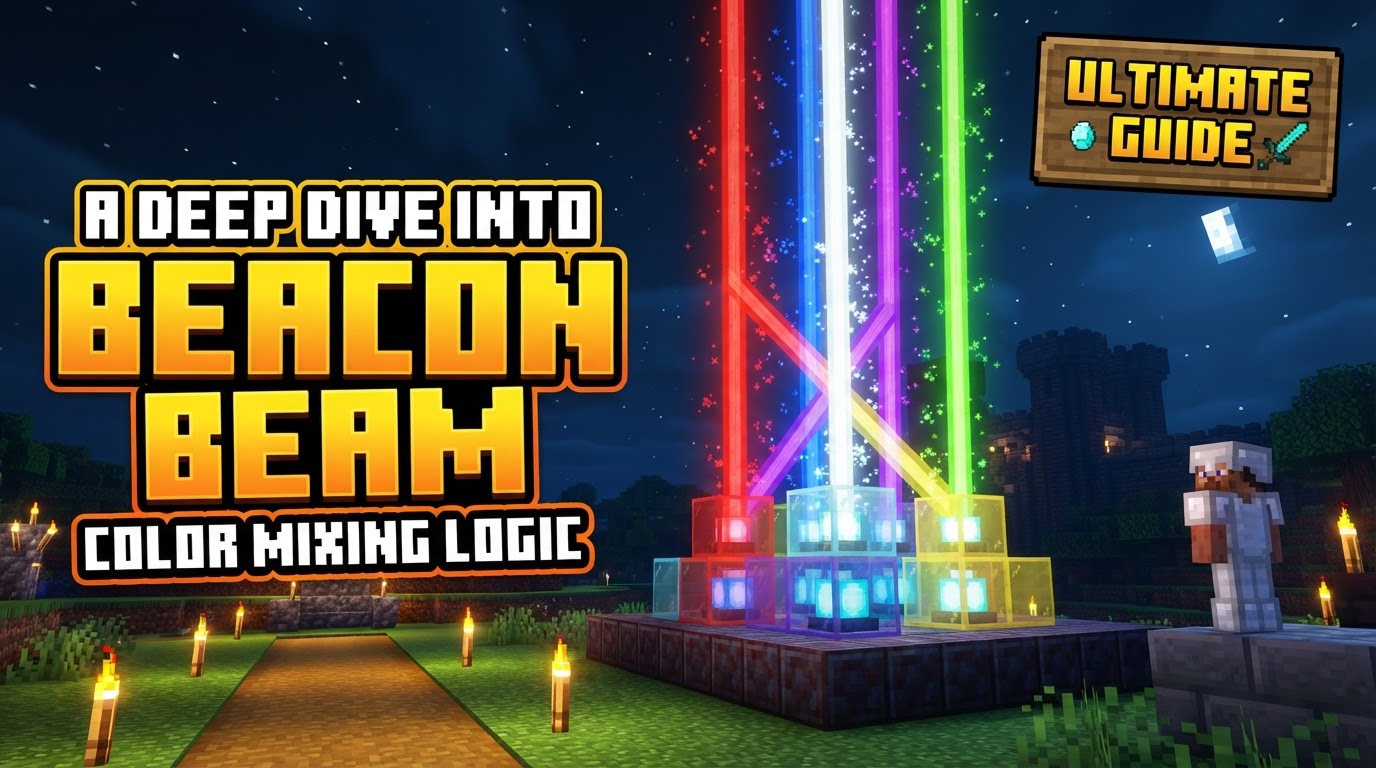
Many players mistakenly believe that stacking many different colored glass blocks will create a segmented, rainbow-like beam. This is incorrect. A single beacon beam can only display one blended color at a time. Stacking numerous distinct colors will simply average them into a single, often muddy or desaturated, tone. To achieve multiple distinct colored beams, you require multiple separate beacons. - Underestimating Order’s Influence
Failing to grasp that the order of stacked glass blocks significantly influences the final color is a common source of unexpected results. The bottom-most glass has the strongest initial influence, with subsequent layers progressively diluting the influence of earlier layers while adding their own. - Subtle Bedrock vs. Java Differences
While the core RGB averaging logic is consistent, there can be subtle variations in color rendering or specific blending behaviors between Minecraft’s Java and Bedrock editions. If a precise color isn’t quite matching between versions, this could be a contributing factor.
By understanding the intricate RGB averaging logic, the importance of block order, and avoiding common pitfalls, you can transform your beacon beams from simple light sources into dynamic, personalized works of art. Experiment, calculate, and let your creativity shine through the blocky skies of Minecraft.
Tags:
YOU MAY ALSO LIKE...