

All Biomes O Plenty Biomes
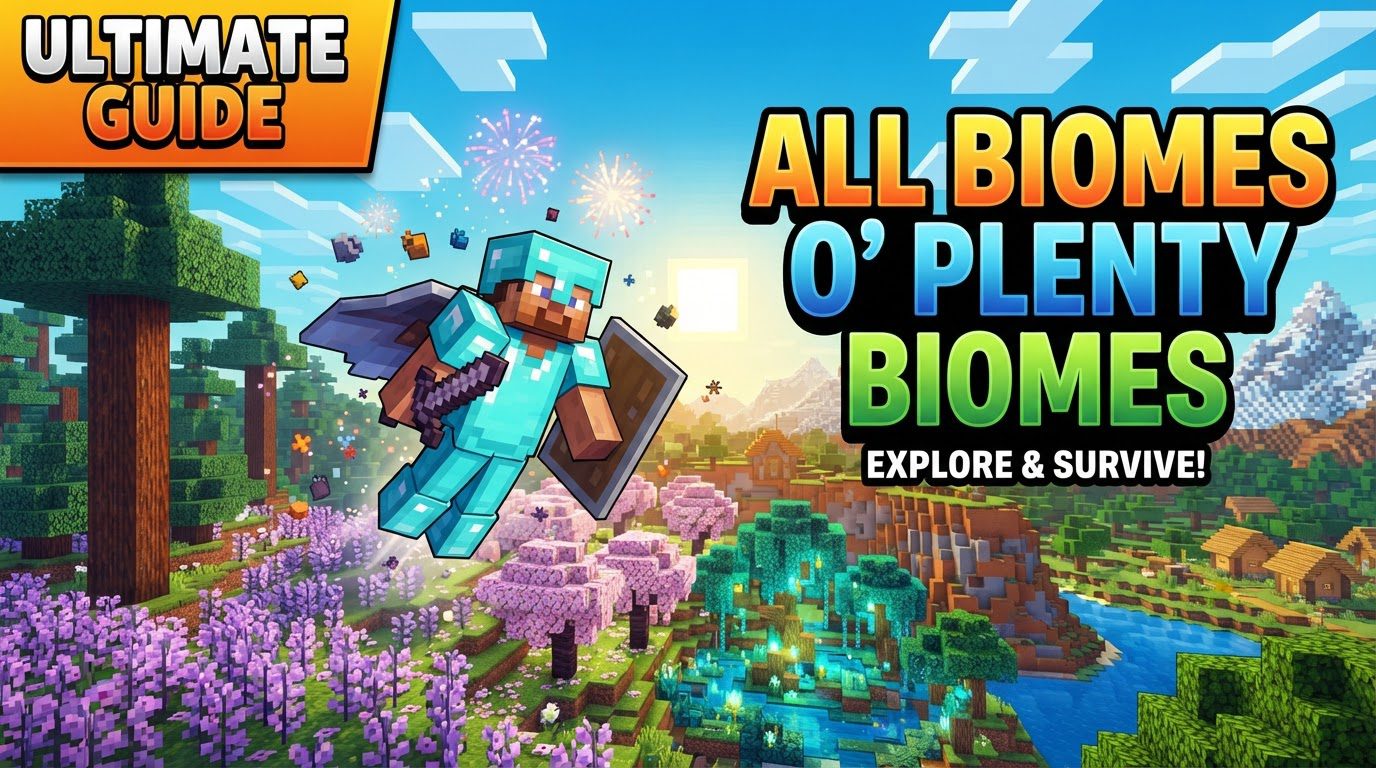
Over 60 new biomes await your discovery, transforming the familiar blocky landscapes of Minecraft into an infinitely more diverse and breathtaking world. Biomes O’ Plenty (BoP) is a cornerstone modification for Minecraft players seeking unparalleled environmental variety. This popular mod doesn’t just add a few new trees; it completely overhauls world generation, introducing unique ecosystems across the Overworld, Nether, and End, each brimming with distinct flora, terrain, and building opportunities.
Unveiling BoP’s Core Enhancements
Biomes O’ Plenty fundamentally enriches the Minecraft experience by expanding the very fabric of its generated worlds. It’s more than just new scenery; it’s a comprehensive environmental overhaul.
- Vast World Generation Expansion: The mod introduces over 60 distinct biomes, dramatically increasing environmental diversity. This expansion touches all three dimensions of Minecraft, ensuring that no corner of your world remains untouched by its influence.
- A Wealth of Unique Resources: BoP brings 14 entirely new wood types into the game, each accompanied by a full suite of associated blocks – logs, planks, slabs, stairs, fences, doors, trapdoors, signs, and even boats. Beyond wood, players will discover unique building materials like Rose Quartz and Brimstone, alongside a wide variety of new plant life that adds both aesthetic beauty and functional resources.
- Distinct Biome Characteristics: Every biome within Biomes O’ Plenty is meticulously crafted. They boast unique visual elements, including carefully chosen color palettes, specific vegetation patterns, varied terrain characteristics (from rolling hills to dense, ancient forests), and even subtle atmospheric effects that enhance immersion.
- Climate-Aware Distribution: The mod employs a sophisticated system for biome placement. Hot biomes tend to cluster together, as do cold biomes, creating coherent climatic regions. This intelligent distribution also ensures more gradual and natural transitions between different environmental types, making exploration feel more organic.
Embarking on Your BoP Adventure: World Generation Essentials
To experience the rich tapestry of Biomes O’ Plenty, proper world generation is key. Follow these steps to ensure your new world is teeming with diverse landscapes.
- Mod Installation: First, ensure Biomes O’ Plenty is correctly installed alongside the Forge server software. For Minecraft versions 1.18 and newer, the TerraBlender mod is also a mandatory companion for BoP to function correctly.
- New World Creation: When you initiate the creation of a new Minecraft world, navigate to the world generation settings. It is crucial to select “Biomes O’ Plenty” as your world type.
- For Minecraft 1.12.2 and older versions: You’ll typically need to type “BIOMESOP” into the designated world type field.
- For Minecraft 1.13.2 through 1.17: The required input for the world type field is “biomesoplenty”.
- For Minecraft 1.18 and newer versions: A dedicated custom world type selection is generally no longer required, as BoP integrates more seamlessly with vanilla world generation settings.
- Confirm Generation: Making this specific world type selection is vital; it guarantees that all the new biomes introduced by BoP will generate properly throughout your new world.
- Client-Side Requirement: Remember, the Biomes O’ Plenty mod must also be installed on your Minecraft client (your game application) in order to visually experience and interact with these new biomes. A server-only installation will not suffice for players.
Navigating the New Landscapes: Expert Tips for Exploration
With a world full of new biomes, a few strategies can enhance your journey and ensure a smooth experience.
- Performance Optimization: The sheer density and detail of some BoP biomes can be resource-intensive. If you encounter performance lag, consider allocating 6-8GB of RAM to Minecraft. Installing optimization mods like Sodium or OptiFine can also significantly help. As a last resort, reducing your render distance can alleviate strain.
- Finding Specific Biomes: Looking for a particular type of forest or a unique desert? Use the in-game command
/locate biomefollowed by the biome’s registry name. For instance,/locate biome biomesoplenty:redwood_forestwill point you to the nearest Redwood Forest. - Tracking Your Progress: For the completionists out there, Biomes O’ Plenty includes a special “Wanderer” advancement. This achievement actively tracks your discovery of all the mod’s biomes, providing a clear goal for extensive exploration.
- Modpack Compatibility: While BoP is generally well-behaved, using it in conjunction with other world generation mods can sometimes lead to conflicts. Be aware that such combinations might prevent certain biomes from generating correctly or cause unexpected terrain generation.
Avoiding Common Pitfalls in Your BoP World
Even seasoned players can stumble. Being aware of these common mistakes can save you a headache.
- Forgetting the World Type: The most frequent error is simply not selecting “Biomes O’ Plenty” as the world type during creation. This results in a vanilla world without any of BoP’s unique features.
- Mod Conflicts Galore: Running multiple world generation mods simultaneously with Biomes O’ Plenty is a recipe for compatibility issues. It’s often best to stick to BoP as your primary world generation mod or carefully research known compatible combinations.
- Insufficient RAM Allocation: The rich diversity and increased density of BoP’s biomes demand more system resources. Not allocating enough RAM can lead to significant performance problems, including stuttering and crashes.
- Bedrock Edition Quirks: For players on Bedrock versions, it’s worth noting that the port is still in development. This can mean some recipes or block animations might be unfinished or bugged, and villages might generate sparsely.
- Corrupted Worlds: On rare occasions, issues with loading the mod or world data can lead to existing structures or blocks made from BoP materials disappearing. Always back up your worlds!
- Rough Transitions: While BoP aims for smooth transitions, interactions with other mods can sometimes result in abrupt changes between water types or biome borders, creating visually jarring landscapes.
A Glimpse into the Diversity: Biomes Across Dimensions
The true heart of Biomes O’ Plenty lies in its expansive list of unique environments. Here’s a look at some of the wonders you can discover.
Overworld Biomes: A Tapestry of Landscapes
The Overworld receives the most significant overhaul, offering an incredible variety of ecosystems.
- Forest & Woodland: From the vibrant hues of the Amber Forest and Maple Woods to the eerie silence of the Dead Forest and Ominous Woods, these biomes offer diverse wood types and atmospheric exploration. Discover the towering trees of the Redwood Forest, the magical ambiance of Mystic Grove, or the serene beauty of Sacred Springs and Silkglade. Other notable forest types include Coniferous Forest, Fir Clearing, Mediterranean Forest, Seasonal Forest, Woodland, Seasonal Orchard, Shield, Snowy Dead Forest, Snowy Forest, Snowy Tundra, Spruce Woods, Thicket, and Timber.
- Plains & Fields: Open spaces are redefined with biomes like the colorful Auroral Garden, the tranquil Lavender Field, or the vast expanses of Highland and Prairie. Other variations include Field, Forested Field, Grassland, Majestic Meadow, Moor, Origin Valley, Overgrown Greens, Pasture, Shrubland, Rocky Shrubland, Steppe, and Sublime Shrubland.
- Cold & Snowy: Venture into frosty realms such as the majestic Alps and their Foothills, the desolate Arctic, or the stark beauty of a Cold Desert. You’ll also find variations like Alps Forest, Snowy Coniferous Forest, Snowy Fir Clearing, Snowy Maple Woods, and Snowy Tundra.
- Tropical & Swamp: Lush and often damp environments abound, from the dense Bamboo Forest to the murky waters of the Bayou, Bog, Muskeg, and Sludgepit. Explore the unique flora of the Mangrove, the vibrant life of the Subtropics, the dense Swamp Woods, the sandy shores of a Tropic Beach, and the waterlogged Wetland.
- Arid & Wasteland: Harsh beauty defines these biomes. Traverse the rugged terrain of the Badlands, the deep chasms of a Canyon, the scrubland of Chaparral, or the cracked earth of a Crag. Other arid zones include Dryland, Dune Beach, Mesa, the life-giving Oasis, the sticky Tar Pit, and the desolate Wasteland.
- Unique & Extraordinary: Some biomes defy easy categorization, offering truly distinct experiences. Dive into the vibrant underwater world of a Coral Reef, wander through endless Flower Fields, explore the alien landscape of a Fungal Jungle, or discover the hidden beauty of a Glowing Grotto. Other unique biomes include Hot Springs, the seasonal charm of a Pumpkin Patch, the ethereal beauty of a Spectral Garden, and the creepy depths of a Spider Nest, or the dangerous peaks of a Volcano.
Nether Biomes: Hellish Visions Reimagined
The fiery depths of the Nether receive their own dose of diversity, making expeditions even more treacherous and visually striking.
- Discover the ash-choked landscapes of Ashen Inferno, the glittering dangers of the Crystalline Chasm, the volatile terrain of an Erupting Inferno, the strange flora of Undergrowth, the grotesque beauty of the Visceral Heap, and the desolate expanse of the Withered Abyss.
The End Biomes: Beyond the Void
Even the desolate End dimension gains new features, offering fresh challenges and sights after defeating the Ender Dragon.
- Explore the corrupted landscapes of End Corruption, the flat, expansive plains of End Flats, the geological formations of an End Reef, and the unpredictable terrain of the End Wilds.
Biomes O’ Plenty transforms Minecraft into an explorer’s paradise, offering endless new vistas, resources, and challenges. By understanding its mechanics and preparing for its unique demands, you’re ready to embark on an adventure across truly diverse and breathtaking landscapes.
Tags:
YOU MAY ALSO LIKE...


