Enchanting Infuser
Thinking the Enchanting Infuser is just another block you can find or craft in vanilla Minecraft is a common pitfall for many new players. This powerful tool, while appearing to be a core part of the game’s enchanting progression, is actually a highly popular and transformative mod that completely redefines how enchantments are acquired and managed. It liberates players from the frustrating randomness of the traditional enchanting table, offering unparalleled control and efficiency.
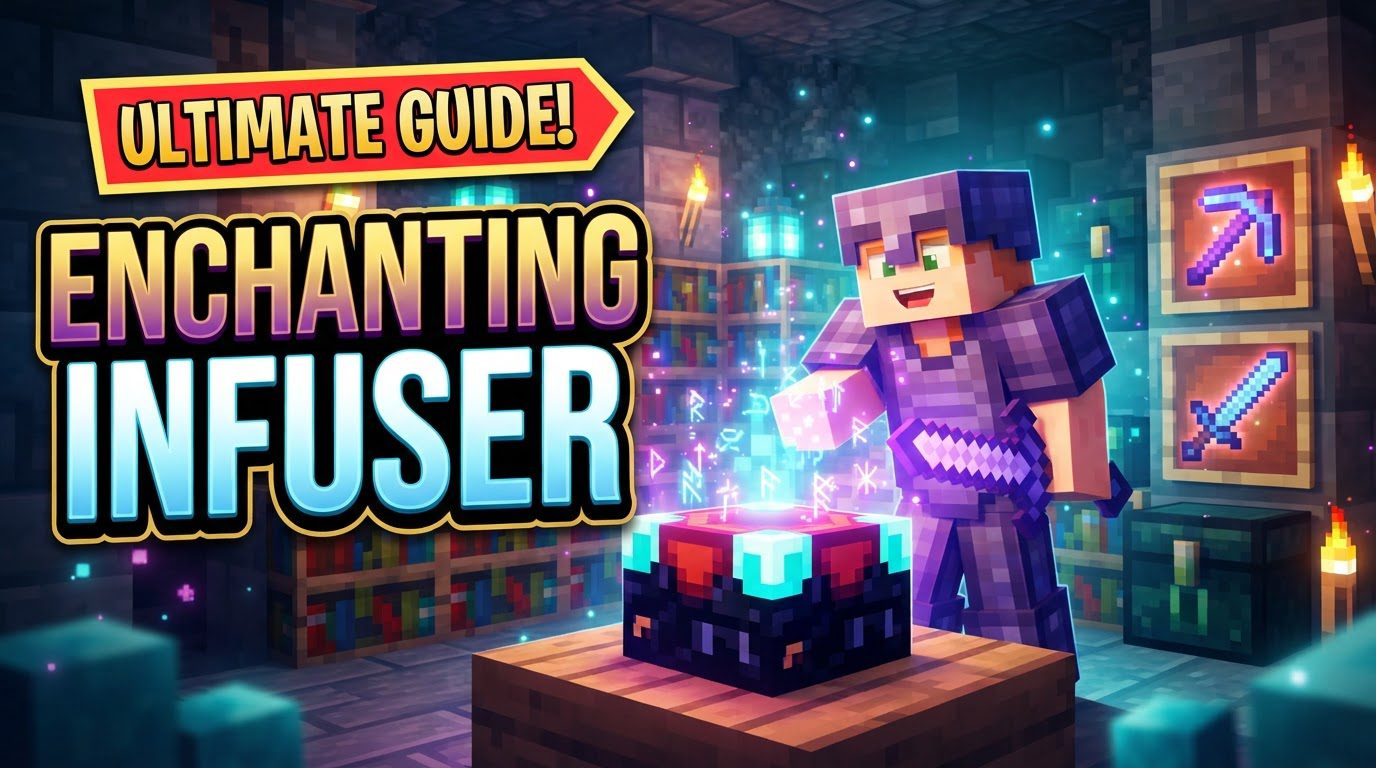
The Enchanting Infuser mod stands out by allowing players to meticulously select the exact enchantments they desire for their items, rather than relying on a roll of the dice. This fundamental shift not only saves countless hours of grinding for experience and materials but also opens up new strategies for gear optimization. For any modded Minecraft enthusiast looking to streamline their enchanting process, understanding this mod is absolutely essential.
Understanding the Core Mechanics
At its heart, the Enchanting Infuser is designed to empower the player. Gone are the days of cycling through unwanted enchantments or hoping for a specific outcome. Here’s how it fundamentally changes the game:
- Direct Enchantment Selection: The most significant feature is the ability to browse and pick specific enchantments from a list for any given item.
- Two Distinct Tiers: The mod introduces two versions: a Basic Enchanting Infuser and a more advanced counterpart, each offering increasing utility and capabilities.
- Bookshelf Integration: Much like the vanilla enchanting table, surrounding the Infuser with bookshelves (up to 15) is crucial. This setup unlocks stronger and higher-level enchantments, provided the bookshelves are placed within one block of the Infuser.
- Experience-Driven System: Enchanting still consumes experience levels, but often at a more predictable and sometimes cheaper rate compared to the vanilla system’s random offerings.
- High Configurability: A major strength of this mod is its flexibility. Players and server administrators can heavily configure various aspects, including experience costs, specific bookshelf requirements, and the range of available enchantments, tailoring the experience to their preferences.
Getting Started: Installation and Crafting Your Infuser
Before you can harness the power of the Enchanting Infuser, the mod itself must be properly integrated into your Minecraft instance. This is a mod, not a vanilla feature, so installation is the first critical step.
Mod Installation Prerequisites
The Enchanting Infuser requires a mod loader such as Fabric, Forge, or NeoForge. Additionally, it depends on specific library mods to function correctly. For Fabric users, Fabric API and Puzzles Lib are typically required. Ensure these dependencies are installed on both your client and any multiplayer server you intend to use the mod on.
Crafting Your Enchanting Infuser
Once the mod is installed, you can proceed to craft the Infuser. There are two tiers, each with its own recipe:
- Basic Enchanting Infuser: This entry-level Infuser is crafted using three Crying Obsidian, one Enchantment Table, two Amethyst Crystals (or shards), and one Book. It provides the core functionality of direct enchantment selection.
- Advanced Enchanting Infuser: To upgrade, combine a Basic Enchanting Infuser with two Netherite Ingots, three additional Crying Obsidian, and another Book. This tier offers significant enhancements and is highly recommended for long-term play.
Optimizing Your Enchanting Environment
To access the full spectrum of enchantments, proper setup of your Infuser’s surroundings is key.
Bookshelf Placement
The Enchanting Infuser interacts with bookshelves in a similar manner to the vanilla enchanting table. To maximize the levels and variety of enchantments available, place up to 15 bookshelves around your Infuser. These bookshelves must be positioned within one block of the Infuser, with an air block in between, to register correctly. Incorrect placement, such as having blocks obstructing the path or placing them too far away, will limit the Infuser’s potential.
The Enchanting Process: A Step-by-Step Guide
Using the Enchanting Infuser is straightforward once it’s set up. Here’s a typical workflow:
- Open the Interface: Right-click on your crafted Enchanting Infuser to open its graphical user interface (GUI).
- Insert Your Item: Place the item you wish to enchant (e.g., a diamond pickaxe, an iron sword, or a book) into the designated slot within the Infuser’s interface.
- Browse and Select: A list of available enchantments will appear, tailored to the item you’ve placed and the number of active bookshelves. Browse through these options and select the specific enchantments you want to apply. The interface typically displays the experience cost for each.
- Apply Enchantments: Once your selections are made, confirm the enchantment application. Provided you have sufficient experience levels, the chosen enchantments will be applied to your item.
Maximizing Your Infuser’s Potential: Advanced Tips
While the Basic Infuser is great, the Advanced version truly unlocks the mod’s power, alongside a few other helpful strategies.
- Prioritize the Advanced Infuser: The Advanced Enchanting Infuser is not just for higher-level enchantments. It offers crucial additional functionalities:
- Modifying Existing Enchantments: You can add new enchantments to an already enchanted item.
- Repairing Items with Experience: Extend the life of your gear by repairing it using your experience levels.
- Recovering Experience: Unwanted enchantments can be removed, and a portion of their experience cost can often be recovered.
These features make the Advanced Infuser an invaluable tool for item maintenance and optimization.
- Establish an XP Farm: Given that all operations within the Infuser consume experience, a reliable and efficient source of experience is paramount. Setting up a mob farm, especially an efficient one, will ensure you always have the necessary levels to enchant, repair, and modify your gear.
- Leverage Mod Compatibility: The Enchanting Infuser is often designed with compatibility in mind. It can integrate seamlessly with other popular mods like Apotheosis, which can further expand the range and power of available enchantments. Additionally, specific datapacks can be used to add treasure enchantments like Mending, which might not be available by default.
- Enhance with “Enchantment Insights”: Consider installing the “Enchantment Insights” mod. This companion mod provides helpful descriptions of enchantments directly within the Infuser’s interface, making it easier to understand what each enchantment does without needing to consult an external wiki.
Common Pitfalls and How to Avoid Them
Even with a powerful tool like the Enchanting Infuser, certain issues can arise. Knowing these common mistakes can save you frustration:
- It’s a Mod, Not Vanilla: The most frequent misunderstanding is that the Enchanting Infuser is part of the base game. Always remember it requires proper mod installation.
- Missing Dependencies: Forgetting to install crucial library mods, such as Puzzles Lib or Fabric API, will prevent the Enchanting Infuser from loading or functioning correctly. Always check the mod’s requirements.
- Incorrect Bookshelf Placement: Ensure your bookshelves are within one block of the Infuser and not blocked by other items. Using decorative bookshelves that the mod doesn’t recognize can also lead to issues.
- Insufficient Experience: Attempting to apply enchantments without enough experience levels will simply not work. Always keep an eye on the experience cost displayed in the GUI.
- Basic Infuser Limitations: Do not expect the Basic Enchanting Infuser to perform advanced functions like modifying existing enchantments, removing them, or repairing items. These capabilities are exclusive to the Advanced Enchanting Infuser.
- Treasure Enchantment Expectations: By default, treasure enchantments such as Mending might not be immediately available. These often require additional configuration, specific datapacks, or compatibility with other mods to appear in the Infuser’s selection.
The Enchanting Infuser mod transforms a notoriously random and often frustrating aspect of Minecraft into a controlled, strategic, and ultimately more rewarding experience. By understanding its mechanics, proper setup, and advanced features, players can craft perfectly enchanted gear with precision, making their adventures in the blocky world far more efficient and enjoyable.
Tags:
YOU MAY ALSO LIKE...