

Fantasy’s Furniture
Many Minecraft players dream of furnishing their blocky abodes with more than just basic vanilla blocks, often turning to mods for elaborate designs. However, diving into the world of furniture mods without understanding their core mechanics can lead to frustration. Fantasy’s Furniture offers a unique, highly customizable approach to interior and exterior decoration, transforming mundane spaces into vibrant, themed environments. This mod isn’t just about adding new blocks; it’s about providing a structured yet flexible system for crafting intricate details, from regal chairs to eerie necrolord altars, all while maintaining a cohesive aesthetic with the base game.
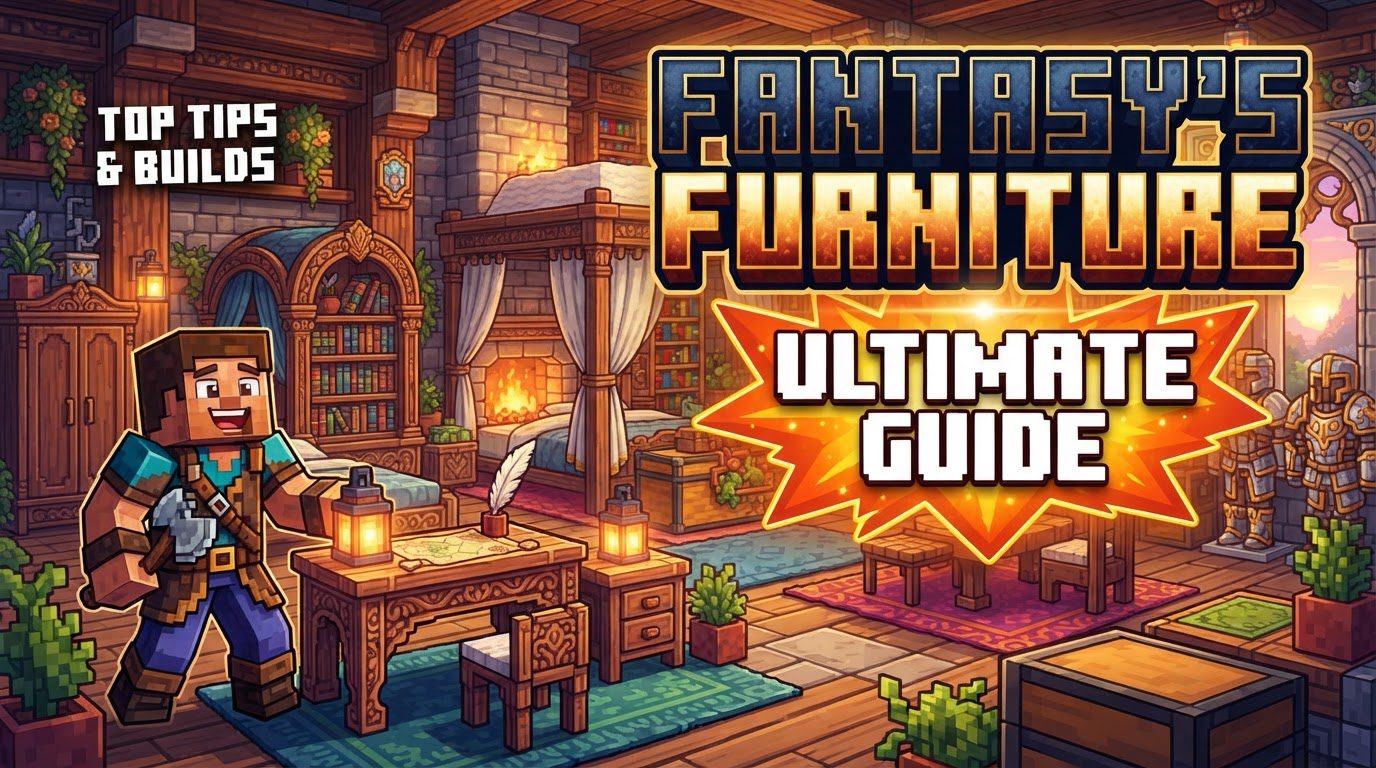
Modular Mastery: Tailoring Your Decor Experience
One of the most distinctive features of Fantasy’s Furniture is its modular design. Instead of a single, monolithic mod, it operates as a core framework with optional, installable furniture sets. This allows players to pick and choose exactly which aesthetic themes they want in their game, reducing clutter and potential conflicts. Whether you’re building a grand Nordic hall, a lavish royal palace, or a spooky bone-filled dungeon, there’s a module for you. Available sets include Nordic, Royal, Bone, Necrolord, Venthyr, and Dunmer. Additionally, a dedicated Decorations module provides a wide array of smaller, versatile items suitable for any theme. This modularity means you only load what you need, ensuring a more streamlined and personalized gameplay experience.
The Artisan’s Hub: Crafting at the Furniture Station
At the heart of almost all furniture creation in this mod lies a dedicated block: the Furniture Station. This essential workbench streamlines the crafting process for the myriad of items Fantasy’s Furniture introduces. To begin your journey into advanced decor, you’ll first need to craft this station by combining a standard crafting table with a piece of leather. Once placed in your world, interacting with it opens a unique interface.
The Furniture Station requires a foundational set of materials to unlock its crafting potential. You’ll need to fill three designated slots within its interface with clay, wooden planks, and cobblestone. These serve as the primary ingredients that enable the station to process recipes. While these three are universal, specific furniture sets may demand additional resources. For instance, some recipes might call for wool and a binding agent like a clay ball. The opulent Royal furniture set, true to its name, requires more refined materials such as Royal Bricks/Wool (crafted from stone materials or wool), alongside precious gold and dyeable wool to achieve its distinct look.
From Concept to Creation: A Step-by-Step Furnishing Guide
Embarking on your Fantasy’s Furniture journey is straightforward once you understand the process:
- Step 1: Mod Installation: Begin by downloading the Fantasy’s Furniture mod and any desired furniture set modules. Ensure they match your Minecraft Forge version. The mod is compatible with Forge versions 1.16.5, 1.18.2, and 1.19.2, with some sources also noting compatibility with 1.20 and 1.20.1. There is no planned Fabric port.
- Step 2: Craft the Furniture Station: In your regular crafting table, combine one crafting table with one piece of leather to create your essential Furniture Station.
- Step 3: Prepare Your Station: Place the Furniture Station in your world and open its interface. Populate the three designated input boxes with clay, wooden planks, and cobblestone. These materials act as catalysts, unlocking the diverse crafting options.
- Step 4: Select and Craft Your Item: With the base materials in place, a comprehensive list of available furniture items will appear. Browse or use the search bar to find your desired piece. Select it from the list, and the crafted item will materialize on the right side of the interface, ready for you to pick up.
- Step 5: Place Your Furniture: Hold the newly crafted furniture item in your hand. A helpful white-gold outline will appear, guiding you exactly where the item will be placed, making precise decoration effortless.
Beyond Mere Looks: Functionality and Finesse
Fantasy’s Furniture isn’t solely about aesthetics; many of its additions bring practical utility to your builds. You’ll find items that serve as more than just eye candy. For instance, themed wardrobes offer valuable storage solutions, helping you organize your gear in style. Specialized, themed furnaces not only look fantastic but also function as smelting stations, integrating seamlessly into your architectural designs. Many sets include unique light sources, such as enchanting light pools, to illuminate your creations with atmospheric glows. Of course, a wide variety of chairs and other seating options provide comfortable resting spots for your weary adventurer. Beyond these functional pieces, the mod also excels in purely cosmetic items. Small decorative elements, like delightful cupcakes, exhibit clever design, often allowing players to combine or stack multiple items within a single block space, adding an extra layer of detail to any scene.
Insider Tips for Master Decorators
- Budget-Friendly Decor: Don’t shy away from decorating early in your world. Many of the mod’s decorative items boast exceptionally cheap recipes, making them accessible even when resources are scarce.
- Efficient Searching: The Furniture Station can house hundreds of recipes. Utilize the built-in search bar to quickly locate specific items without endless scrolling.
- Crafting in Bulk: If you need multiple copies of the same item, a quick trick is to select a different item in the Furniture Station’s interface and then re-select your desired item. This allows you to craft it again without closing and reopening the station.
- Custom Map Potential: The diverse range of themed furniture makes this mod an invaluable asset for custom map creators. It enables the construction of highly immersive and aesthetically distinct environments.
- Vanilla Integration: One of the mod’s strengths is its commitment to the vanilla Minecraft aesthetic. The models are designed to blend seamlessly with existing blocks, ensuring your new furniture doesn’t look out of place.
Navigating Potential Pitfalls: Troubleshooting Common Issues
While Fantasy’s Furniture generally provides a smooth experience, users can occasionally encounter issues. Knowing how to address them can save considerable frustration:
- Installation Woes: The most common problem stems from incorrect installation. Always ensure you have the correct Forge version installed and that any required core mods, such as ApexCore, are also present and up-to-date.
- Lighting Glitches: If you notice unusual lighting artifacts or issues around placed furniture, a common fix involves adjusting a configuration setting. Navigate to your Minecraft config folder, open
forge-client.toml, and change the lineexperimentalForgeLightPipelineEnabledtotrue. - Optifine and Shaders: Be aware that Fantasy’s Furniture does not officially support Optifine or shader packs. While they might function together for some users, combining them can lead to increased instability, crashes, or visual glitches. Proceed with caution.
- Missing Recipes or Placement Problems: If you’re unable to see recipes in the Furniture Station or place materials into its slots, double-check your Minecraft version and mod versions for compatibility. Mod conflicts can also be a culprit, so consider testing with fewer mods enabled if issues persist.
- Chunk Corruption Risk: A significant, albeit rare, issue reported by some users involves server crashes and subsequent chunk corruption linked to placing Fantasy’s Furniture items. This has been particularly noted with specific furniture sets, such as the Nordic set. It’s always wise to perform regular world backups, especially on servers.
Fantasy’s Furniture stands out as a robust and flexible decoration mod, offering unparalleled thematic depth and customization. By understanding its modular nature, mastering the Furniture Station, and being aware of potential troubleshooting steps, players can transform their Minecraft worlds into truly unique and personalized masterpieces.
Tags:
YOU MAY ALSO LIKE...


