

Fixing Mob Spawner Deactivation Issues
A pervasive misconception among Minecraft players is that a single torch near a mob spawner will halt its operations entirely. While light is indeed the primary tool for deactivating most mob spawners, the truth is far more nuanced, requiring a precise understanding of their internal mechanics and environmental interactions. Failing to grasp these specifics can lead to frustratingly persistent mob generation, even in seemingly well-lit areas.
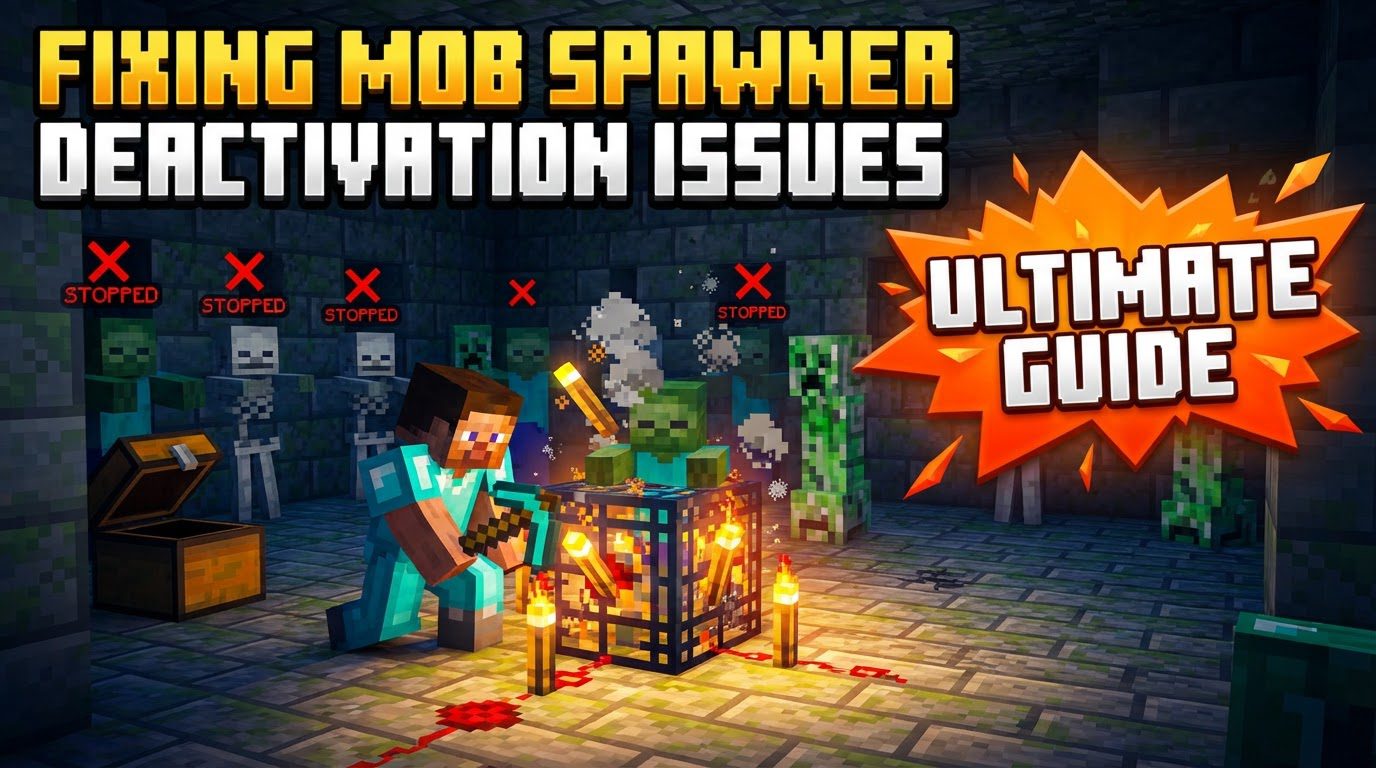
Understanding the Spawner’s Core Mechanics
At its heart, a mob spawner is a cage-like block, visually identifiable by the miniature, spinning representation of the mob it creates. These enigmatic blocks cannot be obtained in Survival mode, and while breaking them yields experience points, the spawner block itself is not dropped. Crucially, a spawner attempts to generate mobs with remarkable frequency – once every game tick, which translates to twenty times per second.
However, this relentless attempt to spawn is governed by strict rules. The most fundamental is its activation range: vanilla mob spawners only spring to life and produce mobs if a player is within a 16-block spherical radius of them. Step outside this invisible bubble, and the spawner effectively goes dormant, ceasing all spawning attempts until a player re-enters its range. This player proximity is vital for any mob farm design.
Another critical mechanic is the spawning zone. A spawner generates mobs within a precise 8x8x3 block area. This zone is centered directly on the spawner block itself, meaning it extends 4 blocks in each cardinal direction (North, South, East, West) from the spawner’s horizontal center, and 1 block above and 1 block below the spawner’s Y-level, encompassing a total height of 3 blocks. Within this defined space, several conditions must be met for a mob to successfully manifest.
- Solid Ground: Mobs cannot spawn in locations already occupied by solid blocks or fluids. There must be an air block or similar non-solid space.
- Light Levels: For most hostile mobs, a light level of 7 or lower is required for them to spawn. This means that if any block within the 8x8x3 radius has a light level of 8 or higher, it becomes an unsuitable spawning spot for these creatures.
- Blaze Exception: Blaze spawners are unique. They require a light level of 11 or lower for blazes to spawn. Consequently, preventing blaze spawns demands a higher light level of 12 or more.
- Minecraft 1.18+ Changes: As of Minecraft 1.18, some mobs have become even pickier, refusing to spawn if there is *any* light whatsoever in their designated spawning area. This makes complete darkness a prerequisite for their generation, emphasizing the importance of thorough illumination to prevent them.
The Art of Illumination: Preventing Spawns with Light
The most common and effective method for deactivating a mob spawner without destroying it is through strategic lighting. The goal is to ensure that every potential spawn location within the spawner’s 8x8x3 radius exceeds the mob’s maximum allowed light level.
Step-by-Step Deactivation via Light:
- Identify the Spawner Type: Before placing lights, confirm which mob the spawner creates. This dictates the minimum light level you need to achieve. For instance, a zombie spawner requires less light to disable than a blaze spawner.
- Place Light Sources Systematically: Begin by placing light sources directly on and around the spawner block. Torches are the most accessible and common choice due to their light output (level 14).
- Cover the Entire Spawning Area: Remember the 8x8x3 effective range. This means you need to place light sources not just immediately next to the spawner, but up to 4 blocks out in every horizontal direction, and 1 block above and 1 block below the spawner’s Y-level. The aim is to blanket this entire volume with sufficient illumination.
- Ensure Sufficient Light Levels: For most hostile mobs (like zombies, skeletons, spiders, creepers), ensure that all potential spawn locations within the 8x8x3 radius have a light level of 8 or higher. For blaze spawners, the requirement is stricter; every block must have a light level of 12 or higher to prevent blazes from spawning.
- Utilize High Light Sources: For particularly stubborn spawners or those generating mobs with high light tolerance (like blazes), consider using blocks with higher light outputs. Glowstone, Sea Lanterns, and Redstone Lamps (when powered) emit a light level of 15, making them highly effective. Lanterns also provide a light level of 15 and are compact. A dense pattern of torches can also achieve the necessary high light levels.
Physical Obstruction: Blocking the Spawning Zone
An alternative, albeit often more resource-intensive, method to deactivate a spawner is to physically block all potential spawn locations. If mobs cannot find an empty, suitable block to spawn on, the spawner will fail to produce them.
Blocking Spawn Locations:
- Fill the Entire Radius: The most thorough approach is to fill the entire 8x8x3 spawning area with solid blocks (e.g., dirt, cobblestone, stone) or fluids (e.g., water, lava). By doing so, you eliminate all valid air blocks where a mob could materialize.
- Space Requirements: Be mindful that some mobs have specific space requirements. For example, spiders need a 3x3x1 area to spawn. If you can limit the available contiguous space within the 8x8x3 radius such that no mob can fit, you can prevent their generation. This is often more complex than simply lighting up the area, but can be useful in specific build scenarios.
Avoiding Common Pitfalls in Spawner Deactivation
Even with a good understanding of spawner mechanics, several common mistakes can lead to unexpected mob generations.
- Insufficient Lighting: This is perhaps the most frequent error. Players often underestimate the required light level, especially for blazes. Using standard torch placement might prevent zombies but will be inadequate for a blaze spawner, which demands a light level of 12 or higher. Always verify the light level in the entire 8x8x3 zone.
- Ignoring the Spawning Radius: Forgetting the full 8x8x3 extent of the spawning area is another common pitfall. A few torches directly on the spawner are rarely enough. Mobs can still generate in unlit corners or vertical spaces within this radius, even if the immediate vicinity of the spawner is bright.
- Vertical Space Neglect: The 3-block vertical height (1 above, 1 below, and the spawner’s own Y-level) is often overlooked. Mobs can spawn on blocks directly below or above the spawner if those blocks are within the 8x8x3 range and meet light/space requirements. Always extend your lighting or blocking efforts vertically.
- Mobs Immune to Light: Not all mobs are affected by light in the same way. Slimes and magma cubes, for instance, spawn regardless of light levels in their respective biomes/dimensions. Attempting to deactivate their spawns solely with light will be futile. For these, physical obstruction of their spawning chunks or specific conditions is necessary, though spawners for these mobs are not naturally occurring.
- Expecting Remote Activation: A critical misunderstanding is expecting a spawner to function (or malfunction) when no player is nearby. Vanilla spawners strictly require a player within 16 blocks to activate. If you’re observing a spawner from afar and it seems “deactivated,” it’s likely just out of range, not truly disabled. This is important for designing mob farms, as they necessitate a player AFK spot within the activation range.
Global Control: Using Game Rules for Spawners
For server administrators or players in creative mode, there are direct commands to control spawner functionality globally, though these are typically not used for individual spawner deactivation in survival gameplay.
- Java Edition (Snapshots 25w37a+): The command
/gamerule spawnerBlocksEnabled falsecan completely disable the functionality of all mob spawners across the entire world. Setting it totruere-enables them. - Bedrock Edition: In Bedrock Edition, the command
/gamerule doMobSpawning falsewill disable all mob spawning, including those from spawners, as well as natural mob generation. This is a broader command affecting all mob activity.
Effectively fixing mob spawner deactivation issues boils down to a thorough understanding of their intricate mechanics. By meticulously applying the correct light levels across the entire 8x8x3 spawning radius, or by physically obstructing potential spawn points, you can reliably prevent unwanted mob generation and safely explore or build around these fascinating, yet sometimes troublesome, blocks.
Tags:
YOU MAY ALSO LIKE...


