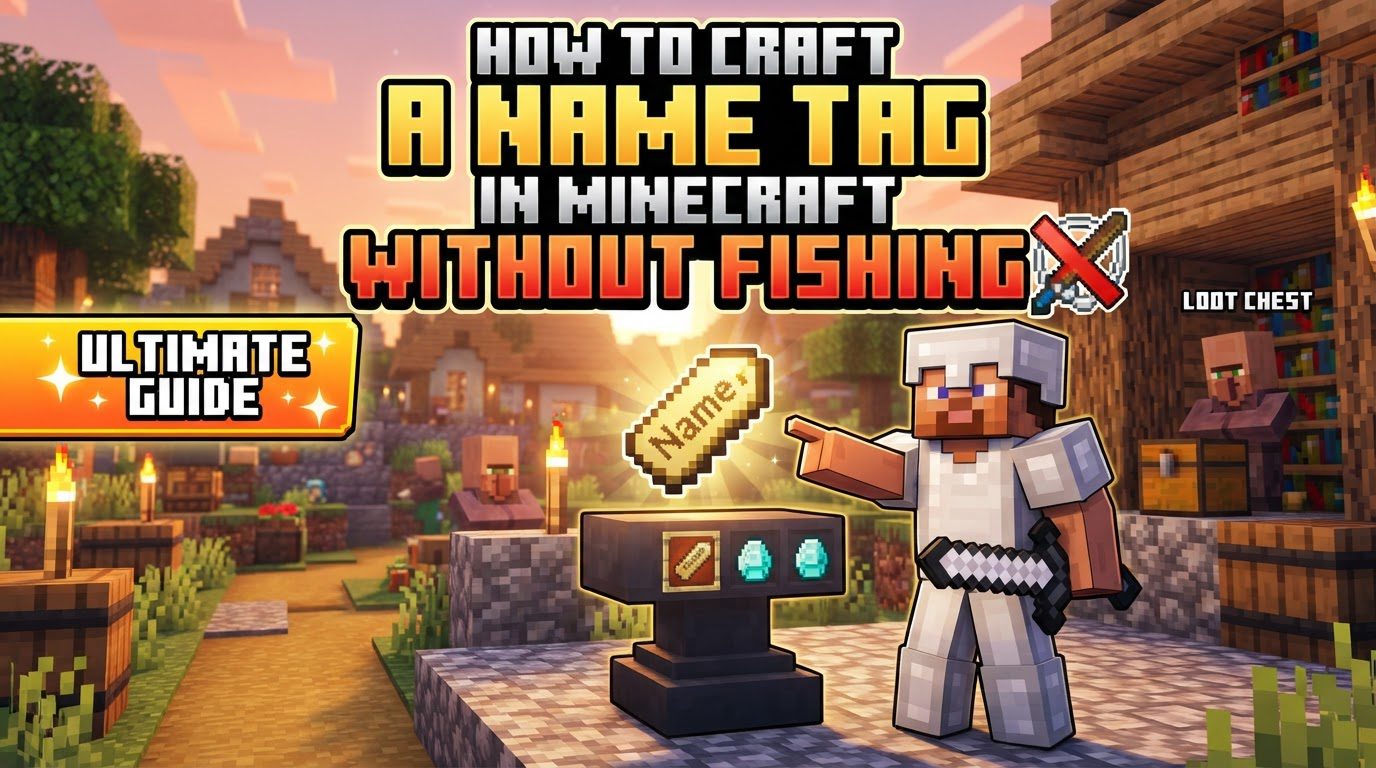
How to Craft a Name Tag in Minecraft Without Fishing
A common misconception among newer Minecraft players is that Name Tags are elusive, requiring countless hours of fishing. While fishing was once a primary (and often frustrating) method to acquire these valuable items, the game has evolved. Obtaining a Name Tag in Minecraft, especially for naming your cherished pets or preventing valuable mobs from despawning, is now significantly more accessible and doesn’t involve a single cast of a fishing rod. This guide will walk you through every step of acquiring and utilizing Name Tags, focusing on the most efficient and reliable methods available without ever dipping a line into the water.
Understanding the Power of a Name Tag
Before diving into acquisition, it’s essential to grasp why Name Tags are so coveted. Their primary function is to assign custom names to most mobs and animals within the game. Beyond mere personalization, this act carries a crucial mechanical benefit: named mobs will not despawn naturally. This ensures your tamed wolves, prized villagers, or carefully bred farm animals remain permanently in your world. The only notable exception to this rule is the Wandering Trader, who, despite being named, will still eventually despawn.
Furthermore, certain names unlock amusing or useful special effects:
- “Dinnerbone” or “Grumm”: Applying either of these names to any mob will cause it to appear permanently upside down.
- “jeb_”: Naming a sheep “jeb_” will make its wool cycle through all available colors, creating a vibrant, dynamic display.
- “Toast”: Giving this name to a rabbit will alter its texture to a unique black and white fur pattern, a tribute to a player’s lost pet.
- “Johnny”: When a Vindicator is named “Johnny,” it becomes hostile to all other mobs, including other illagers, making it a chaotic force.
It’s important to remember that while the Name Tag itself is the item you obtain, applying a custom name to it requires an Anvil and the expenditure of one experience level.
The Modern Method: Crafting Your Own Name Tag
For players on Minecraft version 26.1 or any subsequent updates (often referred to as the “Tiny Takeover” update), crafting a Name Tag is now the most straightforward and reliable method. This eliminates the dependency on luck-based chest loot or villager trades for your initial tags.
Gathering the Raw Materials
The crafting recipe for a Name Tag is surprisingly simple, requiring just two components:
- Paper: You’ll need one piece of paper. Paper is easily crafted from sugar cane, which grows naturally near water sources in most biomes. Three sugar cane stalks placed in a horizontal row in a crafting grid will yield three pieces of paper.
- Nugget: You’ll also need one nugget. This can be an iron nugget, a gold nugget, or a copper nugget. Nuggets are highly versatile and can be obtained in several ways:
- Loot: They can sometimes be found as loot in various structures or dropped by certain mobs.
- Smelting: Raw iron, gold, or copper ore can be smelted into ingots, which can then be crafted into nine nuggets each. Alternatively, raw iron, gold, or copper *ore blocks* can be smelted directly into nuggets in some versions.
- Crafting Ingots: The most common method is to place an iron ingot, gold ingot, or copper ingot into a crafting grid, which will yield nine corresponding nuggets.
The Crafting Process
Once you have one piece of paper and one nugget (of any type), you can craft your Name Tag. This can be done in your personal 2×2 crafting grid within your inventory or using a full 3×3 crafting table. The exact placement isn’t rigid, but a common arrangement that works is placing the paper in the bottom-left slot and the nugget in the top-right slot, or the nugget in any top corner and the paper diagonally below it. As long as the two items are present in the crafting grid, the Name Tag will appear in the output slot.
Alternative Acquisition: When Crafting Isn’t an Option (or You Need More!)
If you’re playing on an older version of Minecraft where the crafting recipe isn’t available, or if you simply prefer alternative methods, Name Tags can still be found through exploration or trade.
Scavenging from Loot Chests
Name Tags frequently appear as valuable loot within chests found in various generated structures across your Minecraft world. Exploring these locations offers a thrilling way to acquire them:
- Abandoned Mineshafts: These sprawling underground structures are often considered the best place to hunt for Name Tags. Minecart chests found within mineshafts have a significant 42.3% chance of containing one or more Name Tags, making them a prime target for explorers.
- Woodland Mansions: These extremely rare and dangerous structures, typically found far from spawn, also offer Name Tags in their numerous chests. You have approximately a 28.3% chance of finding them here. Be prepared for formidable enemies like Vindicators and Evokers.
- Dungeons (Monster Rooms): Small, stone-brick rooms containing a monster spawner and up to two chests, dungeons offer another chance. These chest also have about a 28.3% chance of yielding a Name Tag.
- Ancient Cities: Located deep underground in the Deep Dark biome, Ancient Cities are perilous but rich with unique loot. Chests within these eerie structures have around a 16% chance of containing a Name Tag.
Trading with Villagers
For a renewable and potentially endless supply of Name Tags, look no further than your friendly neighborhood Librarian villagers. Once a Librarian villager reaches Master level (their fifth and final trade tier), they will offer Name Tags as one of their available trades. This usually costs between 20 to 22 emeralds per Name Tag. Establishing a trading hall and curing a zombie villager to get significant discounts can make this an incredibly efficient way to stock up on Name Tags.
Personalizing Your Name Tag: The Anvil and Experience
Once you have a Name Tag, whether crafted or found, it’s just a blank slate. To give it a custom name, you’ll need an Anvil and at least one experience level.
- Place the Name Tag: Open your Anvil and place the Name Tag into the first input slot.
- Enter the Name: A text field will appear. Type your desired name into this field. This is where you can input names like “Dinnerbone,” “jeb_,” or simply “Sparky” for your pet.
- Retrieve the Renamed Tag: The renamed Name Tag will appear in the output slot. Clicking on it to retrieve it will consume one experience level from your character. This cost is fixed at one level, regardless of the length or complexity of the name.
Pro Tip: You can rename an entire stack of Name Tags at once! By placing a stack of multiple Name Tags into the Anvil’s first slot, typing your desired name, and retrieving the stack, you will rename all of them simultaneously, still only costing that single experience level.
Applying the Name Tag to a Mob
The final step is to apply your newly personalized Name Tag to a mob. This is the easiest part of the process:
- Hold the Name Tag: Select the renamed Name Tag in your hotbar so you are holding it in your hand.
- Interact with the Mob: Point your crosshairs at the mob you wish to name and right-click (or use the equivalent “use” button for your platform). The mob will instantly display its new name above its head, and it will now be protected from despawning.
Strategic Tips for Name Tag Success
- Embrace Crafting for Convenience: If your Minecraft version supports it, make crafting your primary method. It’s predictable, resource-friendly, and doesn’t rely on luck.
- Mineshaft Expeditions Early On: For players on older versions or those in the early game before establishing extensive trading, exploring abandoned mineshafts is highly recommended. The high chance of finding Name Tags makes the risk worthwhile.
- Invest in Librarians for Long-Term Supply: Once you have a steady emerald income, setting up a Master Librarian trading post ensures an infinite, renewable source of Name Tags. Curing a zombie villager and then leveling them up can significantly reduce the emerald cost.
- Utilize Batch Renaming: Always rename stacks of Name Tags in the Anvil if you plan to use the same name or multiple names for different mobs. This saves valuable experience levels.
Common Pitfalls to Avoid
- Version Incompatibility: Attempting to craft a Name Tag in Minecraft versions older than 26.1 (the “Tiny Takeover” update) will not work. Always verify your game version if the crafting recipe isn’t appearing.
- Forgetting the Anvil and XP: Many players acquire Name Tags but then struggle to rename them. Remember, an Anvil is essential, and you must have at least one experience level to spend.
- Incorrect Crafting Recipe: While simple, ensure you’re using one piece of paper and one nugget (iron, gold, or copper), not an entire ingot, and place them correctly in the crafting grid.
- The Wandering Trader Exception: Don’t waste a Name Tag on a Wandering Trader hoping to keep their llamas permanently. They are programmed to despawn regardless of being named.
With these methods, you’re now equipped to name every pet, secure every villager, and even unleash some chaotic fun with special mob names, all without ever needing to cast a fishing line.
Tags:
YOU MAY ALSO LIKE...