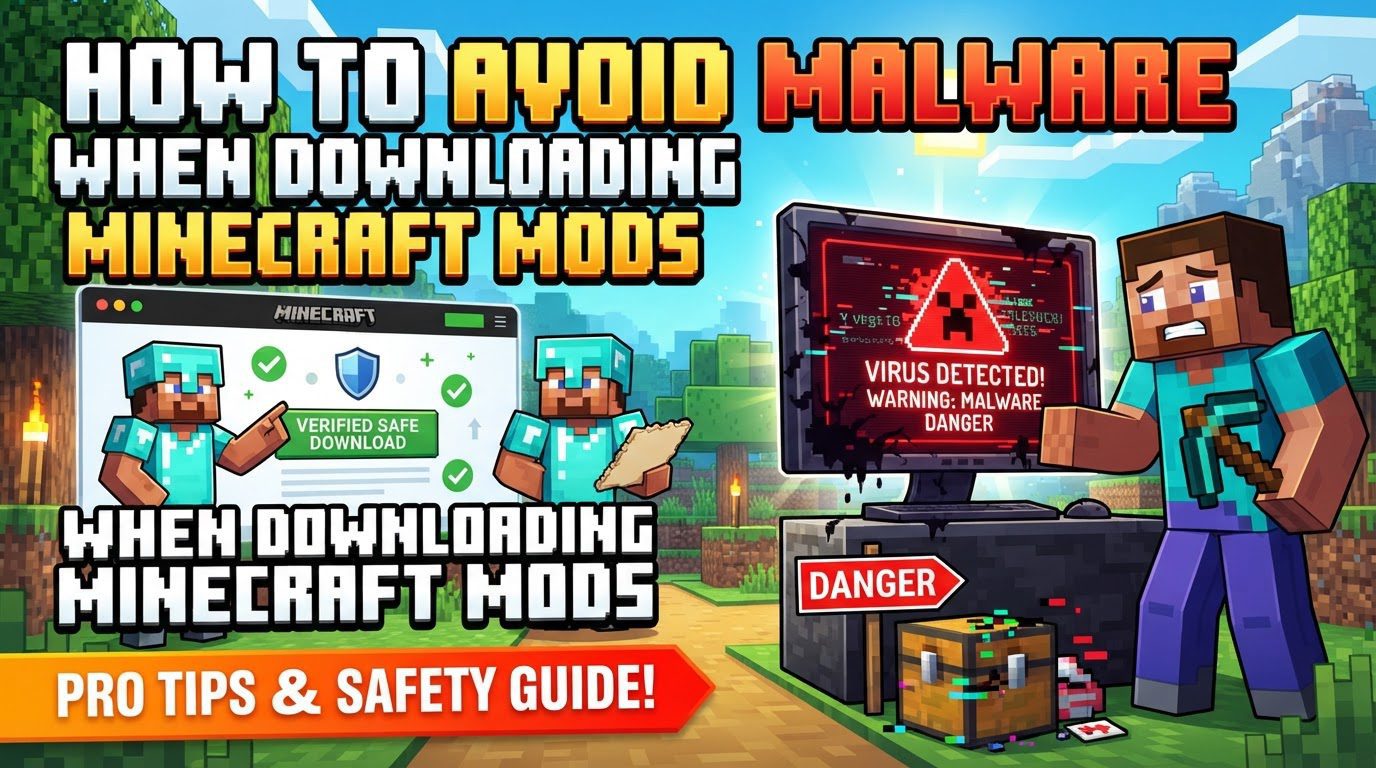
Avoiding Malware When Downloading Minecraft Mods (Step by Step)
Downloading Minecraft mods can significantly enhance your gameplay experience, but it also carries inherent risks. Malicious mods are a serious threat, capable of stealing sensitive information such as your login credentials, browser passwords, and even cryptocurrency data. Understanding how to protect yourself is paramount to enjoying a safe modding experience.
Understanding Mod Security
Minecraft mods are not simply harmless additions; they are fundamentally executable code. This means they have the capability to contain malicious elements specifically designed to compromise your system and steal your personal data. The very nature of a mod, which integrates directly with your game and often has broad system access, makes it a potential vector for malware.
To mitigate these risks, it is crucial to rely on reputable modding platforms. Sites like CurseForge and Modrinth are recognized for implementing rigorous checks. These platforms actively work to identify and remove malicious code from the mods they host, making them significantly safer sources for your downloads. While no system is foolproof, their proactive security measures drastically reduce your exposure to threats.
Furthermore, it is important to understand the role of mod loaders. Tools such as Forge, Fabric, or NeoForge are essential for running the vast majority of Minecraft mods. These loaders act as a framework that allows mods to interact with the game. When selecting a mod, you must ensure it is compatible not only with your specific Minecraft version but also with your chosen mod loader.
Step-by-Step Guide to Safe Mod Downloads
Follow these steps diligently to minimize your risk when adding new mods to your Minecraft setup:
- Choose trusted platforms: Your first and most critical step is to download mods exclusively from well-known and reputable sites. As mentioned, CurseForge and Modrinth are the gold standard for mod distribution due to their security protocols and community oversight. Avoid any obscure or unofficial download sources.
- Research the mod thoroughly: Before you even consider downloading, take the time to research the mod. Look for strong indicators of legitimacy and active developer support. This includes checking for a high number of positive reviews from other users, a substantial download count, and evidence of recent updates. A mod that hasn’t been updated in years or has very few downloads and reviews could be outdated, buggy, or even malicious.
- Verify compatibility: Always confirm that the mod explicitly states support for your current Minecraft version. An incompatible mod will likely cause your game to crash or simply fail to function. Additionally, ensure the mod is designed for your specific mod loader, whether that is Forge, Fabric, or NeoForge. Mismatched loaders are a common source of problems.
-
Download the mod file: Once you are satisfied with your research and compatibility checks, proceed to download the mod file. This file will typically have a
.jarextension. Always obtain the file directly from the official download link provided on the trusted platform, not through any redirects or third-party mirrors. - Scan the file for malware: This step is non-negotiable. Before installing any downloaded mod, utilize robust antivirus software to scan the file. In addition, employ specialized JAR security scanners. Services like VirusTotal can analyze the file against multiple antivirus engines, providing a comprehensive report. Some reputable platforms, such as CurseForge, may also offer their own tools for scanning. Do not skip this crucial security check, even if the mod came from a trusted source.
- Back up your game worlds: Prior to introducing any new mods, make it a habit to create a complete backup of your Minecraft worlds. This simple precaution can save you from significant frustration and data loss. If a mod turns out to be unstable, corrupts your save, or causes unforeseen issues, you can easily revert to a previous, safe state of your worlds.
-
Install the mod: After scanning and verifying the mod file, proceed with installation. This typically involves placing the
.jarfile into the designated ‘mods’ folder within your Minecraft installation directory. Ensure you follow any specific installation instructions provided by the mod developer, but always prioritize safety checks first.
Important Security Tips
Beyond the core download process, several ongoing practices will bolster your system’s security:
- Maintain up-to-date security software: Ensure your antivirus and anti-malware tools are always current. Security software databases are constantly updated with new threat definitions. Run frequent, full system scans to catch any potential issues that might slip through initial checks.
- Update your operating system and Java: Regular updates for your operating system and Java runtime environment are vital. These updates often include critical security patches that fix vulnerabilities. Exploitable weaknesses in outdated software can provide entry points for malware, regardless of how careful you are with mods.
- Use two-factor authentication (2FA): Enable 2FA on all your critical accounts, including your Mojang account, Microsoft account, and any other relevant online services. 2FA adds an essential extra layer of security, making it significantly harder for unauthorized individuals to access your accounts, even if they manage to steal your primary password.
- Practice digital skepticism: Always be wary of unsolicited links or downloads. Avoid downloading mods from unfamiliar websites, suspicious direct links found on platforms like YouTube or Discord, or any source that appears unofficial. If a mod seems too good to be true, or if its download method seems unusual, exercise extreme caution.
- Check for mod dependencies: Some mods require other specific mods to function correctly. These are known as dependencies. Always verify the required dependencies and download them from trusted sources, following the same security protocols as for the main mod.
Common Mistakes to Avoid
Being aware of common pitfalls can prevent security breaches and game instability:
- Downloading from untrusted sources: This is unequivocally the most significant risk factor for encountering malware. Websites like “Planet Minecraft” and “9Minecraft” have unfortunately been identified as potentially hosting malicious content or redirecting users to unsafe downloads. Always stick to the highly reputable platforms for your mod downloads.
- Ignoring version compatibility: Attempting to install mods that do not explicitly match your Minecraft version or mod loader version is a recipe for disaster. This will almost certainly lead to frequent game crashes, unplayable instances, or mods that simply do not work as intended.
- Disabling security software: Never, under any circumstances, disable your antivirus software or firewall, even if an installation guide for a mod suggests it. Disabling these critical security measures leaves your entire system wide open and vulnerable to attack, negating any prior precautions you might have taken.
- Installing too many mods simultaneously: While tempting, adding a large number of mods all at once makes troubleshooting incredibly difficult. If issues, crashes, or conflicts arise, it becomes nearly impossible to pinpoint which mod is causing the problem. Install mods in small, manageable batches, testing your game after each addition.
- Neglecting world backups: Failing to regularly back up your Minecraft worlds is a gamble you don’t want to lose. Should a mod corrupt your save file, or if you encounter an unforeseen bug, neglecting backups can result in permanent data loss of hours or even years of gameplay progress.
- Assuming absolute safety on reputable platforms: While platforms like CurseForge are generally safer, it’s crucial to understand that no platform is entirely immune to threats. There have been instances, such as the “Fractureiser” incident, where even trusted platforms have experienced malware distribution. Vigilance, including scanning downloaded files, remains necessary even when using reputable sources.
- Clicking deceptive download buttons: Malicious websites frequently employ misleading download buttons. These are often prominently displayed and designed to trick users into clicking them, leading to the installation of unwanted software, adware, or outright malware instead of the intended mod. Always locate the official, legitimate download link.
Tags:
YOU MAY ALSO LIKE...