Dismounting and Commanding a Camel (Step by Step)
Camels in Minecraft offer a distinctive mode of transportation and interaction, setting them apart from other rideable mobs. Unlike horses, donkeys, or mules, camels do not require any taming process; their rideability is solely dependent on equipping them with a saddle. This makes them immediately accessible for players who can locate one and acquire the necessary gear.
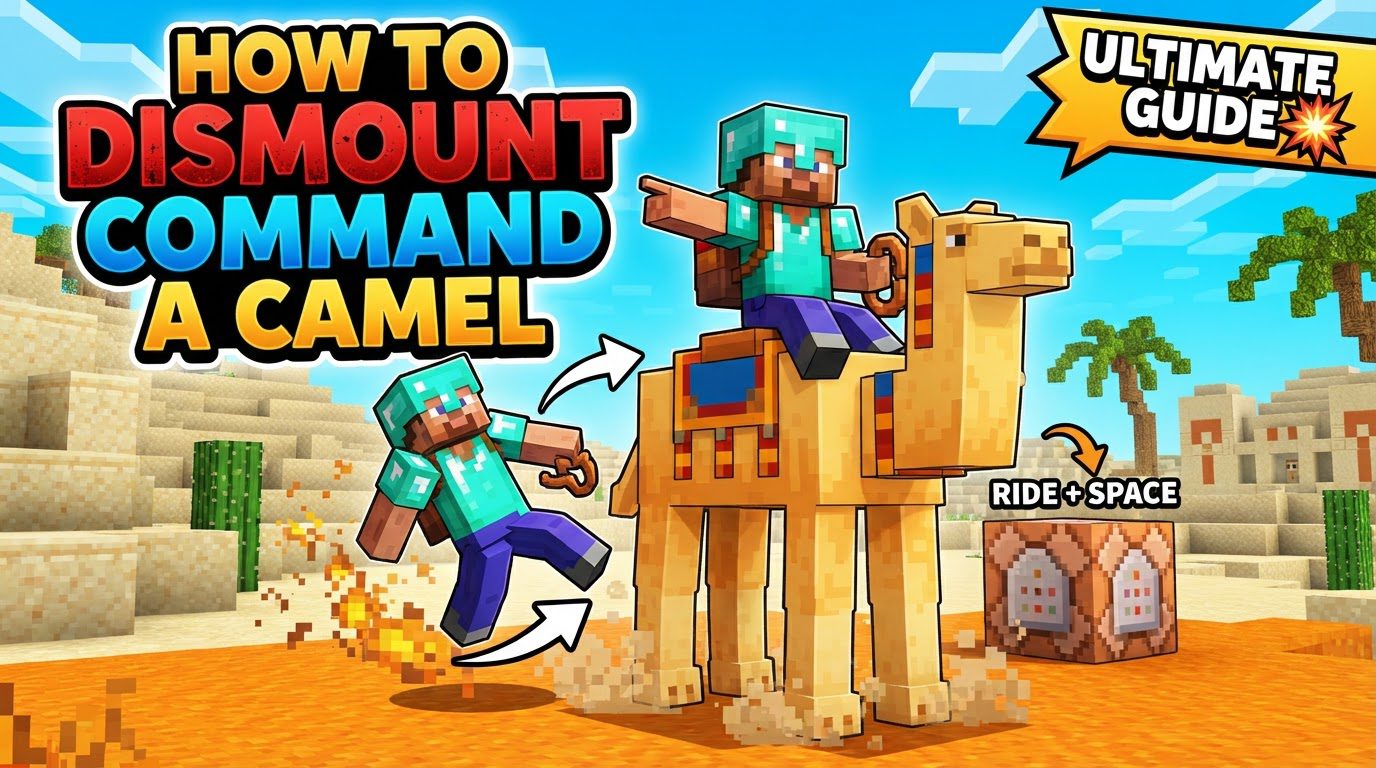
Notably, camels can accommodate two players simultaneously, with one controlling the camel’s movement and the other riding as a passenger. This dual-rider capability is excellent for cooperative exploration or for quickly transporting a friend across vast landscapes. Instead of the typical jump ability, camels perform a unique “dash” maneuver. This special ability propels them 12 blocks forward and one block upward, making them adept at traversing challenging terrain. However, this powerful move comes with a 2.75-second cooldown, requiring strategic use.
Their impressive height provides a significant advantage: riders on camels are positioned out of reach for the majority of melee hostile mobs like zombies, offering a degree of safety during nighttime travels or encounters. Furthermore, camels exhibit an exceptional ability to step over obstacles up to 1.5 blocks high with ease, which includes common structures like walls and fences, streamlining travel through rugged or player-built environments.
For their care, cactus is the primary item used both to heal camels and to facilitate their breeding. While cactus is beneficial in these contexts, it’s important to remember that camels also heal slowly over time naturally, so constant feeding isn’t always necessary for minor injuries. Regarding inventory, camels are quite specialized; they possess a single inventory slot, which is exclusively reserved for their saddle. They cannot carry chests or wear armor, distinguishing them from other utility mobs.
Their interaction with water is also unique: camels cannot float. If a player rides a camel into water that is deeper than three blocks, the player will be automatically dismounted, preventing the camel from drowning but requiring the player to swim or find another way across. Lastly, camels have a “sitting” state; when a camel is sitting, it becomes completely immobile and cannot be pushed by either players or other mobs, providing a secure, unmovable presence.
Getting Started: Finding and Saddling Your Camel
Embarking on your camel-riding adventure begins with a few straightforward steps. These actions will prepare you to traverse the desert in style and safety.
- Find a camel: Your first task is to locate a camel. These majestic creatures are typically found roaming in desert villages. Exploring these arid settlements is your best bet for encountering one.
- Obtain a saddle: Before you can ride a camel, you’ll need a saddle. Saddles are not craftable in Minecraft but can be acquired through various means. Common sources include loot chests found in dungeons, desert temples, strongholds, or by trading with villagers.
- Equip the saddle: Once you have both a camel and a saddle, the next step is to equip it. You can simply right-click the camel while holding the saddle in your hand. Alternatively, you can mount the camel first, then open your inventory where a designated slot for the saddle will appear, allowing you to place it there. In Bedrock Edition, you can also sneak and use the “open inventory” button on the camel to access its inventory directly.
Riding and Commanding Your Camel
With your camel saddled, you’re ready to take control and experience its unique movement capabilities.
- Mount the camel: To begin your ride, simply right-click the saddled camel. You will instantly be seated on its back, ready for your journey.
- Command the camel: Once mounted, controlling your camel is intuitive. You’ll use the standard directional controls: ‘W’ to move forward, ‘A’ to turn left, ‘S’ to move backward, and ‘D’ to turn right. These allow for precise navigation.
- Perform a dash: The camel’s signature move is its powerful dash. To execute this, press and hold the jump button (typically the spacebar on PC) to charge the dash. Once charged, release the jump button to activate the dash, propelling your camel 12 blocks forward and 1 block upward. Remember this ability has a 2.75-second cooldown before it can be used again, so timing is crucial.
Dismounting Your Camel
When your journey concludes or you need to step off for any reason, dismounting your camel is a quick and simple action.
- Dismount: To get off your camel, use the designated dismount control. On PC, this is typically the Left Shift key. Pressing this key will immediately dismount you from the camel, placing you on the ground next to it.
Advanced Camel Handling and Utility
Beyond basic riding, understanding a camel’s full potential can significantly enhance your Minecraft experience, especially in desert biomes.
- Desert exploration: Camels are exceptionally well-suited for desert exploration. Their dash ability allows for rapid traversal of flat sandy areas, while their capability to effortlessly clear 1.5-block obstacles means you won’t be constantly halted by small dunes, walls, or fences. This makes them an invaluable asset for navigating the often-challenging desert landscape.
- Utilize their height to avoid attacks: One of the camel’s most strategic advantages is its height. When riding a camel, you are positioned high enough to be out of reach for most melee hostile mobs, such as zombies, husks, and creepers. This provides a crucial layer of safety, particularly during nighttime expeditions. However, be mindful that not all threats are mitigated; certain mobs like spiders, wolves, slimes, magma cubes, and all ranged attackers (e.g., skeletons) can still pose a threat.
- Hold a cactus to lead a camel: If you need to move a camel without riding it, you can lead it by holding a piece of cactus in your hand. The camel will follow you as long as you remain within a range of 10 to 16 blocks. This is a convenient way to guide them to a new location or into an enclosure. However, this leading method will not work if the camel is in its sitting state.
- To secure a camel: To prevent your camel from wandering off or despawning (if it’s not a named mob), you have a couple of options. You can use a lead to tie it to a fence post, or you can enclose it within walls that are at least two blocks high. Given their ability to step over 1.5-block obstacles, a standard fence might not be sufficient to contain them reliably.
- Feed baby camels cactus to accelerate their growth: Just like with other baby animals, feeding baby camels cactus will accelerate their growth into adults. This is useful if you’re looking to quickly expand your camel herd or get a new rideable camel ready for action sooner.
Common Mistakes and Important Considerations
To ensure a smooth and enjoyable experience with your camel, be aware of these common pitfalls and unique characteristics.
- Do not attempt to “tame” a camel: A frequent mistake new players make is trying to tame a camel as they would a horse. Camels do not require taming; they are rideable immediately upon being saddled. There’s no need for repeated mounting or feeding until hearts appear.
- Avoid taking a camel into a Nether or End portal: While tempting to bring your trusty steed to other dimensions, it is not possible to pass through Nether or End portals while riding a camel. You will need to dismount before entering these portals.
- Do not ride a camel into water deeper than three blocks: As previously mentioned, camels cannot float. Riding them into water that is deeper than three blocks will automatically dismount the player. This is a safety mechanism to prevent the camel from drowning, but it can be inconvenient if you’re unprepared. Plan your water crossings carefully or dismount beforehand.
- Do not expect camels to carry chests or wear armor: Camels are specialized for riding and player transportation. They only have a single inventory slot, exclusively for a saddle. They cannot be equipped with chests like donkeys or mules, nor can they wear armor like horses.
- Be aware that some hostile mobs can still attack you while on a camel: While your height advantage protects you from most melee ground mobs, it’s not a universal shield. Mobs such as spiders (which can climb), wolves (which can jump), slimes and magma cubes (which have varying sizes), and all ranged attackers like skeletons, strays, and ghasts, can still attack you effectively while you are mounted. Always remain vigilant.
- A sitting camel will not follow you even if you are holding a cactus: The “holding a cactus to lead” mechanic only works when the camel is standing. If your camel is in its sitting state, it will remain immobile regardless of whether you are holding cactus or how far away you walk. You’ll need to get it to stand up first (usually by riding it briefly) before it will follow.
- Although camels eat cactus, touching a cactus block will still harm them: While cactus is essential for healing and breeding camels, direct contact with a cactus block in the environment will still inflict damage upon them. Exercise caution when leading or riding your camel near natural cactus plants to prevent unnecessary harm.
Mastering the intricacies of camel interaction in Minecraft will undoubtedly enhance your exploration and survival, providing a unique and advantageous way to traverse the game’s diverse landscapes.
Tags:
YOU MAY ALSO LIKE...