Fixing Tellraw Output Changes After a Snapshot Update
Understanding Tellraw and Snapshot Challenges
The /tellraw command in Minecraft: Java Edition is an incredibly versatile and powerful tool, allowing creators to display rich, custom-formatted text to players. It leverages JSON (JavaScript Object Notation) text components to achieve advanced formatting, including custom colors, bold or italic styles, and interactive elements such as click events and hover events. This capability goes far beyond simple chat messages, enabling dynamic in-game GUIs, interactive lore, and complex feedback systems for commands and datapacks.
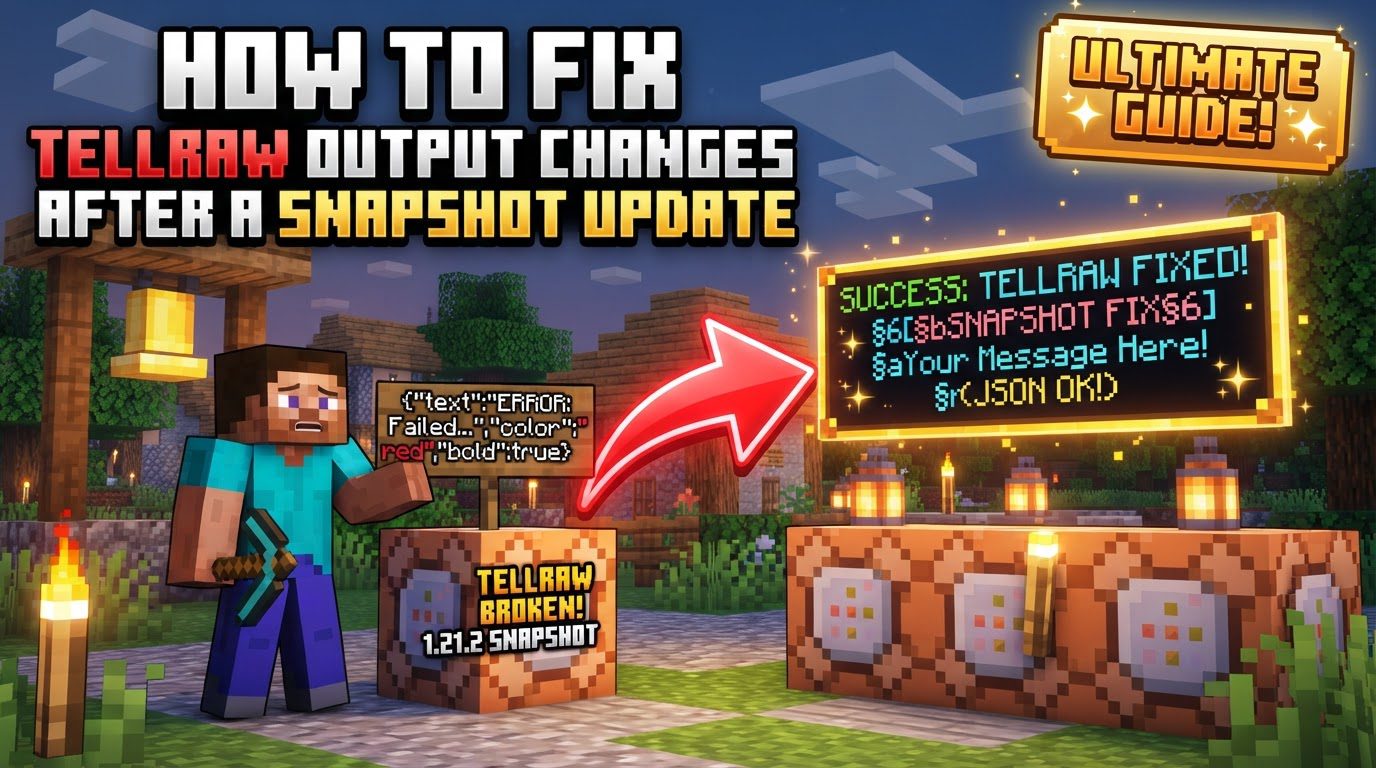
While Java Edition utilizes this intricate JSON structure, Minecraft: Bedrock Edition typically employs a slightly different approach. Bedrock’s rawtext array format often incorporates traditional formatting codes (e.g., §) alongside JSON-like structures for more sophisticated text displays. Understanding these foundational differences is crucial, as mixing their syntaxes is a common pitfall.
The dynamic nature of Minecraft’s development, particularly through its experimental snapshot updates, introduces a unique challenge for users of /tellraw. Snapshot updates are pre-release versions that frequently introduce significant changes to command syntax, game mechanics, and underlying JSON structures. These modifications, while essential for game evolution, can easily break previously working /tellraw commands, leading to unexpected output or complete command failures. Navigating these changes requires a methodical approach to troubleshooting and an awareness of the resources available.
Step-by-Step Troubleshooting Process
When your once-perfect /tellraw commands suddenly fail after a snapshot update, a structured approach is key to identifying and resolving the issues.
-
Identify the Exact Snapshot Version:
The first and most critical step is to pinpoint the specific Minecraft snapshot you are currently using. Command syntax, especially for complex components like
/tellraw, can vary significantly even between consecutive snapshot versions. Knowing your exact version allows you to consult the most relevant documentation and resources, ensuring that any information you gather pertains directly to your game environment. This precision saves considerable time by preventing you from troubleshooting against outdated or incorrect specifications. -
Consult Official Documentation:
The official Minecraft Wiki is an invaluable resource for staying updated on command changes. For
/tellrawissues, you should specifically check the “History” or “Technical Changes” sections of the/tellrawcommand page. Additionally, the “Raw JSON text format” page provides detailed insights into the structure and parameters expected by the game. These sections are regularly updated to reflect modifications introduced in new snapshots, making them the most authoritative source for understanding recent syntax alterations. -
Use an Updated
tellrawGenerator:Online
tellrawgenerators are powerful tools that can streamline the process of creating and validating complex JSON text components. Websites likeminecraftjson.comorgamergeeks.net/minecraft/tellraw-generatorare often updated promptly to reflect the latest syntax for current Minecraft versions. By inputting your desired text and formatting, these generators can produce valid JSON output, which you can then adapt for your commands. If your old command is failing, trying to recreate a similar effect using an updated generator can quickly highlight where your original syntax deviates from the current requirements. -
Test Commands Incrementally:
For complex
/tellrawcommands involving multiple text components, colors, and event handlers, attempting to debug the entire string at once can be overwhelming. A more effective strategy is to build and test each text component individually. Start with a simple text string, then add color, then a click event, and finally a hover event, testing after each addition. This incremental approach allows you to isolate syntax errors to specific parts of your JSON structure, making it much easier to identify what changed or what is incorrectly formatted. -
Analyze Error Messages:
Minecraft’s command parser provides helpful error messages when a
/tellrawcommand fails. These messages are not just generic warnings; they often indicate the specific location (e.g., line and column number) and the type of JSON syntax issue encountered. Pay close attention to these details. An error pointing to a missing comma, an unexpected character, or an invalid key can guide you directly to the problem area within your JSON string, accelerating the debugging process considerably.
Important Tips for Prevention and Efficiency
Proactive measures and a fundamental understanding of the underlying technology can significantly mitigate the impact of snapshot changes on your /tellraw commands.
-
Backup Your World/Datapacks:
Snapshots are, by definition, experimental software. They can introduce bugs, unexpected behavior, or even cause corruption of your game worlds or datapacks. Before updating to a new snapshot, always create a complete backup of your world saves and any datapacks you are actively developing. This precaution ensures that if a snapshot update breaks your commands or corrupts your data, you can revert to a stable state without losing hours of work.
-
Stay Informed About Updates:
Knowledge is power when dealing with rapidly evolving game mechanics. Regularly monitor official Minecraft announcements, developer logs, and community forums such as
r/MinecraftCommands. These platforms are excellent sources for early information regarding command-related changes, syntax modifications, and new features introduced in upcoming snapshots. Staying informed allows you to anticipate potential issues and adapt your commands before they break. -
Familiarize Yourself with JSON Syntax:
Since
/tellrawrelies heavily on JSON, a basic understanding of JSON structure is incredibly beneficial for effective troubleshooting. Familiarize yourself with core JSON concepts: the use of curly braces{}to define objects, square brackets[]for arrays, key-value pairs (e.g.,"text":"Hello"), and the proper placement of commas to separate elements. A solid grasp of these fundamentals will enable you to quickly spot common syntax errors like missing commas, misplaced braces, or incorrect nesting, significantly speeding up the debugging process.
Common Mistakes to Avoid
Several recurring errors frequently cause /tellraw commands to break after snapshot updates. Being aware of these pitfalls can help you avoid them.
-
Incorrect JSON Syntax:
This is arguably the most common issue. Errors such as missing commas between key-value pairs, misplaced curly braces
{}that define objects, or incorrect square brackets[]used for arrays can invalidate your entire JSON string. For instance, Minecraft: Bedrock Edition’srawtextformat often requires an array[]even if you are only displaying a single text component, a detail easily overlooked by those more familiar with Java Edition’s conventions. -
Using Outdated Resources:
The internet is rich with Minecraft tutorials and generators, but not all are kept up-to-date. Relying on
/tellrawgenerators or guides from older Minecraft versions can lead to generating commands that are no longer valid in current snapshots. Always verify the recency of the resource you are using, especially when dealing with experimental snapshot features. -
Mixing Java and Bedrock Syntax:
Despite both editions having
/tellraw-like functionalities, their underlying JSON structures and formatting conventions differ. Ensure you are using the correct JSON structure and parameters for your specific game edition. Attempting to use a Java Edition/tellrawcommand directly in Bedrock, or vice-versa, will almost certainly result in errors. -
Ignoring
clickEventParameter Changes:Snapshots frequently refine command parameters, and
clickEventactions are a prime example. Recent updates have altered parameters for actions such asrun_command,suggest_command, andchange_page. For example, the parameter previously namedvaluemight have been replaced bycommandorpage. Furthermore,open_urlactions now strictly require URLs to begin with eitherhttps://orhttp://. Failing to adapt to these specific parameter changes will render your interactive text components non-functional. -
Overlooking Data Pack Version Changes:
Snapshot updates often include new data pack versions. These version changes can affect how commands are parsed and executed, even if the
/tellrawJSON itself appears correct. Always ensure your datapack’spack.mcmetafile specifies the correctpack_formatnumber corresponding to the snapshot you are using. An outdatedpack_formatcan lead to unexpected command behavior or outright failure.
Tags:
YOU MAY ALSO LIKE...