Preventing Farm Output Overflow Using Item Filters — A Quick Guide
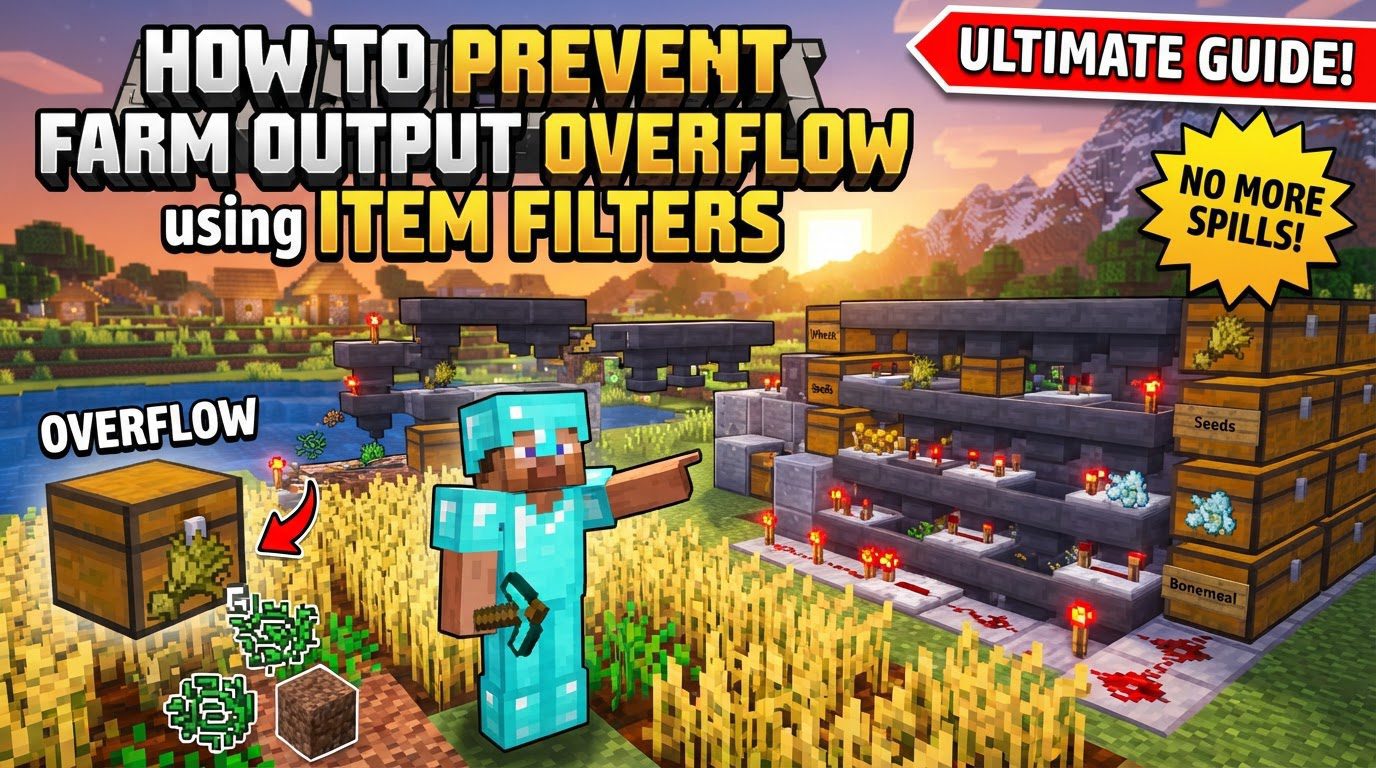
In the vast and resource-rich world of Minecraft, automated farms are a cornerstone of efficient gameplay, providing a steady stream of materials. However, without proper management, the sheer volume of output can quickly overwhelm storage systems, leading to item despawn or system clogs. This guide delves into the essential redstone mechanics required to prevent farm output overflow using item filters, ensuring your automated farms run smoothly and efficiently.
Understanding Key Mechanics
To effectively prevent item overflow, it’s crucial to grasp the fundamental redstone components and their interactions that make item filters possible.
- Hoppers: These are the workhorses of any item transportation system. Hoppers have the unique ability to pull items from containers directly above them and push them into containers they point into. Their correct placement is paramount for item flow.
- Comparators: Redstone comparators are intelligent sensors. They detect the item count within a monitored container, such as a hopper or a chest, and subsequently emit a redstone signal. The strength of this signal is directly proportional to how full the container is.
- Redstone Signal Strength: The intensity of the redstone signal emitted by a comparator is not static; it changes based on the fill level of the container it’s monitoring. This variable signal strength is the core mechanism that allows item filters to determine when to activate or deactivate.
- Locked Hoppers: A hopper can be temporarily deactivated or “locked” if it is powered by a redstone component positioned directly adjacent to it. When locked, a hopper ceases to pull items from above or push items into the container it points towards. Item filters ingeniously exploit this property to control the flow of specific items into the storage system.
- Filler Items: For an item filter to function correctly, specific slots within the filter hopper must be occupied by “filler items.” These are typically common, easily obtainable blocks like cobblestone or renamed dirt. The purpose of filler items is to prevent unwanted item types from entering the filter hopper’s crucial slots, thereby ensuring that only the desired item type is properly sorted.
- Overflow Chests: A vital safety net in any robust item sorting system is the overflow chest. Positioned at the end of the sorting line, this dedicated storage unit is designed to catch any items that were not sorted by the filters. This includes items that lack a specific filter, items whose designated storage is already full, or even unstackable items.
Step-by-Step: Basic Item Filter with Overflow Protection
Constructing an item filter involves a precise arrangement of hoppers, redstone components, and storage. Follow these steps to build a reliable filter module with integrated overflow protection.
- 1. Place a Storage Chest: Begin by placing a chest on the ground. This chest will serve as the final destination for the specific items you wish to filter.
- 2. Attach Hopper to Chest: Position a hopper directly above the storage chest, ensuring it faces downwards into the chest. This hopper will eventually receive the filtered items and deposit them into the storage.
-
3. Build Redstone Circuitry: This is the brain of your item filter.
- Place a solid block directly above and behind the hopper that feeds into the chest.
- Place a Redstone Comparator on top of this solid block, ensuring it faces away from the hopper.
- Place another solid block in front of the comparator. This block should be on the same level as the hopper that feeds the chest.
- Place a Redstone Repeater coming out of the comparator, aimed at the block that is behind and above the hopper.
- Place redstone dust on top of the block next to the repeater. Connect this dust to a redstone torch, which should be placed on the side of the block that is positioned above the hopper. This redstone torch is critical as it will power and lock the filter hopper when activated. Note that some designs may require two or three pieces of redstone dust depending on the desired signal strength and tileability considerations.
- 4. Place the Filter Hopper: Now, place another hopper on top of the first hopper (the one feeding the chest). This new hopper, positioned directly above the redstone torch, is your dedicated filter hopper. It will pull items from the main input line.
-
5. Configure the Filter Hopper: This is where you tell the system what to filter.
- Open the filter hopper’s inventory. In the first slot, place 41 of the exact item you intend to filter. This specific quantity is crucial for the redstone circuit to function correctly.
- Fill the remaining four slots of the filter hopper with “filler” items. These could be renamed dirt or cobblestone. These filler items prevent any other unintended items from entering these critical slots, maintaining the filter’s integrity.
- 6. Create an Input Line: Above your newly configured filter hopper, create a continuous line of hoppers. These hoppers will transport all the raw output from your farm. As items pass over the filter hopper, it will attempt to pull out its designated item type.
- 7. Add an Overflow Catch-all: At the very end of your main input hopper line, beyond all your item filters, place an unfiltered hopper. This hopper should lead into a large storage system, such as a double chest or a shulker box loader. This “catch-all” system will collect any items that were not sorted by your filters, including items whose designated storage has completely filled up. This is your ultimate overflow protection.
Important Tips for Optimal Performance
Beyond the basic setup, several best practices can significantly enhance the reliability and efficiency of your item sorting system.
- Renamed Filler Items: Always use uniquely named items as filler. This ensures that these specific filler items will never accidentally be pulled from your main item stream, which could otherwise disrupt the filter’s functionality and cause sorting errors.
- Tileable Design: Item filter modules are often designed to be built side-by-side, allowing you to sort multiple item types efficiently. When creating tileable designs, ensure there is at least a one-block gap between adjacent filters, or utilize specific alternating redstone layouts to prevent signal interference between modules.
- Specific Item Counts: The precise number of items in the filter hopper (typically 41 of the desired item and one each of four filler items) is not arbitrary. It is absolutely critical for maintaining the correct redstone signal strength, which prevents the filter from breaking or interfering with neighboring filters.
- Dedicated Overflow Storage: As mentioned, always include a substantial overflow chest or a comprehensive system at the end of your sorting line. This acts as a crucial safety net for unstackable items, items without a specific filter, or items that exceed the capacity of their designated storage.
- Monitoring Overflow: For large-scale operations, consider incorporating a redstone lamp or another visual indicator connected to your overflow chest. This alerts players when the overflow storage starts to fill up, prompting timely intervention before it becomes a problem.
- High-Volume Items: Farms that produce an extremely high volume of a particular item may require specialized solutions. This could involve deploying multiple filter modules dedicated to that single item type or implementing faster item transport methods, such as water streams flowing over ice, to prevent items from backing up in the main hopper line.
Common Mistakes to Avoid
Even experienced players can make mistakes when setting up complex redstone systems. Being aware of these common pitfalls can save you significant troubleshooting time.
- Incorrect Filter Item Count: One of the most frequent errors is placing too many or too few items in the filter hopper. An incorrect count will lead to an inaccurate redstone signal, causing the filter to either fail to sort correctly or inadvertently activate adjacent filters.
- Signal Interference: In tileable designs, improper spacing or incorrect redstone wiring can cause the redstone signal from one filter to power an adjacent filter. This “cross-talk” can lead to unintended item sorting, system malfunctions, or complete failure of your sorting array.
- Non-Stackable Items: Standard item filters are primarily designed for stackable items (those that stack up to 64 or 16). Non-stackable items, such as tools, armor, or certain unique drops, will not be processed correctly by these filters and require different, often more complex, filtering mechanisms.
- Insufficient Storage: If the storage chests for a particular filtered item completely fill up, any subsequent items of that type will back up into the filter hopper and then into the main input line. Without proper overflow protection, this can lead to system blockage, item despawn, or a complete halt of the farm’s output.
- Hoppers Facing Incorrectly: Hoppers are directional. They must be placed with precision, pointing directly into the intended container (chests, other hoppers, etc.) for items to flow along the correct path. An incorrectly aimed hopper can break an entire sorting segment.
- No Overflow Protection: Perhaps the most critical mistake is neglecting to implement any mechanism for handling excess items. Without a dedicated overflow system, your farm is vulnerable to complete failure when its primary storage fills. Items will either clog the system or despawn, negating the purpose of the automated farm.
Tags:
YOU MAY ALSO LIKE...