Using a Hand Crank As a Manual Power Source — A Quick Guide
The Hand Crank serves as an essential, entry-level power source within the Create mod for Minecraft, offering a direct and hands-on method for generating rotational force. It represents the most basic form of power generation, relying entirely on player interaction to bring your initial contraptions to life. Understanding its mechanics, proper usage, and limitations is crucial for any aspiring engineer venturing into the world of rotational automation.
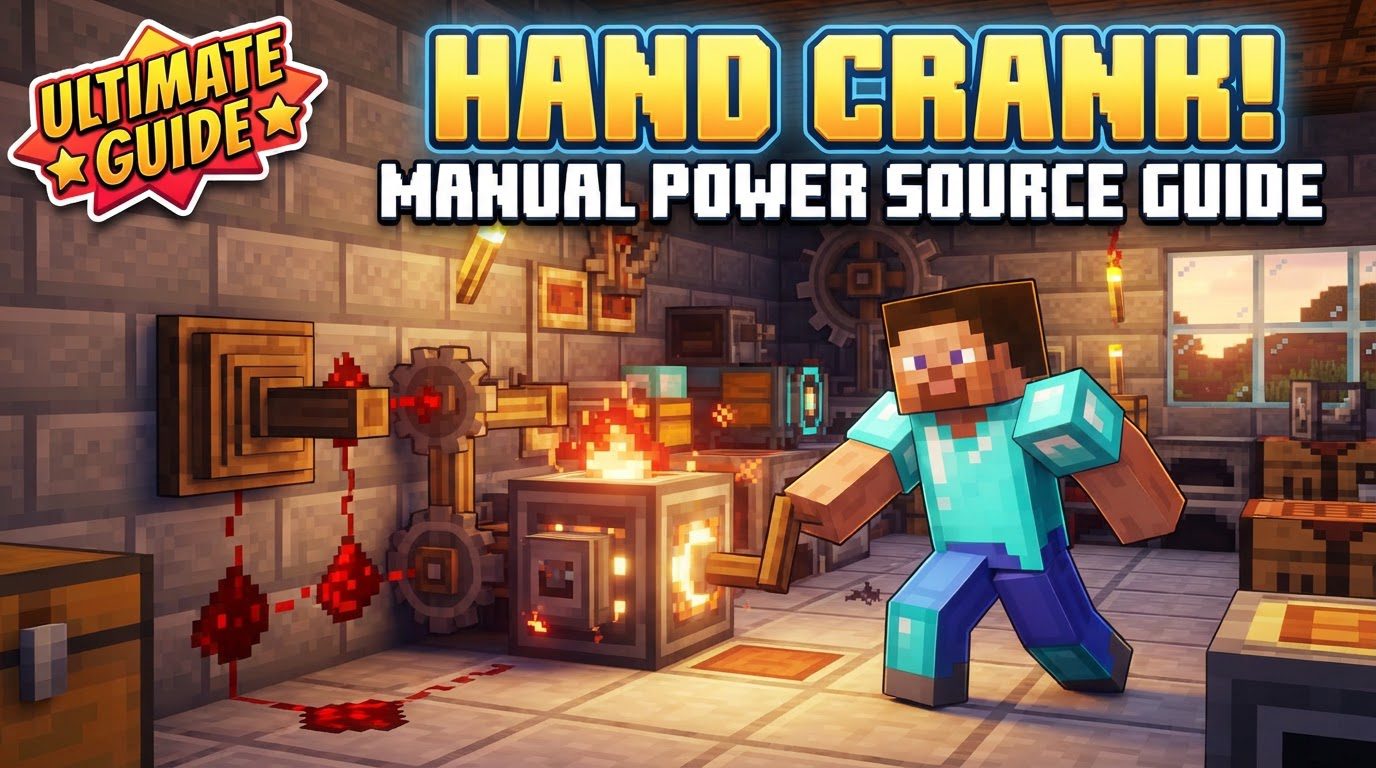
Key Mechanics of the Hand Crank
-
Rotational Force Generation: The fundamental purpose of the Hand Crank is to generate rotational force. This force is quantified using two primary metrics: Rotations Per Minute (RPM) and Stress Units (SU). RPM measures the speed at which a component rotates, while SU indicates the amount of mechanical load or stress the system can handle. The Hand Crank effectively translates your manual effort into these measurable outputs.
-
Direct Player Interaction: Unlike automated power sources, the Hand Crank is entirely dependent on player input. To activate it and generate power, you must directly interact with it by right-clicking. This continuous interaction means it’s not a set-and-forget solution but rather a tool for direct, on-demand power.
-
Incremental Rotation: Each individual right-click on the Hand Crank results in a specific, measurable action. For components such as a Mechanical Bearing, a single use of the Hand Crank will cause it to rotate precisely 90 degrees. This incremental control can be useful for precise adjustments or for operating machines that only require occasional movement.
-
Modest Power Output: The Hand Crank is designed to be an early-game solution, providing a small but functional amount of power. Specifically, it typically produces around 32 RPM and can handle up to 256 Stress Units. This output is intentionally limited, making it perfectly suitable for powering simple, low-demand contraptions during your initial experiments with the Create mod, but insufficient for more complex or large-scale operations.
-
Hunger Depletion: A key consideration when using the Hand Crank is its impact on your character. Engaging in continuous manual operation of the Hand Crank consumes your player’s hunger or saturation levels. This adds a survival element to its use, requiring players to monitor their food supply and plan accordingly, as prolonged use without sustenance can lead to hunger-related debuffs or even starvation.
Step-by-Step Process for Using a Hand Crank
-
Crafting the Hand Crank: Your journey begins with crafting the Hand Crank itself. The recipe is straightforward and typically involves readily available early-game materials. You will need a Shaft, Planks (of any wood type), and Andesite Alloy. Once you have these components, you can assemble the Hand Crank at a crafting table, preparing it for deployment in your mechanical setups.
-
Strategic Placement: After crafting, the next crucial step is placing the Hand Crank correctly. It must be positioned directly onto a machine or block that is designed to accept rotational input. Common examples of such machines include a Mechanical Press, which requires rotational force to operate, or a Kinetic Grinder, used for processing materials. Ensure that the Hand Crank’s output mechanism is aligned with the input of the target machine for proper functionality.
-
Generating Rotational Force: With the Hand Crank placed, generating power is as simple as right-clicking it. Each right-click will cause the Hand Crank to rotate, transferring mechanical energy to the connected machine. By default, this action typically results in a counter-clockwise rotation. The more frequently you right-click, the more continuous and rapid the rotational force will be.
-
Reversing Rotation Direction: There are instances where a machine might require rotation in the opposite direction. The Create mod provides a simple mechanism for this. To reverse the rotation, you need to sneak (crouch) by holding down the designated sneak key (default Shift) and then right-click the Hand Crank. This action will switch the direction of the rotational force, allowing for greater versatility in your contraption designs.
Important Tips for Effective Hand Crank Use
-
Ideal for Small Contraptions and Testing: The Hand Crank truly excels in specific scenarios. It is perfectly suited for powering small, uncomplicated contraptions that do not demand a constant, high-volume power supply. Furthermore, it serves as an invaluable tool for testing machine setups in the early stages of the game. Before committing to a more complex and resource-intensive automated power source, you can use the Hand Crank to verify the functionality and alignment of your mechanical components, ensuring everything works as intended.
-
Efficient Tree Harvesting with Mechanical Saw: One particularly practical application for the Hand Crank is in conjunction with a Mechanical Saw. By manually powering a Mechanical Saw with a Hand Crank, you can efficiently and quickly cut down entire trees. The Saw’s ability to fell multiple blocks at once, combined with the Hand Crank’s direct control, makes for an effective early-game logging operation, saving time and effort compared to manual axe chopping.
-
Monitoring with Engineer’s Goggles: To gain a deeper understanding of your rotational power network, wearing Engineer’s Goggles is highly recommended. These specialized goggles provide an overlay that displays crucial information about the mechanical components you look at. Specifically, they allow you to view the precise RPM (Rotations Per Minute) and Stress Units (SU) being generated or consumed by your Hand Crank and the connected machines. This diagnostic tool is indispensable for troubleshooting and optimizing your setups.
-
Optimizing with a Rotational Speed Controller: For more nuanced control over the Hand Crank’s output, consider connecting it to a Rotational Speed Controller. This component allows you to manipulate the relationship between speed and stress within your rotational network. By adjusting the controller, you can fine-tune the Hand Crank’s output, effectively adjusting its stress based on the desired speed. This optimization is key for matching the Hand Crank’s limited power to the specific requirements of different machines, ensuring they operate at their most efficient settings without overstressing the system.
Common Mistakes to Avoid When Using a Hand Crank
-
Overstressing the System: One of the most frequent errors players encounter is exceeding the Hand Crank’s stress capacity. As a manual, early-game power source, the Hand Crank has a relatively low stress limit (256 SU). Attempting to power too many machines or highly demanding contraptions with a single Hand Crank will quickly overstress the system. When this occurs, the connected machines will stop functioning entirely, signaling that the power supply is insufficient for the mechanical load. Always be mindful of the stress rating and consider using multiple Hand Cranks or upgrading your power source if your needs grow.
-
Ignoring Hunger Levels: Given that continuous use of the Hand Crank depletes your character’s hunger and saturation, neglecting to monitor these levels can lead to significant gameplay disadvantages. Running out of food while operating the Hand Crank can result in hunger debuffs, reduced health regeneration, and even starvation, making you vulnerable to environmental hazards or hostile mobs. Always keep a healthy stock of food and take breaks to replenish your character’s hunger bar when engaging in prolonged Hand Crank operation.
-
Incorrect Placement: The precise alignment of mechanical components is paramount in the Create mod. A common mistake is incorrect placement of the Hand Crank, failing to properly connect its output to the input of the desired machine. The Hand Crank has a small grey nub that indicates its rotational output point. Ensure this nub is directly interfacing with the input shaft or gear of the machine you intend to power. A misaligned Hand Crank will simply spin in place without transferring any rotational force, leading to frustration and non-functional contraptions.
-
Expecting Automation: Perhaps the most fundamental misconception about the Hand Crank is expecting it to be an automated or self-sufficient power source. It is crucial to understand that the Hand Crank inherently requires constant player input. It is not designed to operate independently; there is no mechanism to automate its right-clicking action within the mod’s intended design. Attempting to automate it or relying on it for continuous, unattended power generation will lead to disappointment. The Hand Crank is a tool for direct control and early-game exploration, paving the way for more complex, automated power solutions as you progress in the Create mod.
Tags:
YOU MAY ALSO LIKE...