

Using a Structure Block in Data Mode
The structure block in Minecraft is a powerful tool for creators, allowing for the saving, loading, and manipulation of structures within the game world. While many players are familiar with its Save, Load, and Corner modes, there exists another mode that often causes confusion due to its distinct and specialized purpose: the Data mode. Understanding Data mode is crucial for comprehending the full scope of structure block functionality, particularly its role in the game’s internal mechanics rather than direct player-driven construction.
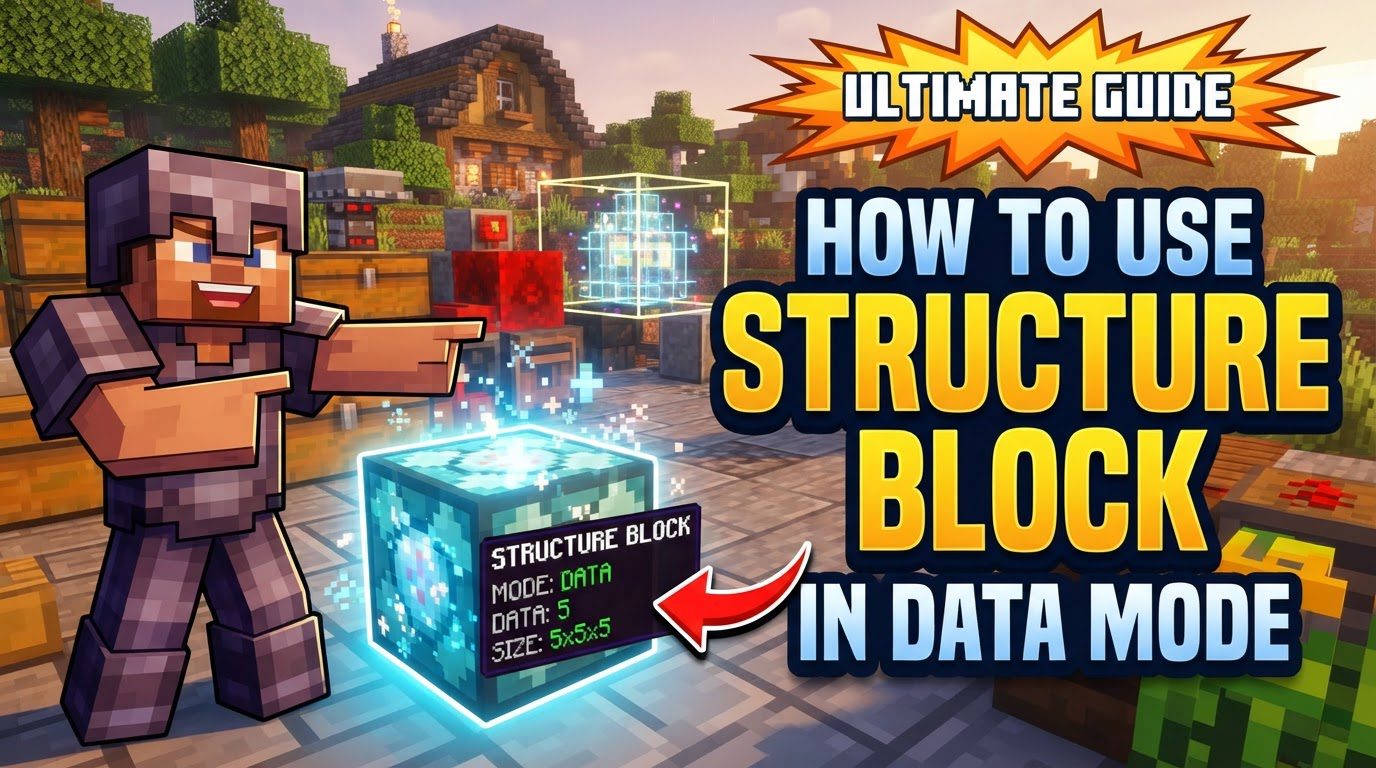
Understanding Data Mode: An Internal Mechanism
Unlike its counterparts, Data mode is not designed for players to manually save or load their custom creations. Instead, it serves a much more fundamental role within the game’s engine, especially prominent in Java Edition. Its primary function is deeply intertwined with natural world generation.
- Role in Natural World Generation: In Java Edition, Data mode is primarily used during the process of natural world generation. When the game constructs biomes, structures like villages, strongholds, or temples, it utilizes structure blocks in Data mode to orchestrate various elements within these generated structures.
- Marking Locations for Hardcoded Functions: The core purpose of Data mode is to mark specific locations within a naturally generated structure. These marked locations are not for player-defined actions but rather to tell the game to run particular hardcoded functions. This means the game has pre-programmed instructions associated with these Data mode blocks.
- Spawning Mobs and Placing Loot: One significant application of these hardcoded functions is the spawning of mobs. For instance, a naturally generated dungeon might use a Data mode block to designate where a specific mob spawner should appear. Similarly, Data mode can dictate the placement of loot chests, complete with designated data that determines their contents. This ensures that when a player discovers a naturally generated structure, it contains the intended challenges and rewards as designed by the game developers.
- Holding Metadata for Natural Generation: Essentially, the Data mode block holds metadata. This metadata is not visible or configurable by the player in a way that allows them to define new behaviors. Instead, it’s internal information that informs the game engine what specific elements-be it a particular type of mob, a certain loot table for a chest, or other structural components-should be spawned or placed at that exact location during the world generation process. It acts as a blueprint for dynamic, naturally occurring features.
- Limited Player Accessibility in Java Edition: For Java Edition players, Data mode is often hidden or not directly accessible for typical player use. Unless one is delving into the technical aspects of game development or modding, direct interaction with Data mode for custom purposes is not part of the standard gameplay experience. Its utility is confined to the context of relevant structures and the game’s internal generation algorithms. It’s a developer’s tool rather than a builder’s tool.
Data Mode in Bedrock Edition
While the concept of “block data” exists within structure block properties in Bedrock Edition, it’s important to note a distinction. A distinct “Data mode” for direct player manipulation of structures, in the same way as the Save, Load, or Corner modes, is not typically highlighted or presented as a primary feature for players to interact with. The underlying principles of how natural generation uses data might be similar, but the user interface and direct player control over a dedicated “Data mode” for custom structure management are not as emphasized as in the Java Edition’s internal usage.
The Player’s Journey: From Data Mode to Other Functions
When a player first places a structure block in the world, it commonly defaults to Data mode. This initial state can sometimes lead to confusion for players expecting to immediately define a structure’s boundaries or load a saved build. However, this default setting is simply the starting point for the block’s configuration.
- Default State: Upon placement, the structure block’s interface will often display “Data mode” as its current setting. This is the game’s default and does not indicate an immediate need for player input in this mode.
- Switching Modes: Players typically switch out of Data mode into one of the other, more player-centric modes. To save a custom structure, players will switch to Save mode. To load a previously saved structure, they will switch to Load mode. To define the precise boundaries of a structure, they will primarily use Corner mode in conjunction with Save mode.
- Absence of Direct Player-Driven Process: It is crucial to understand that there is no direct player-driven, step-by-step process to “use” Data mode in order to save or load player-created structures. The mode is not designed for that purpose. Players cannot input a structure name into Data mode and expect it to save their build, nor can they input a name to load a structure. Its interface might show fields, but these are tied to its internal functions for natural generation, not for player-defined content.
Important Tips for Effective Structure Block Usage
To avoid frustration and maximize your use of structure blocks, it’s vital to grasp the fundamental distinction of Data mode:
- Internal Tool, Not for Custom Builds: Always remember that Data mode is largely an internal tool. It’s primarily for developers who design naturally generated structures and for the game engine itself to execute these designs during world creation. It is not intended for general player use in copying, pasting, or managing player-created builds. Expecting it to function like Save or Load mode will lead to disappointment.
- Utilize Other Modes for Player Creations: For all your player-created structure management needs-whether it’s saving an elaborate base, loading a modular building component, or precisely defining the dimensions of an area-you must utilize the other modes of the structure block:
- Save mode: For defining a structure’s name, size, and offset, and then saving it to be loaded later.
- Load mode: For inputting a saved structure’s name and placing it into the world.
- Corner mode: Essential for accurately marking the corners of the area you wish to save, ensuring precise boundaries for your structures.
Common Mistakes to Avoid with Data Mode
Understanding what Data mode is not for is just as important as knowing what it is. Avoiding these common misconceptions will save you time and effort:
- Attempting to Save or Load Custom Structures: The most frequent mistake is trying to use Data mode to save or load custom structures. This will simply not work. The interface might present input fields, but these are for the game’s internal data, not for player-defined structure names. You will find that your structure does not save, nor will it load, if you are mistakenly in Data mode. Always switch to Save or Load mode for these operations.
- Expecting Complex Custom Function Configuration: Do not expect to configure complex, custom functions directly through the Data mode interface as a regular player. Its utility is strictly limited to pre-defined natural generation processes. You cannot, for example, program a Data mode block to execute a specific command or spawn a custom entity with unique NBT data just by interacting with its interface. That level of customization is typically handled through more advanced game development techniques or command blocks, not through Data mode.
In conclusion, while the structure block is an incredibly versatile tool, its Data mode stands apart. It acts as an unsung hero behind the scenes, enabling the rich and varied natural world of Minecraft to generate with its intricate details, mob spawns, and loot distributions. For players, the key takeaway is simple: when you’re building, saving, or loading, remember to use Save, Load, and Corner modes. Data mode is the game’s secret language for world generation, a fascinating internal mechanism, but not a direct interface for your creative structural endeavors.
Tags:
YOU MAY ALSO LIKE...


