

How to Use Enchanting Infuser Minecraft
The frustration of rolling for the perfect enchantment on a vanilla table is a universal Minecraft experience, often leading to wasted experience and valuable lapis lazuli. The Enchanting Infuser mod fundamentally alters this dynamic, granting players unprecedented control over the enchanting process by eliminating the inherent randomness and allowing for precise selection of desired enchantments and their levels. This guide will delve deep into mastering this powerful tool, transforming your approach to gear customization.
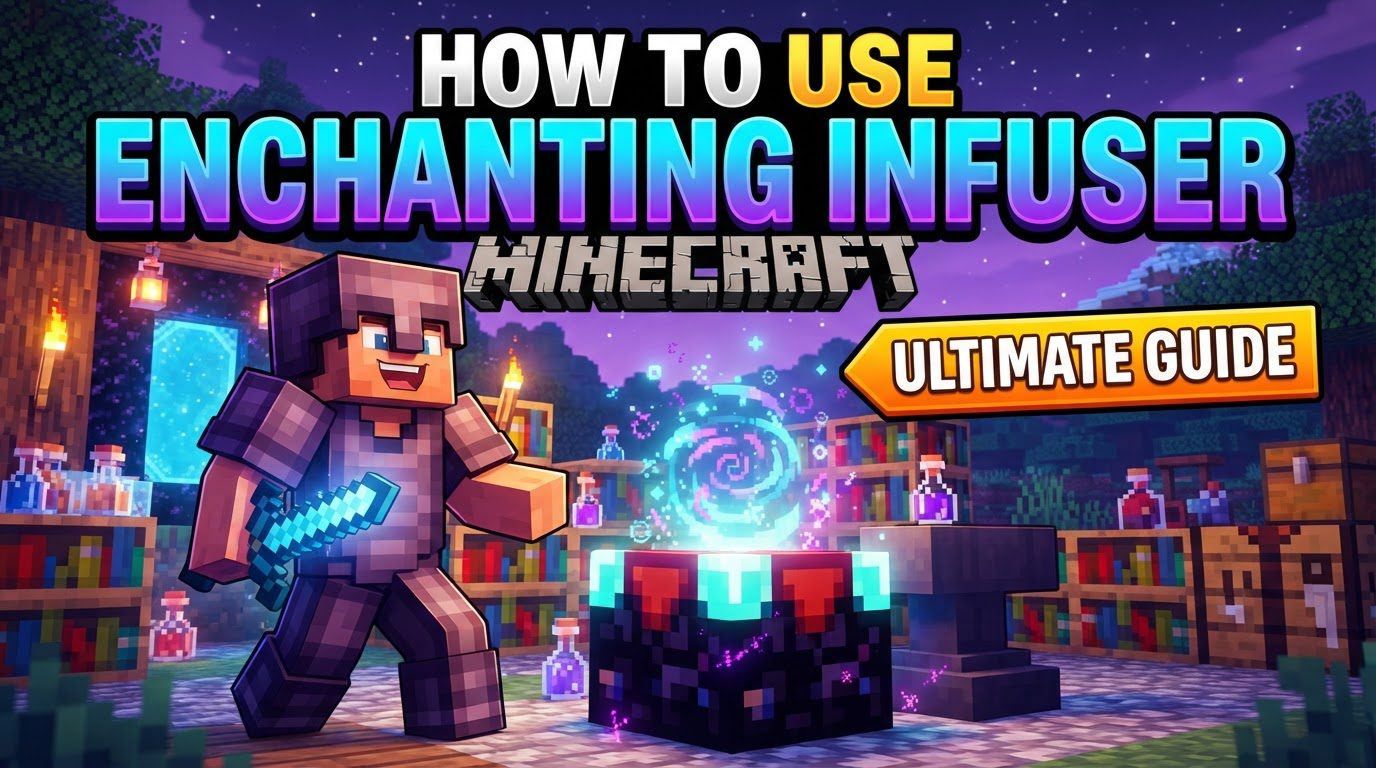
Unveiling the Enchanting Infuser: A Paradigm Shift
At its core, the Enchanting Infuser is a game-changer for anyone tired of the trial-and-error nature of traditional Minecraft enchanting. Instead of hoping for the right combination, this mod empowers you to directly choose the enchantments you wish to apply to your tools, weapons, armor, or even books. It introduces a structured, experience-driven system that rewards careful planning and resource management, moving enchanting from a gamble to a strategic endeavor.
Two Tiers of Power: Basic vs. Advanced Infusers
The mod offers two distinct versions of the infuser, each with increasing capabilities:
- The Basic Enchanting Infuser: This is your entry point into controlled enchanting. Its primary function is straightforward: take an item or a blank book, select the desired enchantment from a list, and apply it. It’s perfect for laying down foundational enchantments without the hassle of re-rolling.
- The Advanced Enchanting Infuser: This upgraded version unlocks a suite of powerful functionalities that go far beyond simple application. With an Advanced Infuser, you can:
- Modify existing enchantments on an item.
- Upgrade or downgrade enchantment levels (e.g., Sharpness III to Sharpness IV, or vice-versa if needed).
- Repair items using your experience levels, a convenient alternative to an anvil.
- Recover experience from unwanted enchantments on an item, effectively “disenchanting” it for a partial XP refund.
- Create enchanted books with specific enchantments, allowing for strategic storage and later application via an anvil.
Constructing Your Path to Controlled Enchanting
Before you can wield the power of the infuser, you must first craft it. The process involves a progression from the basic to the advanced model:
- Crafting the Basic Enchanting Infuser:
You’ll need a few key ingredients, combining elements from both the Overworld and the Nether. Gather two amethyst shards, three crying obsidian, one vanilla enchanting table, and one book. Arrange these in a crafting grid according to the mod’s recipe (typically a specific arrangement that places the vanilla table centrally, surrounded by crying obsidian and amethyst, with the book often at the top or bottom).
- Upgrading to the Advanced Enchanting Infuser:
Once you have your Basic Infuser, you can upgrade it to unlock its full potential. This requires more precious materials: your existing Basic Enchanting Infuser, two netherite ingots, three more crying obsidian, and another book. This upgrade process usually takes place in a crafting table, placing the Basic Infuser along with the additional components.
The Foundation of Power: Bookshelves and Experience
Just like its vanilla counterpart, the Enchanting Infuser benefits immensely from the presence of bookshelves. To unlock the full range of enchantments and their highest levels, you must strategically place 15 bookshelves around your infuser, whether basic or advanced. These bookshelves need to be positioned one block away from the infuser, maintaining a clear line of sight. Any obstruction or an insufficient number of bookshelves will limit the available enchantments and their maximum levels.
All operations within the Enchanting Infuser are experience-based. Whether you’re applying a new enchantment, upgrading an existing one, repairing an item, or recovering experience, levels will be consumed. This makes a consistent and efficient source of experience crucial for maximizing the infuser’s utility.
Navigating the Infuser’s Interface: A Step-by-Step Guide
Using the Enchanting Infuser is intuitive once you understand its layout:
- Access the GUI: Right-click the placed Basic or Advanced Enchanting Infuser block to open its graphical user interface.
- Place Your Item: In the designated input slot within the GUI, place the item you wish to enchant, modify, or repair. This could be a tool, weapon, piece of armor, or even a blank book.
- Select Your Enchantments: A list of available enchantments will appear. Browse through them and select the specific enchantments you desire, along with their respective levels. The cost in experience levels will be displayed.
- Perform Advanced Actions (Advanced Infuser Only): If you’re using an Advanced Infuser, additional options will be available. Select whether you want to repair the item, upgrade/downgrade an existing enchantment, or recover experience from its current enchantments.
- Confirm the Operation: Once you’ve made your selections, confirm the action. The required experience levels will be deducted from your player, and the item will be instantly enchanted or modified as specified.
Strategic Tips for Optimal Enchanting
- Maintain an Experience Farm: Since every infuser operation consumes experience, investing in an efficient experience farm (such as a mob grinder, an Enderman farm, or a guardian farm) is paramount. A steady supply of XP will ensure you can enchant freely without constant grinding.
- Prioritize the Advanced Infuser: While the Basic Infuser is a good start, aim to upgrade to the Advanced Enchanting Infuser as soon as resources allow. Its expanded capabilities for modification, repair, and experience recovery will save you significant time and resources in the long run.
- Consider “Enchantment Insights”: For an even smoother experience, consider installing the “Enchantment Insights” mod. This companion mod provides detailed descriptions of enchantments directly within the infuser interface, helping you make informed decisions without needing to consult external wikis.
- Leverage Enchanted Books: Use the infuser to create specific enchanted books. This allows you to “stockpile” enchantments for later use, apply multiple enchantments to an item via an anvil, or transfer enchantments between items more strategically.
Common Pitfalls to Avoid
Even with the infuser’s precision, certain mistakes can hinder your progress:
- Missing Dependencies: The Enchanting Infuser mod relies on other core libraries to function. Ensure you have installed all necessary dependencies, such as Puzzles Lib, and for Fabric users, Fabric API and Forge Config API Port. Without these, the mod simply won’t work.
- Incorrect Bookshelf Setup: The full power of the infuser is only unleashed with the correct bookshelf configuration. Always ensure you have 15 bookshelves placed one block away with a clear line of sight to the infuser. An incomplete setup will limit enchantment choices and levels.
- Insufficient Experience Levels: Attempting any operation without the required experience levels will result in failure. Always check the XP cost before confirming an action and ensure you have enough levels.
- Expecting Treasure Enchantments (Without Configuration): By default, “treasure” enchantments like Mending or Soul Speed may not appear in the infuser’s selection. If you wish to enable these, you will likely need to adjust the mod’s configuration files or install a specific datapack designed to make them available.
- Ignoring Configuration Options: The mod is highly configurable. Don’t overlook exploring its configuration files, which allow you to fine-tune costs, bookshelf requirements, repair mechanics, and even available enchantments to match your preferred playstyle.
Conclusion: The Future of Enchanting is Here
The Enchanting Infuser mod is an indispensable addition for any Minecraft player seeking to remove the guesswork from enchanting. By providing direct control, a clear progression path, and powerful modification capabilities, it elevates the entire item customization experience. Master its mechanics, establish your XP farms, and you’ll soon be crafting perfectly enchanted gear with unparalleled efficiency and precision.
Tags:
YOU MAY ALSO LIKE...


