Minecraft Can You Duplicate Armor Trims
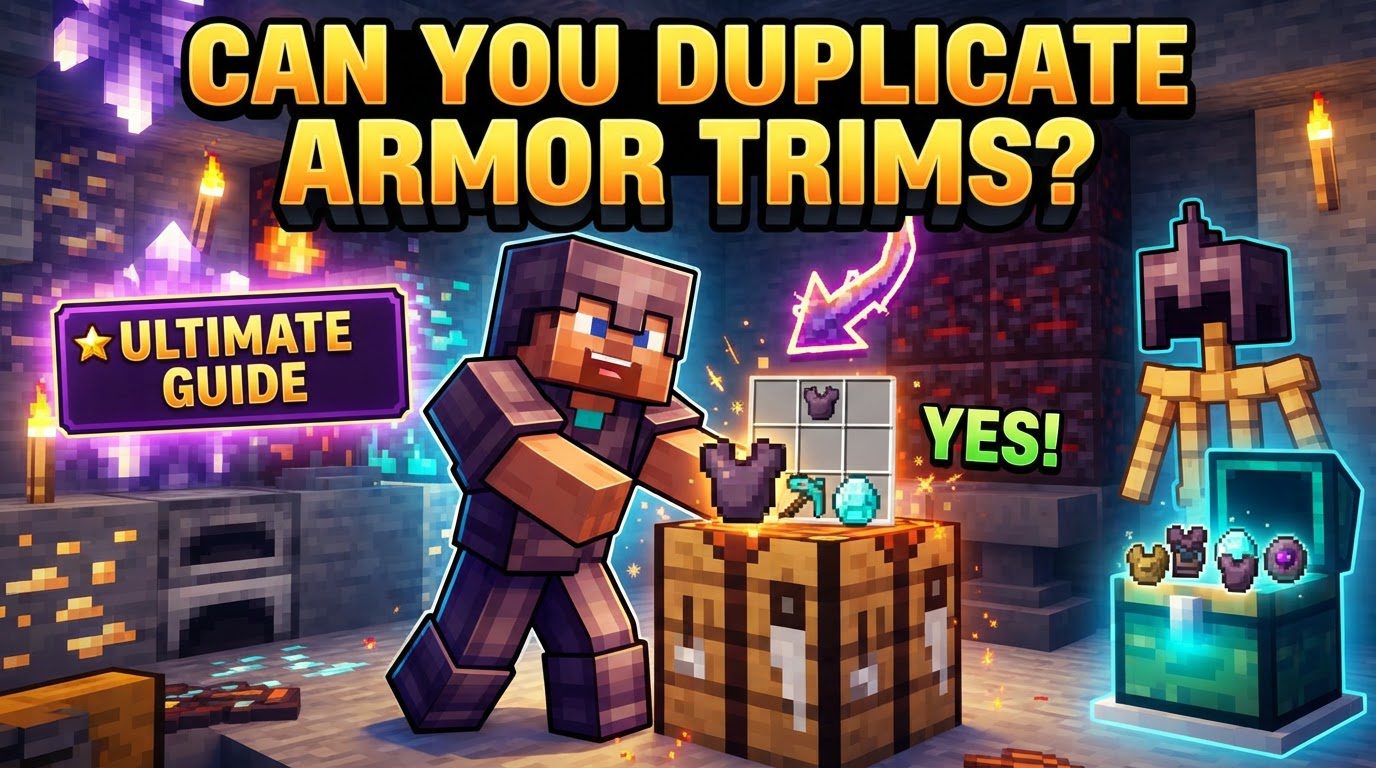
Yes, you absolutely can duplicate Armor Trims in Minecraft! This isn’t a clever exploit or a hidden glitch; it’s an official, intentional game mechanic designed by Mojang to empower players with greater customization freedom. Imagine finally unearthing that incredibly rare Sentry Armor Trim template from an ancient city, only to realize you can only apply it to one piece of your diamond armor. Without duplication, you’d be condemned to an endless hunt for more, potentially never completing your desired aesthetic. Fortunately, the game provides a straightforward, albeit resource-intensive, method to multiply these precious templates, ensuring your entire armor set can gleam with your chosen design.
The Ingenious Design: Why Duplication Exists
Armor trims, introduced as a major cosmetic update, allow players to personalize their gear like never before. These trims are applied using “smithing templates,” unique items found scattered across the game’s diverse biomes and structures, or occasionally dropped by specific mobs. Each template is a one-time-use item when it comes to applying a trim to a piece of armor. This single-use nature initially presented a challenge: how could players consistently apply a full set of matching trims without an impossibly tedious grind for multiple copies of the same rare template? The answer lies in the duplication mechanic. It’s a system that respects the rarity of the initial find while still allowing for widespread aesthetic application, balancing the thrill of discovery with the joy of personalization.
The Essential Ingredients: What You’ll Need for Replication
To successfully duplicate a smithing template, you’ll need three key components. Each plays a crucial role in the crafting recipe, and missing any one will prevent the process from working. Understanding these ingredients is the first step towards becoming a master trim duplicator.
- The Original Smithing Template: This is the blueprint for the trim you wish to replicate. Whether it’s the regal Silence trim from an Ancient City or the oceanic Tide trim from an Ocean Monument, you need at least one in your inventory to begin. Remember, you’ll get this back along with a new copy, so you’re not destroying your only original.
- Seven Shimmering Diamonds: Diamonds remain one of Minecraft’s most valuable resources, and their importance is highlighted here. Each duplication process demands a hefty seven diamonds. This cost ensures that duplicating templates isn’t trivial, adding a layer of resource management to your customization goals.
- The Unique “Base Block”: This is perhaps the most intriguing and variable component. Every single armor trim design has a specific, corresponding “base block” required for its duplication. For instance, duplicating the Sentry trim requires Cobblestone, while the Dune trim demands Sandstone. There are 18 different armor trims, and consequently, 18 different base blocks that could be needed. Identifying the correct base block for your desired trim is absolutely critical, as using the wrong one will result in a failed crafting attempt.
The Alchemist’s Guide: Step-by-Step Template Duplication
Once you’ve gathered your materials, the actual duplication process is straightforward, taking place within a standard crafting table. Follow these steps to transform one template into two:
- Acquire Your Desired Smithing Template: Your journey begins with finding the specific armor trim smithing template you want to duplicate. This might involve delving into a Bastion Remnant for a Snout template, excavating an archeological site for a Wayfinder, or even defeating specific mobs.
- Gather Your Resources: With your template in hand, it’s time to collect the other necessary items: seven diamonds and the precise “base block” associated with your template. Double-check which block is needed – an online resource or the in-game recipe book can be invaluable here.
- Access a Crafting Table: Place a crafting table and interact with it to open the 3×3 crafting grid.
- Arrange the Ingredients Precisely: This is where the magic happens.
- Place your original smithing template in the top-center slot of the crafting grid.
- Place the corresponding base block for that trim in the center-middle slot.
- Fill all the remaining seven empty slots in the crafting grid with your diamonds.
- Craft Your Duplicates: If arranged correctly, you will see two copies of your smithing template appear in the output slot. Collect them, and you’ve successfully doubled your template count!
Strategic Trimming: Best Practices and Pro Tips
Duplicating armor trims can become a significant part of your Minecraft endgame experience. To make the most of it, consider these strategic tips:
- Duplicate Before You Use: This is perhaps the most crucial piece of advice. As soon as you find a rare armor trim template, especially one you intend to use on multiple pieces or keep as a collectible, duplicate it immediately. Applying it to armor consumes the template, meaning you’d have to find another original to start the duplication process again, potentially costing you hours of searching.
- Know Your Blocks: The Essential Match: Each of the 18 armor trims has a unique base block for duplication. Memorizing them isn’t necessary, but always be prepared to look up the correct block. A quick search for “Minecraft [trim name] duplication recipe” will usually yield the answer. Using the wrong block will simply waste your time and diamonds in a failed crafting attempt.
- Counting the Costs: Diamond Economy: Duplicating templates is diamond-intensive. To create four templates (enough for a full armor set) from a single original, you’ll need to perform the duplication three times. This translates to 21 diamonds for just one type of trim. Plan your diamond mining expeditions accordingly, or set up efficient diamond farms if you’re looking to apply many different trims.
- Outfitting a Full Set: To fully trim a set of four armor pieces (helmet, chestplate, leggings, boots) with the same design, you will need four smithing templates of that design. Starting with one original, you’ll perform the duplication process three times to reach this goal.
Pitfalls to Avoid: Common Duplication Blunders
Even with a clear process, it’s easy to make mistakes that can cost you valuable resources or precious templates. Beware of these common errors:
- The Premature Trim: The most frequent mistake is applying a newly found template to a piece of armor before duplicating it. Once used, that specific template is gone. If it was your only one, you’re back to square one, needing to find another original template to start the duplication chain. Always duplicate first!
- The Wrong Ingredient: Attempting to duplicate a template with an incorrect base block is a common pitfall. The crafting recipe simply won’t work, and you’ll be left wondering why. Always verify the specific base block required for the trim you’re working with.
- Underestimating the Diamond Drain: It’s easy to overlook just how many diamonds are needed for extensive duplication. If you plan to trim multiple sets of armor or experiment with various designs, your diamond supply can dwindle rapidly. Always keep an eye on your diamond reserves and prioritize which trims are most important to multiply.
Mastering armor trim duplication transforms the way you approach customization in Minecraft. It turns the initial rare find into a gateway for widespread aesthetic expression, allowing you to truly make your armor your own without endless grinding for identical templates. With a little planning and careful resource management, your entire armory can reflect your unique style.
Tags:
YOU MAY ALSO LIKE...