

Solving Mystery of Invisible Entity Lag Spikes
A single dropped item, unseen and forgotten in a dark corner of the world, can quietly contribute to a server’s demise. Minecraft’s performance often hinges on the efficient management of its entities, but the most insidious culprits of lag spikes are frequently those you can’t even see. These “invisible entities” consume valuable server resources, leading to frustrating choppiness and a degraded gameplay experience for everyone.
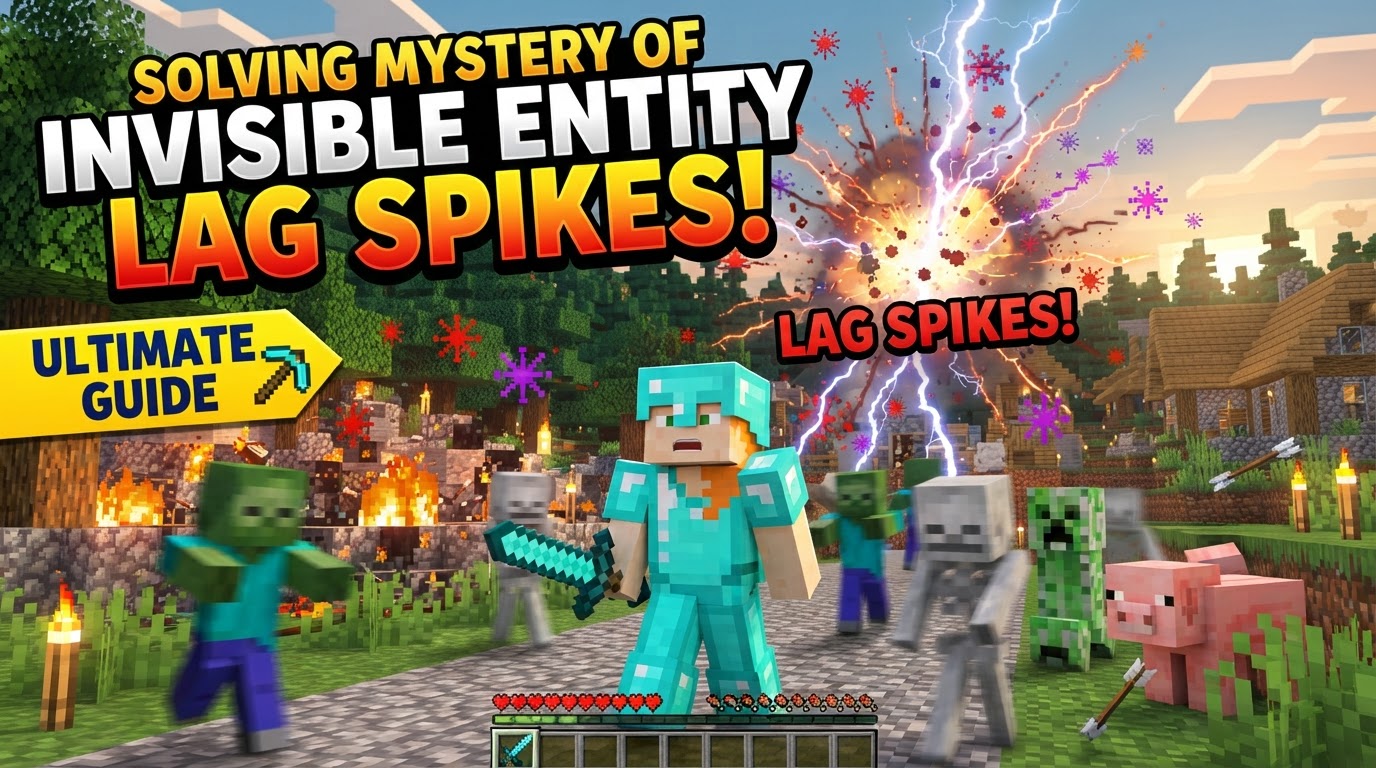
Understanding and resolving these hidden performance drains is crucial for any server administrator or dedicated player. This guide delves into the mechanics behind entity-induced lag, provides a structured approach to diagnosis and resolution, and offers practical tips to maintain a smooth, responsive Minecraft world.
The Unseen Burden: How Entities Cause Lag
To effectively combat invisible entity lag, it’s essential to grasp the core concepts of how Minecraft processes its world:
- What is an Entity? In Minecraft, an entity is any dynamic, interactive object. This broad category includes living mobs, players, dropped items (item entities), projectiles (arrows, fireballs), minecarts, boats, item frames, and even armor stands. While “tile entities” are static objects tied to specific blocks (like chests or furnaces), the mobile, dynamic nature of normal entities makes them significantly more resource-intensive.
- The Critical Tick Rate (TPS): Minecraft servers operate on a fixed tick system, striving for 20 ticks per second (TPS). Each tick represents a game update, where everything from mob AI to block physics is processed. If the server can’t complete all these calculations within the allotted 50 milliseconds per tick, the TPS drops, resulting in server-wide lag, rubber-banding, and the dreaded “Can’t keep up!” messages in the console.
- Rendering vs. Simulation: This distinction is paramount. Client-side performance (Frames Per Second, or FPS) is about rendering visible entities on your screen. Server-side performance (TPS) is about simulating all loaded entities, regardless of whether they are visible to any player. An entity behind a wall or thousands of blocks away, if loaded, still requires CPU cycles for its AI, movement, and interactions. Invisible entities fall squarely into this simulation category.
- The Nature of Invisible Entities: These often include dropped items that have fallen into unreachable voids or unrendered chunks, lingering projectiles (like arrows stuck in the ground), or even custom entities from datapacks or mods that lack a visible model. Their invisibility makes them difficult to spot and, consequently, difficult to remove without targeted methods.
- Tracking Range vs. Activation Range: These server settings dictate entity behavior. Tracking range controls how far a client can see an entity, primarily affecting client-side rendering. More critically for server lag, activation range determines how far away an entity’s AI and physics are actively processed. A large activation range means more entities are constantly being simulated, heavily impacting server CPU, even if they’re not visible.
A Strategic Approach to Lag Resolution
Solving invisible entity lag requires a methodical, step-by-step process of diagnosis and targeted intervention:
1. Pinpointing the Lag’s Origin: Client or Server?
Before diving into solutions, determine where the problem lies:
- Server-side Lag (TPS drops): If multiple players experience slowdowns simultaneously, or if the server console frequently displays “Can’t keep up!” warnings, it’s a server issue. Tools like
/tps(available with plugins like EssentialsX or Spark) can confirm your server’s current TPS. A healthy server maintains a steady 20 TPS. - Client-side Lag (FPS drops): If only one player is struggling with performance, it’s likely their client. Check FPS using the F3 debug screen. Client-side lag is usually tied to graphics rendering rather than entity simulation.
2. Deploying Advanced Profiling Tools
Blindly attacking lag is inefficient. Profiling tools offer precise insights:
- Spark: This is the gold standard for server performance profiling. Install it, run
/spark profiler start, and after a few minutes of gameplay, execute/spark profiler stop. The resulting web report will meticulously detail CPU usage, highlighting specific entities, chunks, or even code paths that are consuming the most resources. - Observable (Mod): For modded environments, Observable provides in-game profiling of entities and block entities. It can show which ones are hogging tick time and even visualize their locations, making identification straightforward.
- /entitycount (Plugin Command): Plugins like Entity LagFix often include a
/entitycountcommand. This can report the number of entities, tile entities, and item entities within a specified radius or chunk, quickly revealing areas with an excessive population.
3. Locating and Identifying Lag Sources
Once you have profiling data, interpret it:
- Analyze your Spark or Observable reports. Look for sections indicating high CPU usage attributed to specific entity types (e.g., “minecraft:item,” “minecraft:arrow”) or particular chunk coordinates.
- Teleport to these suspected problem areas. Even if you can’t see the entities directly, the profiler’s data confirms their presence and impact. You might find items hidden in walls, under water, or in inaccessible caves.
4. Targeted Removal and Management of Entities
With identified culprits, take action:
- Vanilla Commands (Server OP required):
/minecraft:kill @e[type=item]: Removes all dropped item entities. Use with caution, as this includes player-dropped items./minecraft:kill @e[type=arrow]: Clears all arrows, including those stuck in blocks./minecraft:kill @e[type=!player,distance=..10]: Removes all non-player entities within a 10-block radius. This is a very powerful command; use specific selectors to avoid unintended consequences (e.g.,type=villager).
- Plugins for Automation:
- ClearLag: A popular choice for automatically removing dropped items, projectiles, and sometimes specific mob types on a configurable schedule. It can warn players before clearing.
- Entity Manager: Allows administrators to set limits on specific entity types per chunk, preventing farms or accidental overflows from causing lag.
- /nukeentities (Entity LagFix): Provides a command to remove all entities within a specified radius around the player, useful for clearing localized hotspots.
5. Optimizing Server Configuration
Adjusting server-wide settings can significantly reduce the overall entity load:
- View Distance & Simulation Distance: In
server.properties, lower these values. Simulation distance is particularly important as it controls how many chunks around each player have their entities and game logic actively processed, directly impacting server CPU. A lower value means fewer entities are simulated simultaneously. - Spawn Limits: Edit your server’s configuration files (e.g.,
bukkit.ymlfor Spigot/Paper servers) to decrease the maximum number of various mob types allowed to spawn in loaded chunks. This helps control the overall entity count.
Advanced Tips for Peak Performance
- Visualize Invisible Entities (Debug Menu): While primarily for players, the F3+F6 debug menu can enable “visualize_entity_supporting_block.” This shows outlines of blocks players (or other entities) are standing on, even if the entity itself is invisible. It’s a niche tool but demonstrates that even “invisible” entities have a physical presence.
- Client-Side Performance Mods:
- Entity Culling: This mod prevents Minecraft from rendering entities and block entities that are not visible to the player (e.g., behind walls or obscured by terrain). It can drastically improve client-side FPS in entity-dense areas without affecting server simulation.
- Sodium: A highly optimized rendering engine that rewrites a significant portion of Minecraft’s rendering, leading to substantial FPS gains.
- Server-Side Performance Mods:
- Lithium: Optimizes various server-side game logic, leading to improved TPS.
- Phosphor: Rewrites Minecraft’s lighting engine for better performance.
- Regular Item Clearing: Implement an automatic system (via plugins) to periodically remove dropped items. Items left on the ground for too long are a common source of invisible entity lag.
- Optimize Hopper Networks: Hoppers constantly check for items, which can be CPU-intensive if you have vast, inefficient networks. Use hopper minecarts for long-distance transport, and ensure hoppers are only active when needed.
- Avoid Entity Cramming: Large numbers of entities squeezed into a single block space (e.g., mob farms) can cause significant collision and processing lag. Design farms to distribute entities or use mechanisms to limit their numbers.
- Update Java: Ensure your server is running on the latest 64-bit Java version (currently Java 17 for newer Minecraft versions). Outdated Java can lead to suboptimal performance.
Common Pitfalls to Avoid
- Misdiagnosing Lag: Applying client-side FPS solutions (like OptiFine) to a server-side TPS problem, or vice-versa, will not yield results. Always identify the type of lag first.
- Underestimating Invisible Entities: Never assume that because you can’t see an entity, it’s not contributing to lag. Unseen entities are often the primary culprits.
- Indiscriminate Entity Removal: Using commands like
/kill @ewithout prior diagnosis can wipe out valuable player pets, crucial dropped items, or entities vital to server mechanics. Always target specific types or areas. - Ignoring Mod/Datapack Conflicts: Custom content can introduce new entities or behaviors that are unoptimized. If lag appears after adding new content, test without it to isolate the issue.
- Excessively Low Simulation Distance: While reducing lag, setting the simulation distance too low (e.g., 4 chunks) can negatively impact gameplay, affecting farm efficiency, mob behavior, and redstone contraptions outside a small radius. Strive for a balance.
- Lazy Chunk Loading (OptiFine): For client-side stuttering, especially on single-player or local servers, ensure “Lazy Chunk Loading” in OptiFine’s performance settings is set to OFF. While it sounds beneficial, it can often cause more issues.
By understanding the mechanics, diligently profiling, and implementing targeted solutions, you can conquer the mystery of invisible entity lag and ensure a smooth, enjoyable Minecraft experience for all.
Tags:
YOU MAY ALSO LIKE...


