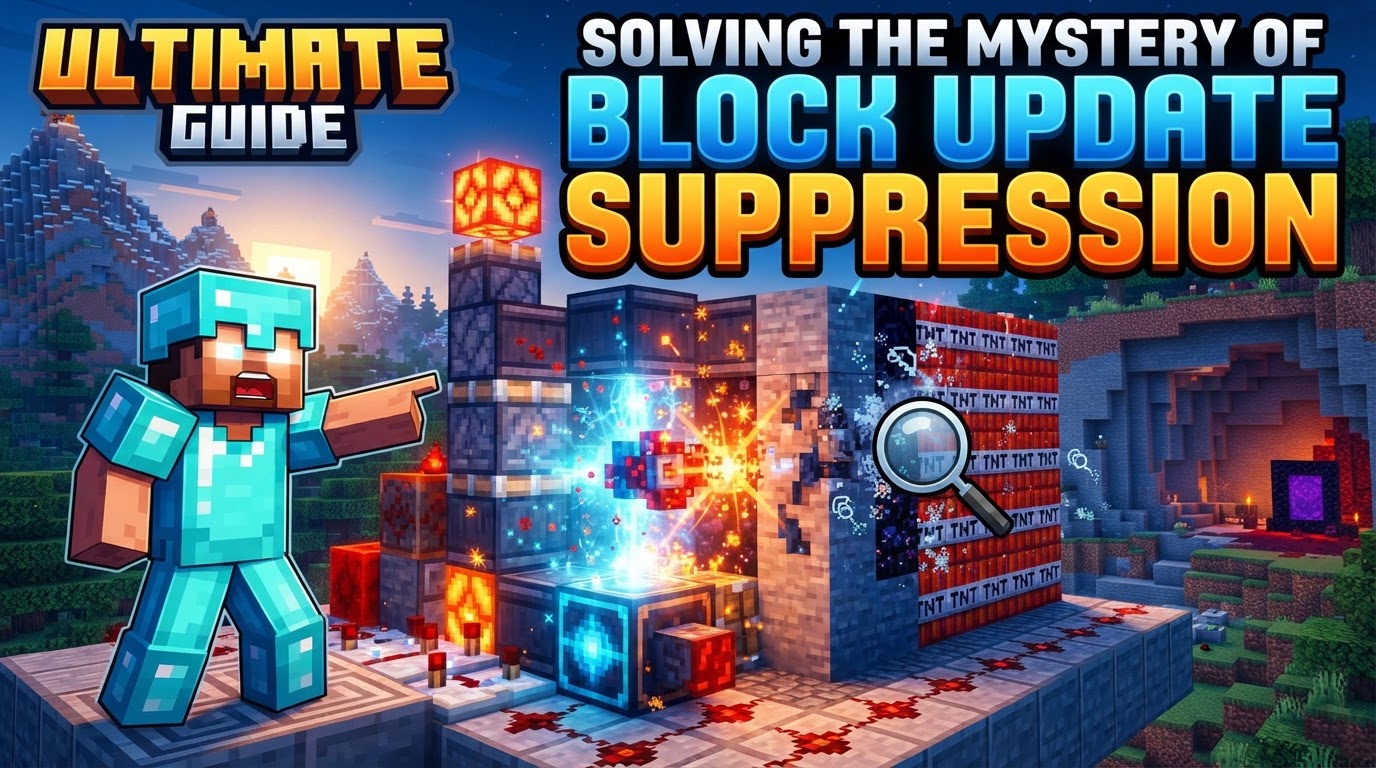
Solving the Mystery of Block Update Suppression
Did you know that Minecraft, a game meticulously designed around predictable block interactions, can be intentionally forced to *forget* how to update its own world? This seemingly impossible feat lies at the heart of “Block Update Suppression,” an advanced and often version-dependent technique that allows technical players to bend the very rules of the game engine.
Block update suppression is not a bug to be avoided, but rather a sophisticated exploit embraced by the Minecraft technical community. It involves deliberately preventing the game from processing certain block updates, opening up a realm of unique and otherwise “impossible” constructions. Mastering this technique requires a deep understanding of Minecraft’s internal mechanics, meticulous planning, and a keen awareness of version-specific behaviors.
Understanding the Core Mechanisms
At its heart, update suppression is the practice of overwhelming or circumventing Minecraft’s system for notifying blocks about changes in their environment. When a block is placed, broken, or changes state (like a Redstone dust turning on), it often triggers updates in adjacent blocks. Suppression aims to halt this chain reaction.
Pre-1.19 Java Edition: The Stack Overflow Era
In older versions of Minecraft Java Edition, specifically before the 1.19 update, block update suppression was primarily achieved by causing a “Stack Overflow” exception. The game’s update system relied on a recursive call stack – essentially a list of tasks where each new update request was added on top. If an excessive number of nested block updates were triggered simultaneously, often through rapid chains of “instant updaters” like rails or Redstone dust, this call stack would overflow.
When this exception occurred, the game’s error handling would catch it. Instead of crashing the entire game, it would simply stop processing any further updates originating from that specific chain, effectively suppressing them. A critical detail for stability in these versions was ensuring the initial trigger for this massive update chain came from a player action. This interaction allowed the game to handle the exception gracefully, preventing a full crash while still achieving the desired suppression.
Post-1.19 Java Edition: The Update List and Skipping
The 1.19 update brought a significant overhaul to Minecraft’s update system. The recursive call stack was replaced with a more robust, non-recursive list of block updates. This change rendered the old Stack Overflow-based suppression methods obsolete. Attempting pre-1.19 techniques in newer versions will simply not work as intended.
However, suppression is still possible. In modern Java Edition, “Update Skipping” can occur if this internal update list reaches its maximum capacity. This capacity is a staggering 1,000,000 updates. While it’s harder to hit this limit than to cause a Stack Overflow, if the game’s update queue becomes oversaturated, it will begin to skip new updates to prevent a crash, leading to a similar suppression effect. This new mechanism often requires even larger and more complex contraptions to generate the necessary volume of updates.
Platform Specificity: Java vs. Bedrock
It is crucial to understand that the mechanics of block update suppression are largely specific to Minecraft Java Edition. Due to fundamental differences in how Bedrock Edition handles block updates and its underlying code structure, Java-based update suppression techniques typically do not work on Bedrock. Technical players on Bedrock Edition must explore entirely different methods for manipulating block behavior, as the core principles of overwhelming a call stack or update list do not apply in the same way.
Extraordinary Applications of Suppression
Why go through all this trouble? The benefits of mastering update suppression are substantial for advanced builders and redstone engineers:
- Portal Slicing: One of the most famous applications is creating partial or “sliced” Nether portals. This allows for visually unique builds, compact portal designs, or even portal-based block duplication.
- Block Duplication: Certain blocks, like sand, gravel, and even TNT, can be duplicated using update suppression. This provides an almost infinite source of these resources, invaluable for large-scale projects.
- Impossible Block Placement: Update suppression allows players to place blocks in locations that would normally be impossible. This includes floating torches, signs without supporting blocks, or even blocks inside other blocks. This opens up immense creative possibilities for custom terrain and decorative elements.
- Controlled Crashing: While usually not the primary goal, update suppression can be used to intentionally crash a game or server. This is generally used for testing server stability or demonstrating the limits of the game engine, rather than for malicious intent.
The General Process: A Conceptual Framework
While the specific build will vary wildly by Minecraft version and desired outcome, the conceptual process for performing update suppression remains consistent:
- Construct an Update Suppressor: This is the most complex step. You need to build a mechanism specifically designed to generate an enormous number of block updates in an extremely short period. In older versions, this might involve intricate Redstone contraptions exploiting rails or pistons. For newer versions, methods like “Sound Suppression” (using many rapidly updating sound-producing blocks) or “CCE boxes” (Compact Call-stack Exhauster, though the name is a legacy from older versions, they now refer to efficient update generators) are common. Extreme applications might even involve builds millions of blocks in size to hit the 1,000,000 update limit.
- Activate the Suppressor: Engage your carefully constructed mechanism. This will initiate the massive update-generating process, pushing the game into a suppression state where it can no longer process all incoming updates.
- Perform Desired Action: While updates are suppressed, you must act quickly. Place, break, or modify blocks in the target area to achieve your desired effect. Because the game isn’t processing updates, a block that would normally fall might float, or a portal that would fully form might remain partial.
- Deactivate the Suppressor: Once your action is complete, turn off the update-generating mechanism. This allows normal block updates to resume, “locking in” your suppressed changes and preventing any further unintended effects or potential crashes.
Crucial Tips for Success
Embarking on the journey of block update suppression requires patience and adherence to certain best practices:
- Version Awareness is Paramount: This cannot be stressed enough. Update suppression techniques are incredibly sensitive to Minecraft versions. A method that works flawlessly in 1.16 will almost certainly fail or behave differently in 1.19 or 1.20. Always seek tutorials and designs specific to your exact game version.
- Player Input for Stability (Older Versions): If you are experimenting with pre-1.19 Stack Overflow methods, ensure that the very first action that triggers the massive update chain originates from direct player input (e.g., breaking a block, placing a Redstone torch). This helps the game catch the exception without crashing.
- Utilize Community Resources: The world of technical Minecraft is vast and well-documented. For specific builds and guidance, consult detailed tutorials, watch technical videos, and engage with communities on platforms like YouTube, Reddit, and Discord. Sites like the “Technical Minecraft Wiki” are invaluable.
- Consider Server Mods: On multiplayer servers, mods like Carpet Mod offer specific rules to manage update suppression. For instance, the `updatesuppressioncrashfix` rule can help prevent server crashes associated with update suppression experiments, making it safer to learn and practice.
- Start Small: Before attempting to build a colossal 1.21+ update suppressor, begin with simpler, reusable designs like “CCE boxes” or “Sound Suppression” mechanisms. Understanding the fundamental principles and observing the effects on a smaller scale will build your confidence and knowledge.
Common Pitfalls to Avoid
The path to mastering update suppression is fraught with potential errors. Be aware of these common mistakes:
- Using Outdated Methods: This is the most frequent error. Attempting to use a pre-1.19 rail-based suppressor in 1.20 will lead to nothing but frustration because the core mechanics have fundamentally changed.
- Ignoring Crash Risks: Update suppression is inherently about pushing the game engine to its limits. Improper execution can, and often will, lead to game crashes or server instability. Always back up your world before experimenting! Losing hours of progress because of a failed suppression attempt is a harsh lesson.
- Applying Java-Specific Knowledge to Bedrock: As mentioned, Java and Bedrock Editions handle updates differently. Do not assume that a technique learned for Java will translate to Bedrock; they are distinct games under the hood.
- Underestimating Complexity: Especially in newer versions, achieving reliable update suppression can be extremely complex, requiring sophisticated Redstone knowledge, precise timing, and sometimes massive builds. Don’t jump into the most advanced applications without a solid foundational understanding.
Solving the mystery of block update suppression is a journey into the deepest technical corners of Minecraft. It’s a testament to the game’s intricate design and the ingenuity of its player base. While challenging and highly version-dependent, mastering this art unlocks an unparalleled level of creative control, allowing you to build beyond the conventional boundaries of the blocky world.
Tags:
YOU MAY ALSO LIKE...