The Real Reason Your Beacon Beam Disappears Sometimes
Your beacon beam vanished again, leaving you wondering if it’s a bug or user error? While it might seem like a mysterious glitch, the vast majority of beacon beam disappearances in Minecraft stem from a few core mechanics and common missteps. Understanding these underlying principles is key to maintaining a consistently shining beacon and harnessing its powerful effects.
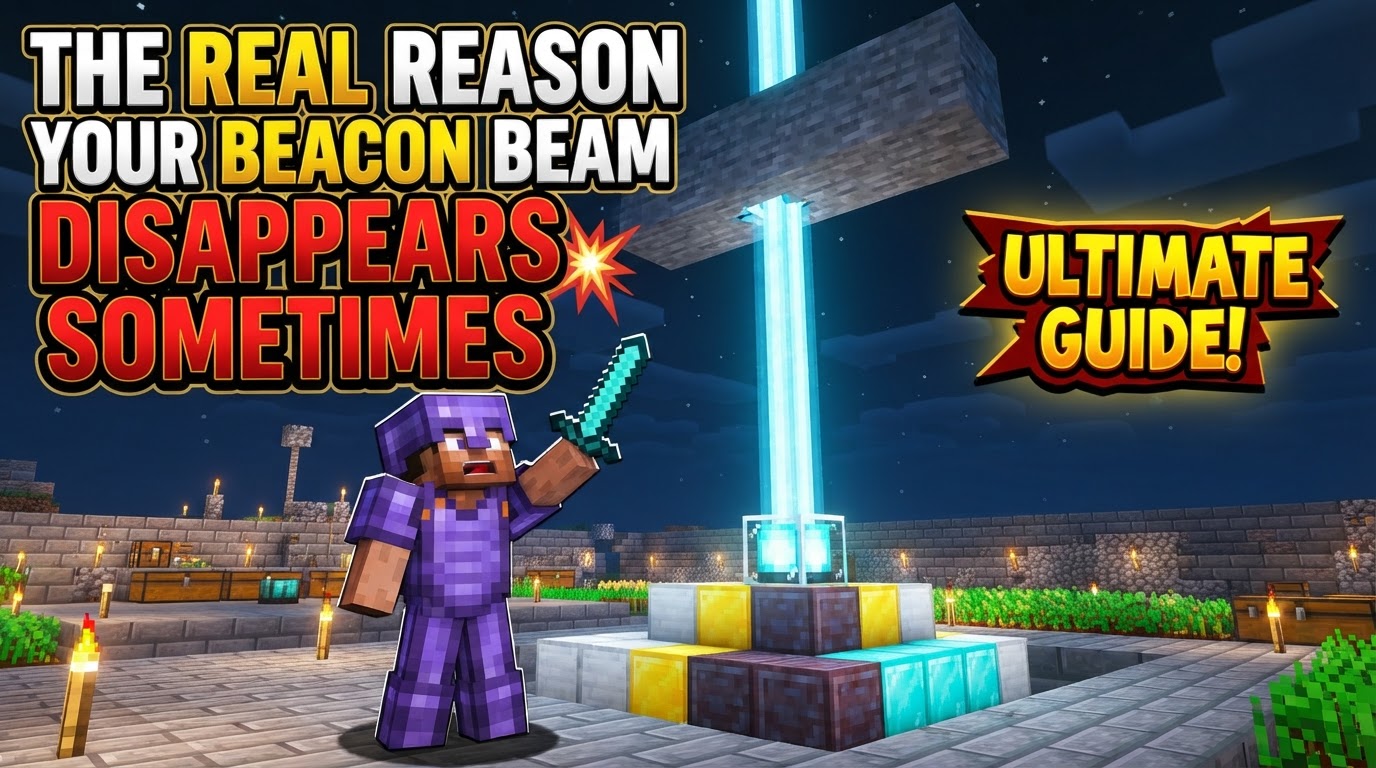
The Foundation: Understanding Core Beacon Mechanics
A beacon isn’t just a fancy light source; it’s a complex block with specific requirements. Its functionality hinges on three critical components: a meticulously constructed pyramid, an unobstructed path to the sky, and proper activation.
The Pyramid’s Integrity: More Than Just a Base
The beacon’s power source is a pyramid built from specific mineral blocks. Without a solid, correctly shaped pyramid, your beacon will remain dormant. The acceptable materials are iron, gold, diamond, emerald, or netherite blocks. Mixing these materials is perfectly fine, but using any other block type will render the pyramid invalid.
- Layered Construction: Beacons require a tiered pyramid, which can be 1 to 4 layers high. Each layer demands a precise number of blocks:
- 1-layer: 3×3 base (9 blocks)
- 2-layers: 5×5 base (25 blocks) underneath a 3×3 top (9 blocks)
- 3-layers: 7×7 base (49 blocks) underneath a 5×5, then a 3×3
- 4-layers: 9×9 base (81 blocks) underneath a 7×7, then a 5×5, then a 3×3
- Solid Interior: The pyramid must be completely solid. Any hollow spaces or missing blocks within its structure will prevent the beacon from activating.
- Perfect Centering: The beacon block itself must be placed precisely in the center of the pyramid’s uppermost layer. If it’s off-center by even one block, it won’t function.
An Unobstructed Path to the Sky
Once the pyramid is built, the beacon needs a clear line of sight directly upwards to the open sky. This is crucial for the beam to materialize. Any solid or opaque block placed anywhere directly above the beacon, from its top surface all the way up to the world’s build limit, will block the beam. This includes common building blocks like dirt, stone, wood, or even a single misplaced block of obsidian.
However, not all blocks are beam-stoppers. Transparent blocks such as glass, water, or even the bedrock ceiling in the Nether (which technically acts as a transparent barrier for beacons) will allow the beam to pass through without issue. This property allows for creative customization, such as coloring your beam with stained glass.
The Activation Process: Fueling the Power
Even with a perfect pyramid and a clear sky, a beacon won’t emit a beam or provide effects until it’s properly activated. This involves interacting with the beacon’s graphical user interface (GUI) and providing it with a fuel source.
- GUI Interaction: Right-click the beacon block to open its interface.
- Fueling the Power: You must place an appropriate item-an iron ingot, gold ingot, netherite ingot, diamond, or emerald-into the designated slot.
- Selecting a Power: After inserting the item, you then choose a primary power effect (e.g., Speed, Haste, Regeneration). Only after both these steps are completed will the beacon activate, emit its beam, and grant its chosen effects.
The Real Reasons Your Beam Vanishes: Common Pitfalls
Most instances of a disappearing beacon beam can be traced back to one of these fundamental errors, often occurring after initial setup or during subsequent modifications to your base.
Sky Blockage: The Silent Killer of Beams
This is arguably the most frequent culprit. You might have built a roof over your base, extended a structure, or simply placed a temporary block overhead and forgotten about it. Remember, any solid block directly above the beacon will instantly cut off the beam. Even a single block of cobblestone placed accidentally at Y-level 250 will prevent the beam from reaching the sky.
Incomplete or Compromised Pyramids
A beacon’s beam can disappear if its underlying pyramid is altered. This could be due to:
- Mining a Block: Accidentally mining a block from the pyramid’s interior or exterior.
- Incorrect Materials: Swapping out a valid mineral block for an invalid one.
- Hollowed Out: If you’ve tried to save resources by making the pyramid hollow, it won’t work. Each layer must be a solid, filled square.
- Beacon Not Centered: If the beacon block itself is somehow shifted or replaced off-center on its top layer, the connection to the pyramid is broken.
The Unactivated Beacon: A Dormant Powerhouse
It’s easy to forget this step, especially in the excitement of completing a large build. If you’ve built the pyramid and placed the beacon but haven’t interacted with its GUI to insert a fuel item and select an effect, the beam simply won’t appear. The beacon remains a decorative block until activated.
Beyond the Basics: Visual Anomalies and Technical Glitches
Sometimes, the beacon’s effects are active, but the beam itself seems to vanish. These are often client-side rendering issues rather than a fundamental failure of the beacon itself.
Render Distance and Simulation Distance Limitations
Your game’s settings can significantly impact when and how you see beacon beams:
- Java Edition (Render Distance): If you move too far away from a beacon, its beam may disappear visually. This is because your render distance settings dictate how far away the game will draw objects and effects. The beacon’s effects will still be active within range, but the visual beam might not render.
- Bedrock Edition (Simulation Distance): Similar to Java’s render distance, Bedrock’s simulation distance can cause beams to disappear at a distance.
- Vertical Distance (Bedrock Specific): In Bedrock Edition, there’s a known quirk where beams might visually vanish when you move approximately 65-70 blocks vertically away from the beacon, even if the status effects persist.
Looking Angles and Rendering Culling
Occasionally, particularly in older versions of Java Edition, looking at a beacon beam from certain angles or very specific camera positions could cause it to temporarily disappear due to the game’s rendering culling algorithms trying to optimize what’s displayed on screen.
Version-Specific Bugs and Mod Conflicts
While rare, genuine bugs can occur. Specific game versions or conflicts with mods (e.g., certain Forge versions for 1.15.2 have been noted) might cause the beacon beam to not render visually, even when the beacon is fully functional and its effects are active. If you suspect a bug, check community forums for known issues with your specific game version or installed mods.
Client Settings Adjustments
For persistent visual disappearance issues at a distance, especially in Java Edition, checking your video settings might help. Adjusting “Block Entities Max Distance” or disabling “Use max Block Entity Distance” could potentially resolve problems related to beacon beams not rendering when you’re far away.
Ensuring a Stable Beam: A Troubleshooting Checklist
To guarantee your beacon beam remains a constant presence, follow these steps methodically:
- Verify Pyramid Construction: Double-check that your pyramid is complete, uses only valid mineral blocks, has no hollow spaces, and that the beacon block is perfectly centered on its top layer.
- Clear Sky Path: Ascend directly above your beacon, or use a debug tool if available, to ensure there are absolutely no solid or opaque blocks anywhere above it, all the way to the sky limit. Remember, transparent blocks like glass or water are fine.
- Confirm Activation: Right-click the beacon. Ensure you’ve placed an ingot or gem into the slot and selected a primary power. If not, do so and confirm.
- Test in the Open: If you’re still having issues, try building a temporary beacon setup outdoors in a completely open area, with an empty vertical column of air above it. This helps isolate the problem from complex base structures.
- Consider Customization: Use stained glass directly above the beacon to change the beam’s color without blocking its path.
- Check Client Settings: If the beam disappears only when you move away, review your render/simulation distance and block entity rendering settings.
- Update/Report Bugs: Ensure your game is updated to the latest stable version. If you suspect a bug, search online for similar reports or consider reporting it to Mojang.
By systematically addressing these points, you can ensure your beacon’s powerful light remains a steadfast guide and source of beneficial effects in your Minecraft world.
Tags:
YOU MAY ALSO LIKE...